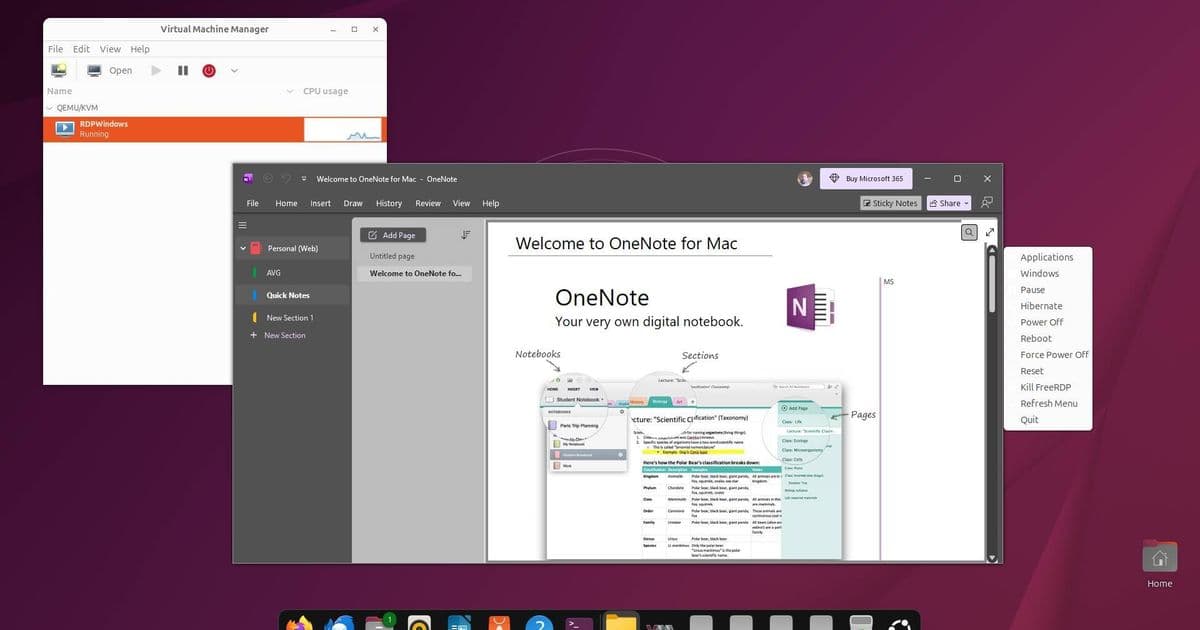
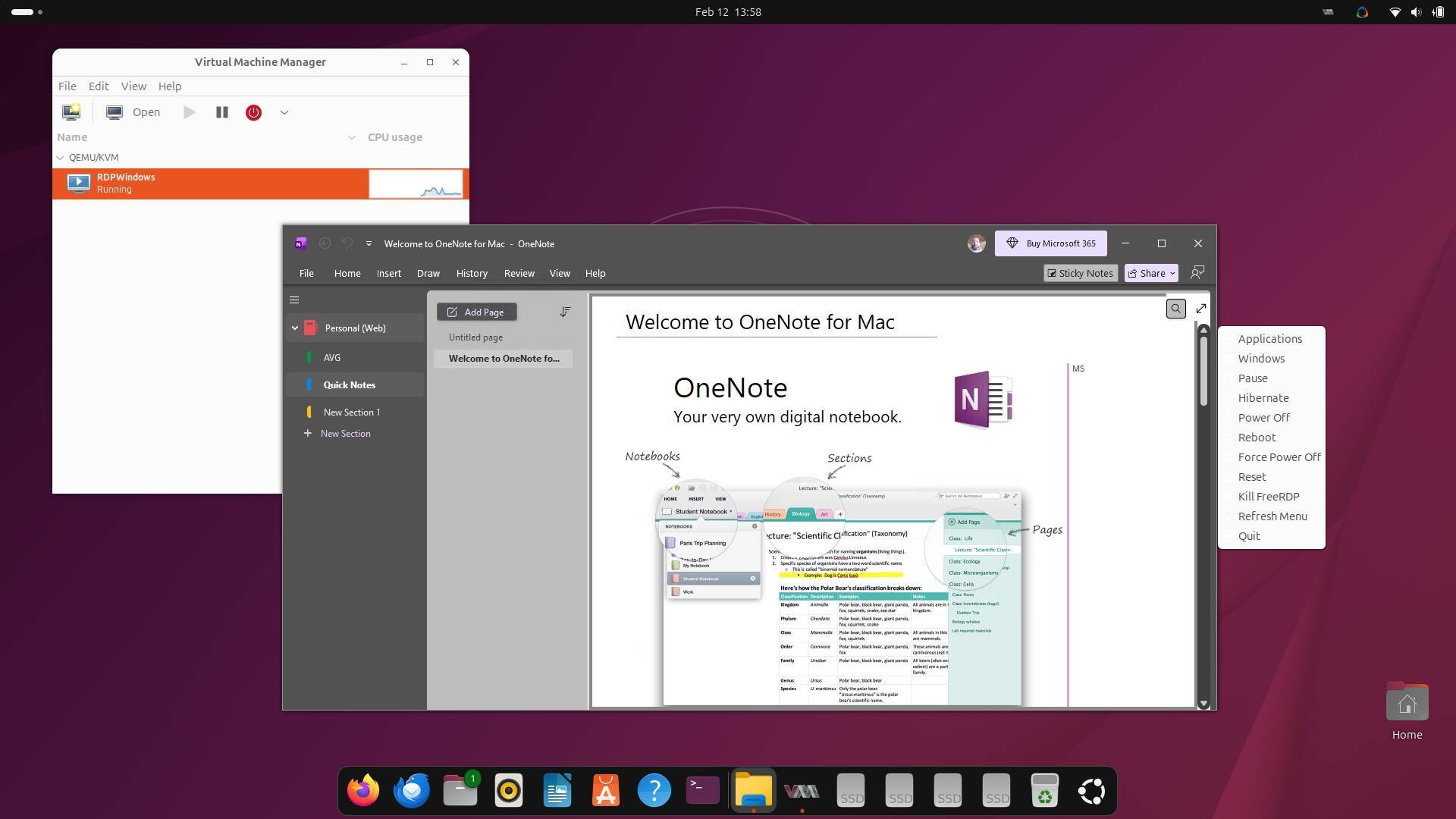
WinApps and WinBoat offer seamless Windows app integration on Linux desktops via virtualization
For Linux users who need specific Windows applications, two open-source tools—WinApps and WinBoat—offer a seamless solution by running Windows in a virtual machine and displaying individual apps directly on the Linux desktop. Both leverage Microsoft's Remote Desktop Protocol to integrate Windows applications with native Linux programs, eliminating the need to switch between operating systems.
The Windows-on-Linux Challenge
Despite Linux's capabilities, certain commercial applications—particularly from Microsoft and Adobe—still require Windows. While WINE can run many Windows programs, it has limitations, including no Microsoft Store support. Running Windows in a virtual machine is the alternative, but traditional VM management involves significant overhead and file transfer complications.
WinApps: The Mature, Flexible Option
WinApps, developed by Ben Curtis around 2020, offers extensive flexibility through three deployment methods: Docker containers, Podman containers, or direct KVM virtualization via libvirt. The Docker/Podman approach is simpler but requires substantial disk space—minimum 32GB for the Windows system disk, with 64GB recommended. The libvirt method, while more complex to configure, provides greater customization options, including the ability to run the hypervisor on a separate machine.
Setup involves configuring the Windows VM, enabling host integration, and installing necessary tools like FreeRDP. The process requires Windows knowledge for activation and configuration, though documentation helps bypass Windows 11's online account requirements. Once configured, WinApps automatically starts the VM when launching Windows applications and displays them in separate windows on the Linux desktop.
WinBoat: The Automated Alternative
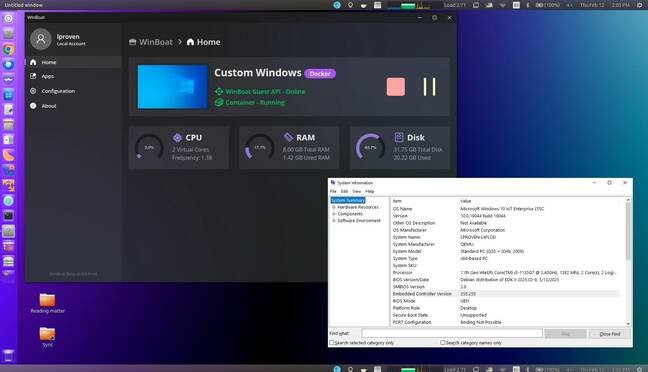
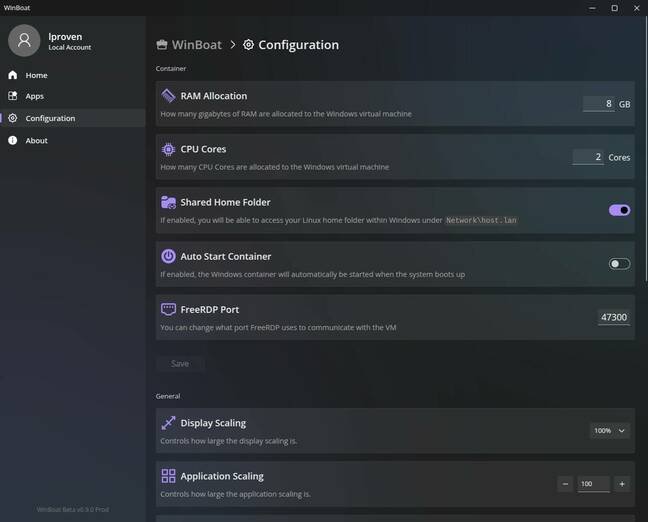
WinBoat, launched about six months ago and currently at version 0.9.0, prioritizes ease of use over flexibility. Written primarily in TypeScript with some Go, it automates most setup steps and provides a cohesive interface. The tool uses Docker by default (with Podman support added in v0.9.0, though USB passthrough is limited), requiring only Docker and FreeRDP installation before running.
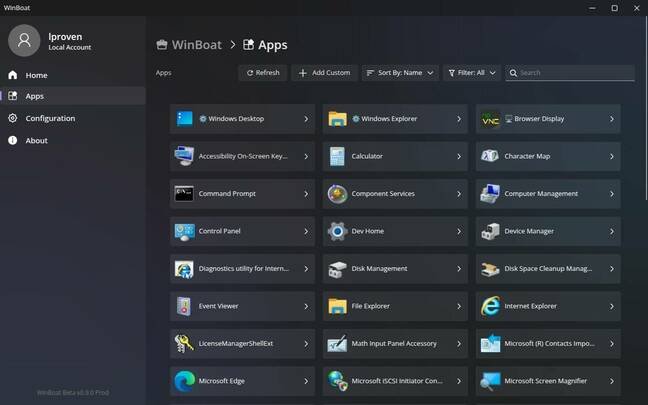
The AppImage format includes no external dependencies, halting with warnings if prerequisites are missing. WinBoat downloads Windows evaluation ISOs or uses local copies, then handles the entire setup process automatically. Its interface displays VM status and lists discoverable applications, launching them in desktop windows with minimal user intervention.
Comparing the Approaches
WinApps offers superior integration features, including a taskbar applet for VM control and application launching. It supports KVM memory ballooning for better resource management and can connect to remote hypervisors, enabling scenarios like dedicating an old PC to Windows while using a primary desktop for Linux.
WinBoat simplifies storage management by allowing container placement in user directories rather than requiring large root partition space. File exchange between host and VM works similarly in both tools—mapping network drives to Linux home directories.
Performance and Use Cases
Both tools run full Windows instances, requiring licensing, antivirus, and regular maintenance while sharing system resources. Testing on different hardware revealed performance variations: older machines experienced slow app launches and display glitches on multi-monitor setups, while newer systems provided smoother experiences.
For users needing Windows Store access or current Microsoft/Adobe applications, these tools offer better compatibility than WINE. However, they're designed for desktop applications rather than games, which typically don't work well in virtualized environments. WINE remains faster for compatible applications due to the absence of a full Windows OS overhead.
The Bottom Line
WinApps suits experienced Linux users comfortable with configuration files and seeking maximum flexibility, while WinBoat appeals to those wanting minimal setup complexity. Both provide free, open-source solutions for running Windows applications on Linux desktops, bridging the gap between operating systems without requiring constant VM switching. The choice depends on whether you prioritize control and integration features or simplicity and automation.
The tools represent a significant improvement over traditional VM workflows, making Windows applications feel like native Linux programs while maintaining the compatibility benefits of running genuine Windows environments.
Comments
Please log in or register to join the discussion