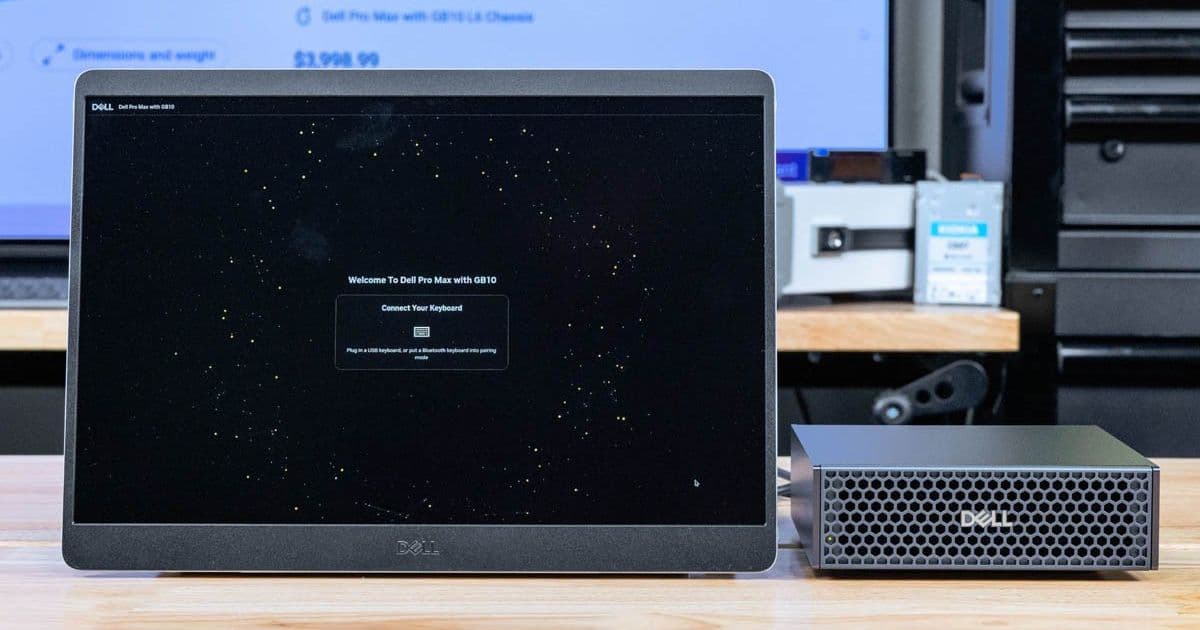
Dell's Pro 14 Plus Portable Monitor P1425 offers a premium 14" 16:10 IPS panel with USB-C connectivity, built-in stand, and rotation sensor in a compact form factor.
MobileWorkstation Facebook Twitter Pinterest Linkedin ReddIt Email Print Copy URL Dell Pro 14 Plus Portable Monitor P1425 With Dell Pro Max With GB10 No Keyboard And Mouse At STH, we have been collecting a selection of portable flat-panel monitors for some time. One that we got to use recently was the Dell Pro 14 Plus Portable Monitor P1425. This is a 14" monitor that worked well for us. Or put another way, we originally saw this as something we did not know if we would use, but then we kept coming back and using it. Usually, that means we found something very useful. We figured we would just do a quick overview of the little unit.
Dell Pro 14 Plus Portable Monitor – P1425 Overview
The monitor is a 14" IPS panel, but instead of being a 16:9 aspect ratio, it is a 16:10 1920×1200 60Hz panel. This would probably not be our choice for gaming, but getting an additional 120 pixels of height over a 1080p monitor is nice.
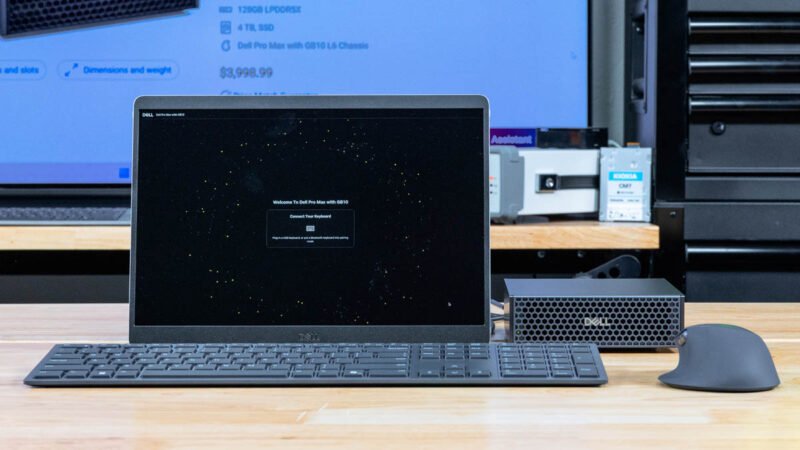
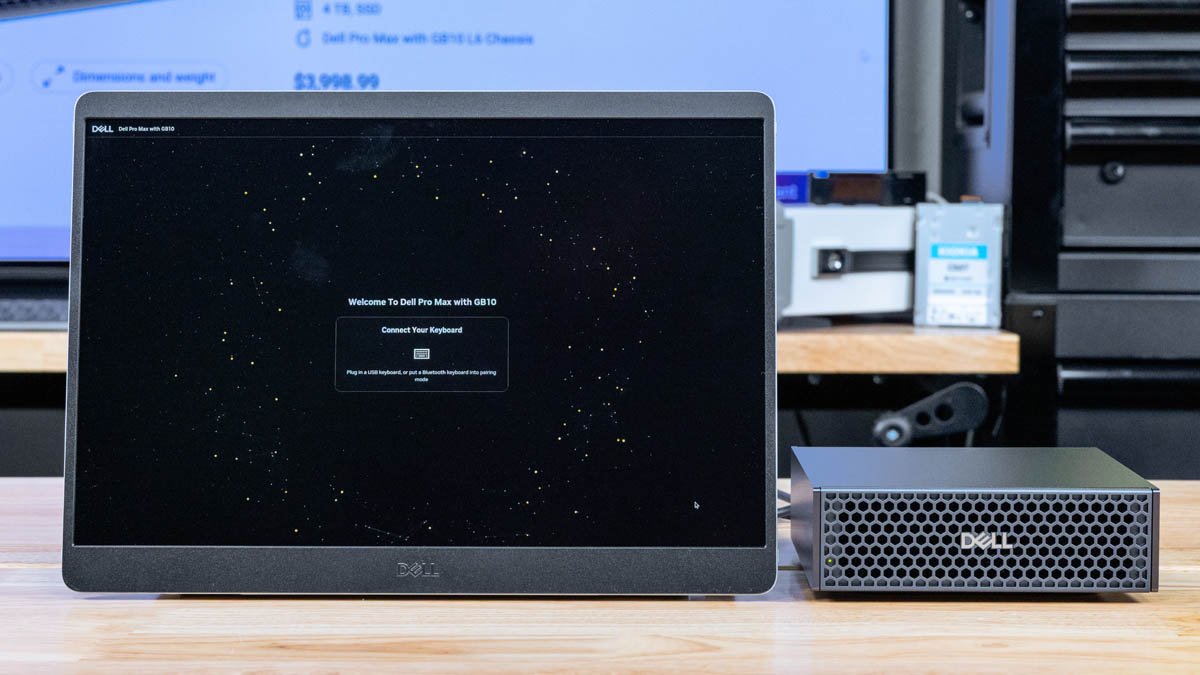
Dell Pro 14 Plus Portable Monitor P1425 With Dell Pro Max With GB10 The monitor came with a USB Type-C cable. Many systems we see today have USB Type-C ports that can also do DisplayPort alt mode. That means you can use a single cable to connect to those devices and receive both power and video data. It can also pass-through up to 65W so if you have a notebook, you could plug a power adapter into this display, then power the notebook through the Type-C cable.
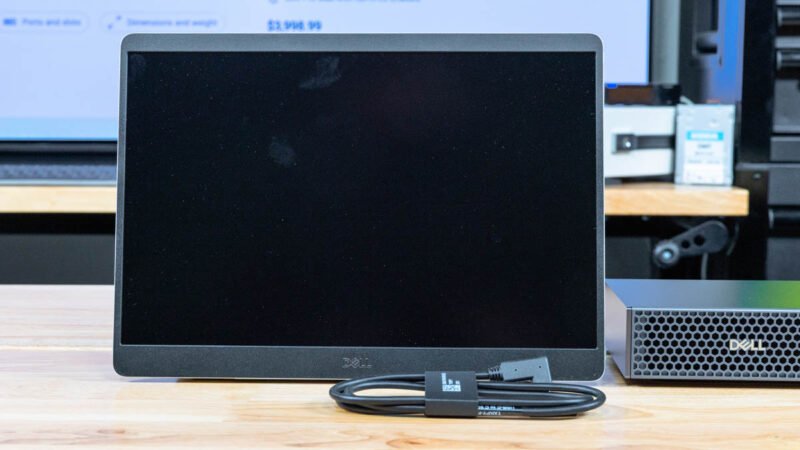
Dell Pro 14 Plus Portable Monitor P1425 Type C Cable 2 Herei s a quick look at the rear of the panel and its stand. It is around 12.51" (Width) x 0.58" (Depth) x 8.8" (Height) with the hinged stand.
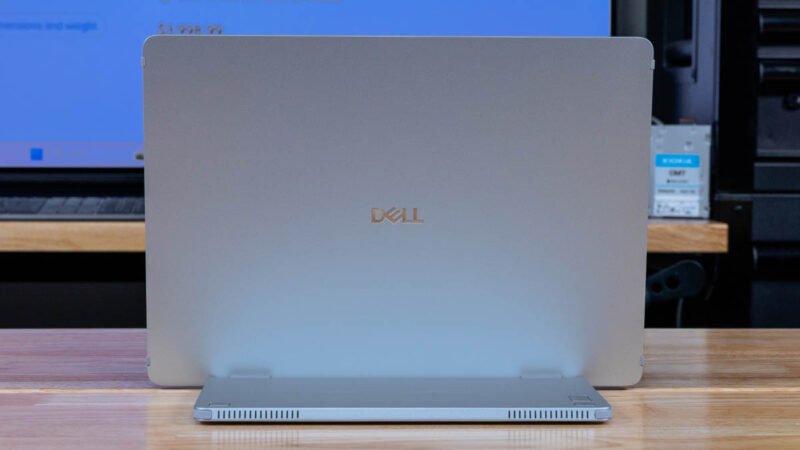
Dell Pro 14 Plus Portable Monitor P1425 Rear It may seem like a small feature, and it makes the unit physically larger, but the little stand is likely why we keep reaching for this monitor. Many of the cheap portable screens do not have such a nice stand as a cost-saving measure. This is a good one.
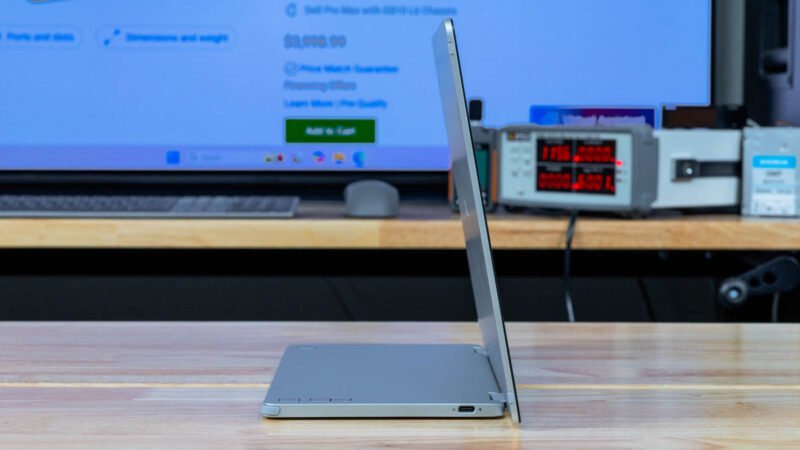
Dell Pro 14 Plus Portable Monitor P1425 Side 1 Here it is from the other angle.
Dell Pro 14 Plus Portable Monitor P1425 Side 2 Both sides have Type-C ports for power and DisplayPort alt mode.
Dell Pro 14 Plus Portable Monitor P1425 Type C DisplayPort And Power Input One side has a power button.
Dell Pro 14 Plus Portable Monitor P1425 Power Button 1 The other side has our brightness controls. Another nice feature is that this has a built-in rotation sensor so the screen can adjust as the display is rotated. There is a lock button if you do not want the display to do that.
Dell Pro 14 Plus Portable Monitor P1425 Lock And Brightness Power consumption is sub 7W, with it rated at 5.5W typical. It will have an impact on battery life, but often a second screen is worth it.
Final Words
In the world of portable displays, there are plenty of IPS panels out there that are in a similar niche. This might not be the fanciest panel. What it did was it felt great when you just need a portable monitor, and you do not want it to feel flimsy. Also, the 16:10 was great since it just provides a little bit of extra pixel space. It may only be around 11% more, but the reason you have one of these portable monitors is to get extra viewable space anyway. The 15.6" form factor is nice, but these 14" monitors are smaller, which is also helpful if you do not have a large bag.
Dell Pro 14 Plus Portable Monitor P1425 With Dell Pro Max With GB10 2 Price-wise, these are usually online at the upper-end of the 14" portable monitors. Still, for many companies that use Dell and have corporate discounts with Dell, these are going to be a solid option. We actually used this with the Dell Pro Max with GB10, and as you may have seen in the video, it ended up working very well for swapping between the GB10 units. We were not intending to do a piece on the monitor, but we thought folks might enjoy seeing it.
Comments
Please log in or register to join the discussion