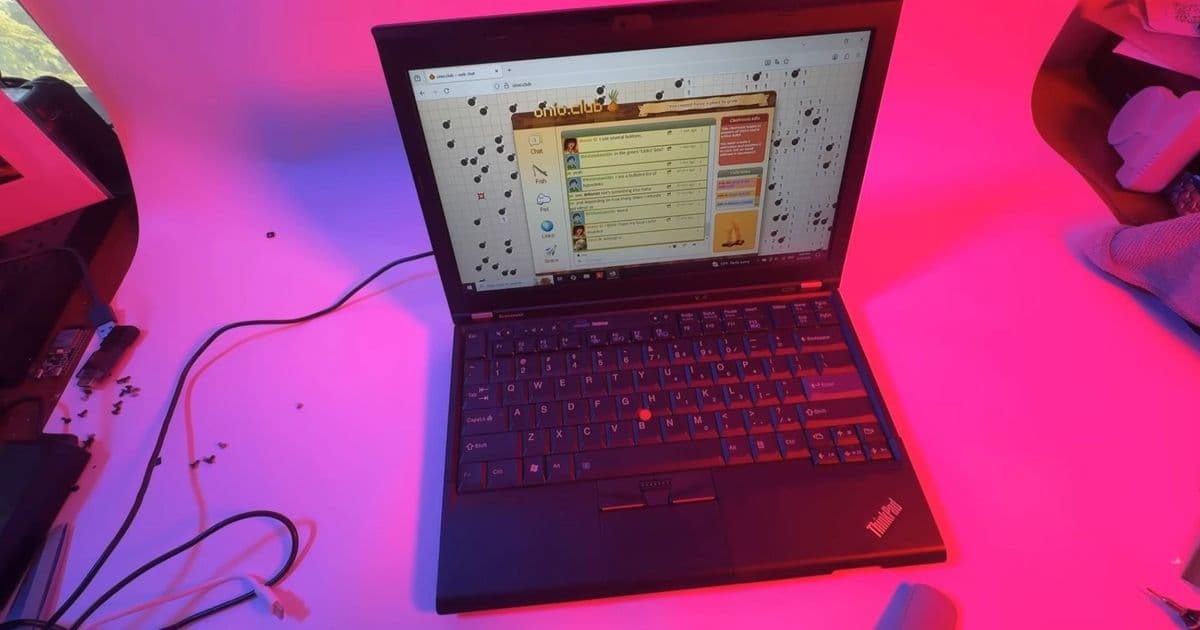
YouTube creator onionboots demonstrates how a simple $25 IPS panel swap breathes new life into a 2012-era Lenovo ThinkPad X230, proving old laptops can get modern display quality without breaking the bank.
When it comes to extending the life of aging technology, few upgrades deliver as much visual impact as replacing a tired TN display with a modern IPS panel. That's exactly what YouTube creator onionboots demonstrates in a recent video, showing how a $25 display swap can transform a 14-year-old Lenovo ThinkPad X230 from a relic into a surprisingly capable machine.
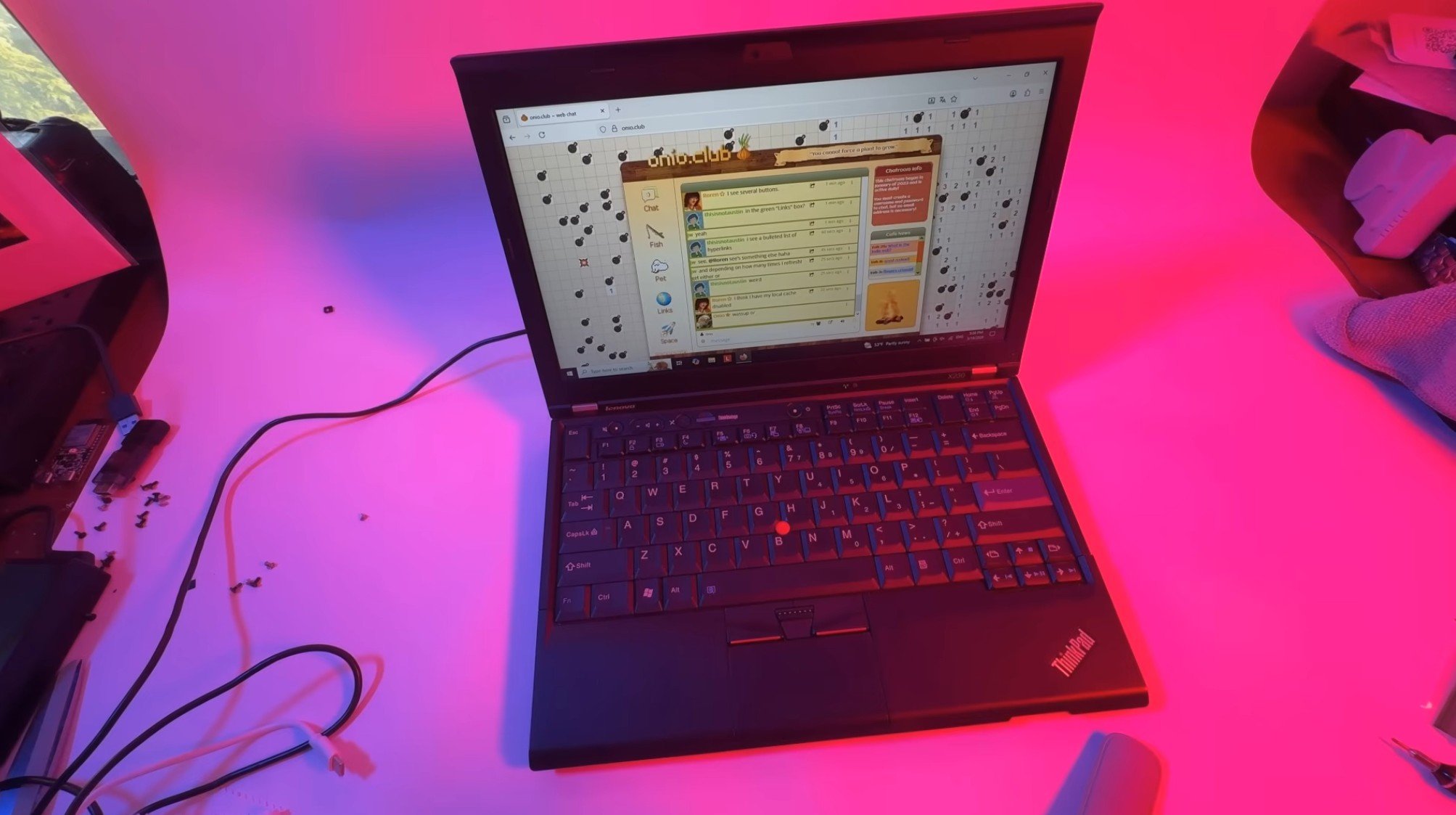
The TN vs. IPS Display Evolution
The ThinkPad X230, released in 2012, originally shipped with TN (Twisted Nematic) display technology. While TN panels offered fast response times that made them popular for business laptops of that era, they came with significant drawbacks: poor color accuracy, limited contrast ratios, and the worst viewing angles among LCD technologies. Most modern laptops now use IPS (In-Plane Switching) panels, which provide superior color reproduction and wide viewing angles, or VA (Vertical Alignment) panels in budget configurations.
The $25 Upgrade That Makes a Difference
Rather than attempting a more complex full HD upgrade that would require motherboard soldering—something onionboots admits he doesn't "quite trust [himself]" to do—he opted for a compatible IPS panel from the same era. The upgrade maintains the original 1,366 x 768 resolution but delivers dramatically improved visual quality.
"For the money spent on this LG display from 2012, onionboots notes what a 'visually noticeable upgrade' it is," the video description explains. The YouTuber even considers upgrading his X220 model with the same modification.
The Modding Process
One of the most appealing aspects of this upgrade is its accessibility. According to onionboots, "Most of the disassembly (and reassembly) of the X230 and its X220 is 'so easy' that onionboots 'would almost call it fun.'" This simplicity makes the upgrade accessible to hobbyists with basic technical skills.
However, there's a trade-off to consider. The $25 eBay display lacks the screw brackets found in more expensive alternatives. While onionboots can "live with the flex" himself, he notes that the missing brackets would help keep the display assembly more rigid and secure. A $70 option with brackets would provide better structural integrity for those who prioritize durability over cost savings.
Performance Trade-offs
Despite the significant visual improvement, the upgrade isn't without minor compromises. Onionboots mentions some mild ghosting, which he attributes to the panel's age rather than the IPS technology itself. This serves as a reminder that while the technology is superior, the 2012-era panel won't match the performance of modern displays.
The Bigger Picture: Fighting E-Waste
This upgrade represents more than just a technical modification—it's a statement about sustainable technology use. E-waste is a growing environmental concern, and projects like this demonstrate how extending the life of existing hardware can reduce electronic waste while providing functional, modern computing experiences.
The ThinkPad X230, with its 3rd Gen Intel Core i5/i7 processors and up to 16GB of DDR3 RAM, remains a capable machine for many tasks. By upgrading the display, users can continue using these machines for years to come, whether for basic productivity, coding, or even as secondary devices.
Future Upgrades Planned
Onionboots hints at a series of potential upgrades for this ThinkPad, including keyboard modifications and firmware jailbreaks. These planned modifications suggest a comprehensive approach to modernizing vintage hardware, potentially creating a blueprint for others looking to breathe new life into their aging laptops.
For anyone with a ThinkPad X230 or similar vintage business laptop gathering dust, this $25 upgrade offers an accessible entry point into the world of hardware modification—proving that sometimes, the best way to get modern performance is to upgrade what matters most: the display you look at every day.
The Bottom Line
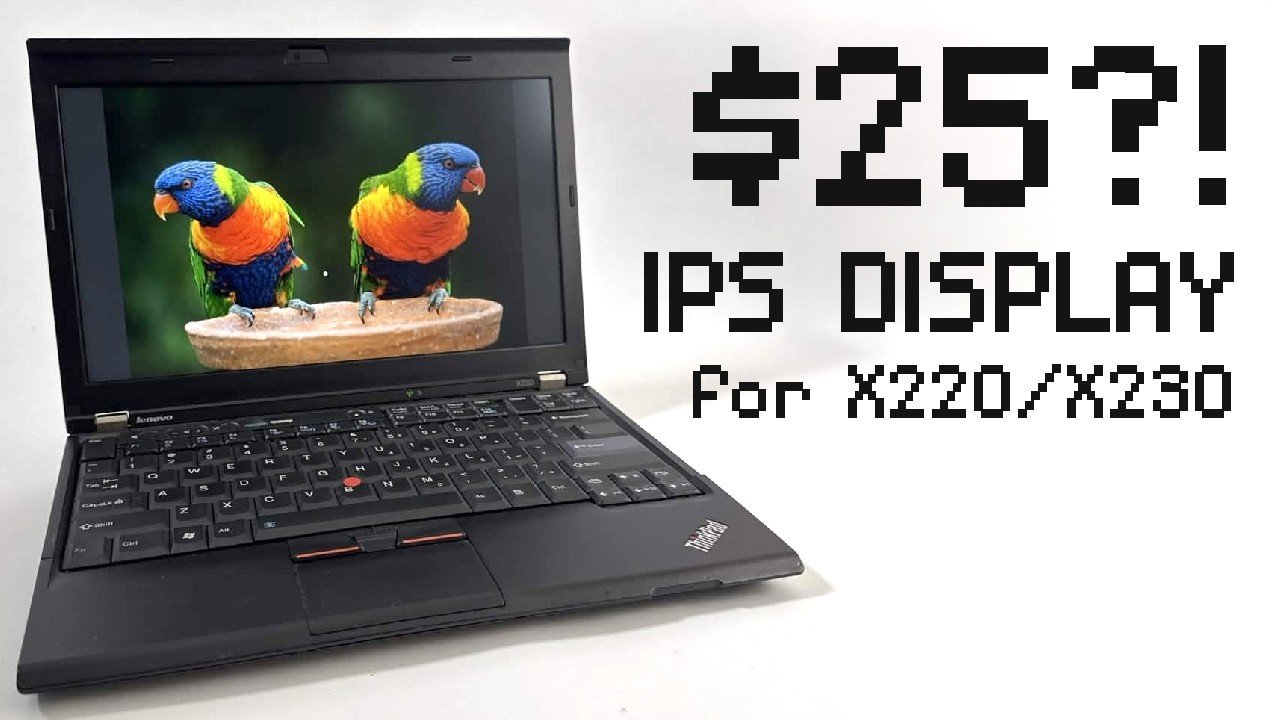
At just $25, this IPS display upgrade delivers remarkable value, transforming the visual experience of a 14-year-old laptop. While the missing brackets and minor ghosting represent small compromises, the dramatic improvement in color accuracy and viewing angles makes this modification a compelling option for anyone looking to extend the life of their vintage ThinkPad. In an era of planned obsolescence, projects like this remind us that with a little creativity and technical know-how, our older devices can still serve us well into the future.
Comments
Please log in or register to join the discussion