
Enterprise security tools are failing to detect browser-based attacks that exploit user interactions rather than system vulnerabilities, creating a dangerous visibility gap.
Most enterprise work now happens in the browser. SaaS applications, identity providers, admin consoles, and AI tools have made it the primary interface for accessing data and getting work done. Yet the browser remains peripheral to most security architectures. Detection and investigation still focus on endpoints, networks, and email, layers that sit around the browser, not inside it.

The result is a growing disconnect. When employee-facing threats occur, security teams often struggle to answer a basic question: what actually happens in the browser? That gap defines an entire class of modern attacks. At Keep Aware, we've called this a "safe haven" problem for attackers, where the target has now become this central point of failure.
Browser Attacks Seen in 2026 Leaving Little Traditional Evidence
What makes browser-only attacks hard to deal with isn't a single technique. It's that multiple attack types all collapse into the same visibility gap. We continue to see these attacks into 2026:
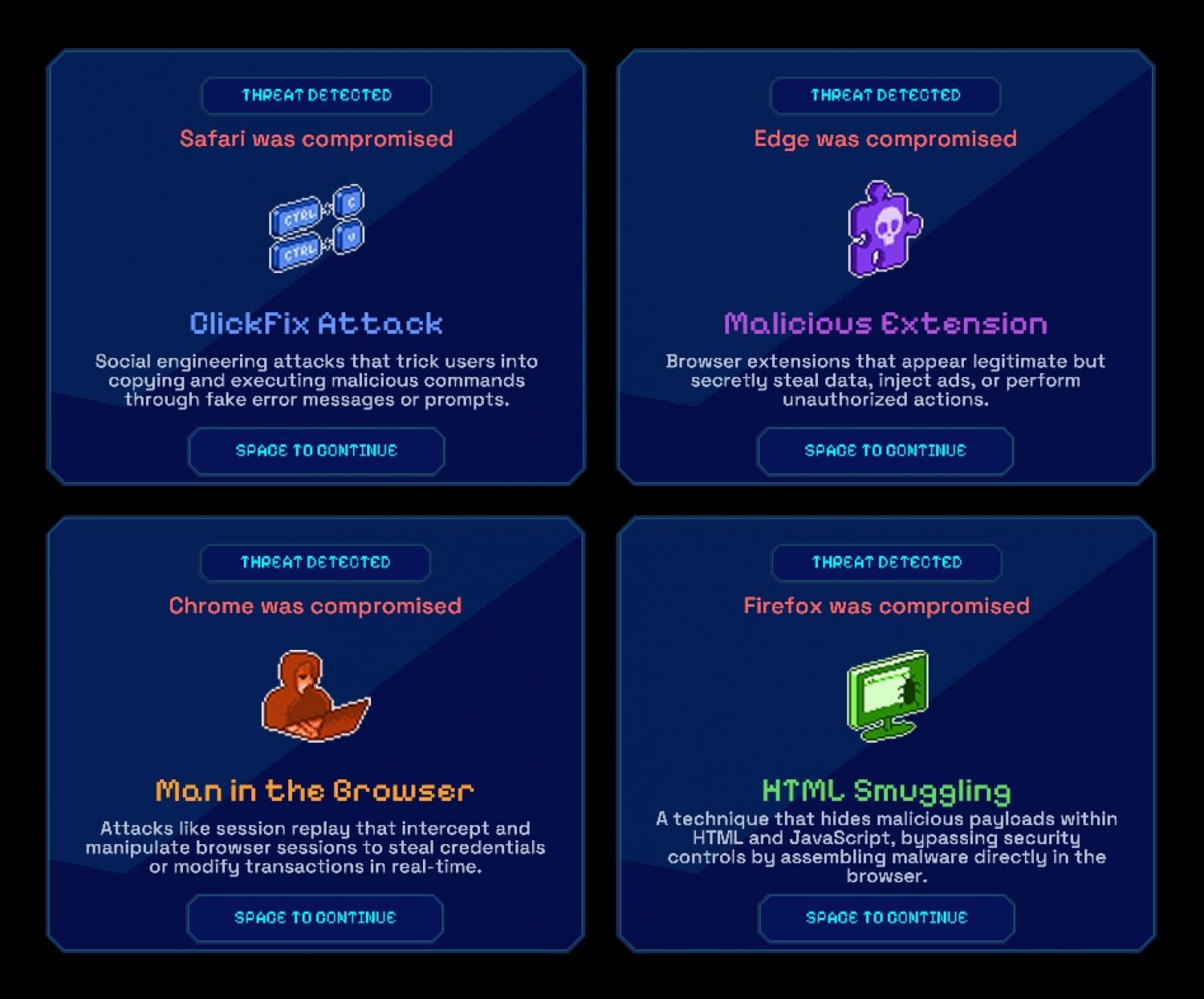
Common browser-based attack types
ClickFix and UI-Driven Social Engineering
Possibly the largest browser-driven attack vector in 2025, users are guided by fake browser messages or prompts to copy, paste, or submit sensitive information themselves. No payload is delivered, no exploit fires, just normal user actions that leave almost no investigation trail.
Malicious Extensions
Seemingly legitimate extensions are installed intentionally and then quietly observe page content, intercept form input, or exfiltrate data. From an endpoint or network perspective, everything appears to be normal browser behavior. When questions arise later, there's little record of what the extension actually did.
Man-in-the-Browser (and AitB, BitB, …) Attacks
These attacks abuse valid browser sessions rather than exploiting systems. Credentials are entered correctly, MFA is approved, and activity appears authorized. Logs confirm a real user and a real session, but not whether the browser interaction was manipulated or replayed.
HTML Smuggling
Malicious content is assembled directly inside the browser using JavaScript, bypassing traditional download and inspection points. The browser renders content as expected, while the most critical steps never become first-class security events.
Why EDR, Email, and SASE Miss These Attacks by Design
This isn't a failure of tools or teams. It's a consequence of what these systems were designed to see, and what they were not.
EDR focuses on processes, files, and memory on the endpoint. Email security tracks delivery, links, and attachments. SASE and proxy technologies enforce policy on traffic moving across the network. Each can block known bad activity, but none are built to understand user interaction inside the browser itself.
When the browser becomes the execution environment, where users click, paste, upload, and authorize, both prevention and detection lose context. Actions may be allowed or denied, but without visibility into what actually happened, controls become blunt and investigations incomplete.
What Our Own the Browser Research Reveals
This gap isn't limited to one browser or deployment model. As part of Own the Browser, a vendor-neutral research effort evaluating more than 20 mainstream, enterprise, and AI-native browsers, we examined how browsers are actually secured and governed in practice.
What stood out wasn't a lack of controls; it was a lack of observable behavior that those controls could learn from.
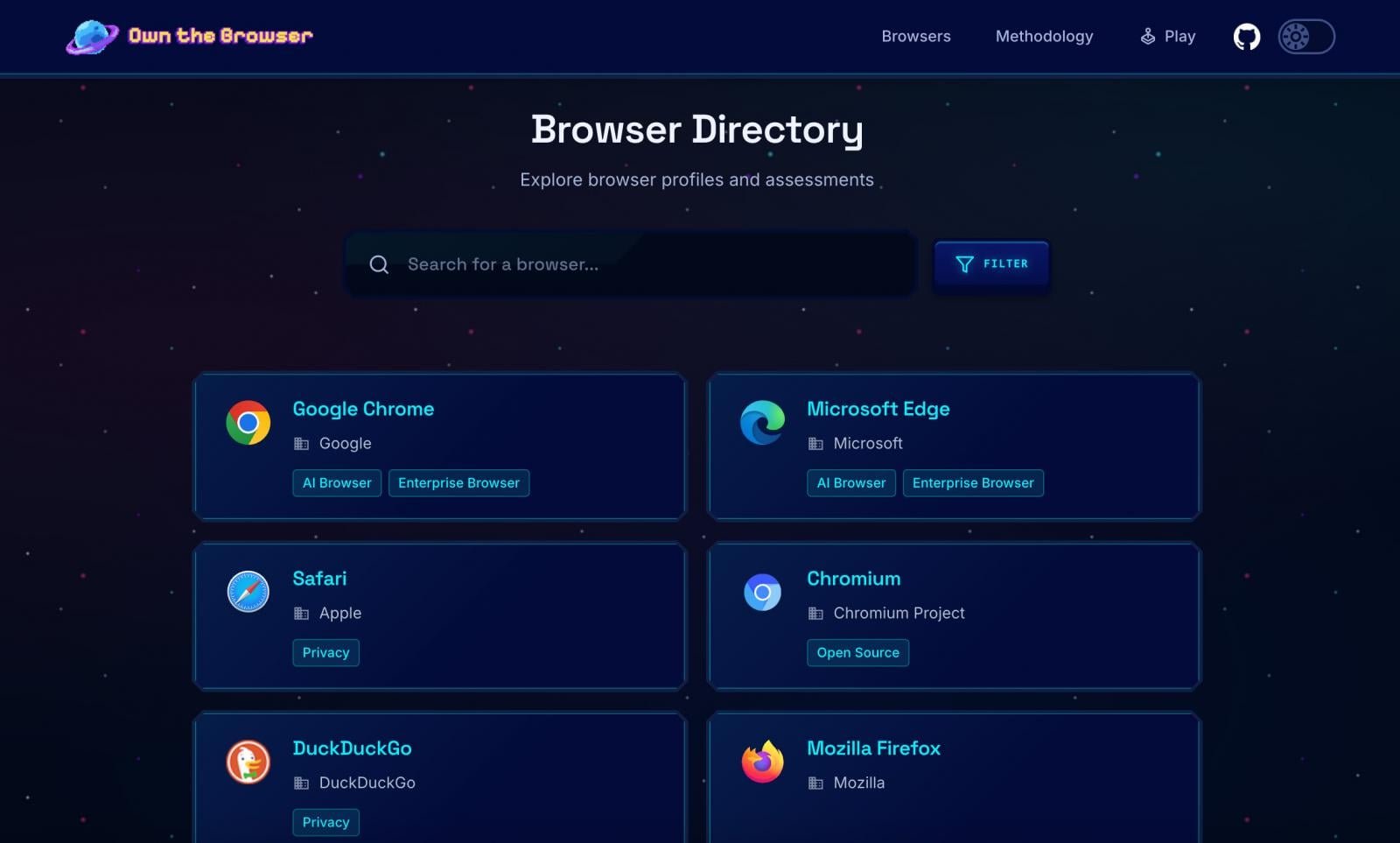
Browser Directory on Own the Browser
Across consumer, enterprise, and emerging AI-native browsers, policies are widely deployed. What's missing is structured visibility into how those policies actually play out in real user behavior. Without that insight, prevention stays blunt, and policies rarely evolve or improve.
AI Tools and AI-Native Browsers Are Widening the Gap
AI is accelerating this problem by increasing both the volume and subtlety of browser-based data movement. Tools like ChatGPT, Claude, and Gemini normalize copying, pasting, uploading, and summarizing sensitive information directly in the browser. AI-native browsers, built-in assistants, and extensions streamline these actions even further.
From a control standpoint, much of this activity appears legitimate. From a prevention standpoint, it's difficult to evaluate risk without context. Policies can allow or block actions, but without observability into how data is being used, teams can't adapt controls to match reality.
As AI-driven workflows become routine, prevention that isn't informed by browser-level behavior quickly falls behind.
What Browser-Level Observability Changes: Before and After Incidents
When browser activity becomes observable, security teams don't just investigate better; they prevent more effectively. Seeing how data actually moves through the browser allows teams to set smarter, more targeted controls: preventing risky actions at the moment they occur, while preserving evidence when something does go wrong.
Detection improves because behavior can be evaluated in context. Response improves because incidents are reconstructable. Policies improve because they're informed by real usage, not assumptions.
This creates a feedback loop: observability informs prevention, prevention reduces risk, and every incident, blocked, paused, or allowed, sharpens policy over time.
That leads to a simple question: if this class of attack happened in your environment today, could you both prevent it and explain it? If not, that's the gap Keep Aware is built to close.
See what browser-level visibility enables across prevention and response. Request a demo. →
Written by Ryan Boerner, CEO of Keep Aware
Boerner, a computer engineer turned cybersecurity practitioner, began as a SOC analyst tackling network threats across Texas agencies. Specializing in network and email security, he later honed his expertise at IBM and Darktrace, working with organizations of all sizes. Seeing a critical gap between security teams and employees—where strong defenses still let threats through—he founded Keep Aware to make the browser a cornerstone of enterprise security.
Sponsored and written by Keep Aware.
Comments
Please log in or register to join the discussion