Discover the indispensable applications that transform a fresh Linux install into a powerhouse workstation. From security essentials like Bitwarden to productivity tools like LibreOffice, these carefully curated picks address critical gaps in default installations and elevate the Linux experience.
When you first boot a fresh Linux distribution, you're met with a critical decision: Which applications truly deserve priority installation? While some distros bundle robust software selections, others adopt a minimalist approach—leaving gaps that impact productivity and security. After years of Linux usage across countless systems, I've identified 11 non-negotiable applications that form the bedrock of an efficient, secure, and versatile Linux environment.
The Core Utilities
LibreOffice: The open-source office suite remains essential for document creation, with near-perfect Microsoft Office compatibility and extensive customization options. Its absence in some mainstream distros remains baffling given its status as the de facto productivity standard.
VLC Media Player: Ditch default media utilities for this Swiss Army knife of playback. Supporting virtually every codec imaginable, VLC handles local and remote files with subtitle tweaking and audio adjustments that put competitors to shame.
GIMP: When image editing is required, this Photoshop alternative delivers professional-grade capabilities. Pair it with the G'MIC plugin for advanced filters, though be prepared for its learning curve—a small price for powerful raster manipulation.
Productivity & Customization
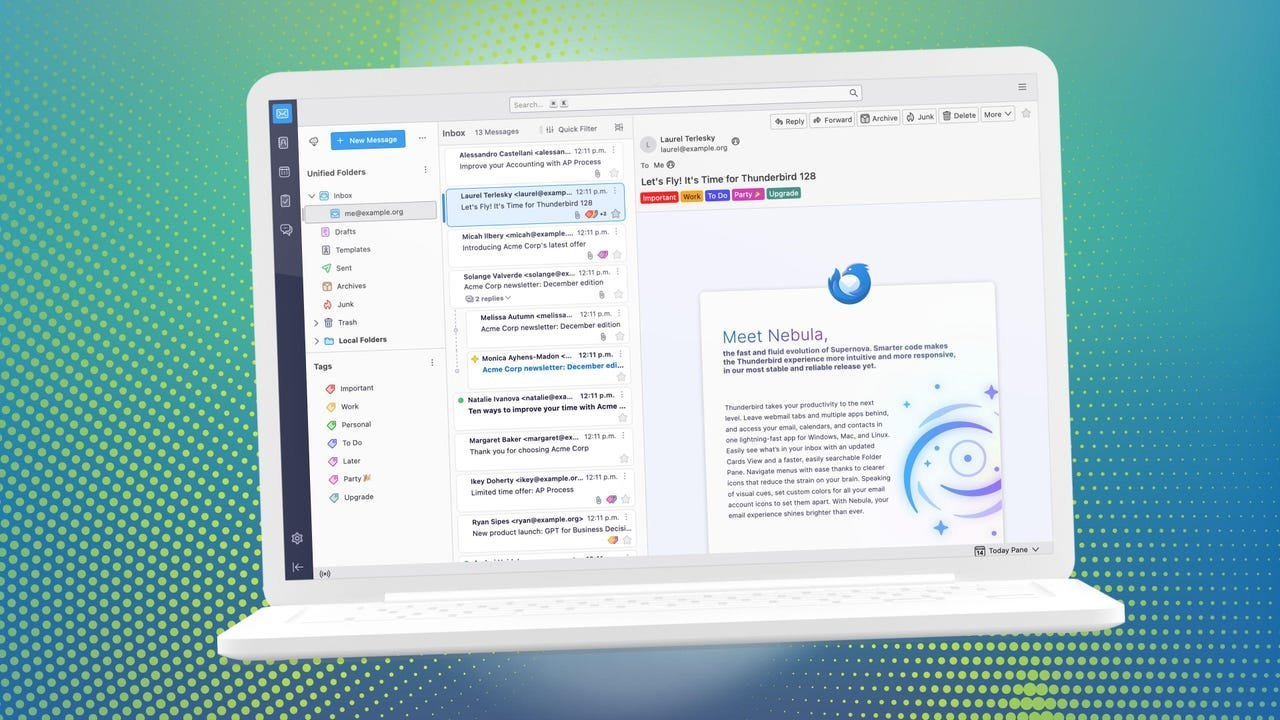
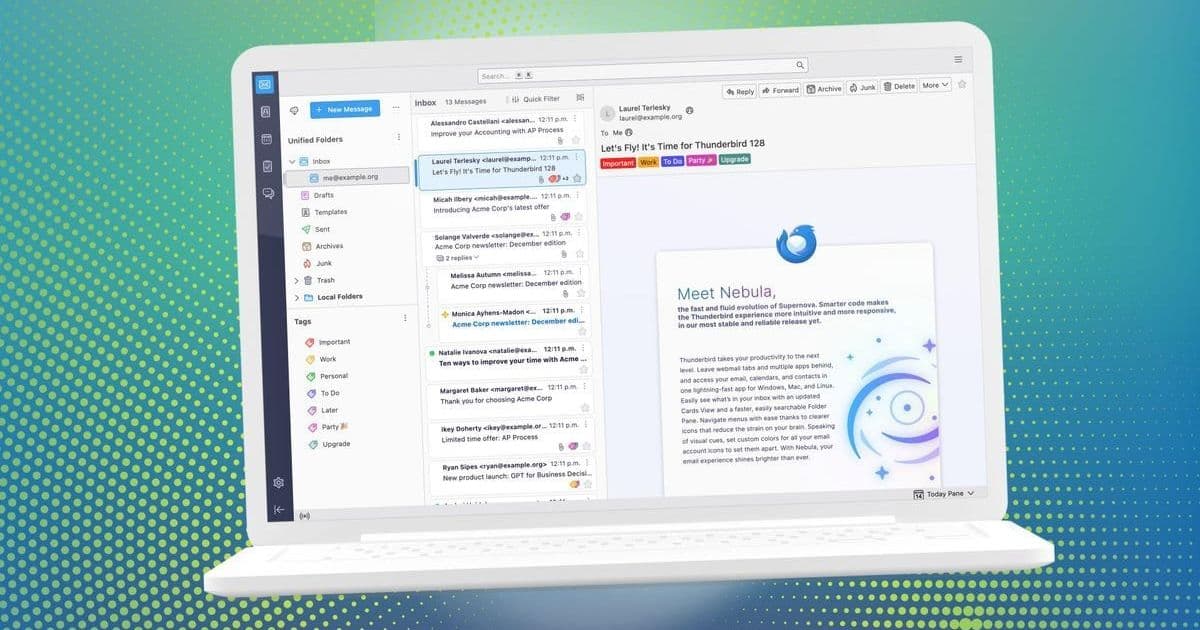
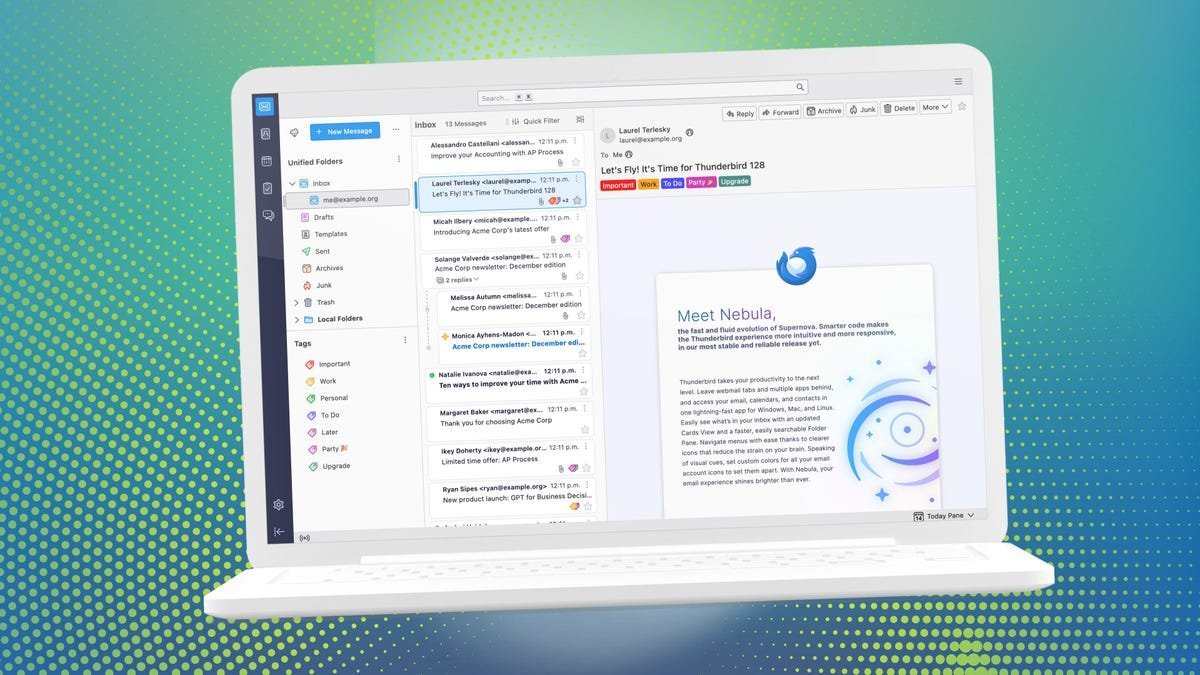
Thunderbird: Email remains mission-critical, and Mozilla's client excels with cross-platform sync, GPG encryption, and unified calendaring. Its battle-tested interface balances familiarity with modern features like smart folder management.
Simple Note: For frictionless note-taking, this minimalist tool offers cloud sync and tagging without bloat. Installation requires Flatpak/Snap, reflecting the growing importance of universal packaging systems.
GNOME Tweaks: Unlock your desktop's potential with granular control over appearance, startup apps, and hardware behavior. Essential for transforming stock GNOME into a personalized workflow engine.
Security & System Integrity
Bitwarden: With password breaches escalating, this open-source manager is non-optional. It generates strong credentials, stores TOTP keys, and syncs securely across devices—proving security doesn't require proprietary solutions.
Timeshift: Linux isn't immune to misconfigurations. This system restore tool takes incremental snapshots, acting as an insurance policy against botched updates or accidental deletions. Every sysadmin's silent guardian.
Flatpak/Snap: Universal package formats break dependency chains and expand software availability. Whether installing proprietary tools like Slack or niche open-source utilities, they've become indispensable for modern Linux software management.
Performance & Utilities
Stacer: This system optimizer provides real-time monitoring, service management, and cache cleaning—all through an intuitive GUI. New users particularly benefit from its centralized system oversight.
Spotify: Despite industry controversies, its discovery algorithms and Linux support (via Flatpak/Snap) make it the premier music service for open-source desktops. The recent addition of lossless audio further cements its value.
Why This Selection Matters
These applications represent more than convenience—they fill critical functional voids in default installations. Bitwarden addresses credential security often overlooked in distro repositories, while Timeshift mitigates the "it won't happen to me" fallacy of system failures. The inclusion of universal packaging tools acknowledges Linux's evolving ecosystem, where sandboxed applications increasingly bridge the gap between proprietary and open-source worlds.
For developers, this toolkit eliminates distractions: LibreOffice handles documentation, Thunderbird manages communications, and VLC/GIMP cover media needs—freeing focus for coding. System administrators gain Timeshift for recovery and Stacer for optimization, reducing fire-drill troubleshooting. Ultimately, this collection demonstrates Linux's adaptability: a minimal base transformed into a tailored powerhouse through intentional software curation.
Source: Adapted from Jack Wallen's original analysis on ZDNET
Comments
Please log in or register to join the discussion