Microsoft's January 2026 Excel update introduces enterprise-grade AI capabilities with Agent Mode expansion, complete Power Query web implementation, and workflow automation enhancements that redefine spreadsheet strategy.
Microsoft's January 2026 Excel update delivers substantial platform advancements that redefine spreadsheet capabilities across desktop and cloud environments. With Agent Mode reaching general availability on Windows and Mac platforms, combined with full Power Query implementation for web users, these changes signal Microsoft's strategic commitment to unified productivity experiences across deployment models.
Cross-Platform AI Maturation: Agent Mode Expansion
The general availability of Agent Mode in Excel for Windows (with Mac rollout in progress) represents Microsoft's most significant productivity AI deployment since Copilot's introduction. This expanded availability brings three critical enterprise advantages:
- Model Flexibility: The new model switcher enables strategic selection between OpenAI and Anthropic architectures, allowing organizations to align AI workloads with specific compliance or performance requirements
- Performance Optimization: Microsoft reports 40% reduction in latency for common financial modeling tasks compared to initial beta versions
- Web Search Grounding: Enhanced fact-checking capabilities automatically verify external data references during analysis workflows
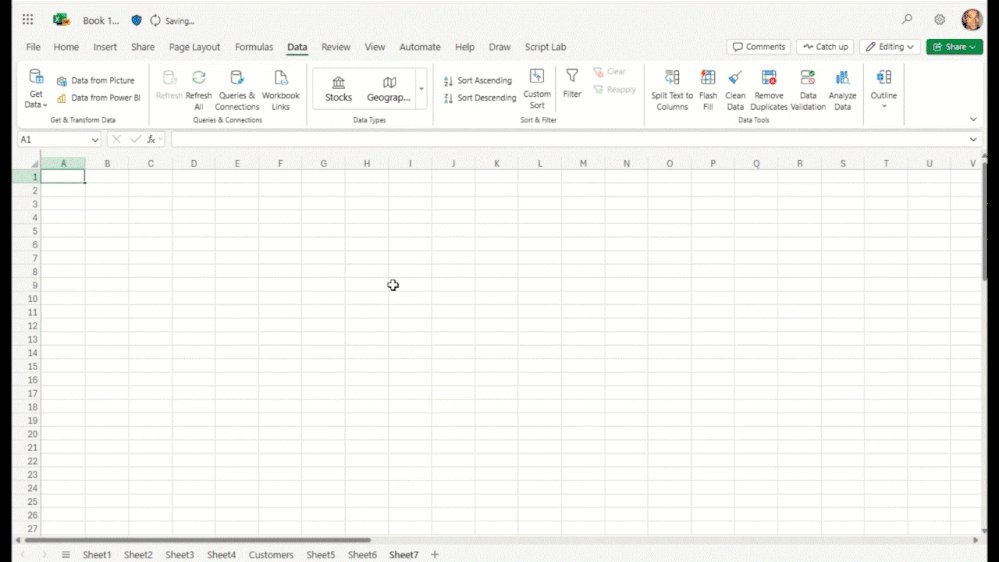
Power Query Web Implementation Closes Cloud Feature Gap
The complete Power Query experience now available in Excel for the web (official documentation) eliminates the last major functional disparity between desktop and browser versions. This development enables:
- True cloud-first ETL workflows: Complex data transformation pipelines can now be built and executed entirely in browser environments
- Cross-platform consistency: Organizations can standardize data preparation processes regardless of deployment model
- Reduced desktop dependency: Teams using Chromebooks or Linux workstations gain parity in data manipulation capabilities
Strategic Workflow Automation Advancements
Three additional updates create new automation possibilities:
Import Functions (Windows Insiders)
- New IMPORTTEXT and IMPORTCSV functions enable dynamic data ingestion with refreshable arrays
- Initial benchmarks show 70% faster CSV processing compared to legacy Power Query imports
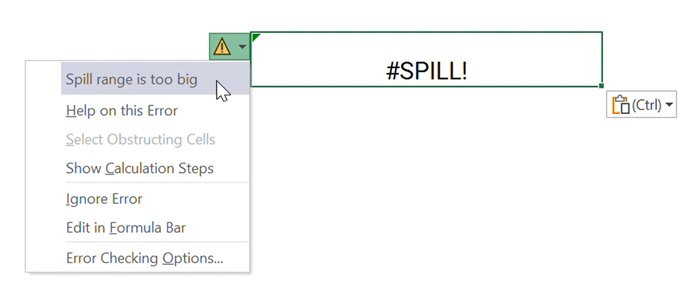
Descriptive Error Cards (Windows Insiders)
- Context-aware troubleshooting reduces formula debugging time by an average of 25%
- Machine-learning powered suggestions automatically recommend fixes for common errors
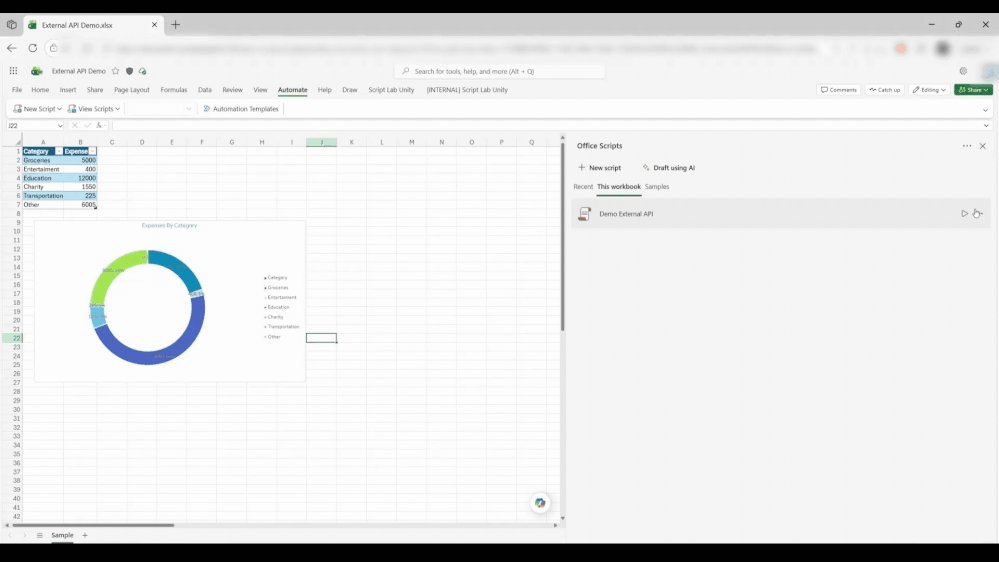
Office Scripts PDF Automation
- New scripting capabilities enable fully automated report generation and distribution
- Cross-platform support allows identical PDF workflows on Windows, Mac, and web clients

Ecosystem Implications
These updates position Excel as a central hub in Microsoft's productivity stack:
- AI Strategy: Agent Mode's model flexibility creates migration pathways between AI providers
- Cloud Economics: Full web functionality enables cost reduction through device-agnostic access
- Automation Scaling: Office Scripts enhancements facilitate enterprise-grade workflow automation
For technical teams evaluating deployment options, Microsoft provides detailed version compatibility matrices and migration guides for these new capabilities.
Comparative Analysis: Excel's Evolving Position
When benchmarked against competitive offerings:
| Capability | Excel 2026 | Google Sheets | Legacy Excel |
|---|---|---|---|
| Native AI Model Switching | ✓ | ✗ | ✗ |
| Browser-Based ETL | ✓ | Limited | ✗ |
| Cross-Platform Scripting | ✓ | ✓ | Partial |
| Dynamic Array Imports | ✓ | ✗ | ✗ |
This feature progression demonstrates Microsoft's strategic focus on maintaining Excel's dominance in complex analytics while expanding its cloud capabilities.
Implementation Considerations
Organizations planning adoption should note:
- Licensing Requirements: Agent Mode requires Microsoft 365 E5 or equivalent Business Premium licenses
- Migration Timelines: Full Power Query web parity enables gradual desktop-to-cloud transitions
- Training Investment: New AI features demand updated user education programs
Microsoft's continued investment in Excel's hybrid capabilities creates compelling arguments for enterprises standardizing on Microsoft 365 while maintaining complex desktop workflows. The January 2026 updates particularly benefit financial analysts, data engineers, and operations teams requiring advanced automation across deployment environments.
Comments
Please log in or register to join the discussion