
Microsoft's latest Excel update brings Agent Mode to EU users and introduces local file querying with Copilot Chat, marking a significant shift in how users interact with spreadsheets across Windows and Mac platforms.
Microsoft has rolled out its February 2026 update for Excel, introducing several AI-powered features that significantly enhance user productivity and accessibility. The update focuses on expanding intelligent assistance capabilities while addressing user feedback about fragmented experiences across different Copilot entry points.

Agent Mode Expansion to EU Markets
One of the most significant announcements is the expanded availability of Agent Mode in Excel for Copilot users in the European Union. Previously limited to certain regions, Agent Mode is now accessible to users in the EU through both Current Channel and Monthly Enterprise Channel distributions.
Agent Mode represents Microsoft's push toward more autonomous spreadsheet assistance, allowing users to delegate complex tasks to AI-powered agents within Excel. This expansion demonstrates Microsoft's commitment to bringing advanced AI capabilities to a broader global audience while navigating regional compliance requirements.
Local File Querying with Copilot Chat
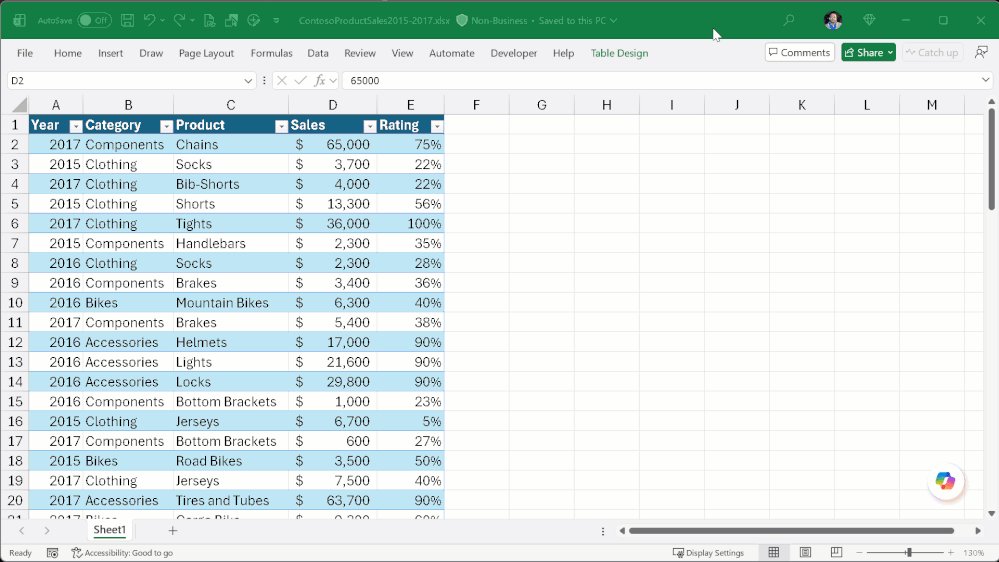
The introduction of local file querying marks a fundamental shift in how users can leverage Microsoft 365 Copilot Chat with their Excel workbooks. Users can now query modern Excel file formats (.xlsx, .xlsb, .xlsm, .ods) stored locally on their devices using Copilot Chat, available on both Windows and Mac platforms.
This feature addresses a significant limitation in previous versions where Copilot Chat could only analyze workbooks stored in the cloud. The ability to work with locally stored files provides several advantages:
- Offline Productivity: Users can continue to receive AI-powered insights and analysis even without an internet connection
- Privacy and Security: Sensitive data can remain on local devices while still benefiting from AI assistance
- Seamless Workflow: No need to upload files to the cloud just to leverage Copilot capabilities
- Faster Response Times: Local processing can reduce latency compared to cloud-based analysis
Integration of App Skills into Copilot Ecosystem
Microsoft has responded to user feedback about fragmented experiences across different Copilot entry points by integrating the editing capabilities previously offered through App Skills directly into Copilot Chat and Agent Mode in Excel.
This consolidation streamlines the user experience by providing a unified interface for AI-powered assistance. Users no longer need to navigate between different tools or interfaces to access various AI capabilities, creating a more cohesive and efficient workflow.
Strategic Implications for Enterprise Users
The February 2026 update reflects Microsoft's broader strategy of embedding AI deeply into productivity applications while maintaining flexibility for different user scenarios. For enterprise users, these updates offer several strategic advantages:
Enhanced Productivity: The combination of Agent Mode and local file querying enables users to work more efficiently with complex datasets without being constrained by connectivity or storage location.
Compliance Benefits: EU users gain access to advanced AI features while presumably maintaining compliance with regional data protection regulations. Simplified Training: A unified AI interface reduces the learning curve for organizations adopting these new capabilities.
Technical Considerations and Rollout
The local file querying feature is currently rolling out on Windows and Mac platforms, suggesting a phased deployment approach. This gradual rollout allows Microsoft to monitor performance, gather user feedback, and address any technical issues before full deployment.
Users interested in accessing these features should verify their Excel version through Microsoft's feature availability checker. The update appears to be version 1.0 as of February 24, 2026, indicating this is likely the initial release of these capabilities.
Community Engagement and Feedback
Microsoft continues to emphasize the importance of user feedback in shaping Excel's development. The company explicitly acknowledges that many features result from user suggestions and encourages ongoing feedback through multiple channels:
- Direct feedback within Excel using "Give a compliment" or "Make a suggestion" options
- Microsoft Feedback portal for submitting new ideas or voting on existing proposals
- Community engagement through the Excel Community and social media platforms
Expert Recognition
The update announcement includes special thanks to Excel MVPs David Benaim, Bill Jelen, Alan Murray, and John Michaloudis, highlighting Microsoft's continued collaboration with community experts. These individuals bring diverse expertise to the Excel ecosystem:
- David Benaim provides weekly YouTube content and LinkedIn updates on Excel innovations
- Bill Jelen, founder of MrExcel.com, has authored multiple books on Excel
- Alan Murray runs the popular Computergaga blog and YouTube channel
- John Michaloudis leads MyExcelOnline.com, teaching professionals to leverage Excel effectively
Looking Forward
The February 2026 update positions Excel as a more intelligent, accessible, and integrated tool for modern data analysis and spreadsheet management. By expanding AI capabilities to local files and EU markets while streamlining the user experience, Microsoft is addressing key user pain points and expanding the reach of its AI-powered productivity tools.
As these features continue to roll out and mature, users can expect further refinements based on real-world usage patterns and feedback. The integration of AI into core productivity applications like Excel represents a significant evolution in how professionals interact with data and automate complex tasks.
For organizations considering adoption of these new features, the expanded availability and offline capabilities make it easier to implement AI-powered workflows across diverse user bases and technical environments. The unified approach to AI assistance through Copilot Chat and Agent Mode also simplifies training and support requirements.
Comments
Please log in or register to join the discussion