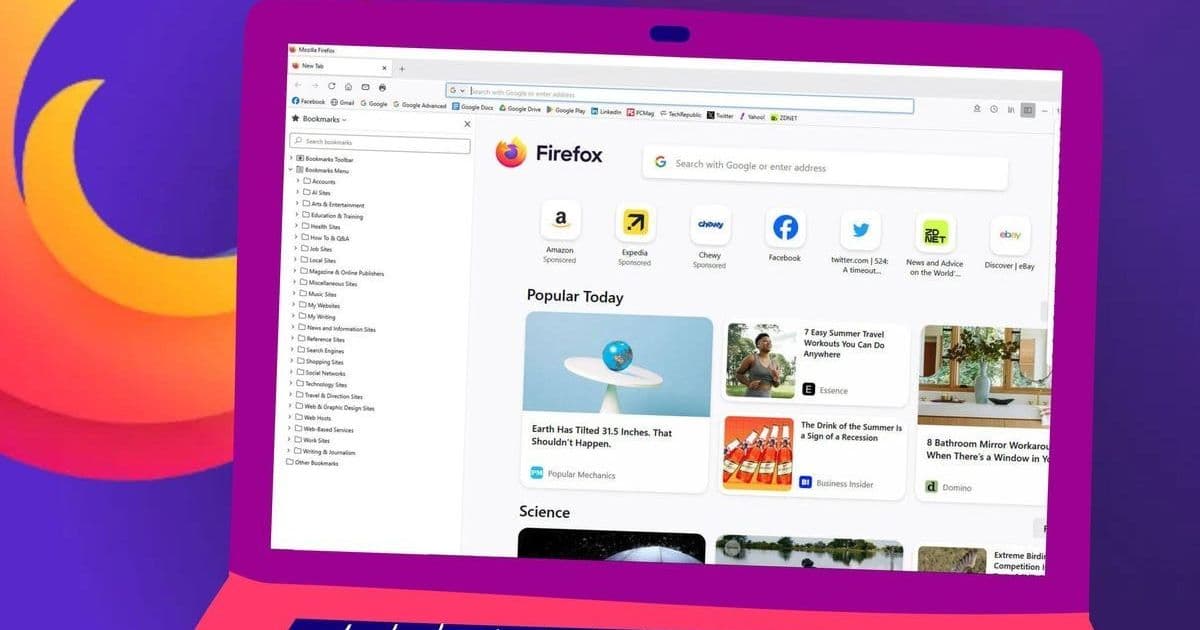
Mozilla's Firefox 143 release introduces Microsoft Copilot as a chatbot sidebar option and debuts web app functionality for Windows users, enhancing productivity while reinforcing its privacy-first ethos. With tracking improvements and new URL bar features, this update targets both defectors and loyalists in the competitive browser landscape.
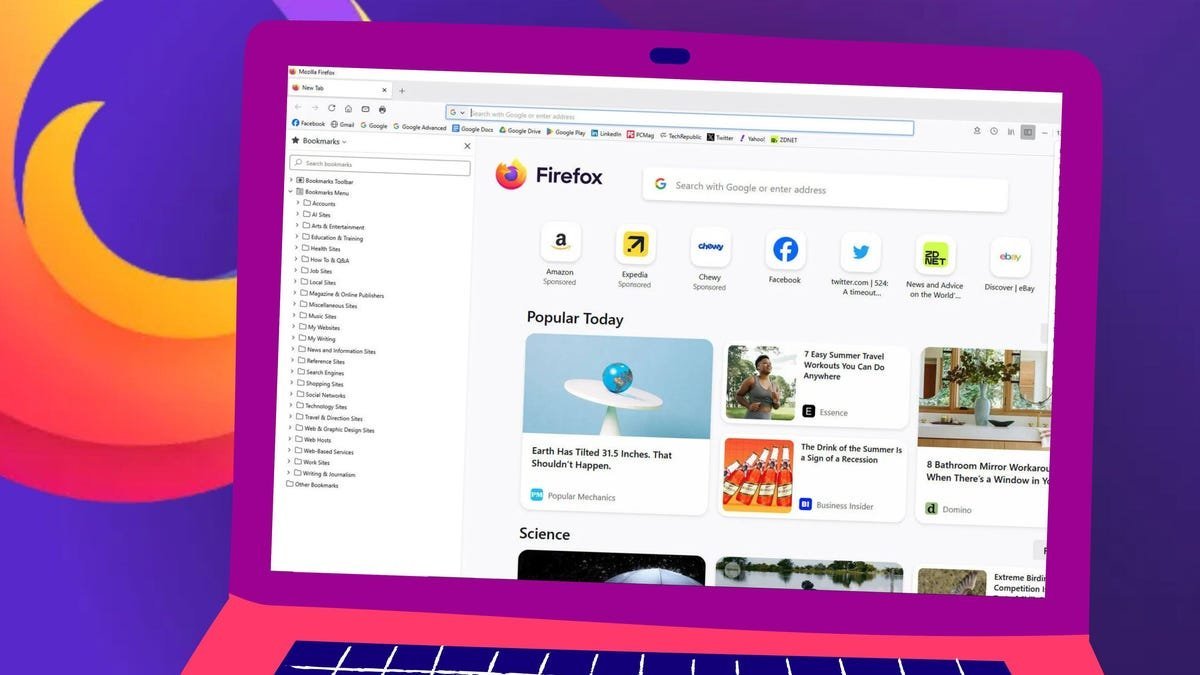
Mozilla is rolling out Firefox 143 with two headline features designed to claw back users from rivals like Chrome and Edge: seamless Microsoft Copilot integration and a new web apps tool for Windows. This update isn't just about bells and whistles—it's a strategic play to position Firefox as a privacy-conscious yet productivity-packed browser for developers and power users. As Jack Wallen reports for ZDNET, the additions arrive alongside anti-fingerprinting enhancements and quality-of-life tweaks, signaling Mozilla's bid to counter perceptions of stagnation.
Copilot Chat Joins Firefox's AI Lineup
Firefox's existing AI sidebar, which already supports ChatGPT, Gemini, and Le Chat Mistral, now includes Microsoft Copilot. Users can activate it anonymously or via a Microsoft account, sidestepping the sign-in hurdles plaguing alternatives like Google's Gemini. "I've found the new Copilot feature works quite well in Firefox," notes Wallen, highlighting its appeal for those wary of data profiling. The anonymous option—requiring only a human verification—resonates with Firefox's privacy-first narrative, though it stops short of Opera's deeply integrated Aria. This move reflects a broader trend of browsers commoditizing AI, yet Mozilla cautiously avoids agentic capabilities that could introduce security risks.
Web Apps: A Windows-Exclusive First Step
Firefox 143's second marquee feature, currently Windows-only, allows users to pin websites as taskbar apps. Enable it via Firefox Labs > Add sites to your taskbar, then click the arrow icon next to the address bar on any site to create a launcher. However, as 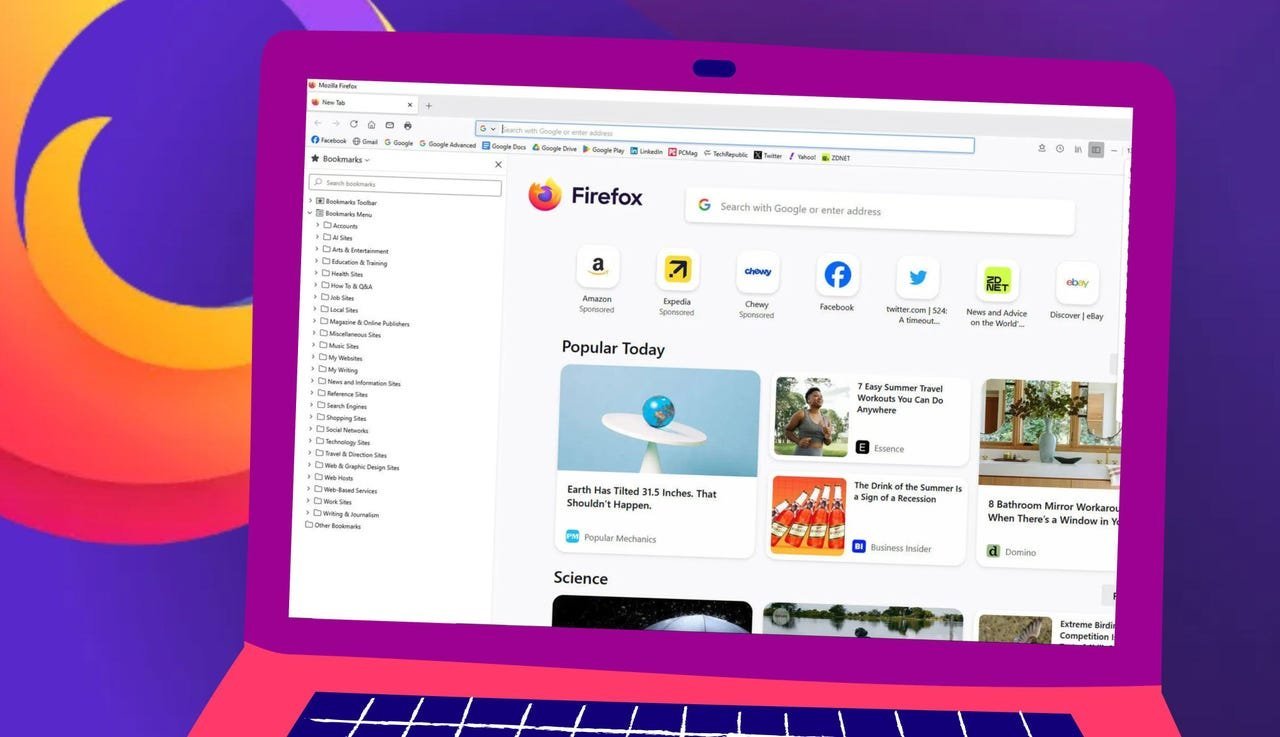 shows, these "apps" retain the address bar and navigation controls—a far cry from the stripped-down, native-like experience seen in competitors. Wallen critiques this as a "hybrid that feels more like it just adds a launcher for a tab," urging Mozilla to refine it for Linux and macOS releases later this year. For developers, this signals Firefox's gradual embrace of progressive web app (PWA) paradigms, albeit with room for maturity.
Under-the-Hood Upgrades and Privacy Wins
Beyond the flashy additions, Firefox 143 packs subtle but significant enhancements:
- Event detection in the URL bar: Typing phrases like "Christmas Eve" surfaces dates, though functionality remains inconsistent.
- Anti-fingerprinting improvements: Hardened tracking protections make it tougher for sites to identify users, aligning with Mozilla's security-first branding.
- Taskbar refinements: Add-ons and Themes buttons gain dedicated taskbar slots for quicker access.
- Audio enhancements: xHE-ACC support lands on Windows 11, macOS, and Android, boosting media playback.
These updates underscore Mozilla's balancing act: integrating modern conveniences while doubling down on the privacy safeguards that define its core audience. For enterprises and developers, the anti-fingerprinting tweaks are particularly relevant, mitigating a common vector for supply-chain attacks.
Why This Release Matters
Firefox 143 isn't revolutionary, but it's a calculated stride toward relevance. By embedding Copilot, Mozilla acknowledges AI's inevitability in browsing without surrendering its privacy principles—offering a middle ground for users alienated by Google's ecosystem. The web apps feature, though embryonic, hints at a future where Firefox could challenge Chrome's PWA dominance. Yet, as Wallen observes, the browser's true strength remains its foundational security: container tabs, strict tracker blocking, and open-source transparency. In a market where giants like Edge and Chrome aggressively push proprietary AI, Firefox's update is a reminder that user choice and control still have a seat at the table—if Mozilla can execute flawlessly. For now, it's a compelling nudge for the privacy-conscious to reconsider their default browser.
Source: ZDNET (https://www.zdnet.com/article/you-can-chat-with-copilot-in-firefox-now-and-windows-users-get-an-extra-perk/)
Comments
Please log in or register to join the discussion