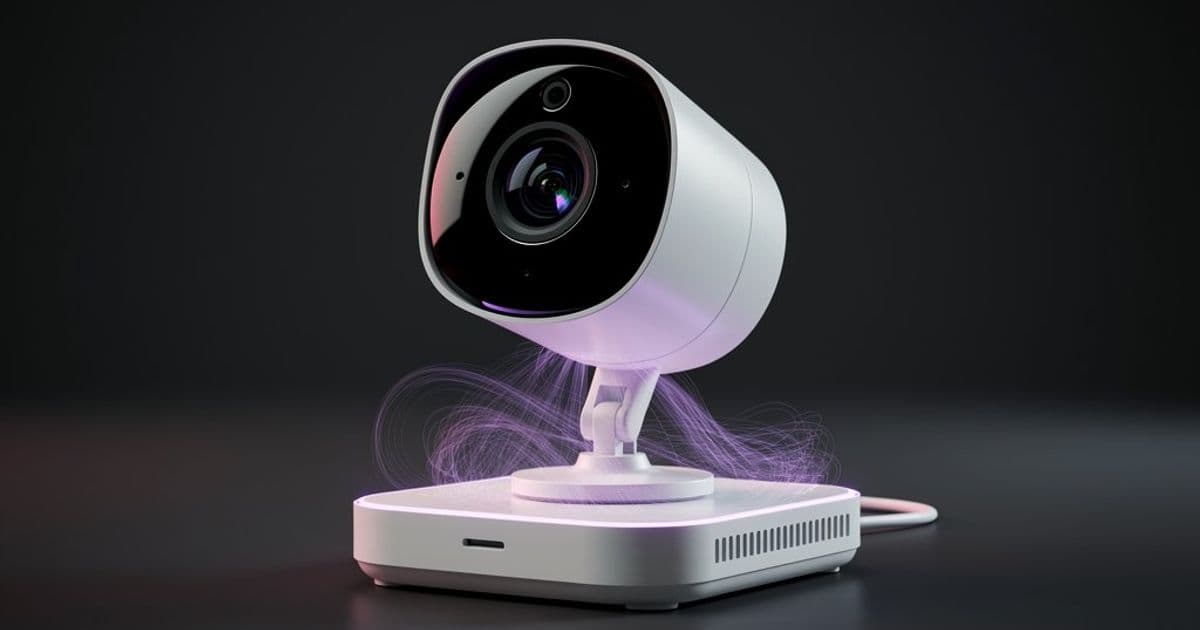
A software developer's journey into the hidden world of networking, where a malfunctioning security camera turned into an unauthorized DHCP server, causing intermittent internet failures that defied standard troubleshooting.
The flow state is a fragile sanctuary. One moment I was deep in the code, the bug dissolving under my focused attention, the next an Outlook notification shattered the concentration with the urgency of a meeting in five minutes. Teams refused to connect. The modem restart was a luxury I couldn't afford. I switched to my phone's mobile hotspot, made a late entrance to a meeting that hadn't even started, and spent the entire session with a nagging technical mystery pulling at the edges of my awareness.
{{IMAGE:1}}
The first clue emerged when the meeting ended. My phone, still connected to the Wi-Fi, had internet. My laptop, now disconnected from the hotspot, did not. The problem wasn't the router; it was specific to my machine. Standard troubleshooting—computer restart, modem reset, forgetting the network on both ends—temporarily restored connectivity. The relief was short-lived. Thirty minutes later, the connection vanished again. The pattern was clear: my laptop was the only device affected, and it required the network to forget it entirely before it would reconnect, only to fail again shortly after.
This is where my background diverges from the problem. My expertise lies in the software stack, in debugging applications and writing code. My networking knowledge is a relic from a single course taken fourteen years prior, a lab exercise in setting up LAN routing and DHCP servers. I had never peered this far down the stack, and the experience was both frustrating and exhilarating.
The breakthrough came during a moment of quiet observation. Just before forcing the router to forget my laptop, I noticed the local IP address: 192.168.0.3. This was wrong. My router's management interface was at 192.168.2.1, placing my expected subnet in the 192.168.2.0/24 range. How had my laptop received an address from a completely different network?
A search for "IP address different than router config" led to a Stack Overflow thread. The top answer suggested assigning a static IP, a workaround that explained nothing about the cause. The comments, however, offered a compelling theory: two devices acting as NAT gateways and DHCP servers on the same network. My initial dismissal was swift—I wasn't running a second DHCP server. Yet, the theory lingered. I enumerated every device on my network: an ISP modem/router combo, laptops, phones, a TV, smart lights, and security cameras. None should be running a DHCP server. Yet, the evidence pointed to a ghost in the Wi-Fi.
The next step required a tool I had never used for this purpose: Wireshark. I installed it, captured network traffic, and waited. After half an hour, the packets revealed the haunting truth. My laptop broadcast a DHCP Discover message, and two different servers responded with DHCP Offers. The first came from 192.168.2.1, my legitimate router. The second originated from 192.168.0.1, a device with a MAC address registered to "AltoBeam." I had no such device by that name.
The source MAC address (38:be:ab:00:00:00) was broadcasting to everyone, not just my laptop. This rogue DHCP server was flooding the network. The mystery deepened when I consulted my smart home management app. It identified the AltoBeam device as my outdoor security camera—one that was supposedly functioning correctly, as I could view its live feed without issue. Further research uncovered multiple reports of similar issues with Xiaomi smart cameras, suggesting this was a known, if poorly documented, flaw.
The solution was pragmatic, if unsatisfying. I could not easily replace the camera; it was mounted and wired. Following the Stack Overflow advice, I assigned a static IP (192.168.2.26) to my laptop. This permanent fix worked. The ghost was exorcised from my machine, but the underlying mystery remained.
Why was a security camera running a DHCP server outside its setup process? Smart devices often create temporary Wi-Fi networks during initial configuration to receive credentials. This camera, however, seemed to have a persistent DHCP daemon, likely started by a script in its firmware. Examining a firmware image revealed a SysVinit script that managed Wi-Fi services, including dhcpd. The camera wasn't just a passive observer; it was an active, and faulty, participant in the network.
The experience left me with more questions than answers. Why did only my laptop fall victim, while phones and other devices remained unaffected? Was it an OS-specific behavior, a matter of DHCP client implementation? Shouldn't the laptop have maintained a stickier commitment to its original DHCP server? The camera's rogue DHCP server felt like a bug, a piece of firmware logic gone astray, but without access to its source code, it remains an enigma.
Solving the problem provided stability, but it also exposed the layers of complexity beneath the software I build every day. The network is not a black box; it is a fragile ecosystem of devices, each with its own software, its own quirks, and its own potential to become a ghost in the machine.
Comments
Please log in or register to join the discussion