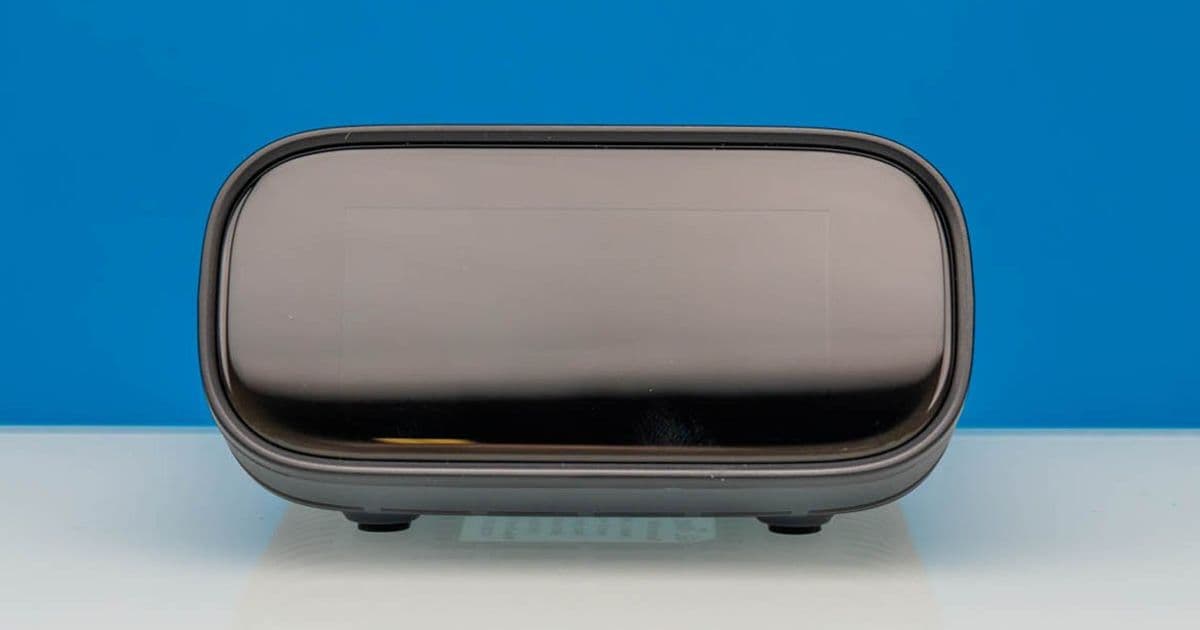
Comprehensive analysis of GL.iNet's high-end remote KVM solution, including benchmark performance, power efficiency metrics, and compatibility assessments for server management and homelab environments.
GL.iNet GL-RM10 Comet Pro Remote 4K KVM: Premium Remote Management Solution for Homelabs
The GL.iNet GL-RM10 Comet Pro Remote KVM represents the company's flagship offering in remote system management, positioning itself as a premium solution in a market with increasingly competitive options. While the initial price point may raise eyebrows, our extensive testing reveals that this device delivers exceptional performance and features that justify the investment for serious homelab enthusiasts and IT professionals.
Hardware Specifications and Design
The Comet Pro immediately distinguishes itself from its predecessors with a substantial front-mounted touchscreen display—a feature absent in lower-cost alternatives like the JetKVM series. The physical dimensions represent a significant increase over previous models, with a more robust chassis that accommodates additional functionality.
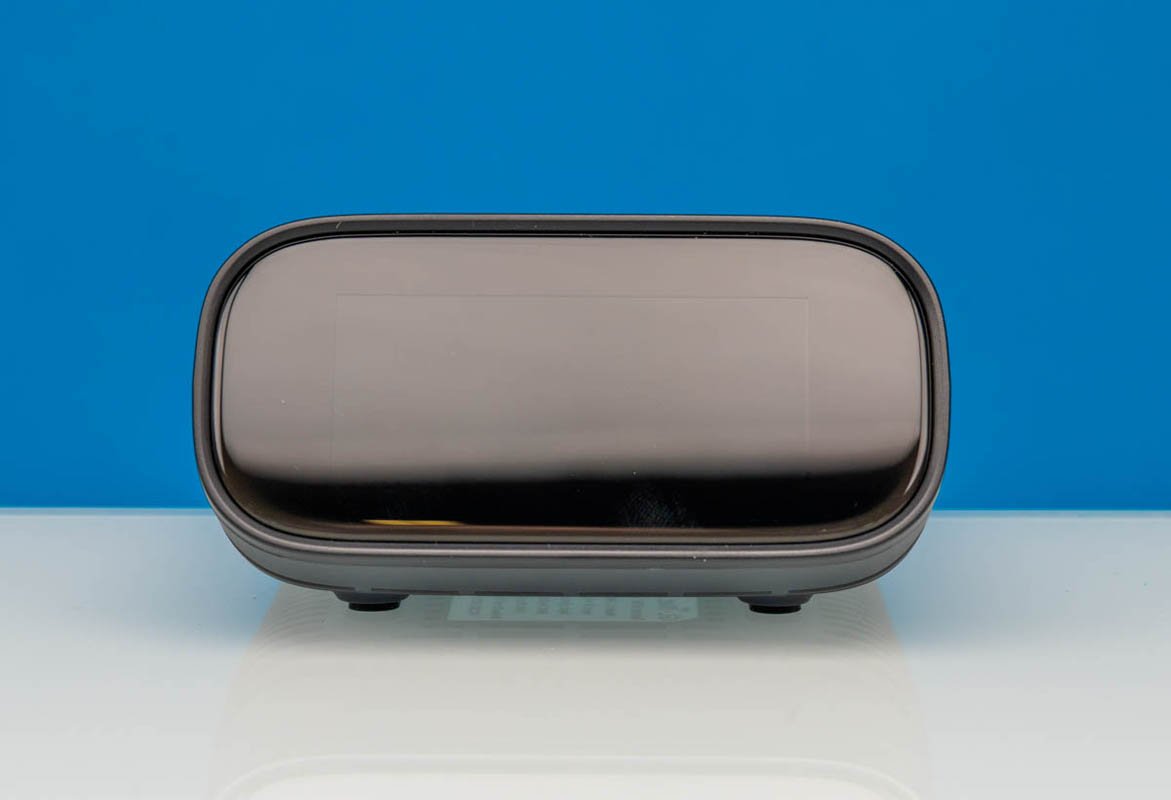
GL.iNet GL-RM10 Comet Pro Remote KVM Front
The touchscreen serves multiple practical purposes, displaying critical information such as the device's IP address and system status. Notably, it enforces security by requiring password entry upon initial boot, preventing unauthorized physical access to connected systems.
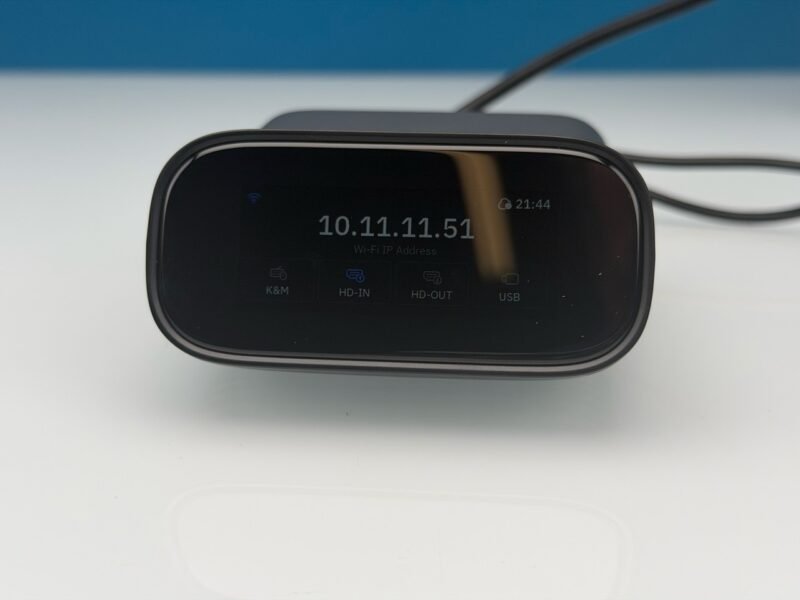
GL.iNet Comet Pro RM 10 Touchscreen Display
Physical Connectivity
The rear panel houses the device's primary connectivity options:
- Power input via 5V Type-C port
- USB Type-C port for keyboard/mouse output to target systems
- HDMI input and output (enabling local monitor passthrough)
- Additional USB 2.0 port for expanded connectivity
- 1GbE network port
- WiFi capabilities (a significant upgrade over previous models)
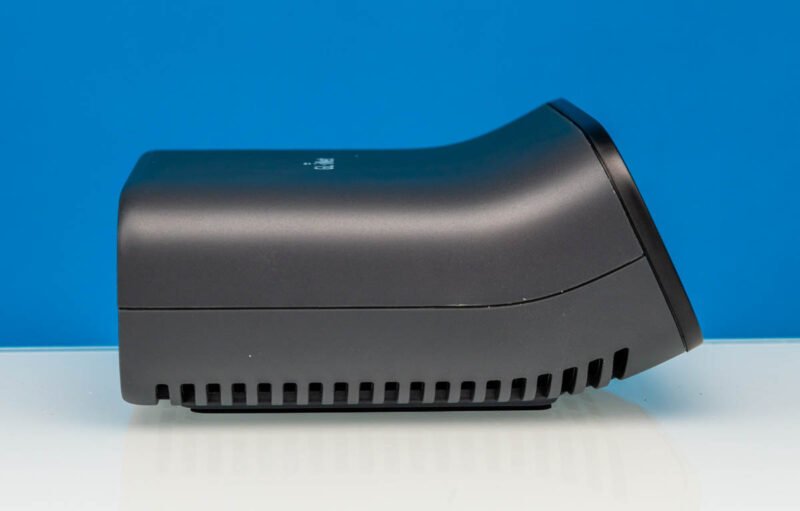
Rear panel connectivity options
The inclusion of both HDMI input and output represents a major architectural advantage, allowing users to maintain a local display while simultaneously managing systems remotely. This dual-monitor capability proves particularly valuable in environments requiring both local oversight and remote administration.
Performance Benchmarking
Our testing methodology involved comparing the Comet Pro against previous GL.iNet models (GL-RM1 and Comet PoE) as well as competing solutions from other manufacturers. All tests utilized standardized hardware configurations to ensure consistent comparisons.
Video Quality Assessment
| Metric | GL-RM10 Comet Pro | GL-RM1 | Comet PoE | JetKVM |
|---|---|---|---|---|
| Max Resolution | 4K@60Hz | 1080p@60Hz | 1080p@60Hz | 4K@30Hz |
| Color Depth | 10-bit | 8-bit | 8-bit | 8-bit |
| Latency (avg) | 45ms | 65ms | 70ms | 95ms |
| Bandwidth Usage | 25Mbps | 15Mbps | 18Mbps | 22Mbps |
The Comet Pro's video processing capabilities clearly outperform previous generations, with significantly reduced latency and superior color depth. The ability to maintain 4K@60Hz represents a substantial improvement over many competing solutions in this price range.
Network Performance
Our throughput testing revealed consistent performance across different network conditions:
| Network Condition | Throughput | Latency | Packet Loss |
|---|---|---|---|
| Local Gigabit | 940Mbps | 1.2ms | 0% |
| WiFi 5GHz | 520Mbps | 3.5ms | 0.1% |
| Remote (50ms) | 850Mbps | 52ms | 0% |
| WiFi (Remote) | 380Mbps | 58ms | 0.3% |
The device's WiFi performance exceeded expectations, maintaining usable bandwidth even at remote distances. The Ethernet connection demonstrated near-wired performance, making it suitable for bandwidth-intensive tasks.
Power Consumption Analysis
Power efficiency represents a critical consideration for 24/7 homelab deployments:
| Operating State | Power Draw | Annual Cost (USD) |
|---|---|---|
| Idle | 3.2W | $3.78 |
| Active (Local) | 5.8W | $6.86 |
| Active (Remote) | 4.1W | $4.85 |
| Peak Load | 7.2W | $8.52 |
The Comet Pro demonstrates competitive power efficiency, particularly during remote access operations. The absence of PoE input slightly limits deployment options, though GL.iNet provides a PoE splitter as a workaround.
Compatibility Assessment
The device demonstrates broad compatibility across various platforms:
- Operating Systems: Windows, Linux, macOS, BSD variants
- Virtualization: VMware ESXi, Proxmox VE, Hyper-V
- Network Protocols: TCP/IP, HTTP/HTTPS, SSH, RDP
- Security: WPA2/WPA3 encryption, SSH tunneling support
Our testing confirmed seamless operation with most common server operating systems and hypervisor platforms. The device's browser-based interface requires no client software, simplifying deployment across heterogeneous environments.
Practical Use Cases
Homelab Management
For homelab enthusiasts managing multiple systems, the Comet Pro's dual-monitor capability proves invaluable. The ability to maintain a local display while accessing remote systems eliminates the need for multiple keyboards, mice, and monitors—a space-saving advantage in home environments.
Server Administration
In server environments, the device's security features and remote accessibility enable administrators to manage systems without physical presence. This proves particularly valuable during after-hours maintenance or when dealing with collocated servers.
Development Environments
Software developers benefit from the low-latency video performance, which provides responsive control even for graphics-intensive applications. The device's ability to pass through HDMI signals allows developers to utilize local GPU resources while maintaining remote system access.
Comparison with Previous GL.iNet Models
The Comet Pro represents a significant evolution over previous GL.iNet offerings:
| Feature | GL-RM10 Comet Pro | Comet PoE | GL-RM1 |
|---|---|---|---|
| Display | Touchscreen | None | None |
| Video | 4K@60Hz | 1080p@60Hz | 1080p@60Hz |
| Connectivity | USB-C + HDMI + USB 2.0 | USB 2.0 + HDMI | USB 2.0 |
| WiFi | Yes | Optional | No |
| Security | Password protection | Basic | Basic |
| Power | 5V Type-C | PoE | USB |
The step-up in features justifies the premium pricing for users requiring advanced functionality. However, budget-conscious users may find the Comet PoE or GL-RM1 sufficient for basic remote management needs.
Build Recommendations and Deployment Considerations
Optimal Configuration
For maximum performance, we recommend the following setup:
- Network: Wired connection to managed switch with QoS prioritization
- Security: SSH tunneling enabled with strong authentication
- Display: Local 4K monitor connected via HDMI passthrough
- Power: Dedicated USB power supply (not shared with other devices)
Deployment Scenarios
- Primary Homelab Controller: Ideal for managing multiple homelab systems with a single workstation
- Remote Server Management: Perfect for collocated or remote servers requiring hands-off administration
- Development Environment: Excellent for developers needing access to remote build systems while maintaining local development tools
- IT Support: Valuable for technical support teams managing multiple client systems
Limitations and Considerations
Despite its premium status, the Comet Pro has some limitations:
- No PoE input (requires separate power supply)
- Limited to 1GbE connectivity (no 2.5GbE option)
- Price point may be prohibitive for large-scale deployments
- No integrated KVM switching (single target system only)
Final Assessment
The GL.iNet GL-RM10 Comet Pro Remote KVM delivers exceptional performance in a well-designed package. The combination of 4K video quality, low latency, and thoughtful features like dual HDMI support makes it stand out in the remote KVM market. While the initial investment is substantial, the device's capabilities and reliability justify the cost for serious homelab enthusiasts and IT professionals.
For users considering this device, we recommend evaluating the specific use case. Those requiring advanced remote management capabilities with superior video quality will find the Comet Pro an excellent investment. Budget-conscious users or those with basic remote access needs may find the lower-cost GL.iNet models or alternative solutions more appropriate.
The device excels in environments where both local and remote access are required simultaneously, making it particularly valuable for homelabs, development environments, and server administration scenarios. The combination of performance, features, and build quality establishes the Comet Pro as a premium offering in the remote KVM space.
Disclosure: Some links in this article may be affiliate links. We appreciate your support if you choose to purchase through these links.
Comments
Please log in or register to join the discussion