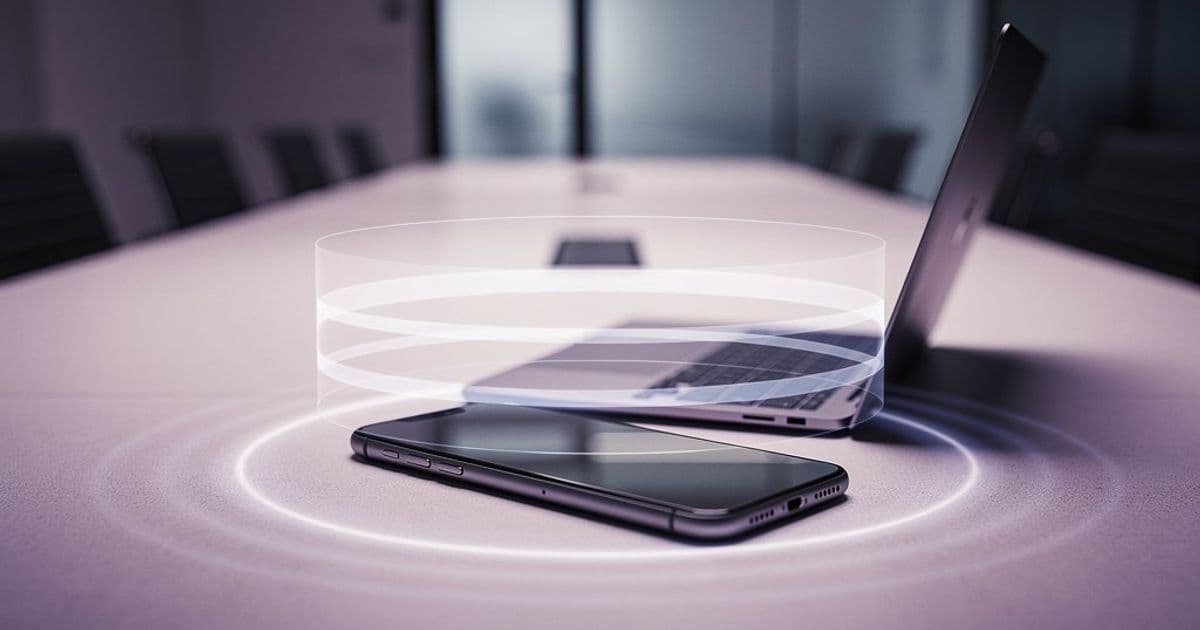
Google's automatic room check-in feature, which uses ultrasonic signals to detect when you enter a meeting space, is now rolling out to mobile devices after launching on desktop last year.
Google is extending its smart conference room detection beyond desktops to Android and iOS devices. The feature, first introduced in August 2025, uses ultrasonic audio signals to automatically detect when you enter a physical meeting space and joins the call through companion mode without manual intervention.
How Conference Room Detection Works
The technology relies on your phone's microphone listening for ultrasonic beacons emitted by meeting room equipment or other devices already connected to the call. These inaudible signals contain meeting identifiers that allow your device to recognize it's in an active conference space.
Once detected, Google Meet automatically checks you into the meeting using companion mode. This prevents audio echo issues that occur when multiple devices in the same room try to broadcast audio simultaneously. The system intelligently switches your device to a "presentation only" or "contribution only" mode depending on the room's setup.
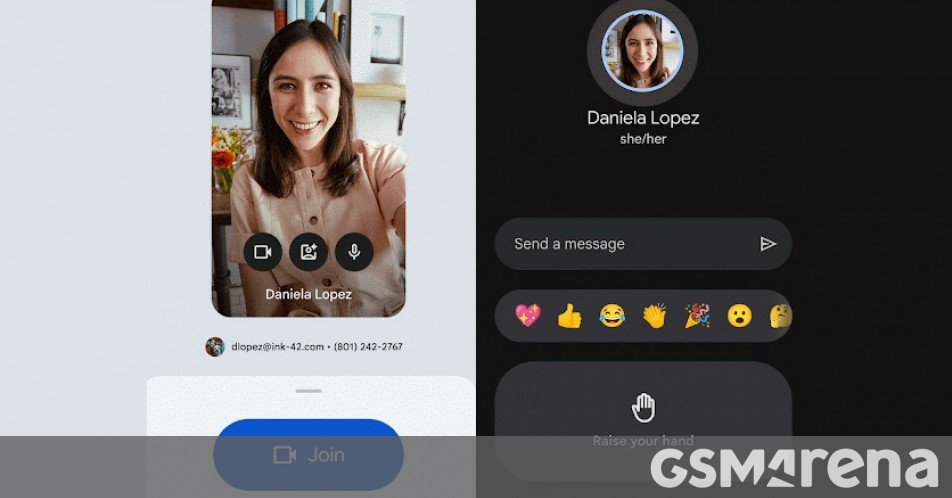
Mobile-Specific Implementation
On mobile devices, the feature requires specific app versions: Meet version 336.0 or higher for Android and iOS, or Gmail version 2025.12.01 for Android and 6.0.251201 for iOS. The feature works within both the standalone Meet app and Gmail's integrated meeting interface.
The mobile rollout follows a gradual schedule over two weeks, which Google typically uses to monitor performance and address any battery or background processing issues before full deployment.
Privacy and Battery Considerations
The feature raises legitimate privacy questions. The microphone must listen continuously for ultrasonic signals, even when the app isn't actively open. Google addresses this by processing audio locally on-device and only activating meeting join functionality when a valid ultrasonic signature is detected.
Battery impact depends on how frequently the microphone polls for signals. The ultrasonic detection operates at frequencies above human hearing (typically 18-20kHz), but constant microphone access does consume power. Users concerned about battery life can disable the feature in Meet settings under "Room detection" or by revoking microphone permissions.
Ecosystem Context
This move aligns with Google's broader strategy of making hybrid work frictionless. For Workspace customers, it reduces the awkward "who's joining from where" moments that plague mixed meetings. The feature also strengthens Google's hardware-independent approach—unlike Apple's ecosystem lock-in, Google Meet room detection works across platforms and device types.
The timing is notable given recent industry developments. With Apple partnering with Google for AI features and Microsoft pushing Teams Rooms integration, Google is defending its meeting platform dominance by making cross-platform participation easier.
Availability and Requirements
The feature is available to all Google Workspace customers and Workspace Individual subscribers at no additional cost. It requires:
- Android 9.0+ or iOS 15+
- Active Google Workspace account
- Microphone permission granted to Meet or Gmail app
- Meeting room equipment supporting ultrasonic beaconing (most modern Google Meet hardware and certified third-party systems)
For organizations using older meeting room hardware, ultrasonic beaconing can be enabled through Google Meet hardware settings or by using a companion device (like a laptop) to emit the necessary signals.
The gradual rollout means some users may see the feature immediately while others wait until late January 2026. Google typically enables features server-side, so no app update is required once your account is eligible.
Practical Usage
When entering a configured meeting room, your phone will display a notification: "Meeting detected: [Meeting Name]. Join with companion mode?" Tapping join immediately connects you, while dismissing prevents automatic connection for that session. The system remembers your preference for specific rooms.
For frequent travelers, the feature works in any meeting space with ultrasonic beaconing enabled, not just your home office. This makes it particularly useful for hybrid workers rotating between office locations.
The feature represents a subtle but meaningful improvement to meeting join flow, removing the need to hunt for meeting links or manually enter codes when physically present in a meeting space.
Comments
Please log in or register to join the discussion