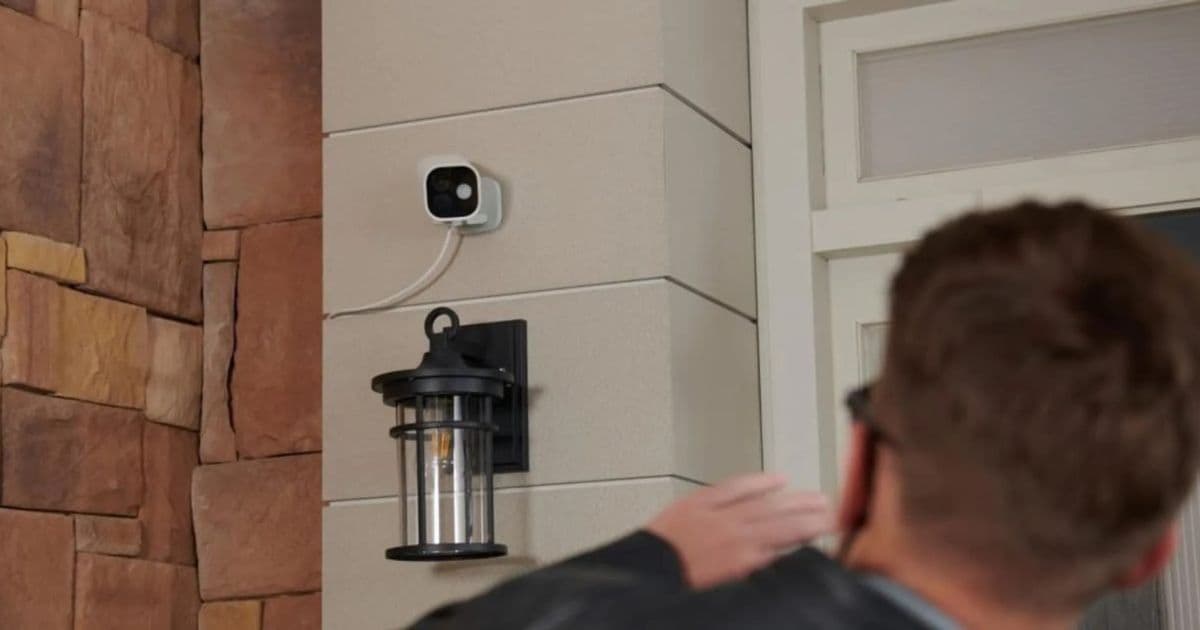
A year after its launch, the Aqara Camera Hub G5 Pro remains the most capable outdoor HomeKit Secure Video camera, thanks to its 4 MP sensor, integrated Thread border router, Matter support, and flexible PoE/Wi‑Fi options. The article walks through the hardware specs, iOS 18 SDK requirements, how the device fits into a cross‑platform smart‑home, and what developers need to know when updating HomeKit automations.
HomeKit Weekly – Aqara G5 Pro still leads the outdoor HomeKit camera pack
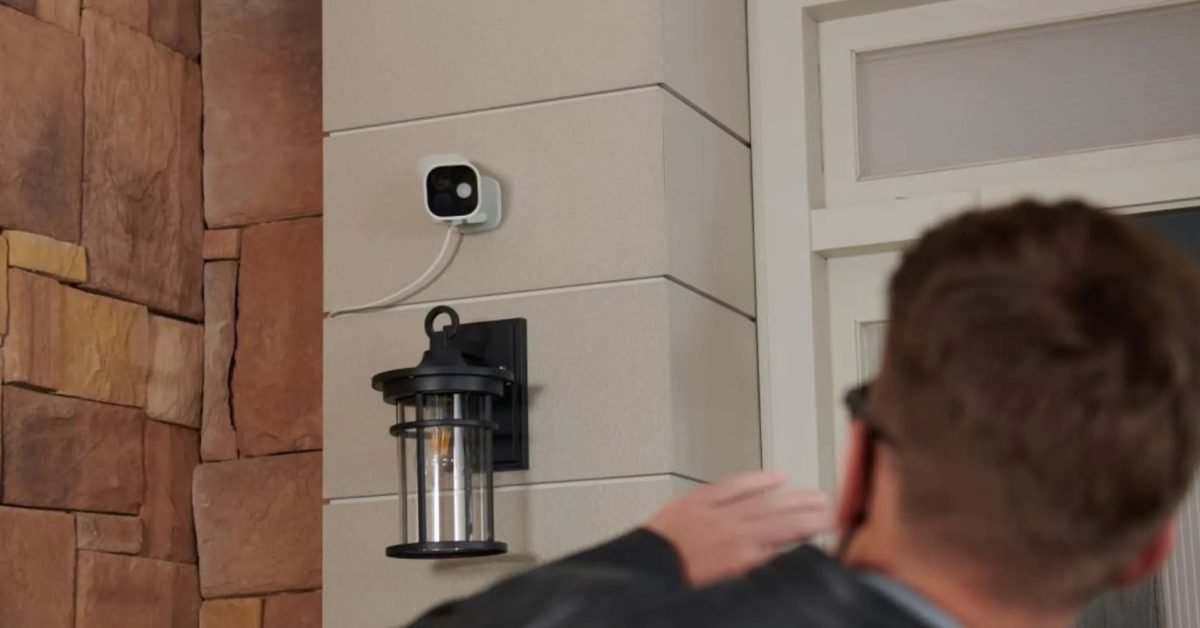
Apple’s HomeKit Secure Video (HKSV) platform has matured through iOS 18 and watchOS 11, but the ecosystem still lacks a truly rugged outdoor camera that ships with native Matter support. The Aqara Camera Hub G5 Pro, introduced in early 2025, fills that gap. After a full year of field testing, it continues to be the most reliable choice for homeowners who want a single device that handles video, local storage, and smart‑home radios without a subscription‑driven revenue model.
Platform update – what changed in iOS 18 and HomeKit SDK
- HomeKit Secure Video now requires iOS 18 or later for the latest encryption keys and the ability to store recordings on a user‑controlled HomeKit hub.
- The HomeKit Accessory Protocol (HAP) 2.0 introduced in the iOS 18 SDK adds mandatory support for Thread border routing and Matter‑based commissioning. Devices that expose a Thread radio must present themselves as a Matter border router during the onboarding flow.
- HomeKit Camera APIs were extended to expose a
nightVisionModeproperty, allowing developers to toggle an integrated floodlight from the Home app or via Siri shortcuts.
The G5 Pro checks every box: it ships with HAP 2.0 firmware, a built‑in Thread 1.2 radio, and a Matter‑compatible descriptor that lets it be added to any HomeKit home with a single QR‑code scan.
Developer impact – SDK versions and cross‑platform considerations
| Feature | Minimum requirement | How the G5 Pro satisfies it |
|---|---|---|
| HomeKit Secure Video | iOS 18 / iPadOS 18 / watchOS 11 | Camera streams encrypted H.264 to the Home hub; recordings stored on the user’s HomeKit Secure Video storage quota |
| Matter & Thread | Matter 1.2, Thread 1.2 | Integrated Thread border router; Matter advertisement handled by the built‑in MCU |
| Zigbee 3.0 | No direct SDK requirement, but HomeKit accessories may expose Zigbee devices via the hub | The G5 Pro includes a Zigbee radio that can be bridged to HomeKit accessories through the Home app |
| Local storage (eMMC/NAS) | No SDK change, but developers can use the CameraRecording API to reference external NAS paths |
Supports eMMC up to 128 GB and can be configured to sync with a user‑specified SMB/NFS share |
Because the camera is a Matter‑first device, the same accessory definition works on Samsung SmartThings, Amazon Sidewalk, and Google Home. This means a single firmware image can be shipped to all major ecosystems, reducing maintenance overhead for the vendor.
Migration guide – moving from older HomeKit cameras to the G5 Pro
- Remove the old accessory
- Open the Home app, long‑press the legacy camera, and choose Remove Accessory. This clears the old HAP 1.x entry from your home database.
- Update your iOS device
- Ensure every iPhone, iPad, or Apple TV that acts as a Home hub runs iOS 18 or later. Older OS versions will reject the G5 Pro during pairing.
- Add the G5 Pro
- Plug the camera into power (PoE or Wi‑Fi model). After a brief boot, scan the QR code on the back with the Home app. The onboarding flow will automatically register the Thread border router and Matter services.
- Re‑assign automations
- Any automation that referenced the old camera’s
motionDetectedcharacteristic must be updated to the newcameraMotionservice ID. The Home app will suggest a migration if the characteristic names match.
- Any automation that referenced the old camera’s
- Configure night‑vision lighting
- In the Home app, tap the camera tile, then Settings → Night Vision. Toggle Floodlight to enable the built‑in LED. This setting is also exposed via the
nightVisionModeproperty for Siri shortcuts.
- In the Home app, tap the camera tile, then Settings → Night Vision. Toggle Floodlight to enable the built‑in LED. This setting is also exposed via the
- Enable local storage
- Navigate to Settings → Storage on the camera tile. Choose eMMC for on‑device recording or enter the SMB path of your NAS. The Home app will verify write permissions before saving.
Following these steps preserves existing scenes (e.g., “When motion is detected, turn on porch light”) while taking advantage of the G5 Pro’s higher resolution and Thread connectivity.
Why the hardware still matters in 2026
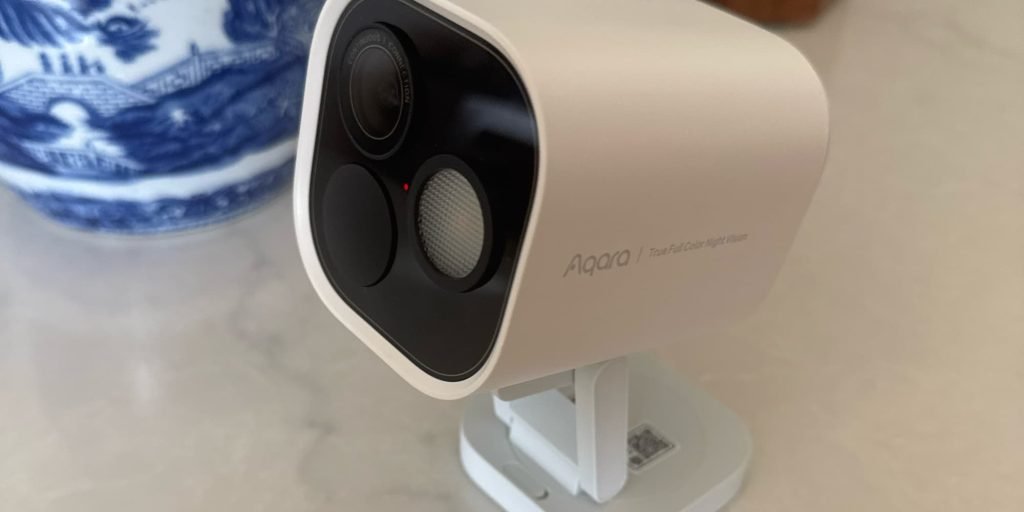
- 4 MP sensor with True Color Night Vision – The sensor delivers 2560 × 1440 video at 30 fps, and the infrared array is paired with a 950 nm floodlight that can be controlled independently. Compared with a typical 1080p indoor camera, the G5 Pro provides clearer facial detail for HKSV’s AI‑based detection.
- Power‑over‑Ethernet option – The PoE model eliminates Wi‑Fi dead‑spot concerns and supplies stable power for continuous night‑vision operation. The Wi‑Fi version supports 802.11ax (Wi‑Fi 6) and can be placed up to 30 m from the router with a high‑gain antenna.
- Multi‑radio integration – Zigbee 3.0, Thread, and Matter coexist on a single MCU, allowing the hub to act as a bridge for other Aqara sensors (door/window, motion, temperature) without additional hardware.
- Local eMMC + NAS sync – Users who prefer not to rely on iCloud storage can keep recordings on the device or push them to a Synology or QNAP NAS. This flexibility aligns with privacy‑focused customers.
Verdict for developers and homeowners
The Aqara Camera Hub G5 Pro offers a frictionless HomeKit onboarding experience, meets the iOS 18 SDK requirements, and provides the only outdoor camera that combines Matter border routing with a built‑in floodlight. For developers maintaining cross‑platform automations, the single Matter descriptor means you can write one set of HomeKit scenes and have them work on Samsung, Amazon, and Google ecosystems without extra code paths.
If you are updating a smart‑home installation that still runs legacy HomeKit cameras, the migration steps above will get you up and running with a device that feels future‑proof while keeping the cost low enough for large‑scale deployments.
The G5 Pro is available in white and black through major retailers. The PoE edition ships without a power adapter, so plan your cabling accordingly.
Comments
Please log in or register to join the discussion