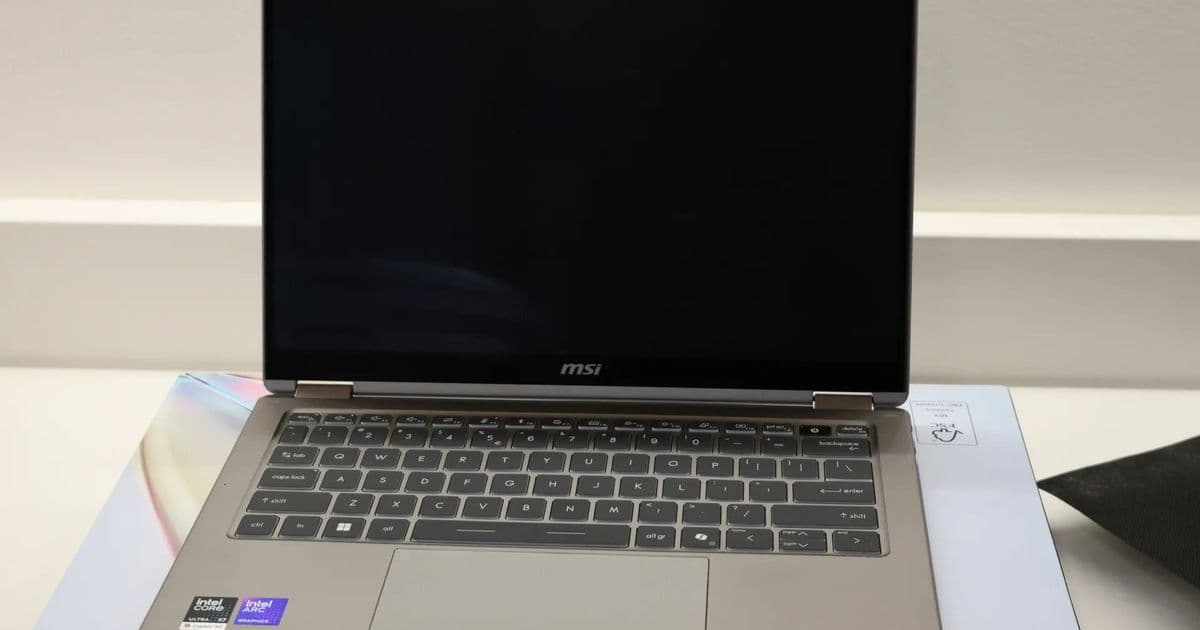
Phoronix tested Intel's Core Ultra X7 358H on Linux 7.0 and Linux 7.1 to see whether Panther Lake gains from FRED, scheduler work and Xe3 graphics changes.
Michael Larabel tested Intel's Core Ultra X7 358H "Panther Lake" chip on Linux 7.0 and Linux 7.1 Git for Phoronix, using an MSI Prestige 14 Flip AI+ as the test system.
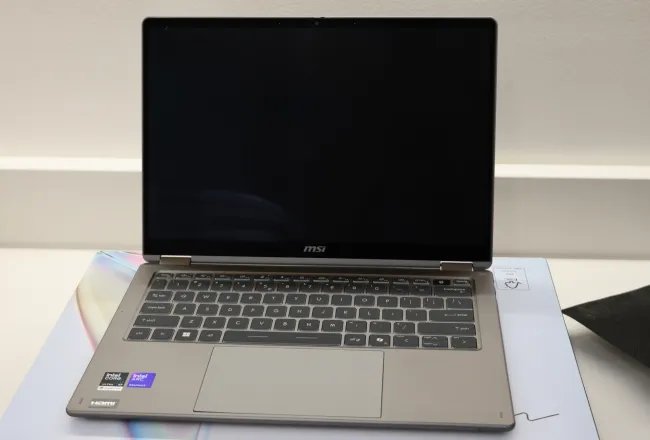
The comparison targets two parts of the new platform: CPU behavior under the newer kernel and Xe3 integrated graphics performance after Linux 7.1 showed gains on Intel Arc B580 Battlemage and Arc Pro B70 discrete GPUs.
Larabel kept the hardware constant and changed the kernel from Linux 7.0 to Linux 7.1 Git. He also used the same basic Kconfig setup across both runs, which gives builders a cleaner read on the kernel delta.
| Test item | Configuration |
|---|---|
| System | MSI Prestige 14 Flip AI+ |
| Processor | Intel Core Ultra X7 358H Panther Lake SoC |
| Graphics | Intel Xe3 integrated graphics |
| Baseline | Linux 7.0 |
| Comparison | Linux 7.1 Git |
| Key control | Same laptop, same basic kernel config |
Linux 7.1 gives Panther Lake testers three areas to watch. The first area comes from FRED, which Linux 7.1 enables by default. Larabel has shown FRED can help Panther Lake CPU performance in prior testing, so the Core Ultra X7 358H run checks whether that gain carries into a broader suite.
The second area comes from scheduler changes. Laptop chips depend on the kernel's placement choices because performance cores, efficiency cores, boost windows and thermal limits interact under load. A scheduler tweak can change compile times, browser workloads and mixed CPU tests without changing clocks on paper.
The third area concerns Xe3. Phoronix readers asked whether Panther Lake's integrated GPU benefits after Linux 7.1 improved Intel Battlemage discrete GPU results. Xe3 shares enough driver ancestry with newer Intel graphics work to make the question worth measuring, but integrated graphics also live inside the laptop's power and thermal envelope.
{{IMAGE:3}}
Power matters here. Panther Lake laptops have less cooling headroom than a desktop card, and the iGPU shares package power with the CPU. A graphics gain can come from driver work, better scheduling, firmware behavior or a power shift that gives the GPU more room while the CPU takes less. Builders should read any faster score beside package power, skin temperature and sustained clocks.
Compatibility matters too. Panther Lake sits on a new client platform, and early Linux kernels decide whether a machine feels ready for daily use. Builders should check display output, suspend and resume, Wi-Fi, Bluetooth, audio, webcam support, touch input and battery reporting before treating benchmark wins as a buy signal.
For homelab users, the Core Ultra X7 358H has a different appeal than a desktop CPU. A small laptop or mini-PC class Panther Lake system can handle light virtualization, media work, build jobs and remote desktop use while drawing less power at idle than an older tower. Linux 7.1 matters if it cuts job time without raising wall power.
Build advice stays conservative until full chart data settles. Use Linux 7.1 or a newer kernel if you buy Panther Lake for Linux, since the platform needs current CPU and graphics support. Keep firmware current. Test your own workload before you judge the chip from one benchmark category.
Phoronix's Panther Lake testing gives kernel watchers the right comparison: same Core Ultra X7 358H laptop, Linux 7.0 against Linux 7.1, CPU and iGPU workloads, and no hardware swap clouding the result.
Comments
Please log in or register to join the discussion