Apple's latest iOS update transforms group messaging with typing indicators, polls, integrated payments, custom backgrounds, and streamlined contact management - features that address long-standing collaboration pain points.
iOS 26 introduces a comprehensive overhaul of group messaging in the Messages app, adding five features that fundamentally change how developers should think about chat-based collaboration in their applications. These updates aren't just cosmetic - they represent Apple's push to make Messages a viable alternative to third-party group chat platforms.
Typing Indicators Finally Scale to Groups
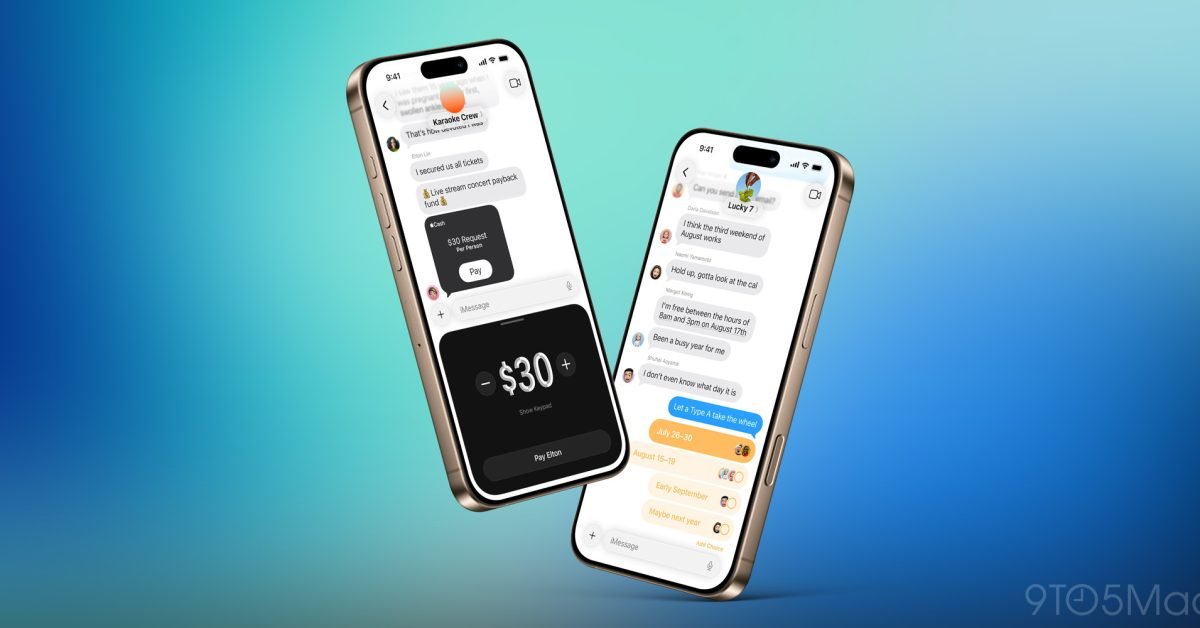
The most requested group messaging feature has arrived. For years, iMessage's typing indicators worked exclusively in one-on-one conversations, leaving group chats in the dark about who was actively composing a message. iOS 26 changes this by implementing real-time typing status across all group participants.
From a developer perspective, this required significant architectural changes to Apple's push notification system. The feature likely uses a combination of persistent WebSocket connections and optimized APNs payloads to handle the increased server load of broadcasting typing events to multiple recipients simultaneously.
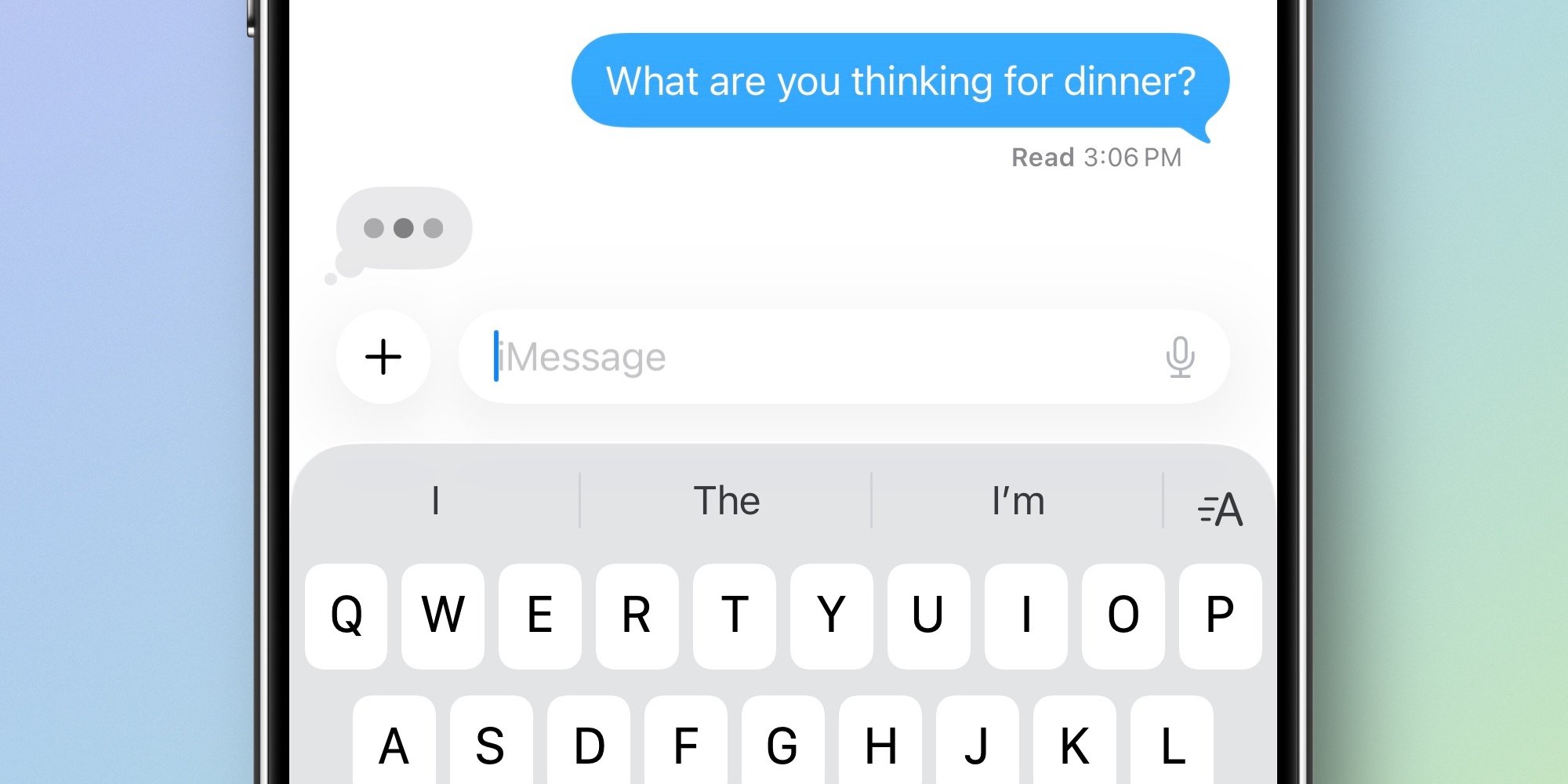
For apps building custom chat solutions, this sets a new baseline expectation. Users will now expect typing indicators in any group communication platform, and implementing this efficiently remains a technical challenge - especially with larger groups where the combinatorial complexity of typing states grows exponentially.
Polls: Native Group Decision Making
Polls in iOS 26 appear through the '+' menu, offering a structured way to collect group input. The integration with Apple Intelligence provides contextual suggestions above the keyboard - detecting when you're asking questions that would benefit from a poll.

For developers, this reveals Apple's strategy of embedding AI assistance directly into core workflows rather than treating it as a separate feature. The poll suggestions demonstrate on-device natural language processing that identifies question patterns and offers to convert them into interactive polls.
Third-party chat applications should note that polls aren't just about creating UI elements - they're about understanding conversation context. The real value comes from intelligent suggestions that reduce friction in group coordination.
Apple Cash Integration: Payments as Conversation
Perhaps the most business-relevant feature is Apple Cash support in group chats. Previously limited to individual conversations, group payments enable practical scenarios like splitting restaurant bills, collecting trip expenses, or managing shared purchases.
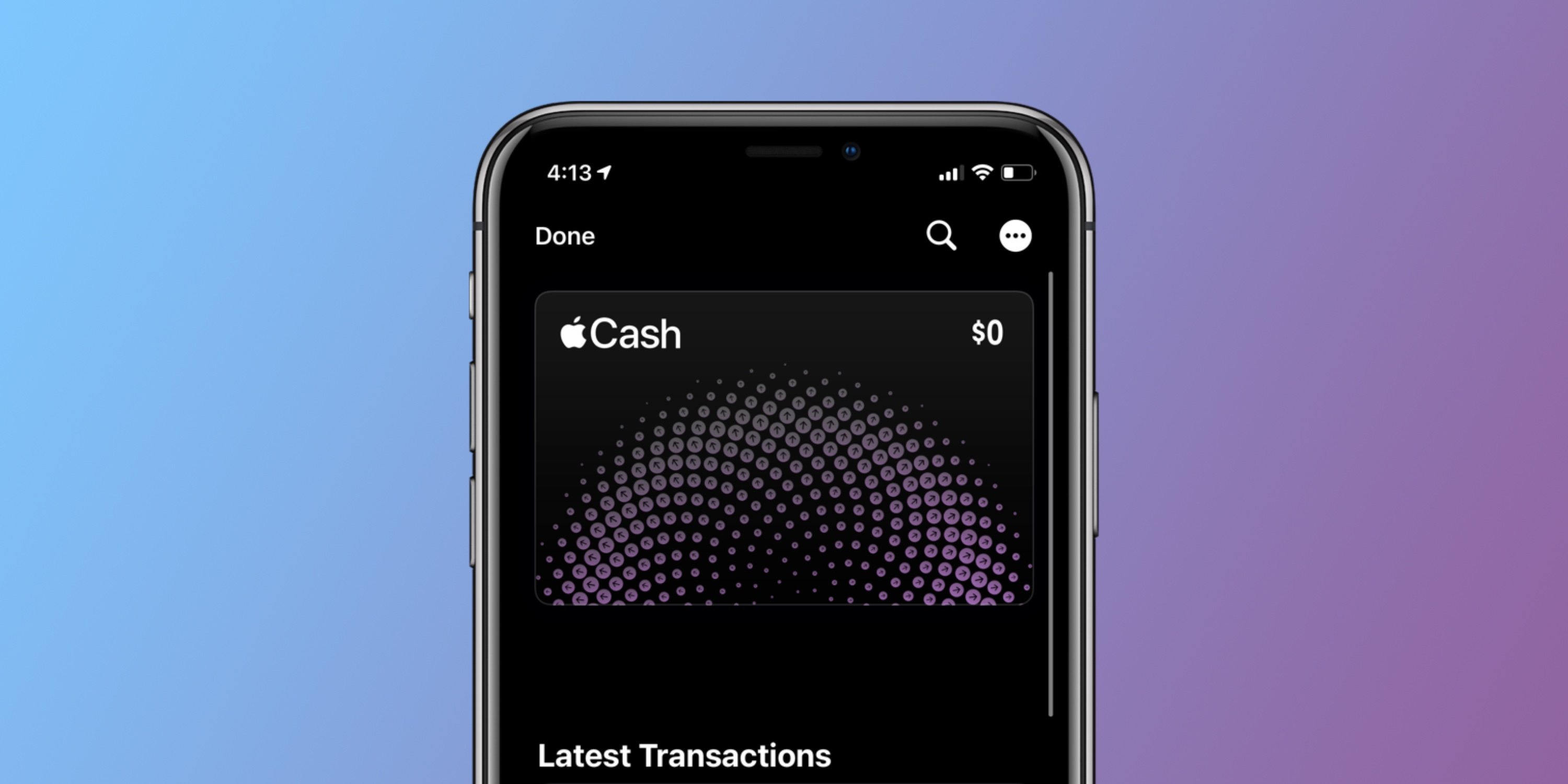
From a technical standpoint, this integration shows how Apple is weaving financial transactions into social interactions. The implementation requires secure tokenization, fraud detection across multiple recipients, and compliance with financial regulations - all handled within the Messages app's existing security framework.
For developers building payment features, the lesson is clear: transactions work best when they're contextual. Instead of routing users to a separate payment app, Apple keeps the financial interaction within the original conversation flow.
Custom Backgrounds: Identity and Context
Backgrounds in iOS 26 allow groups to share visual themes, set either from built-in options, personal photos, or Image Playground creations. Importantly, these backgrounds are group-wide - everyone sees the same visual context.
This feature serves both functional and social purposes. Functionally, it helps users quickly identify which conversation they're viewing. Socially, it creates shared identity within the group. The Image Playground integration also demonstrates how Apple is democratizing visual creation - users don't need design skills to create custom backgrounds.
For apps considering visual customization, note the implementation details: backgrounds are shared across participants, not per-user. This creates consistency but requires synchronization logic to ensure all devices display the current background correctly.
Contact Management: Reducing Friction
The 'Add to Contacts' button addresses a common group chat pain point: unknown participants. Previously, users had to manually copy numbers from group info screens and create new contacts separately. Now, the interface directly integrates contact creation.
This seemingly small addition reflects a deeper understanding of social app dynamics. Groups often form organically - think parent-teacher organizations, project teams, or event planning committees - and participants may not know each other initially. Reducing the friction to save new connections encourages continued engagement.
Developer Implications
These features collectively signal Apple's intent to make Messages a comprehensive communication platform. For developers working on iOS chat applications:
Baseline Expectations: Typing indicators and polls are now table stakes for group chat. Apps lacking these features will feel outdated.
Payment Integration: If your app handles money, consider embedding transactions within conversations rather than separate flows.
Intelligent Assistance: Context-aware suggestions (like poll detection) provide more value than standalone AI features.
Shared Context: Visual customization works best when it's collaborative rather than individual.
Social Friction: Every extra step between meeting someone and staying connected risks losing that connection.
Migration Considerations
For apps currently using third-party chat SDKs or building custom solutions, these updates may require reevaluation. While you can't replicate Apple's deep system integration, you can adopt similar patterns:
- Implement typing indicators using efficient WebSocket management
- Add poll functionality with smart suggestions based on message content
- Integrate payment APIs while keeping users in the conversation context
- Offer visual theming that's shared across conversation participants
- Streamline contact creation from within your app
iOS 26's Messages updates demonstrate that even mature platforms can evolve significantly. The features address real user needs while maintaining the simplicity that makes Messages approachable. For mobile developers, they provide a blueprint for building chat experiences that feel both powerful and intuitive.
Comments
Please log in or register to join the discussion