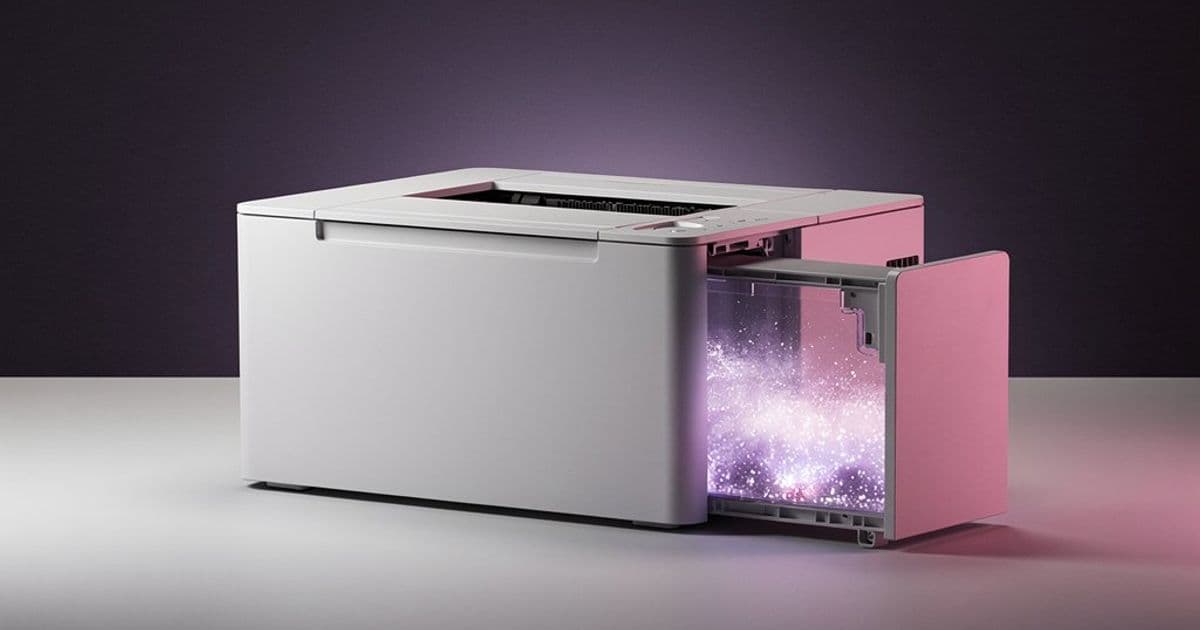
The latest KDE Plasma update addresses a long-standing printer reporting issue, replacing misleading error messages with clear waste-toner notifications and improving overall system stability.
The KDE community has just announced the upcoming features for Plasma 6.6.0, and one fix in particular should make life significantly easier for anyone who prints regularly from a Linux desktop. For years, KDE Plasma has struggled with a specific printer reporting problem: when a printer's waste toner container reaches capacity, the system would throw a generic, often misleading error message instead of clearly explaining the actual issue.
The upcoming fix changes this behavior entirely. Instead of showing a cryptic error that leaves users guessing whether it's a driver problem, a connection issue, or something else, Plasma 6.6.0 will now display a clear notification explaining that the printer's waste receptacle is full. This might seem like a minor tweak, but for anyone who has spent time troubleshooting printer issues on Linux, this represents a meaningful quality-of-life improvement. The difference between "printer error" and "waste toner container needs replacement" is the difference between minutes of confusion and seconds of understanding.
The Printer Problem: Why This Matters
Printer management on Linux has historically been more complex than on Windows or macOS. While CUPS (Common Unix Printing System) provides robust printing capabilities, the user interface layers that sit on top of it—like KDE's printer configuration tools—have sometimes struggled to translate technical printer status codes into human-readable information.
When a printer's waste toner container fills up, modern laser printers report this as a specific status code. However, KDE's notification system was previously interpreting this as a general printer error. This led to a frustrating experience where users would see an error, try to restart the printer, check cables, or even reinstall drivers, only to eventually discover the real issue was simply that the printer needed its waste toner container replaced.
The fix in Plasma 6.6.0 addresses this by improving the translation between printer status codes and user notifications. The system now recognizes the specific waste-toner-full status and displays an appropriate message. This is particularly important for enterprise environments where multiple users share printers, as it prevents unnecessary support tickets and reduces printer downtime.
Beyond Printing: Other Notable Changes in 6.6.0
While the printer fix is the headline feature, the "This Week in Plasma" blog post reveals several other improvements coming in version 6.6.0:
Desktop Switching and Present Windows: The Desktop Switching and Present Windows features will now use the Meta key (the Windows key on most keyboards) by default. This change simplifies keyboard shortcuts and makes the behavior more intuitive for users coming from other desktop environments. Previously, these features used different modifier keys, which could lead to confusion when switching between applications or workspaces.
Crash Fixes: The development team has also addressed several stability issues that were causing crashes in specific scenarios. While the blog post doesn't detail every crash fix, the commitment to stability is evident throughout the development cycle.
Looking Ahead: KDE Plasma 6.7.0
The development team is already looking beyond 6.6.0, with KDE Plasma 6.7.0 promising improvements to Wi-Fi label display. The update will correctly show WPA2 and WPA3 support for both Personal and Enterprise networks, making it easier for users to identify which networks are available and which security protocols they support.
This Wi-Fi labeling improvement addresses a common point of confusion in network management. Many users don't understand the difference between WPA2-Personal, WPA2-Enterprise, WPA3-Personal, and WPA3-Enterprise, and having clear labels helps users make informed decisions about which networks to connect to, particularly in corporate environments where Enterprise networks require different authentication methods.
The Development Process: Transparency in Action
The "This Week in Plasma" blog series exemplifies KDE's commitment to open development. By regularly sharing progress updates, the community can see what developers are working on, provide feedback, and understand the reasoning behind changes. This transparency helps build trust and ensures that the desktop environment evolves in ways that actually benefit users.
The printer fix, for instance, likely came from user reports and community feedback. Someone probably filed a bug report about misleading printer errors, and developers responded by improving the status translation system. This iterative process—where user pain points directly inform development priorities—is one of the strengths of open-source software development.
What This Means for KDE Users
For current KDE Plasma users, these updates represent incremental but meaningful improvements. The printer fix alone will save time and reduce frustration for anyone who prints regularly. The keyboard shortcut changes make the desktop environment more consistent and easier to learn. And the Wi-Fi labeling improvements in 6.7.0 will make network management more transparent.
These changes also reflect a maturing desktop environment. KDE Plasma has long been praised for its customization options and powerful features, but sometimes criticized for inconsistency or complexity. These recent updates show a focus on polishing the user experience and addressing real-world usability issues.
The printer fix in particular demonstrates attention to detail. It's not a flashy new feature, but it solves a specific, annoying problem that affects a subset of users. That kind of targeted improvement often makes the difference between a good desktop environment and a great one.
KDE Plasma 6.6.0 is expected to arrive in the coming months, with 6.7.0 following later in the development cycle. Users can track progress through the official KDE Plasma development blog, and those interested in contributing or reporting issues can visit the KDE Bugzilla or join the community discussions on the KDE Developer mailing list.
Comments
Please log in or register to join the discussion