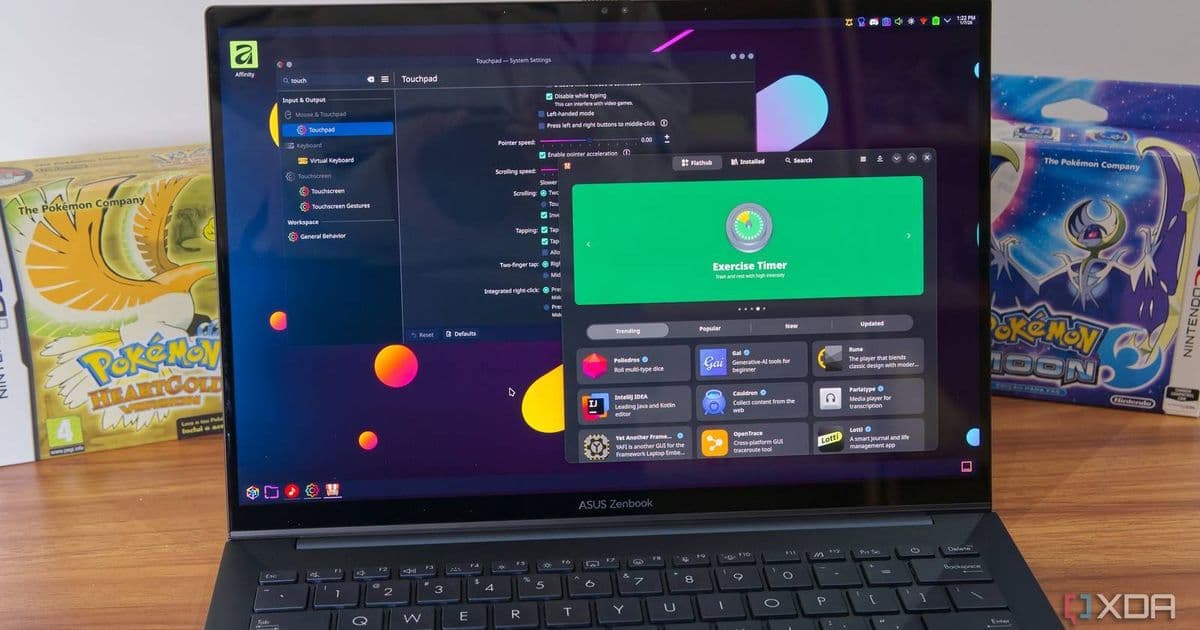
KDE Plasma 6.7 introduces a much-needed improvement to clipboard management, eliminating the annoying prompts to clear starred items. This update, along with other quality-of-life improvements, represents the KDE community's continued focus on refining user experience.
For anyone who uses KDE Plasma's clipboard history feature, you're likely familiar with a particular frustration: when you try to clear your clipboard, the system repeatedly asks if you also want to clear your starred items. This seemingly simple interaction has been a persistent annoyance for many users, but thankfully, the KDE community has addressed this issue in the upcoming Plasma 6.7 release.
The latest edition of "This Week in Plasma" confirms that KDE Plasma 6.7 will finally implement a more sensible approach to clipboard management. When you star items in your clipboard history to save them for later use, they will persist until you manually remove them, without the system constantly questioning your intentions when clearing other clipboard items.
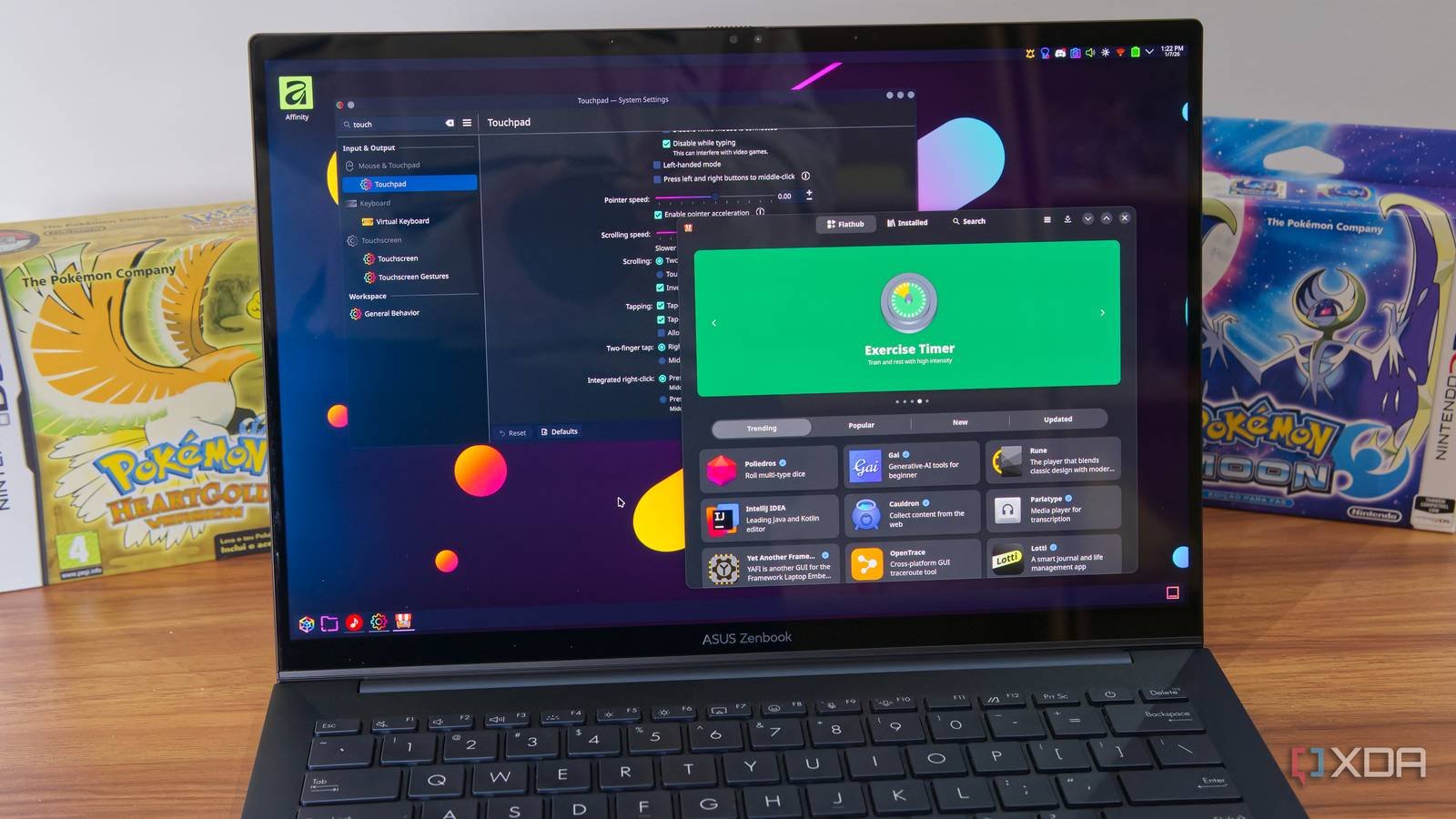
This seemingly small change represents a significant quality-of-life improvement for KDE Plasma users. Clipboard management is one of those features that most people use daily but rarely think about—until it works against you. By respecting user decisions about which items to keep, Plasma 6.7 eliminates unnecessary friction in the workflow.
Beyond the clipboard improvements, Plasma 6.7 brings several other noteworthy fixes:
Discover App Store Improvements: The progress bar in Discover, KDE's application and package management tool, will experience less visual jank during system updates. This means smoother animations and a more polished experience when managing software on your system.
Favorite App Fix: A long-standing bug that prevented users from favoriting an app after uninstalling and reinstalling it has been resolved. This fix ensures that your frequently used applications can be properly pinned to your desktop or application menu for quick access.
The KDE development cycle continues to deliver regular, meaningful updates. The "This Week in Plasma" announcement covers features and fixes scheduled for releases 6.6.6 through 6.8, indicating a steady stream of improvements in the near future. This incremental approach allows the KDE team to respond to user feedback quickly while maintaining system stability.
For developers and power users who maintain systems across multiple platforms, these improvements in Plasma are particularly valuable. A smooth, predictable clipboard experience translates directly to productivity gains, especially for those who regularly copy and paste code snippets, text content, or file paths between applications.
The clipboard enhancement in Plasma 6.7 demonstrates an important principle in desktop environment development: respecting user intelligence. Rather than second-guessing users' decisions about which items they want to keep, the system now trusts their choices. This approach reduces cognitive load and creates a more seamless interaction experience.

For those interested in the broader KDE ecosystem, these clipboard improvements complement other recent enhancements in Plasma 6.7, including more rounded corners for visual consistency and easier management of screen-casting sessions. Together, these changes contribute to a more polished and cohesive desktop experience.
The KDE community has a well-deserved reputation for listening to user feedback and implementing practical improvements. While some desktop environments focus on flashy new features, KDE consistently delivers the kind of thoughtful refinements that make daily computer use more pleasant and efficient.
For users running Plasma 6.6 or later, these improvements will be available through the standard update channels. The incremental nature of KDE's release cycle means you won't need to perform a major system upgrade to benefit from these enhancements.
As Linux desktop environments continue to evolve, features like improved clipboard management highlight the importance of attention to detail. In a world where we constantly interact with digital content through copy-paste operations, optimizing this fundamental interaction can have a surprisingly significant impact on productivity and user satisfaction.
To learn more about KDE Plasma and explore the full list of improvements in the upcoming releases, visit the official KDE Plasma documentation and the This Week in Plasma blog for detailed development updates.
Comments
Please log in or register to join the discussion