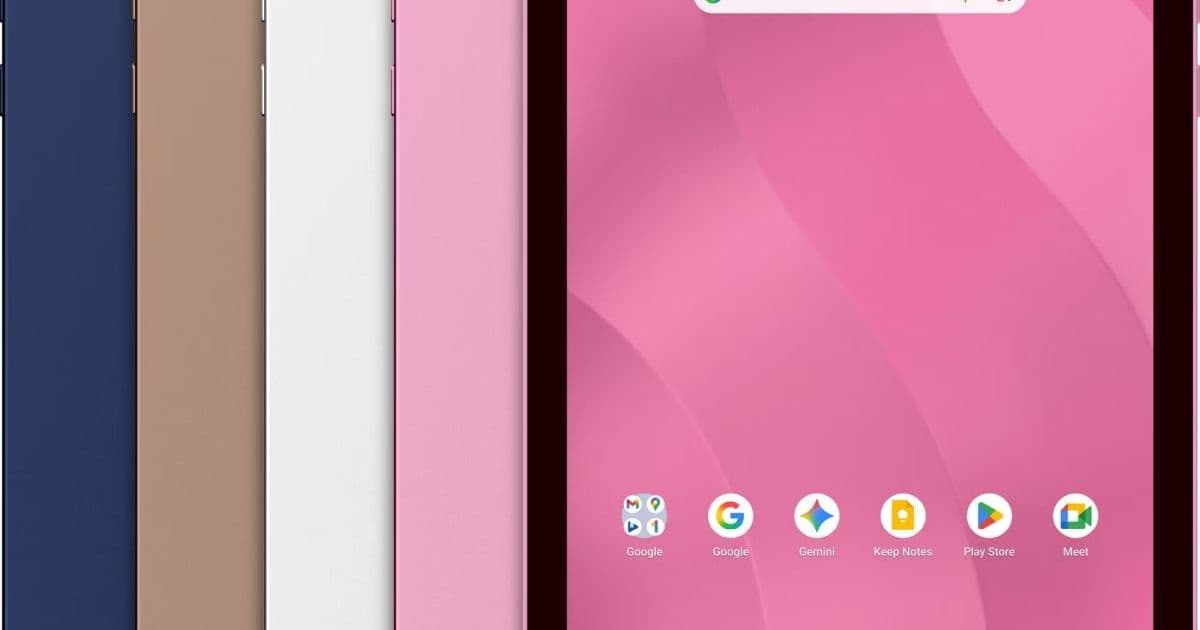
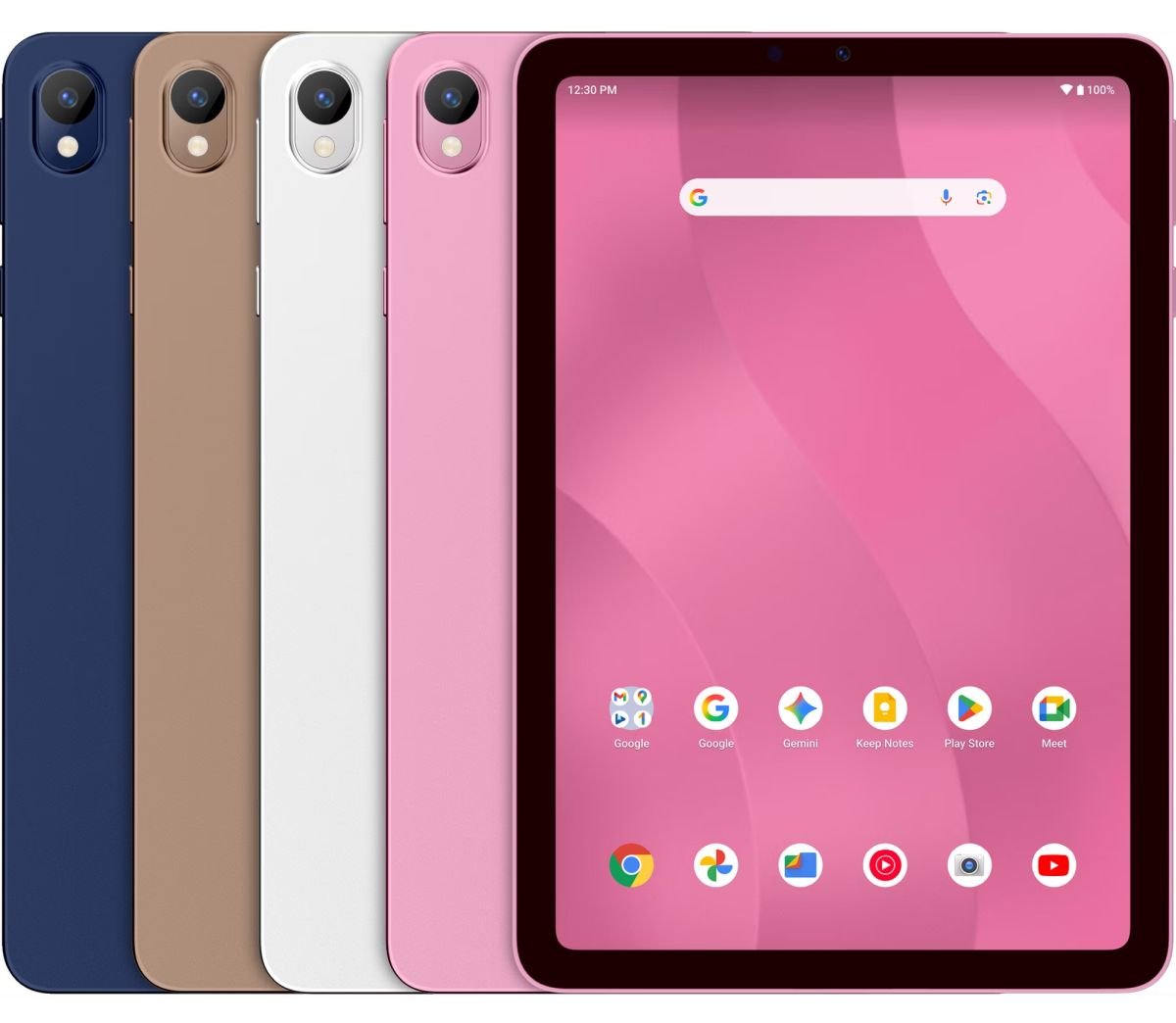
Walmart’s new Onn tablets bring genuine Android 16 to the budget market, offering a range of screen sizes, processors, and memory configurations that give developers fresh hardware to test against while keeping costs low.
Walmart expands Onn tablet lineup with Android 16 devices from $97 to $288
Walmart has added six new Android tablets to its Onn brand, covering 7‑inch to 13‑inch screens and pricing from $97 up to $288. All models ship with Android 16 (API level 33) and the Google Play Store pre‑installed, a notable shift from the Amazon Fire line that still runs a heavily modified Fire OS. For developers who maintain apps on both iOS and Android, the new devices provide a low‑cost reference for testing UI scaling, performance, and compatibility with the latest SDK.
Platform update
| Model | Screen | Resolution | CPU | RAM | Storage | Price |
|---|---|---|---|---|---|---|
| Onn 7″ Core | 7 in | 1024×600 | MediaTek Helio G80 (2 GHz octa‑core) | 4 GB | 64 GB | $97 |
| Onn 8.1″ Core | 8.1 in | 1524×1000 IPS LCD | Snapdragon 685 (2.4 GHz octa‑core) | 6 GB | 64 GB | $138 |
| Onn 11″ Core | 11 in | 1840×1280 | MediaTek Helio G99 (2.2 GHz octa‑core) | 6 GB | 128 GB | $167 |
| Onn 13″ Pro | 13 in | 2400×1600 | MediaTek (unspecified 2.6 GHz) | 8 GB | 256 GB | $288 |
| Onn 8 Kids | 8 in | 1524×1000 | MediaTek (unknown) | 4 GB | 64 GB | $118 |
| Onn 11 Kids | 11 in | 1840×1280 | Helio G80 | 4 GB | 64 GB | $136 |
All tablets run Android 16 (API 33) out of the box, which means they support the latest runtime permissions model, scoped storage, and the Jetpack Compose UI toolkit without requiring compatibility libraries. The OS includes Google Play Services 23.x, so features such as in‑app updates, Firebase Analytics, and ML Kit are ready to use.
Developer impact
SDK version and tooling
Because the devices ship with Android 16, the minimum SDK you can target for new features is API 33. The Android Gradle Plugin (AGP) 8.2+ is recommended to take advantage of the new R8 full‑mode optimizations and the Compose Compiler 1.6. If you still need to support older hardware, you can set minSdkVersion to 21 or 23, but you will have to test UI scaling on the 7‑inch 1024×600 panel, which is far below the density bucket of most modern phones.
Performance testing
The Helio G80 and Snapdragon 685 are mid‑range SoCs that share a similar Cortex‑A76/A55 core configuration. They are useful for measuring how your app behaves under modest CPU and GPU budgets. The 13‑inch Pro model’s unspecified MediaTek chip pushes the envelope to 2.6 GHz, giving you a glimpse of higher‑end performance without paying flagship prices.
Cross‑platform considerations
For teams that share code between iOS (SwiftUI) and Android (Compose), the Onn tablets provide a reliable baseline for responsive layouts. The 8.1‑inch and 11‑inch models sit in the same size class as many iPad mini and iPad Air devices, so you can verify that a single Compose layout adapts to both Android tablets and iOS tablets when using a shared UI library like Kotlin Multiplatform Mobile (KMM).
When testing in‑app purchases, the presence of the Google Play Store eliminates the need for sideloading or using the Amazon Appstore, simplifying QA pipelines. However, you should still verify that your app gracefully falls back to Play Billing Library 6.0 on devices that may not have Play Services (e.g., older Amazon Fire tablets) if you plan to support those platforms.
Camera and media
All six tablets have modest camera hardware—typically 5 MP rear and 2 MP front—but the APIs are fully functional. If your app uses CameraX or ML Kit Vision, you can still run basic image capture and on‑device inference tests. For more demanding AR use cases, you’ll need a higher‑end device, but the Onn line is sufficient for validating permission flows and low‑resolution preview pipelines.
Migration path for existing apps
- Update Gradle and SDK – Move to AGP 8.2+ and set
compileSdkVersionto 33. KeeptargetSdkVersionat 33 to avoid runtime restrictions. - Check UI density buckets – Add layout resources for
sw600dpandsw720dpto cover the 8.1‑inch and 11‑inch screens. Test on the 7‑inch model to ensure fallback tomdpiassets. - Validate Play Services – Run a quick integration test of Firebase Crashlytics and Analytics on the device to confirm that the bundled Play Services version is compatible.
- Run performance profiles – Use Android Studio’s Profiler to capture CPU, memory, and GPU usage on the Helio G80 and Snapdragon 685. Adjust background thread usage if you see spikes on the lower‑end 7‑inch model.
- Cross‑platform UI checks – If you use KMM, build the shared UI module for Android and iOS, then run the same Compose UI on the Onn 11″ Core and a recent iPad Air. Verify that layout constraints, fonts, and navigation gestures behave consistently.
- Publish a beta build – Distribute an internal test build via Google Play Console’s internal testing track. The Play Store on these tablets will handle OTA updates, giving you a realistic rollout experience.
Why the Onn line matters for budget‑focused developers
- Price point – At $97, the 7‑inch Core is cheaper than most entry‑level Fire tablets, meaning you can buy a handful for a small QA lab.
- Genuine Android – No forked OS, no missing Google services. This reduces the friction of testing Play Billing, In‑App Messaging, and other Google‑centric features.
- Included accessories – The 13‑inch Pro ships with a folio case and stylus, which can be useful for testing handwriting input or drawing APIs without buying extra peripherals.
- Kids models – The Onn 8 Kids and 11 Kids tablets run a child‑friendly launcher but still expose the full Android framework, allowing you to verify parental‑control APIs and restricted user profiles.
For developers who maintain apps across iOS and Android, the new Onn tablets give a low‑cost, fully supported Android environment that mirrors the capabilities of higher‑end devices while keeping the hardware budget under $300. Adding a few of these to your testing suite can surface UI scaling bugs, performance bottlenecks, and Play Services integration issues before you ship to more expensive hardware.
For more details on the specifications, see Walmart’s product pages and the official Onn listings on the Walmart website.
Comments
Please log in or register to join the discussion