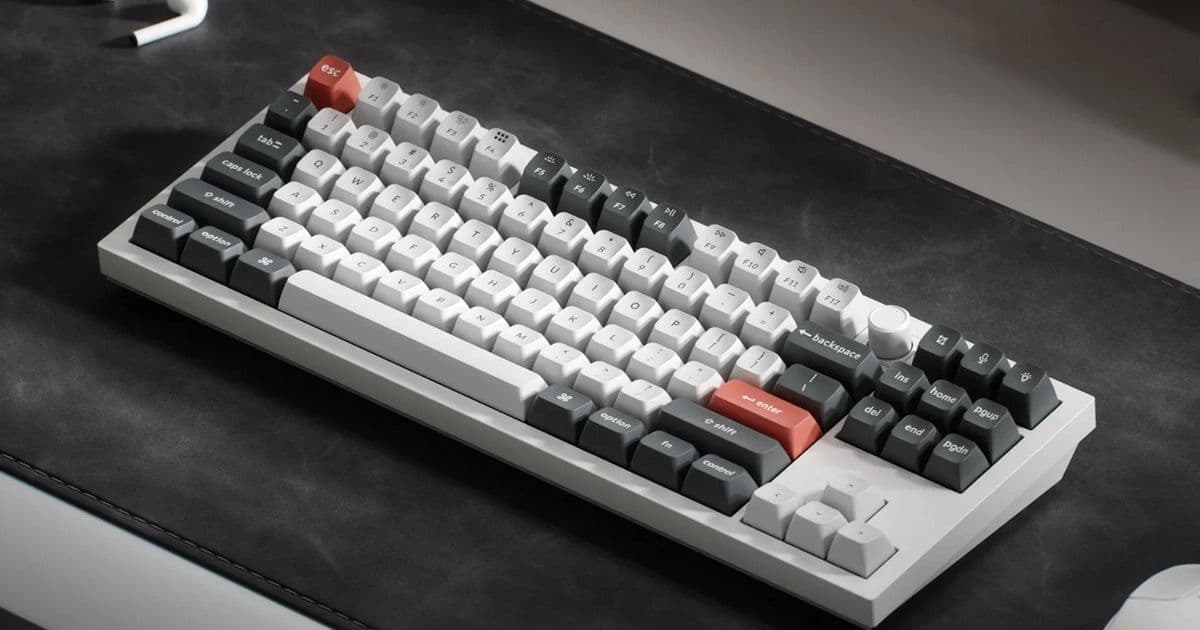
Keychron's new Q3 Ultra mechanical keyboard delivers an 8,000 Hz polling rate and claims up to 660 hours of battery life, but its ZMK firmware and new switches come with specific trade-offs compared to the QMK-based Q3 Max.
The Keychron Q3 Ultra represents a significant shift in the company's mechanical keyboard lineup, moving from the established QMK/VIA ecosystem to ZMK firmware for its first "Ultra" model. Announced at CES 2026 alongside the Q6 Ultra, Q1 Ultra, and V Ultra models, the Q3 Ultra is positioned as the brand's new flagship for wireless performance, prioritizing battery efficiency and polling rate over the deep customization that QMK enthusiasts have come to expect.
What's New: ZMK Firmware and 8K Polling
The most fundamental change in the Q3 Ultra is its firmware. Unlike the Keychron Q3 Max, which runs on QMK/VIA and offers extensive remapping, macro programming, and layer support through a graphical interface, the Q3 Ultra uses ZMK. ZMK is an open-source firmware known for its exceptional power efficiency, which is the primary reason Keychron claims the Q3 Ultra can achieve up to 660 hours of battery life with RGB lighting off. This is a massive leap from the approximately 180 hours offered by the Q3 Max.
However, this efficiency comes at a cost. ZMK customization is primarily code-based, requiring users to compile their own firmware for key remaps or custom layers. While powerful, it lacks the user-friendly, real-time editing of VIA. For users who prioritize battery life and wireless stability over complex macro programming, this is a worthwhile trade-off.
The other headline feature is the 8,000 Hz polling rate. This applies to both wired and 2.4 GHz wireless modes, a substantial upgrade from the 1,000 Hz standard on most keyboards, including the Q3 Max. A higher polling rate means the keyboard reports its position to the computer more frequently, which can reduce input latency. In practice, the difference between 1,000 Hz and 8,000 Hz is perceptible primarily to competitive gamers with extremely fast reflexes, but it represents a clear technical advancement.
Hardware and Switches: A Refined Build
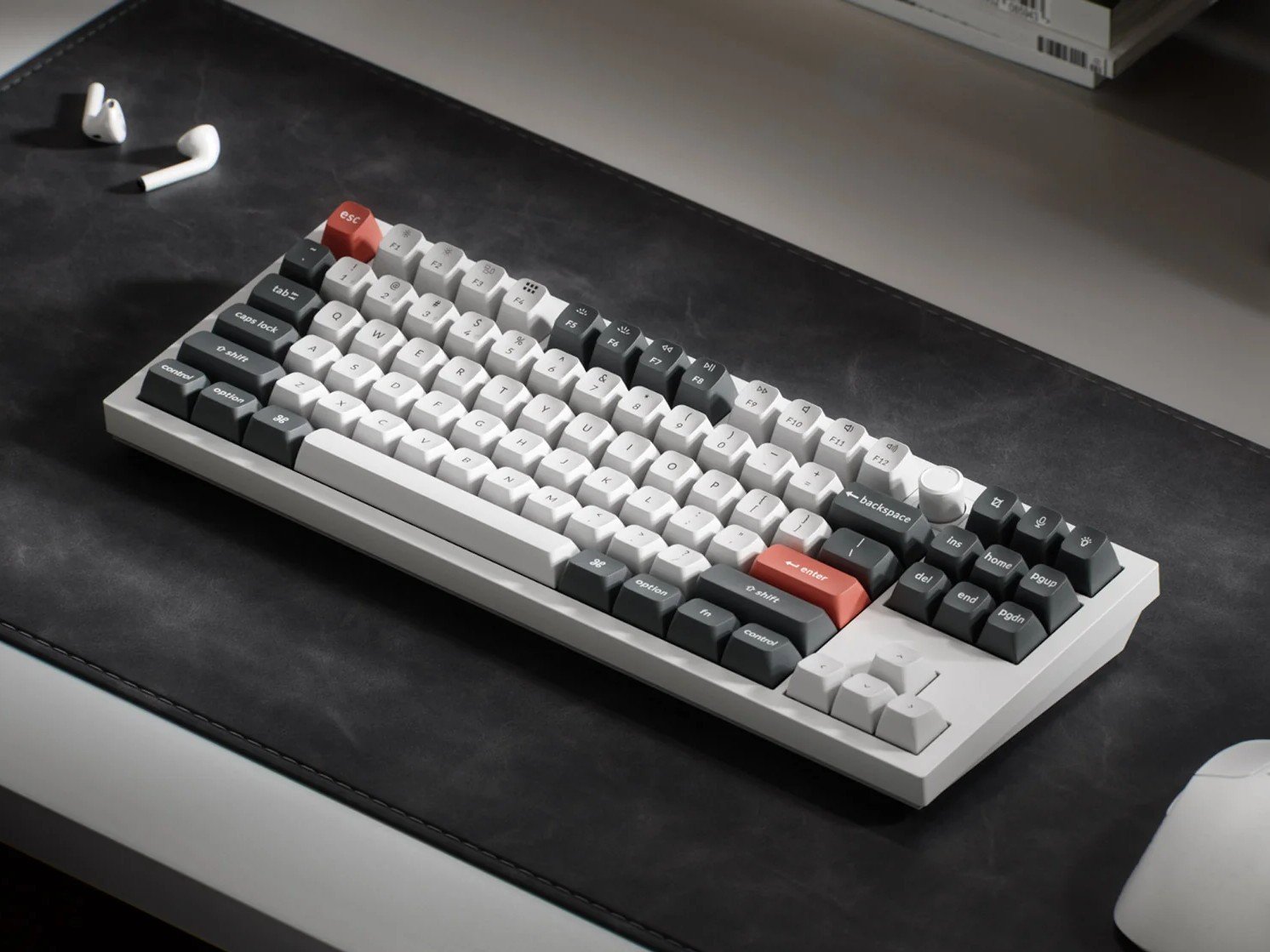
The physical design of the Q3 Ultra mirrors the Q3 Max's 80% TKL layout. It features a CNC-cut aluminum chassis, a double-gasket mount for a softer typing feel, and multiple layers of sound-dampening foam (including poron and silicone). The PCB is hot-swappable, allowing users to change switches without soldering.
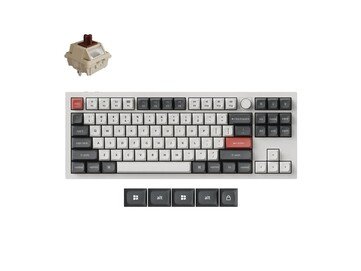
Keychron has also introduced new switches for the Ultra series: Silk POM switches in linear (red), tactile (brown), and tactile (banana) variants. These switches are designed for smoother keystrokes compared to previous offerings. The keyboard comes with double-shot PBT keycaps in Keychron's KSA profile, which is a sculpted design meant to reduce finger strain.
Connectivity remains robust with Bluetooth (for up to three devices), 2.4 GHz wireless via a USB-A dongle, and wired USB-C. The customizable knob in the F-row is retained, providing physical control for volume, scrolling, or other assigned functions.
How It Compares: Q3 Ultra vs. Q3 Max
The choice between the Q3 Ultra and the Q3 Max boils down to a clear set of priorities:
- Battery Life: The Q3 Ultra's 660-hour claim (with RGB off) is over three times longer than the Q3 Max's ~180 hours. For users who work or game wirelessly for extended periods without charging, this is the decisive factor.
- Polling Rate: 8,000 Hz vs. 1,000 Hz. The Q3 Ultra offers a technical edge for latency-sensitive applications, though the real-world difference is subtle for most users.
- Customization: QMK/VIA (Q3 Max) offers a graphical, real-time interface for remapping and macros. ZMK (Q3 Ultra) requires compiling firmware but is more power-efficient. The Q3 Max is better for tinkerers who want immediate, complex customization.
- Price: Both keyboards launch at the same $229.99 price point in the US, making the decision purely about feature trade-offs rather than cost.

Who Is This For?
The Keychron Q3 Ultra is designed for a specific user profile: the wireless power user. It's ideal for:
- Mobile Professionals and Travelers: The combination of long battery life, multiple wireless connectivity options, and a durable aluminum build makes it an excellent companion for those who work from different locations.
- Gamers Seeking Low Latency: While the 8K polling rate is a niche advantage, competitive gamers who demand the absolute lowest input delay will appreciate the feature, especially in wireless mode.
- Users Who Value Simplicity Over Complexity: If you don't need complex macros or layered keymaps and prefer a "set it and forget it" keyboard with exceptional battery life, the Q3 Ultra's ZMK firmware is a benefit, not a limitation.
It is less suited for users who rely heavily on VIA for daily macro programming or those who enjoy deep, code-free firmware tinkering. For them, the Q3 Max remains the better choice.
Pricing and Availability
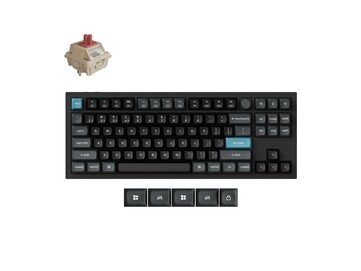
The Keychron Q3 Ultra is available now in the United States for $229.99 through Amazon and the Keychron US store. In Europe, it's priced at €236.99 and is available directly from Keychron's regional sites, including Keychron Italy, Keychron France, and Keychron Germany. The keyboard comes in black or white, with your choice of the three switch types.
In summary, the Keychron Q3 Ultra is a compelling evolution of the TKL mechanical keyboard, trading the deep customization of QMK for unparalleled battery efficiency and a higher polling rate. It's a targeted tool for wireless-centric users who value endurance and responsiveness over programmability.
Comments
Please log in or register to join the discussion