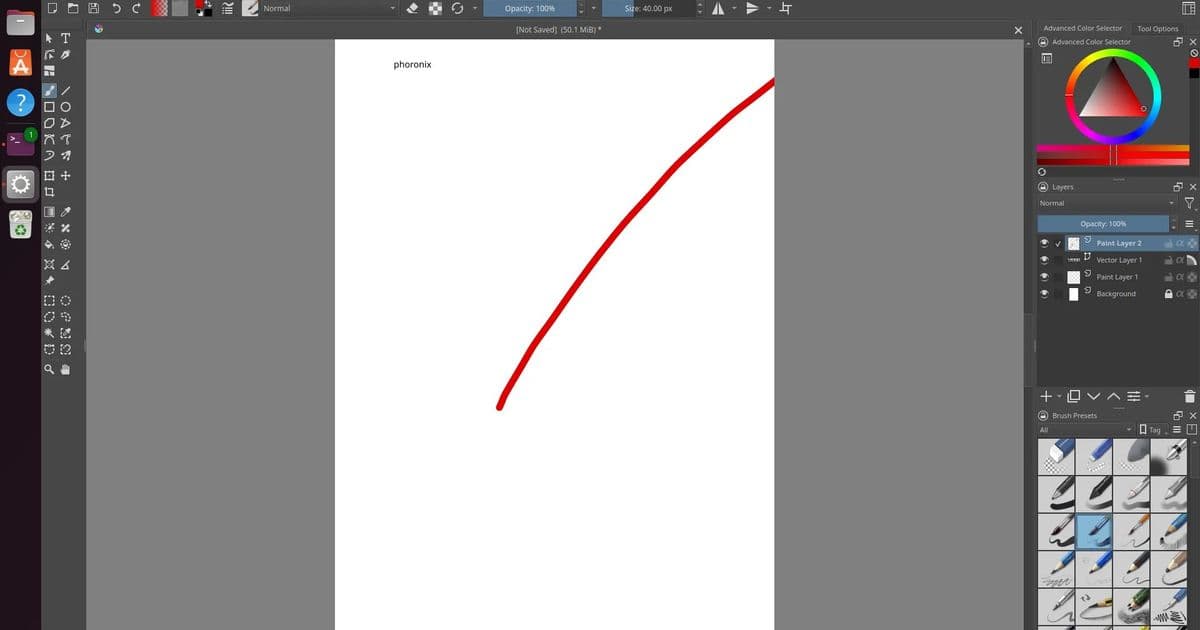
The Krita team has released Krita 6.0 Beta, marking a significant transition to the Qt6 toolkit and introducing Wayland color management support for HDR capabilities.
The Krita team has released the first beta of Krita 6.0, a major update to their popular open-source digital painting software. This release represents a significant technical milestone as the application transitions from Qt5 to Qt6, while simultaneously maintaining support for users who need to stick with the stable Qt5 series through the Krita 5.3 Beta release.
Dual Release Strategy
Today's release features two parallel beta versions: Krita 6.0 Beta for users ready to adopt Qt6, and Krita 5.3 Beta for those who need to remain on the Qt5 platform. This dual approach addresses the current instability of Qt6 on Android and ChromeOS platforms, where Krita continues to maintain compatibility. The team's decision to maintain both versions demonstrates their commitment to supporting diverse user needs across different platforms and use cases.
Qt6 Migration Benefits
The migration to Qt6 brings several technical advantages to Krita. Qt6 offers improved performance characteristics, better support for modern graphics APIs, and enhanced integration with contemporary desktop environments. This transition positions Krita for future development and ensures compatibility with the latest system libraries and frameworks.
Wayland Color Management Support
One of the most significant new features in Krita 6.0 is the introduction of Wayland color management support. This enhancement enables proper HDR (High Dynamic Range) and color management capabilities when running on Wayland compositors. For digital artists working with wide color gamuts and HDR content, this support is crucial for maintaining color accuracy throughout their workflow.
The Wayland integration means that Krita can now properly handle color profiles and display transformations when running on modern Linux desktop environments that use Wayland as their display server protocol. This is particularly important for professional artists who require precise color reproduction across different devices and output mediums.
Enhanced Text and Vector Tools
Krita 6.0 introduces a complete rewrite of the text object functionality. This overhaul addresses long-standing limitations in text handling and provides a more robust foundation for future text-related features. The improved text system should offer better integration with vector objects and more predictable behavior when working with typography in digital artwork.
The release also introduces a new knife tool for vector objects. This addition expands Krita's vector editing capabilities, allowing artists to perform more precise modifications to vector shapes and paths. The knife tool is particularly useful for creating complex vector illustrations and for making surgical edits to existing vector artwork.
Filter and Brush Engine Improvements
Several new filters have been added to Krita's extensive filter collection, expanding the creative possibilities for digital artists. While specific filter names weren't mentioned in the initial announcement, the addition of new filters typically includes both practical tools for image enhancement and creative effects for artistic expression. The brush engine has also received enhancements, though details weren't specified in the announcement. Brush engine improvements in Krita typically focus on performance optimization, new brush behaviors, and better integration with pressure-sensitive input devices.
File Format Support
Krita 6.0 adds support for the Radiance RGB file format, which is particularly useful for HDR imaging workflows. This format is commonly used in high-end visual effects and animation production, making Krita more suitable for professional content creation pipelines.
The JPEG-XL image format support has been significantly improved. JPEG-XL is a modern image format designed to replace older formats like JPEG while providing better compression and quality characteristics. Enhanced support for this format makes Krita more future-proof and better equipped to handle modern image workflows.
Python Plugin API Enhancements
Python plugin developers will appreciate the enhancements to the Python plugin API. While specific changes weren't detailed in the announcement, API improvements typically include better documentation, new capabilities for plugin developers, and improved stability for existing plugins. These enhancements should make it easier for the community to extend Krita's functionality through custom plugins.
Download and Testing
Both Krita 6.0 Beta and Krita 5.3 Beta are available for download from the official Krita website at Krita.org. Users are encouraged to test these beta releases and provide feedback to the development team. Beta testing is crucial for identifying and resolving issues before the final stable releases.
The dual release strategy allows users to choose the version that best fits their needs. Artists who require the latest features and are running on compatible systems can adopt Krita 6.0 Beta, while those who need stability on Android, ChromeOS, or other platforms where Qt6 isn't yet stable can continue with Krita 5.3 Beta.
Looking Forward
Krita 6.0 represents a significant step forward for the digital painting application. The Qt6 migration ensures long-term maintainability and access to modern platform features, while the Wayland color management support addresses a critical need for professional digital artists working with HDR content.
The continued development of Krita demonstrates the strength of open-source software in the creative tools space. With each major release, Krita becomes more competitive with commercial digital painting applications while maintaining its commitment to accessibility and community-driven development.
As the beta testing period progresses, users can expect further refinements and bug fixes before the final stable release of Krita 6.0. The development team will likely incorporate user feedback from the beta testing phase to ensure that the final release meets the needs of the diverse Krita user community.
Comments
Please log in or register to join the discussion