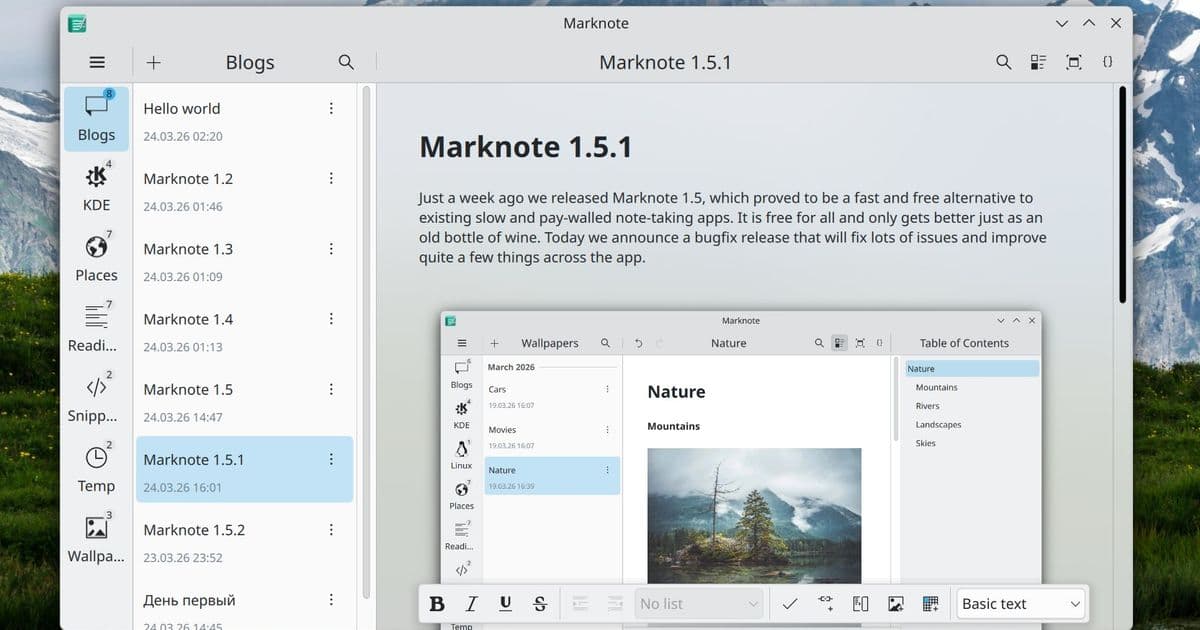
After months of work, Marknote 1.6.0 arrives with sub‑folder organization, notebook‑wide note counts, cross‑notebook search, optional background blur, emoji completions, and a suite of polish fixes.
Marknote 1.6.0 Brings Sub‑Folder Support, Global Search, and a Touch of Blur
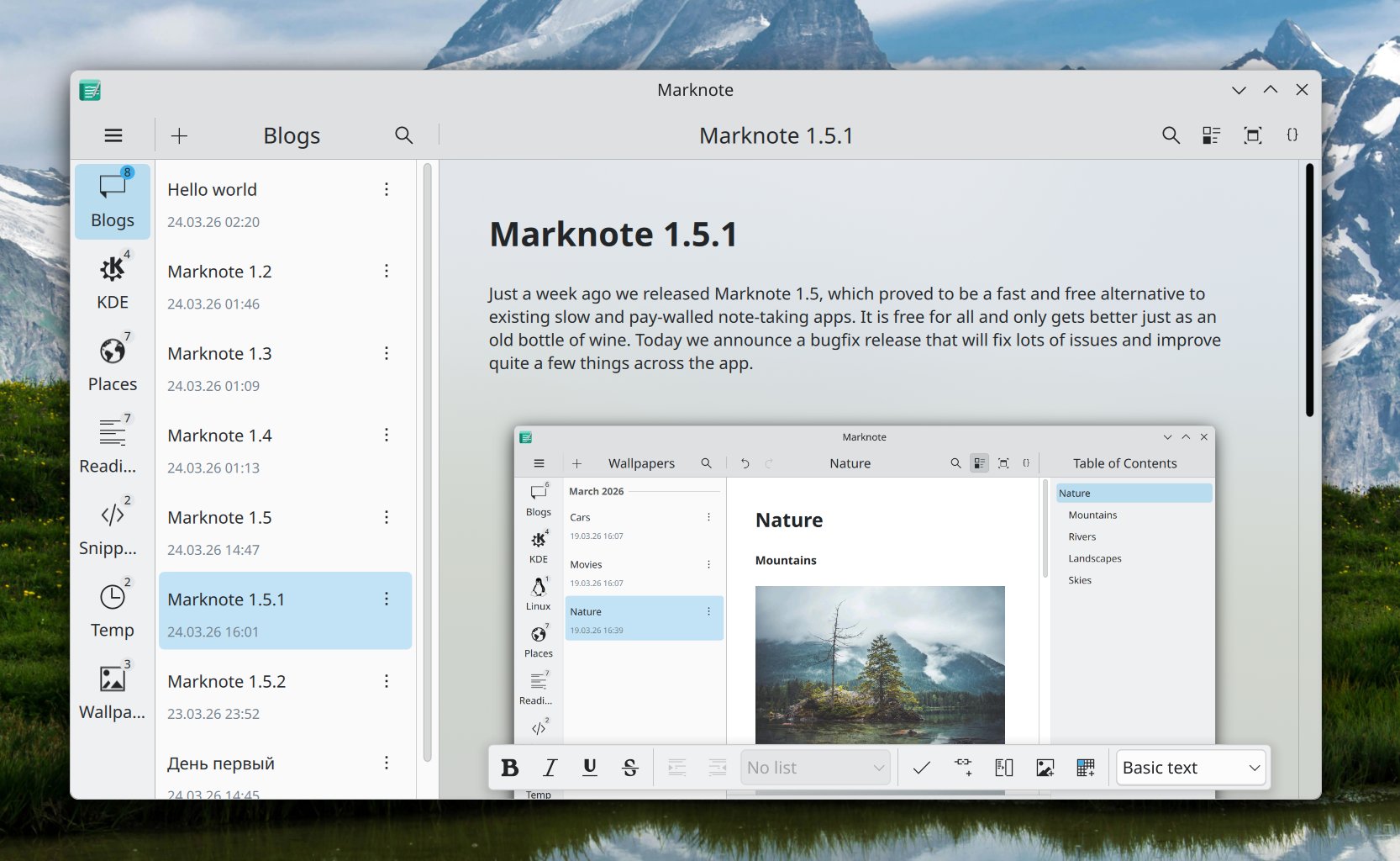
Marknote, the KDE‑based note‑taking app built on Kirigami, has just released version 1.6.0. The update is more than a collection of cosmetic tweaks; it introduces structural changes that reshape how users organize and retrieve their information. Below we unpack the most consequential additions, examine the technical underpinnings, and consider what the roadmap might look like.
1. Sub‑Folder Support – A Long‑Awaited Hierarchy
The problem
Earlier releases forced every note to live directly inside a notebook folder, which quickly became unwieldy for power users who manage dozens of topics. Without a hierarchy, users resorted to naming conventions or external file managers to simulate nesting, a practice that broke the promise of an integrated experience.
The solution in 1.6.0
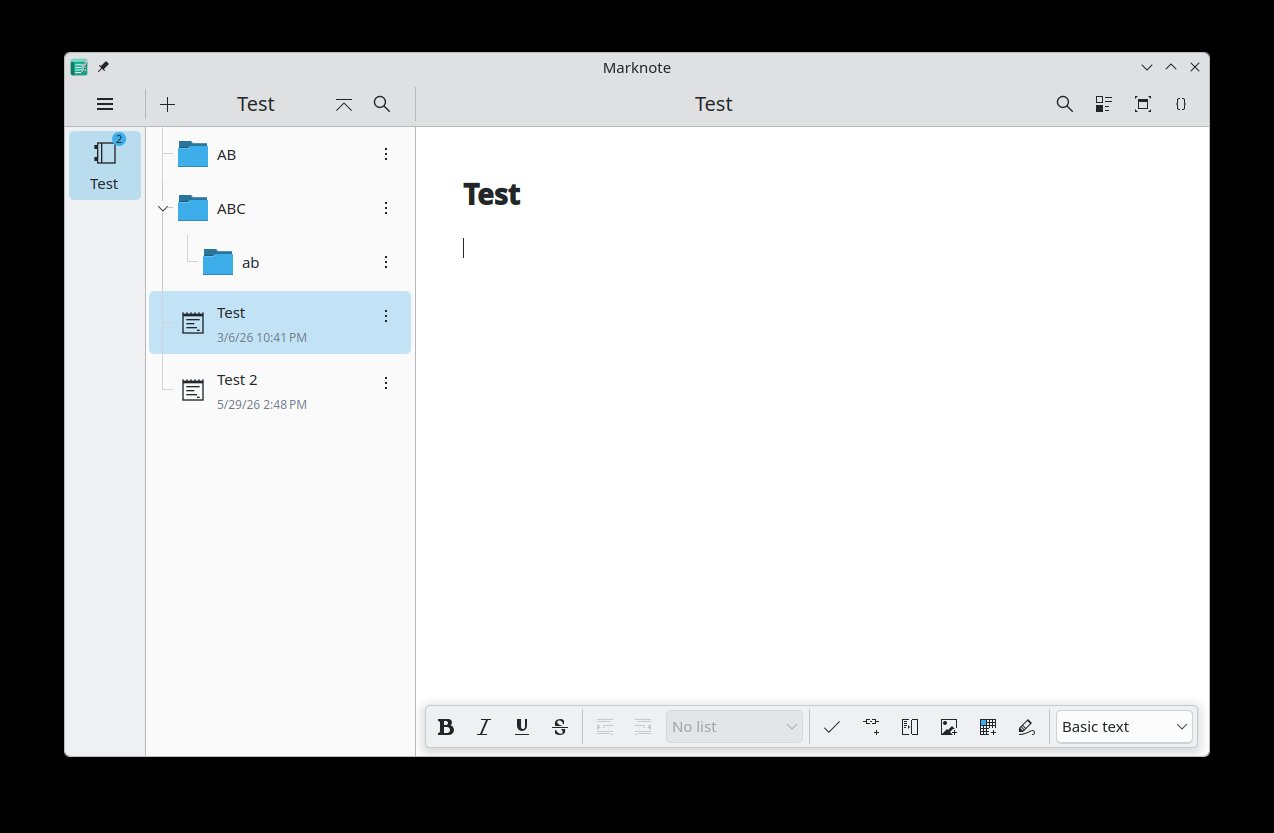
Marknote now recognises sub‑folders inside a notebook. The file‑system layout mirrors the UI: a notebook directory may contain regular note files (*.md) alongside additional directories, each of which can hold further notes. The UI reflects this structure with an expandable tree view, allowing quick navigation without leaving the application.
Note: Creation of new sub‑folders must still be performed via a file manager such as Dolphin. The developers acknowledge this limitation and promise a native folder‑creation dialog in a future release.
Technical glimpse
The change required a modest refactor of the NotebookModel class, which now walks the directory tree recursively and emits QModelIndex objects for each level. The model also caches the note count per folder, a value displayed next to each notebook entry (see next section). Because the underlying storage remains plain‑text markdown files, the feature does not introduce any proprietary database format, preserving Marknote’s philosophy of data portability.
2. Notebook Note Counts – Immediate Feedback
Every notebook entry now shows a badge with the number of notes it contains, e.g., Personal (23). This small visual cue helps users gauge the size of each collection at a glance. The count is derived from the same recursive scan that powers the sub‑folder view, ensuring consistency.
3. Global Search via the Command Bar
From per‑notebook to cross‑notebook
Previously, the command bar (Ctrl+K) limited searches to the currently open notebook. In 1.6.0 the search scope expands to all notebooks on the user's system. The implementation leverages Qt’s QSortFilterProxyModel to aggregate results from each NotebookModel instance, then presents them in a unified list.
User experience
Typing a query instantly filters notes across the entire collection, and selecting a result opens the corresponding file in the editor. For users with sprawling note archives, this change dramatically reduces the time spent hunting for a single piece of information.
4. Optional Background Blur – Aesthetic Cohesion with KDE
KDE applications such as NeoChat have long offered a subtle background blur that softens the desktop behind the window, creating a sense of depth. Marknote now includes the same effect as an optional setting under Settings → Appearance → Editor Blur.
The blur is implemented with the KWindowEffects::enableBlurBehindWindow API, which delegates the heavy lifting to the compositor (KWin). Because the effect is optional, users on low‑power hardware can keep it disabled without any performance penalty.
5. Emoji Completions – Faster, More Expressive Notes
Typing : now triggers a completion popup with matching emojis, similar to the experience in messaging apps. The list is generated from the Unicode emoji data file bundled with the project, and selecting an entry inserts the corresponding character at the cursor position.
This feature is particularly useful for users who annotate tasks, mood trackers, or journal entries with visual cues. It also demonstrates Marknote’s growing attention to small‑scale usability enhancements.
6. Polish: Bug Fixes, Refactoring, and Translation Improvements
The release notes list a handful of minor bug fixes, including:
- Fixed a crash when opening a note with a very long filename.
- Resolved an issue where the editor would lose focus after a search.
- Updated translations for French, Japanese, and Turkish, bringing the UI closer to parity across languages.
The codebase also underwent a series of refactors aimed at simplifying the Editor component and reducing duplicated logic in the NotebookModel. These changes lay groundwork for the upcoming native sub‑folder creation UI.
7. Packaging and Distribution
Marknote 1.6.0 is available as a pre‑built package on the KDE download server (download.kde.org). The package includes the necessary Kirigami addons and is signed with the maintainer’s GPG key, ensuring integrity for users who prefer manual installation over distribution repositories.
- Download link: https://download.kde.org/unstable/marknote-1.6.0.tar.xz
- GPG signature: https://download.kde.org/unstable/marknote-1.6.0.tar.xz.sig
8. Implications and Future Directions
The introduction of sub‑folders and global search signals a shift from a simple note‑taking utility toward a more structured knowledge‑management system. By exposing hierarchical organization while retaining plain‑text storage, Marknote positions itself as a viable alternative to heavier tools like Obsidian or Notion for users who value openness.
The optional blur and emoji completions illustrate a broader trend in KDE applications: blending functional depth with aesthetic polish. As the project matures, we can anticipate further integration with KDE’s ecosystem—perhaps native support for the Plasma Vault for encrypted notebooks, or tighter coupling with the KDE Connect ecosystem for cross‑device sync.
9. Counter‑Perspective
While the new features are welcome, some long‑time users may find the reliance on external file managers for sub‑folder creation a step backward in usability. The promise of a native UI in future releases mitigates this concern, but the interim experience could deter newcomers accustomed to “click‑and‑create” workflows in competing apps.
Additionally, the global search, though powerful, currently lacks advanced filters (e.g., tag‑based, date‑range). Power users who depend on fine‑grained queries might still need to resort to external tools like ripgrep.
10. Conclusion
Marknote 1.6.0 marks a meaningful evolution, delivering structural organization, faster retrieval, and subtle visual enhancements while staying true to its lightweight, markdown‑first ethos. The release demonstrates how incremental, well‑thought‑out improvements can collectively raise the utility of a seemingly modest application, and it sets the stage for more ambitious features in the months ahead.
Comments
Please log in or register to join the discussion