
Developer taf2 releases mdvi, a Rust-based terminal Markdown viewer combining Vim navigation with modern rendering features like syntax highlighting and image support.

Developer Tim Frazier has launched mdvi, a terminal-based Markdown viewer that brings Vim-style navigation to document browsing. Built in Rust, the tool addresses the need for fast, keyboard-driven Markdown viewing in terminal environments without sacrificing modern formatting features.
Core Features
mdvi stands out with:
- Vim-inspired navigation: Familiar
j/kscrolling,Ctrl-d/Ctrl-upage movements, and search with/ - Rich rendering: Supports tables, footnotes, task lists, and syntax-highlighted code blocks
- Image display: Handles local and remote images through multiple terminal protocols
- Live reload: Press
rto refresh content when files change - Line jumping: Start viewing at specific line numbers with
--line
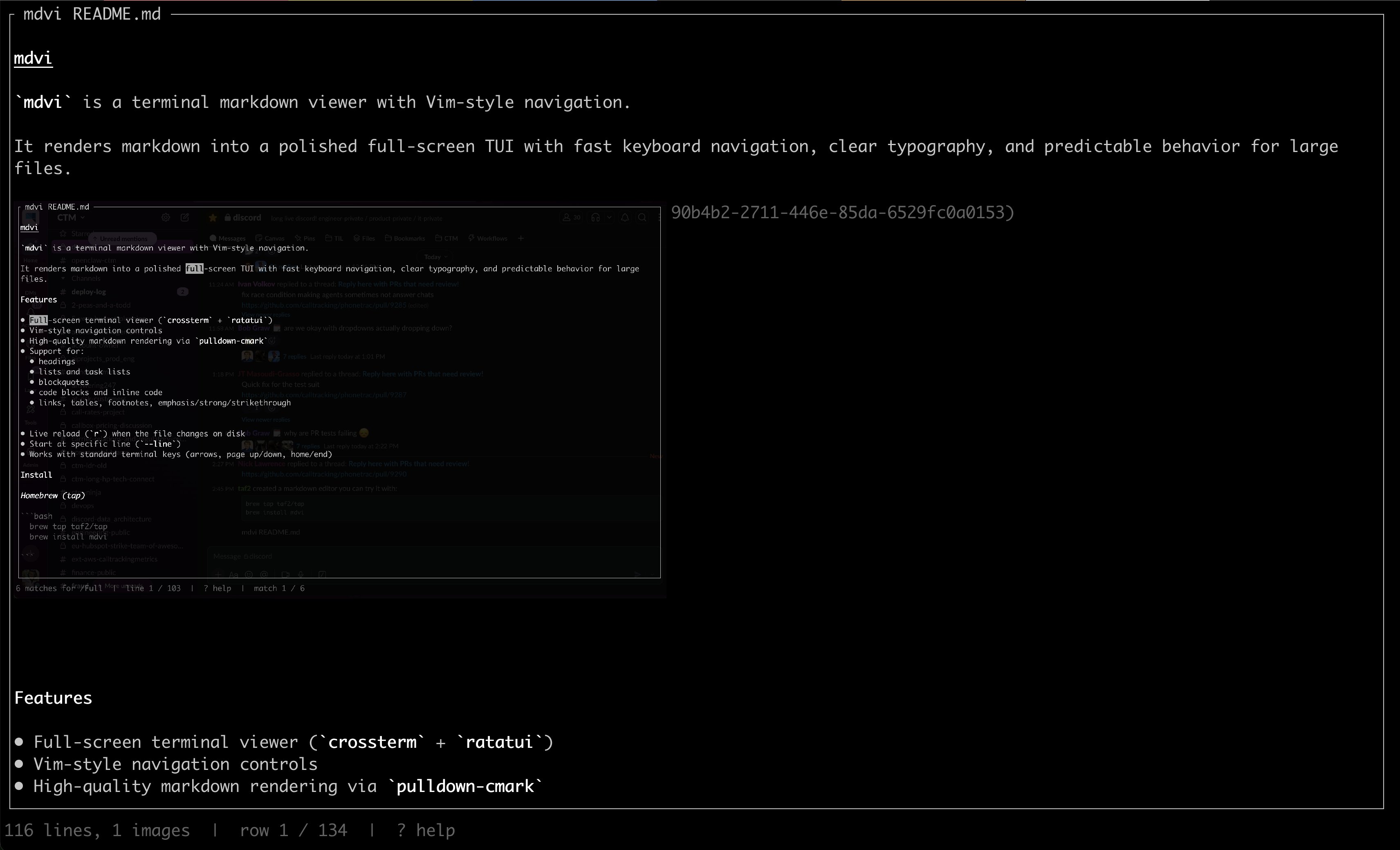 The interface shows clean typography with status bar visibility (Credit: taf2)
Technical Implementation
The tool leverages Rust's strengths:
- Performance: Handles large files efficiently through zero-copy parsing
- Rendering: Uses pulldown-cmark for Markdown processing
- UI: Built on ratatui (formerly tui-rs) for terminal rendering
- Images: Supports sixel, kitty, and halfblock protocols via configurable backends
Installation Options
- Homebrew:
brew install taf2/tap/mdvi - From source:
cargo install --path . - Direct run:
cargo run -- README.md
Why It Matters
While tools like glow exist, mdvi fills a specific niche for developers who:
- Prefer Vim-style navigation
- Need to quickly reference documentation while working in terminals
- Require image support in technical documentation
The project demonstrates how Rust's ecosystem enables building robust CLI tools without compromising on features typically found in GUI applications.
For developers working extensively with Markdown in terminal environments, mdvi offers a compelling alternative to constantly switching between editors and previewers. Its focus on keyboard navigation and live reload makes it particularly useful for technical writing workflows.
Comments
Please log in or register to join the discussion