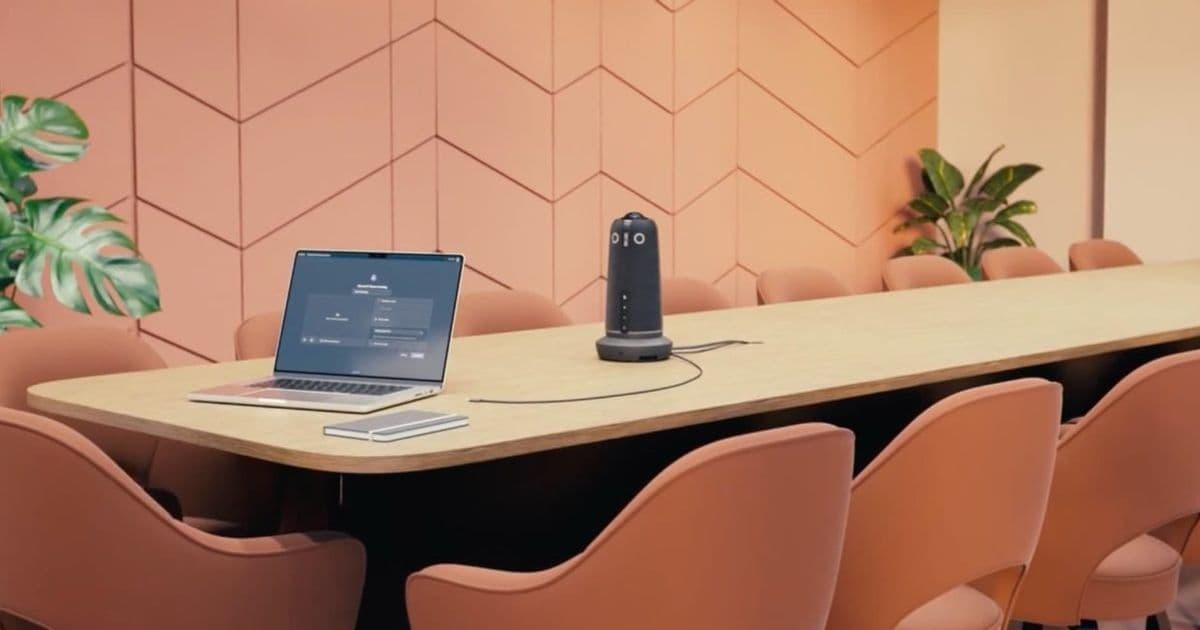
Owl Labs' Meeting Owl 5 Pro introduces single-cable connectivity, MDEP readiness, and enterprise-grade features designed to eliminate hybrid meeting friction for Mac users.
If you've managed conference rooms with Apple devices, you know the pain. Someone walks in with a MacBook Air, hunts for the right cable, discovers it's HDMI when they need USB-C, scrambles for a dongle that doesn't work properly, and eventually just joins the Zoom call from their laptop screen. It's the kind of friction that wastes everyone's time and makes hybrid meetings feel broken by design.
Owl Labs has been solving the camera angle problem for years with their distinctive 360-degree cameras that sit in the middle of the table. They became essential during COVID when schools and offices needed to include remote participants without making them feel like afterthoughts. Now with the Meeting Owl 5 Pro, they're tackling a bigger problem: the entire conference room setup.
The headline upgrade: one cable to rule them all
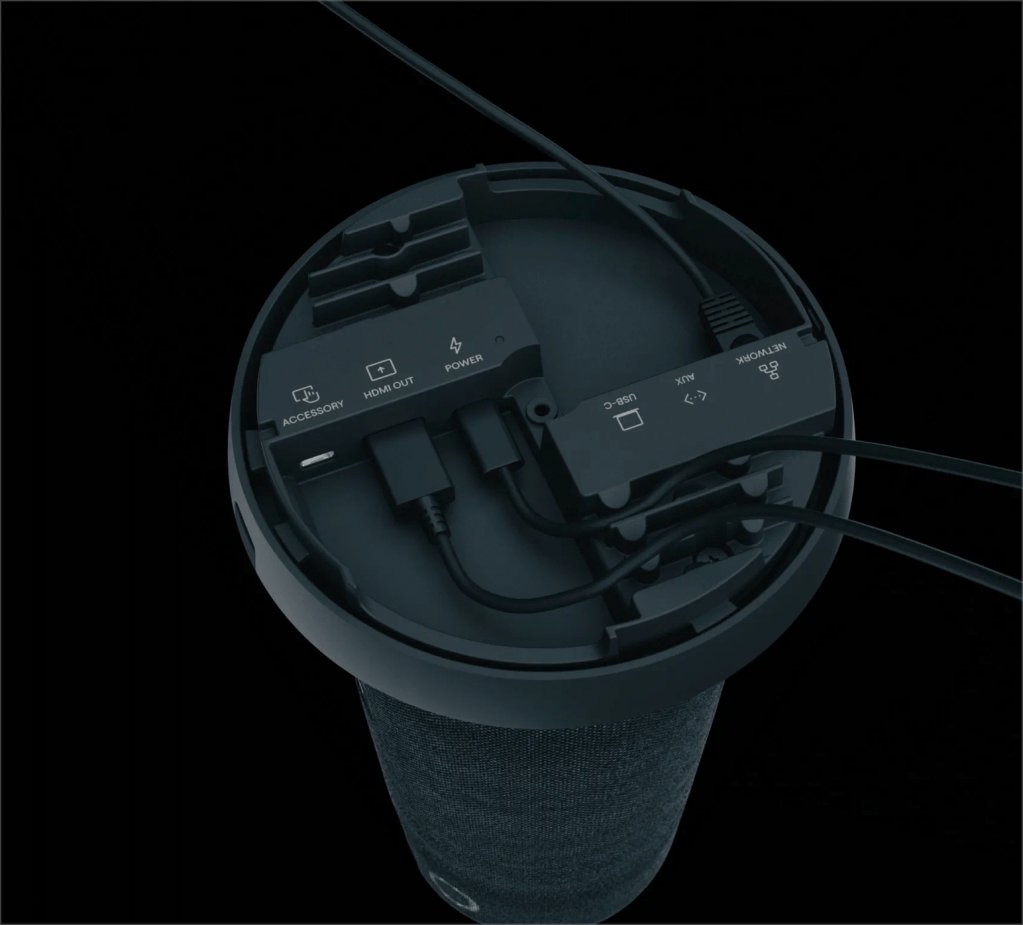
The real story for Mac users isn't the camera specs—it's the connectivity. Previous Owl Labs cameras were great 360-degree webcams, but you still needed separate devices for audio, video output, and network connectivity. The Meeting Owl 5 Pro combines everything into a single USB-C connection.
You plug one cable into your MacBook, and it handles the camera, the audio, the video output to the room's display, and even passes through wired Ethernet. No more HDMI dongles, no more AirPlay connections to Apple TV, no more hunting for the right adapter. It's the kind of simplification that sounds small until you've watched six people wait while someone struggles to get their presentation working.
Enterprise features that matter
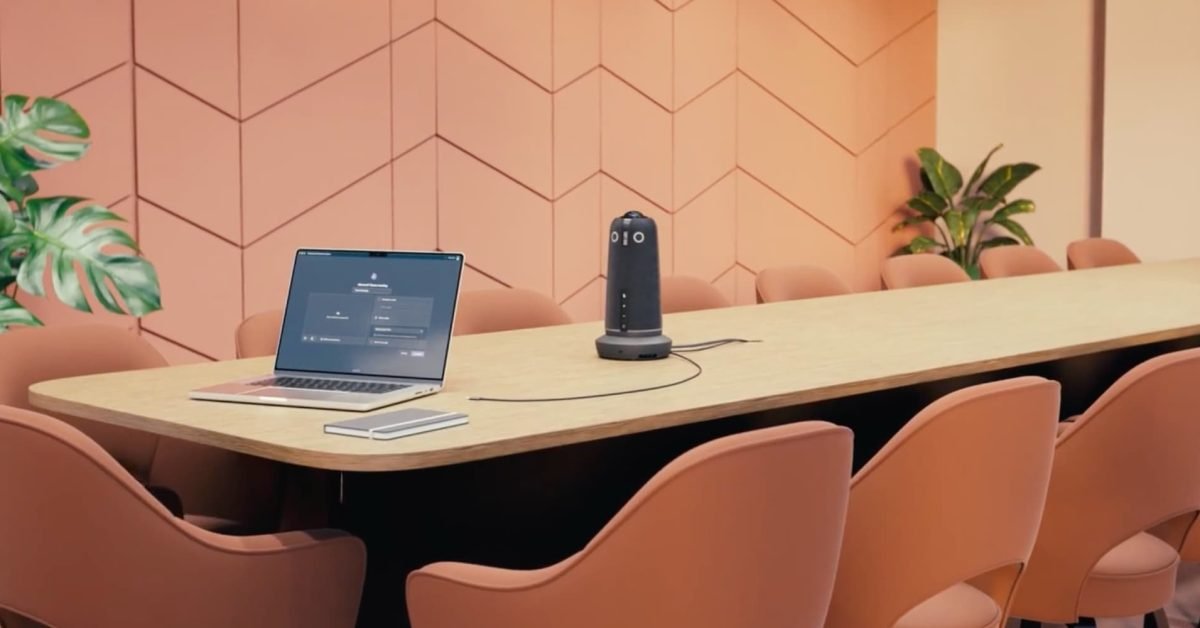
Owl Labs is clearly targeting IT departments with this release, and they've added several features that make life easier for admins managing multiple rooms:
MDEP-Ready Architecture: Built to support the Microsoft Device Ecosystem Platform, this is a welcome upgrade for larger Microsoft environments from a management perspective. If your organization uses Microsoft's ecosystem, this integration will save significant deployment time.
Wired Daisy-Chaining: For large boardrooms that need multiple Owl cameras, you can now connect them via Ethernet rather than relying on wireless pairing. As someone whose rule is "if it's stationary, hardwire it," this is a great option that reduces the need for IT to constantly pair devices.
Kensington Lock Slot: It sounds minor, but this is critical for physical security. These devices can easily "wander off" from conference rooms, and as prices increase, this becomes even more important.
Camera and audio improvements
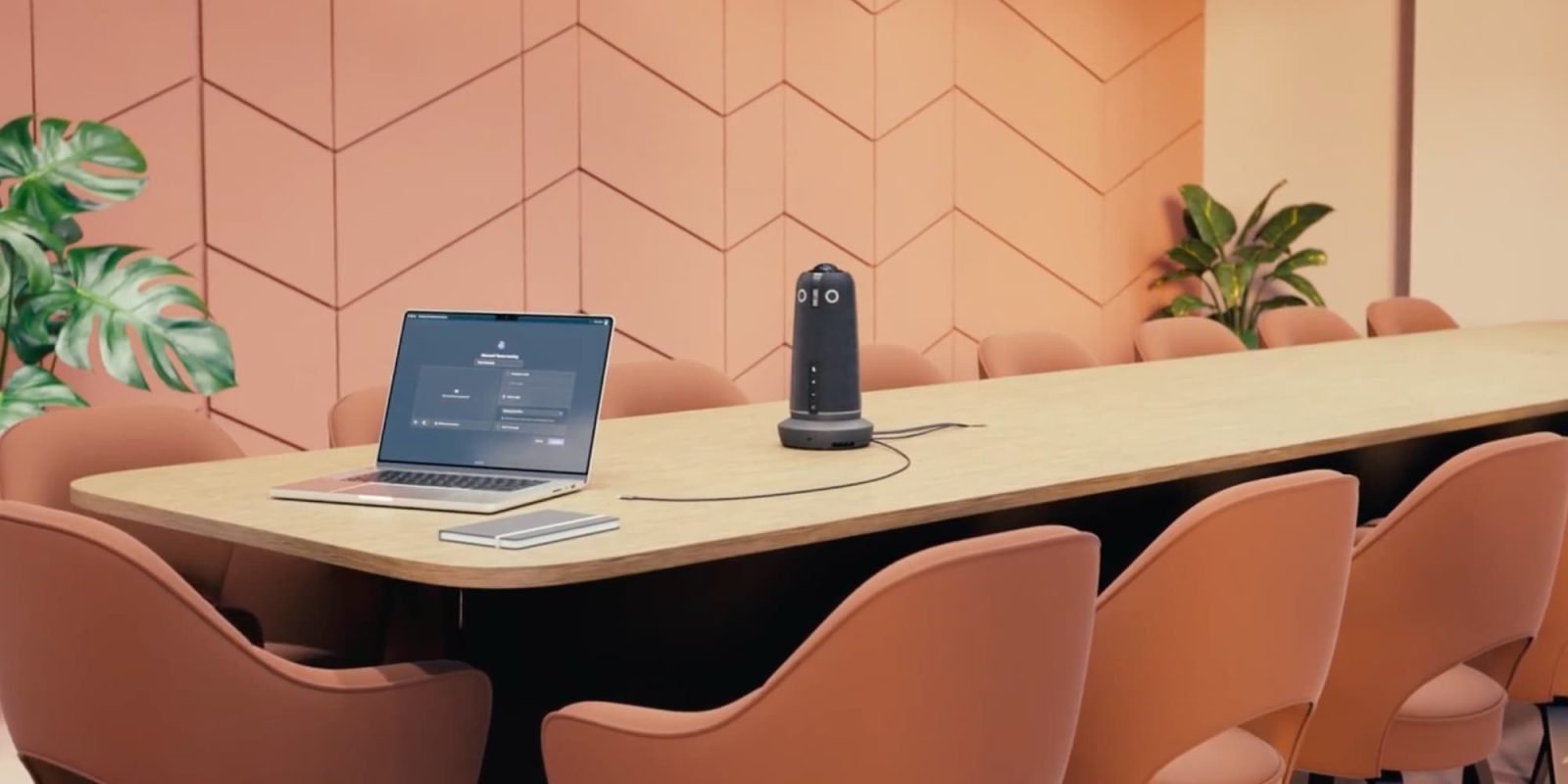
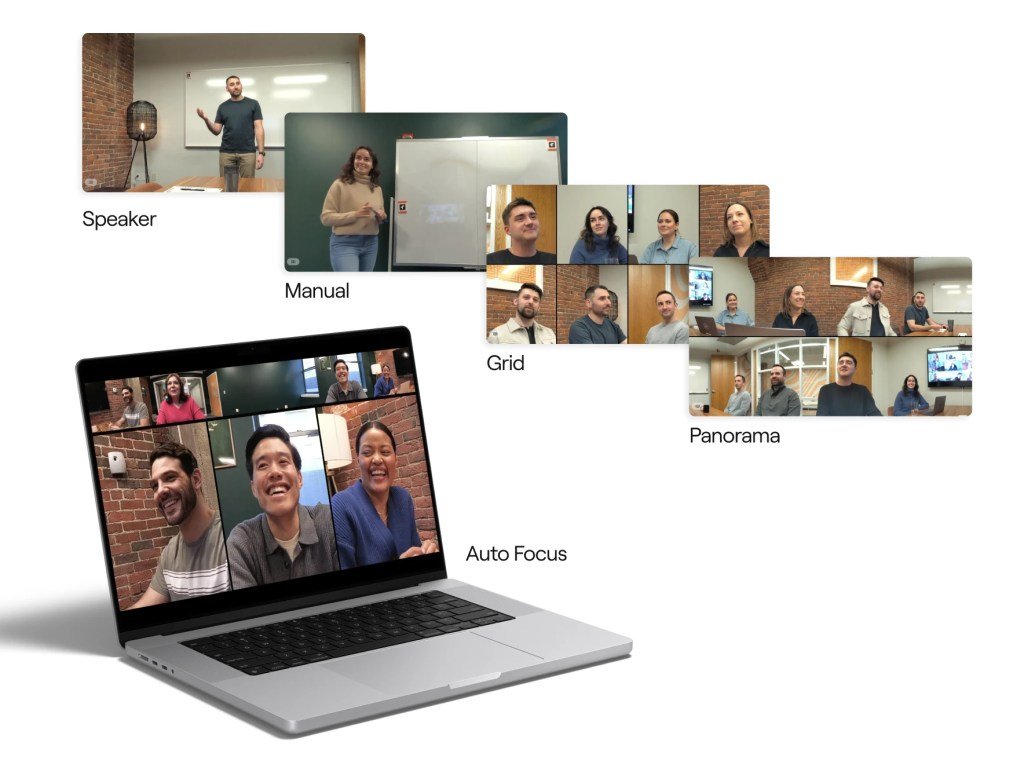
While the connectivity is the headline for IT admins, the hardware itself has seen significant upgrades. The Meeting Owl 5 Pro includes a 4K Ultra HD camera with an updated Owl Intelligence System (OIS) for speaker tracking. If you haven't used an Owl in a few years, this is the "magic" part where it follows whoever is speaking.
The camera sits in the center of the table and automatically pans and zooms to frame whoever is talking. This is particularly powerful for hybrid environments where remote participants need to feel connected to the conversation.
On the audio side, it has an 18-foot pickup radius via eight beamforming microphones. This should feel more like the microphone is in front of someone rather than in the center of the room, which makes a huge difference for audio quality and participant experience.
The price question
The Meeting Owl 5 Pro is available for pre-order now at $2,599. That's a serious price jump from earlier, consumer-friendly models. It's clearly aimed at IT departments that want to equip 50 rooms at once rather than a small team buying one for an offsite.
I love the new features they've added. I'm constantly considering IT toil as part of the cost of new solutions. The most expensive part of a hybrid meeting isn't the $2,600 camera—it's the ten minutes while six people watch the presenter struggle to get the HDMI audio to work.
If this device actually delivers on the promise of a "single-cable" experience that works every time someone needs to use it, it'll be worth it. Hardware costs pale in comparison to ongoing technical support challenges. If you have budget for Q1 and a conference room that's frustrating for Mac users, the Meeting Owl 5 Pro might be the friction-remover you've been looking for.
I hope to get a review unit after it launches to test out all the new features. You can pre-order it directly from Owl Labs.
The Meeting Owl 5 Pro represents a significant evolution in conference room technology. By solving the connectivity problem that plagues so many hybrid meetings, Owl Labs is addressing the real pain point that IT admins face daily. The combination of enterprise-grade features, improved hardware, and simplified user experience makes this a compelling option for organizations serious about making hybrid meetings work seamlessly.
Comments
Please log in or register to join the discussion