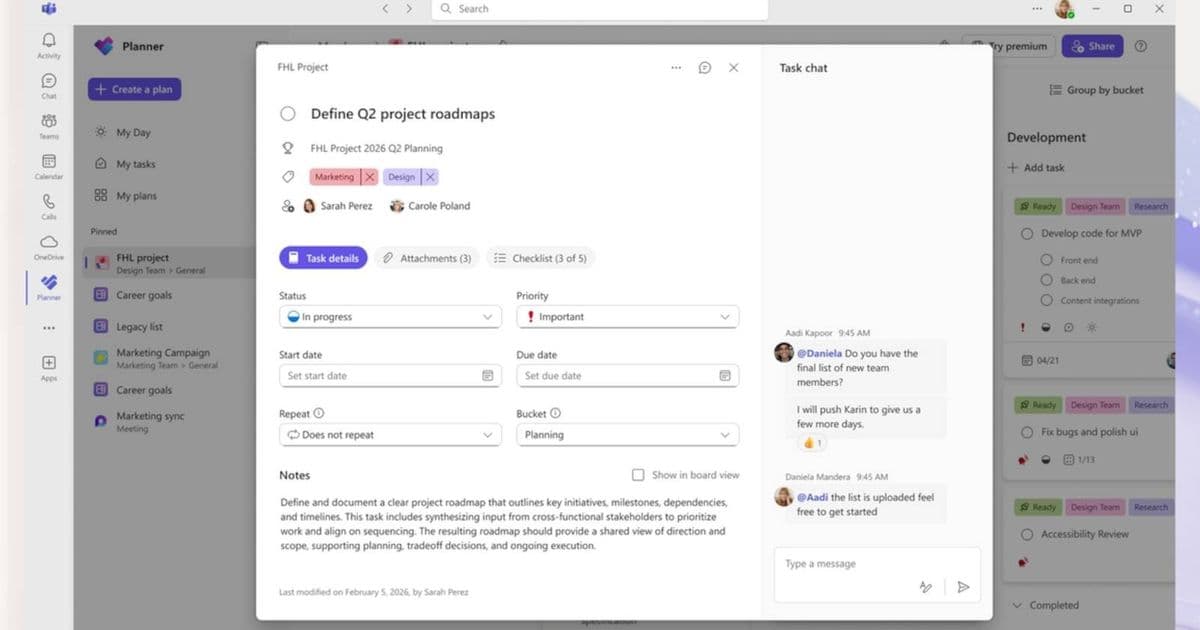
Microsoft Planner receives a significant UI overhaul with cleaner design and improved functionality. The update includes reduced visual clutter, better spacing, faster performance, and refined commenting features. Rollout begins immediately across Teams and web versions, with full deployment expected over several weeks.
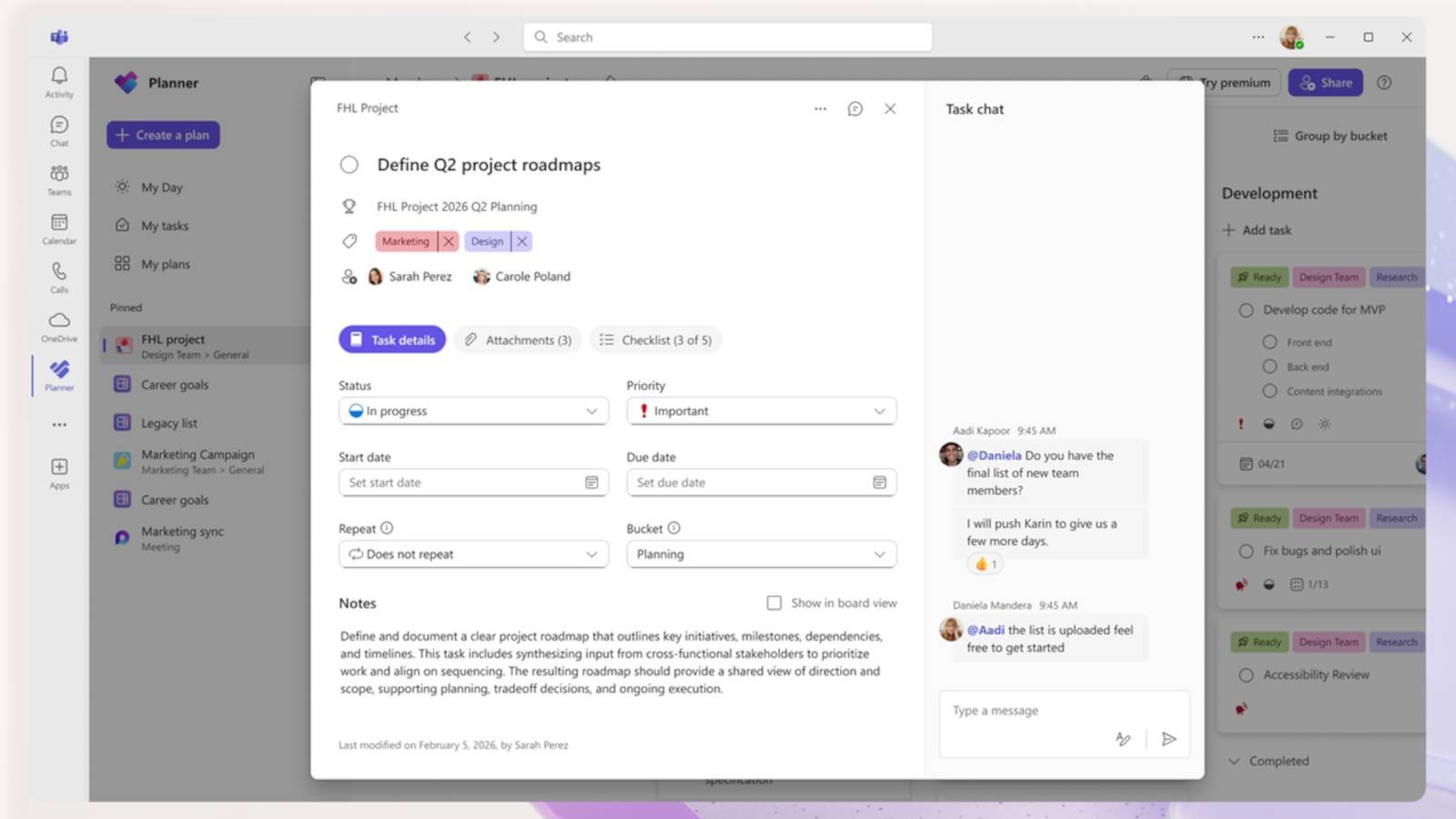
Microsoft has unveiled a comprehensive visual redesign for its Planner task management tool, marking the most significant interface update since its integration into the Microsoft 365 ecosystem. The refresh delivers tangible improvements in usability and aesthetics across both the Teams-integrated version and standalone web application, addressing longstanding user requests for a more modern workspace.
According to Microsoft's official Tech Community announcement, the redesign focuses on creating "a cleaner, more modern interface that offers faster performance and brings a more consistent planning experience across work." Early previews showcase noticeable reductions in visual clutter, with improved spacing between elements and a refined color palette that creates a more focused workspace. Task cards now display information more efficiently, while navigation controls have been repositioned for quicker access.
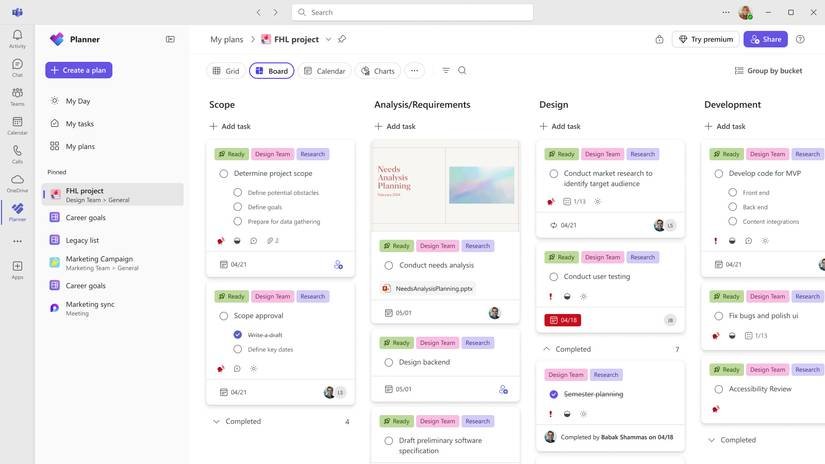
The update introduces functional enhancements alongside visual changes. Users can now @mention colleagues directly within task descriptions to trigger notifications—a feature previously missing despite its availability in competing task managers. More significantly, Microsoft has modified comment behavior: replies to task comments will no longer generate email notifications to everyone involved in the task thread, reducing inbox clutter while maintaining conversation history within Planner.
Performance improvements accompany the visual refresh. Microsoft states the updated interface loads plans faster and responds more quickly to user interactions. The company attributes these gains to underlying code optimizations that reduce rendering overhead while maintaining feature parity with the previous version.
Rollout of the new interface began immediately following Microsoft's announcement, using a phased deployment strategy. Users should expect staggered availability over several weeks rather than simultaneous global access. Administrators can monitor rollout status through the Microsoft 365 admin center, though individual users cannot manually trigger the update. The redesign appears automatically in both the Planner web app and Teams-integrated version without requiring software updates or user intervention.
For organizations using Planner as part of complex project workflows, Microsoft confirms existing plans, tasks, and integrations with Power Automate and other Microsoft 365 services remain fully functional after the update. Custom fields, attachments, and timeline views persist unchanged, ensuring business continuity during the transition.
The overlooked notification settings adjustment represents a thoughtful refinement to Planner's collaboration model. By eliminating group email blasts for every comment reply while preserving @mention targeting, Microsoft balances communication needs against notification fatigue—a common pain point in team collaboration tools.
This visual overhaul signals Microsoft's continued investment in Planner as a core component of its productivity suite, positioning it more competitively against standalone task management solutions. The timing coincides with broader Microsoft 365 design language updates rolling out across Outlook, Teams, and other applications throughout 2026.
Comments
Please log in or register to join the discussion