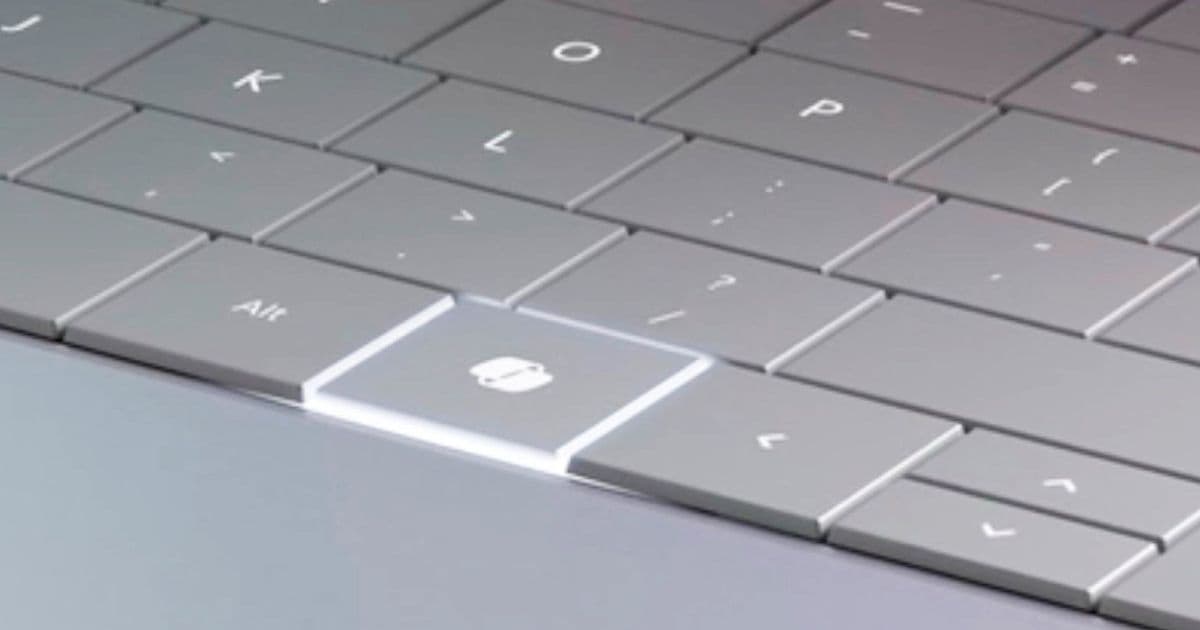
A Windows 11 update slated for 2026 will let the Copilot key on devices like the Surface Laptop act as a right‑Ctrl or context‑menu key and become configurable in Settings, easing the forced AI‑branding on new laptops.
Microsoft frees the Copilot key from AI
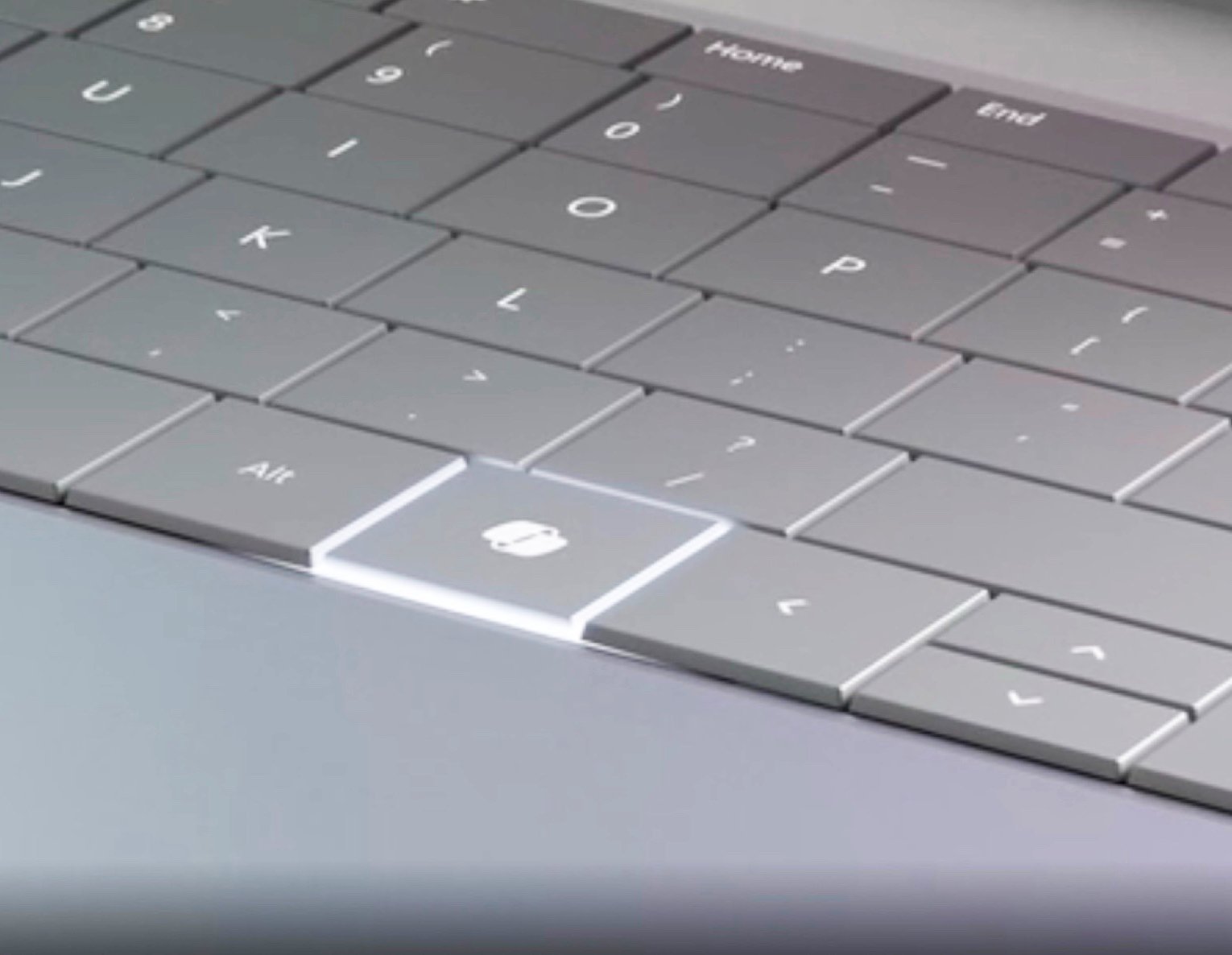
If OEMs want to slap the Copilot+ badge on a Windows 11 laptop, they currently have to ship a keyboard with a dedicated Copilot key. The key replaces the traditional right‑Ctrl position on many recent models, from the Surface Laptop 5 to a host of third‑party ultrabooks. Microsoft has now confirmed that a Windows 11 update, expected sometime in 2026, will let users repurpose that key.
What the update changes
- Dual‑function mode – The Copilot key will behave as a right‑Ctrl key or as a context‑menu (menu‑key) by default, matching the layout that most laptops used before the AI‑branding push of 2023.
- In‑system customization – A new entry in Settings → Keyboard will let users toggle between the two native functions. The UI mirrors the existing key‑remap panel, so there’s no learning curve.
- No macro layer – Microsoft stops short of opening the key to arbitrary shortcuts, macros, or app launches. Power users will still need tools like AutoHotkey or vendor‑specific key‑mapping utilities.
The change does not affect the underlying Copilot software; the key will still launch the AI assistant when the OS detects the Copilot shortcut (Win + C by default). The update simply removes the forced AI assignment, giving the right‑hand side of the keyboard back to its traditional role.
How it compares to the current situation
| Feature | Today (pre‑2026) | Post‑update (2026) |
|---|---|---|
| Default function of Copilot key | Launches Windows Copilot | Right‑Ctrl or context‑menu (user selectable) |
| Ability to reassign to other actions | Only via third‑party software | Limited to the two native functions |
| OEM requirement for Copilot branding | Mandatory for Copilot+ devices | Still required for Copilot+ badge, but key no longer locked to AI |
| Impact on existing shortcuts (Ctrl‑C, Ctrl‑V, etc.) | Potential conflict if users expect right‑Ctrl | Restores standard Ctrl behavior, eliminating accidental AI launches |
For laptops that already ship a separate physical Ctrl key on the left side, the change is largely cosmetic. However, on models that eliminated the right‑Ctrl entirely, the update restores a long‑missing modifier, which will be welcomed by developers, gamers, and anyone who relies on keyboard shortcuts.
Who will benefit
- Power users and developers – The right‑Ctrl key is essential for many IDE shortcuts (e.g., VS Code’s Ctrl + Shift + P). Restoring it eliminates the need for external key‑remap scripts.
- Gamers – Many PC games bind actions to the right‑Ctrl key. The update prevents accidental Copilot launches mid‑session.
- Enterprise IT – Standardizing the keyboard layout simplifies deployment of group policies and remote support scripts that assume a right‑Ctrl key.
- Casual buyers – Even non‑technical users will notice fewer “wrong‑key” errors when copying, pasting, or using common shortcuts.
What Microsoft isn’t doing
The company deliberately avoids turning the Copilot key into a fully programmable macro button. Unlike the Fn key on some laptops, which can be reassigned to launch apps, the Copilot key will stay limited to its two native roles. Users seeking deeper customization will still need third‑party utilities such as SharpKeys or KeyTweak.
Context: Microsoft’s broader UI pull‑back
Since the mixed reception to the aggressive Copilot integration in early 2024, Microsoft has been trimming AI‑centric features. The upcoming Windows 11 update also promises:
- Performance tweaks – Faster wake‑from‑sleep and reduced background CPU usage.
- Taskbar personalization – New pin‑to‑taskbar options and a configurable Start‑menu layout.
- Scaling back Xbox Copilot – The Xbox overlay AI assistant is being retired in favor of a lightweight overlay for game‑specific tips.
These moves suggest Microsoft is listening to the core Windows audience that values stability and predictability over flashy AI add‑ons.
Bottom line
The 2026 Windows 11 update will free the Copilot key from its AI‑only shackles, restoring the right‑Ctrl function and adding a simple toggle in Settings. While the key won’t become a full‑blown macro launcher, the change resolves a long‑standing pain point for developers, gamers, and power users who have been forced to work around a missing modifier key. OEMs will still need to include the key to qualify for Copilot+ branding, but the end‑user experience will finally feel familiar again.
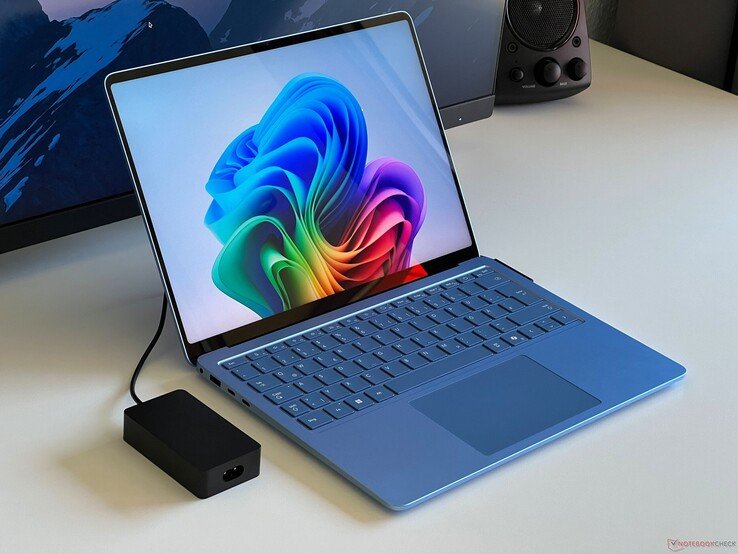
The co‑pilot key usually replaces the right‑hand Ctrl key.
Comments
Please log in or register to join the discussion