Enterprise IT administrators can now remove Microsoft's Copilot AI from managed Windows 11 devices under strict usage and installation conditions, reflecting shifting enterprise control over AI deployment.
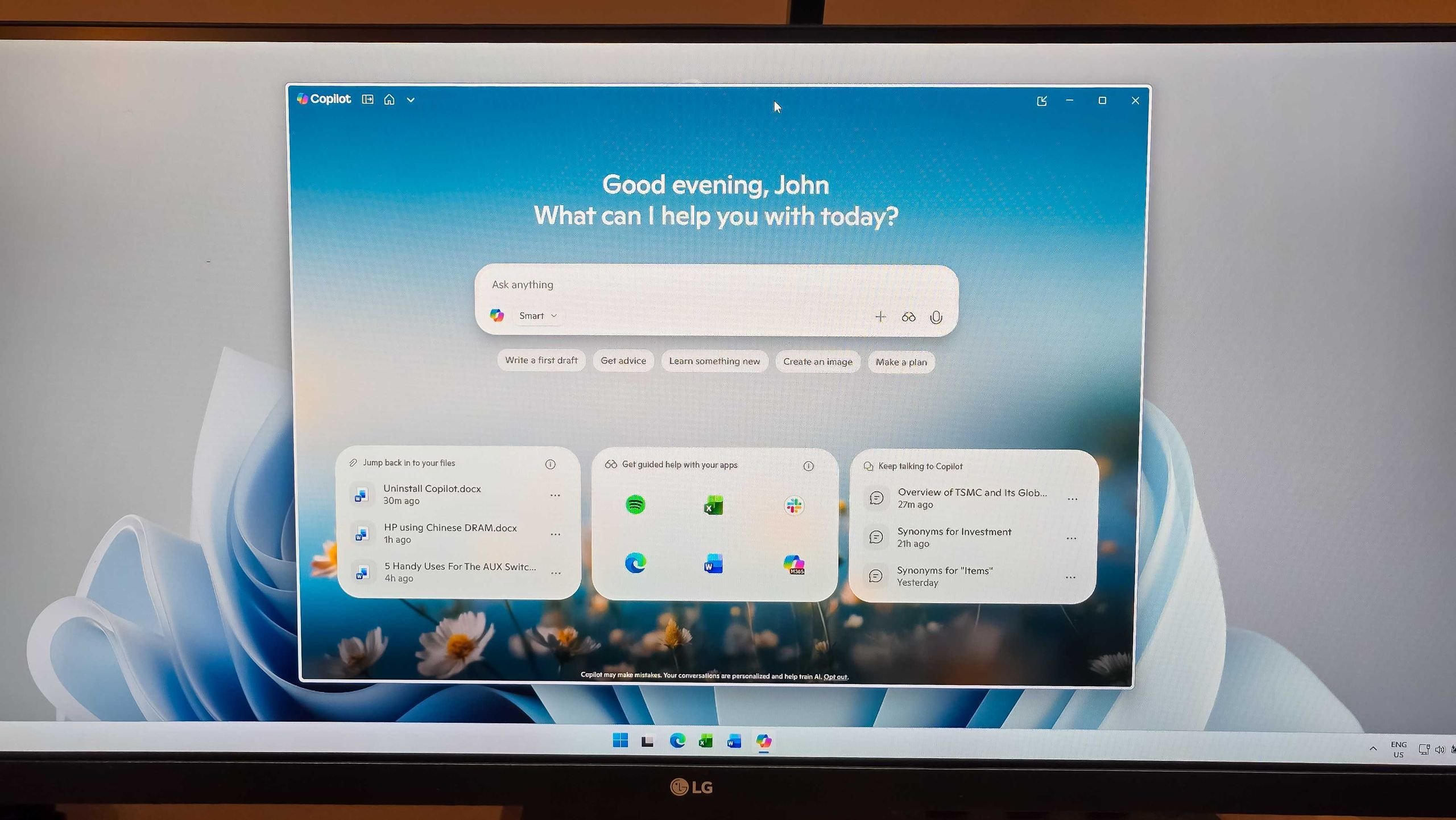
Microsoft has introduced a significant policy shift allowing administrators to uninstall the Microsoft Copilot app from Windows 11 Pro, Enterprise, and Education editions. This update, delivered through Windows Insider Preview Build 26220.7535 (KB5072046), targets organizations seeking greater control over AI tool deployment. The move responds to enterprise feedback about unnecessary pre-installed software but imposes three non-negotiable conditions for removal:
- Dual Installation Requirement: Both Microsoft Copilot (free version) and Microsoft 365 Copilot (paid subscription service) must coexist on the target system.
- System-Level Installation: The Copilot app cannot have been manually installed by an end user.
- Inactivity Threshold: The application must show zero launches within the preceding 28-day period.
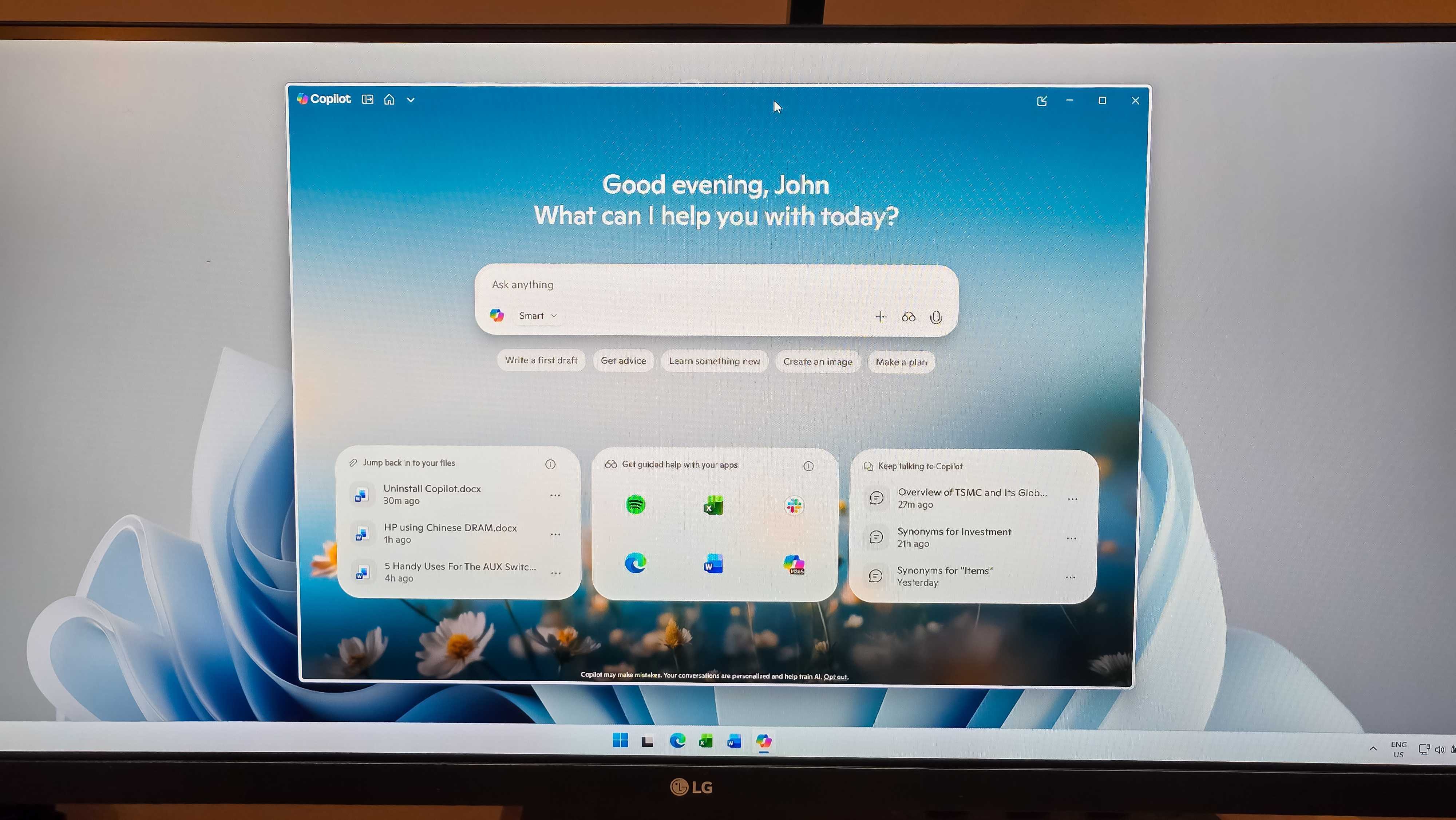
This policy, enforced via Group Policy Editor under User Configuration > Administrative Templates > Windows AI > Remove Microsoft Copilot App, highlights Microsoft's balancing act between user experience and administrative control. The 28-day inactivity rule presents practical hurdles: Copilot activates automatically on login by default, and accidental triggers occur via dedicated keyboard shortcuts (Windows+C or Alt+Space). Removal leaves Microsoft 365 Copilot intact, preserving subscription-based AI functionality while eliminating the free-tier application.
Enterprise implications extend beyond technical execution. Intel's CES 2026 keynote demonstrated selective AI integration in workflows, while Dell's market research indicates lukewarm consumer demand for AI PCs. This policy arrives as Microsoft aggressively promotes Copilot+ PCs requiring NPUs with 40+ TOPS performance. Enterprises managing fleets of non-Copilot+ devices gain flexibility to declutter interfaces, potentially improving system responsiveness and simplifying endpoint management. Administrators can implement removal without permanent consequences—users retain reinstatement rights via Microsoft Store.
Industry data reveals broader context: 78% of enterprises restrict generative AI tools over security concerns (Gartner, 2025), while Windows 11 holds 42% market share in commercial environments (StatCounter). This update signals Microsoft's acknowledgment of segmented AI adoption, allowing IT departments to align deployments with actual usage patterns rather than blanket installations. As AI hardware requirements escalate with next-generation silicon nodes like Intel 20A and TSMC N2, such software controls become crucial for extending legacy hardware lifespans.
 Jowi Morales is a contributing writer with extensive experience in enterprise hardware and software ecosystems.
Comments
Please log in or register to join the discussion