Microsoft's latest Windows 11 Insider Preview builds embed a one-click internet speed test that redirects users to Bing-hosted Ookla Speedtest functionality, prioritizing service integration over native implementation.
Microsoft has deployed a new network diagnostics feature in Windows 11 Insider Preview builds 26100.7918 and 26200.7918. Accessible via right-click on the taskbar's network icon or within Wi-Fi/cellular quick settings, the "Perform speed test" option launches a streamlined version of Ookla's Speedtest through the user's default browser via Bing.
The Bing-hosted interface displays three core metrics: latency (measured in milliseconds), download speed (Mbps), and upload speed (Mbps). This implementation differs significantly from a native Windows utility, functioning instead as a deep link to a web-based service. While eliminating manual browser navigation saves approximately 2-3 user actions, the solution relies entirely on Microsoft's cloud infrastructure and Ookla's backend systems.
Technically, this approach minimizes local resource consumption—no additional processing load on CPUs or network interfaces beyond standard browsing—but introduces external dependencies. Network latency between the user and Microsoft's servers becomes a variable factor in results, contrasting with theoretically more consistent local utilities. For Qualcomm's Snapdragon X Elite ARM-based systems launching later in 2024, which emphasize always-connected capabilities, such cloud-dependent features align with their design philosophy.
Market analysis reveals Microsoft's strategic objective: increasing Bing engagement amid competition from Google Speed Test and other standalone utilities. By embedding this touchpoint directly in the OS taskbar—estimated to reach over 1.4 billion Windows 11 devices by 2025—Microsoft leverages its platform dominance to redirect user traffic. This follows patterns seen in earlier integrations like Edge promotions and Microsoft Store placements.
The implementation arrives amidst ongoing Windows stability concerns, prompting questions about development priorities. While convenient for troubleshooting packet loss during gaming sessions or video calls, power users may prefer dedicated applications offering granular control and historical data tracking.
Concurrent updates in these Insider builds include:
- New Unicode 15.1 emoji rendering
- Enhanced backup/restore protocols
- Expanded camera controls
- Native integration of Sysmon for security monitoring
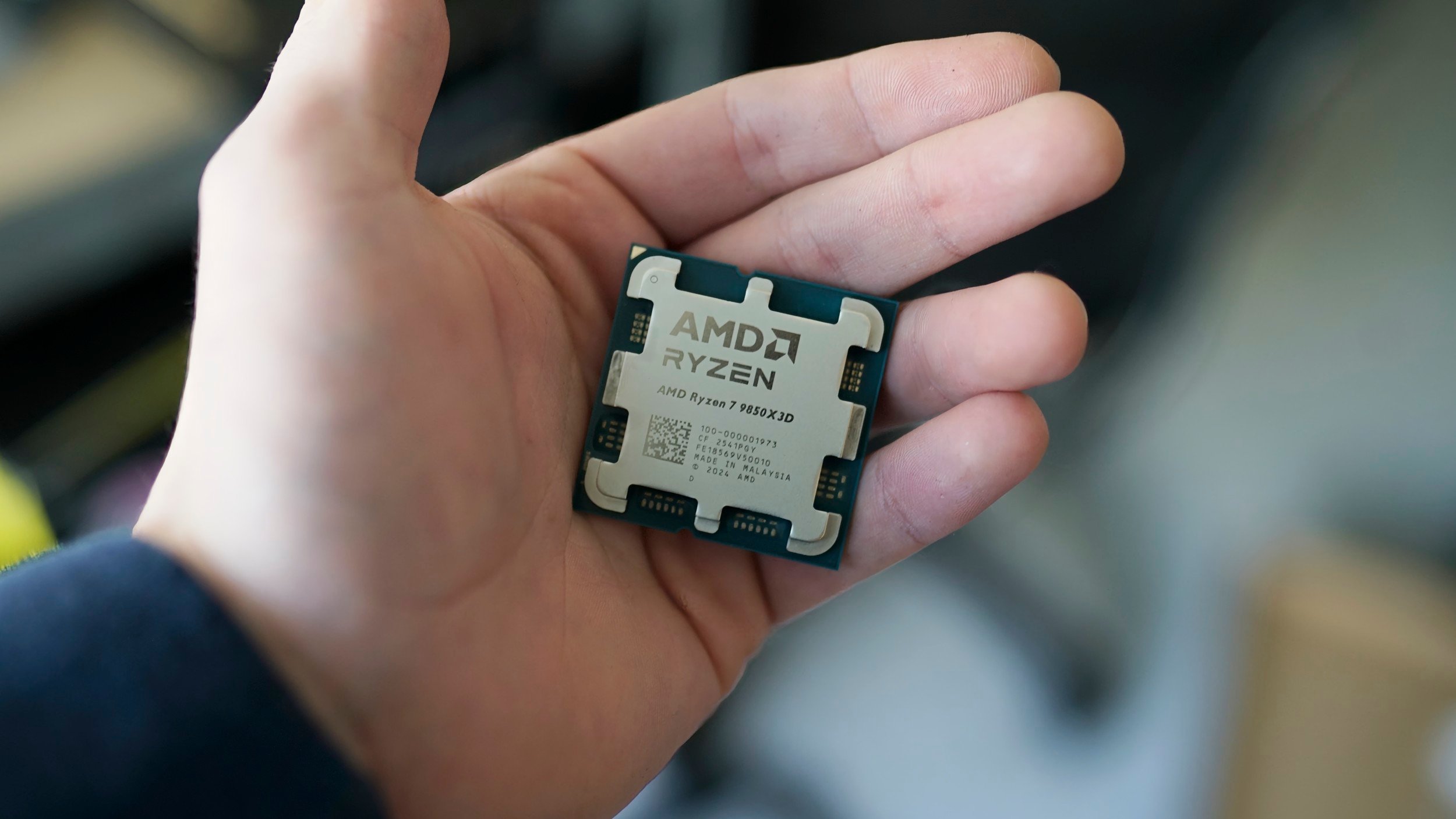
This speed test deployment exemplifies Microsoft's service-centric Windows evolution, prioritizing cloud integration over local computation despite advanced processors like AMD's Ryzen 7 9800X3D or Intel's Core Ultra capable of handling native diagnostics. Future iterations could potentially leverage NPUs for localized network analysis, but the current web-first approach underscores the industry's broader shift toward cloud-dependent functionality.
Comments
Please log in or register to join the discussion