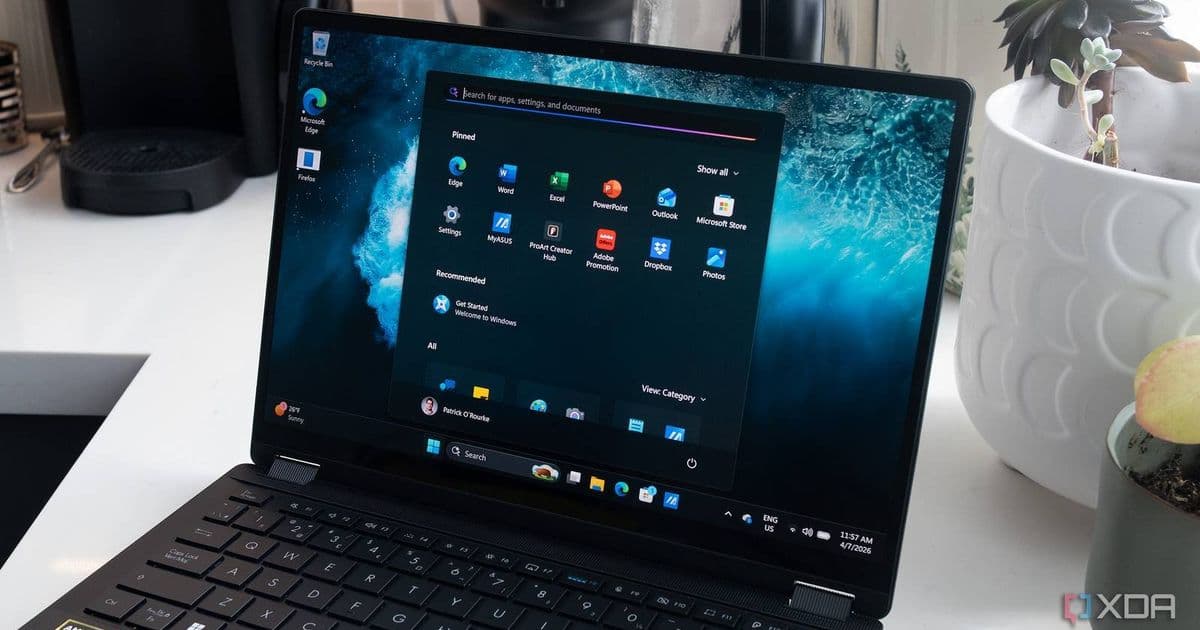
Microsoft has significantly scaled back its Copilot integration in Windows 11 over the past two months, removing buttons from key applications and rebranding features. The shift prioritizes core OS improvements, faster performance, and more intentional AI implementations, signaling a change in strategy for the platform.
Microsoft has completed a significant two-month overhaul of Windows 11, marking a notable retreat from its aggressive Copilot integration strategy. According to a recent Windows blog post, the company has removed Copilot buttons from applications like Snipping Tool and Photos, while rebranding Notepad's Copilot feature to the more descriptive "Writing Tools." This represents a fundamental shift in Microsoft's approach to AI integration in Windows.
The changes extend beyond just rebranding. Microsoft is focusing on core OS improvements including quieter update processes, faster File Explorer performance, and simplified opt-in procedures for the Windows Insider program. These improvements address longstanding user complaints and performance issues that have plagued Windows 11 since its initial release.
Platform Update: From Pervasive AI to Curated Experiences
Microsoft's new approach to AI in Windows represents a significant departure from the strategy implemented throughout 2025. Rather than embedding Copilot into every corner of the operating system, the company is now focusing on "more curated experiences" that provide tangible value to users.
"In Snipping Tool and Photos, we've removed the 'Ask Copilot' button entirely. And in Notepad, we've replaced the generic Copilot icon with a clearer 'Writing Tools' label that better describes what it does," Microsoft explained in their blog post. "This is part of a broader shift to make AI in Windows more intentional and realign the experiences to those that provide the most value to users."
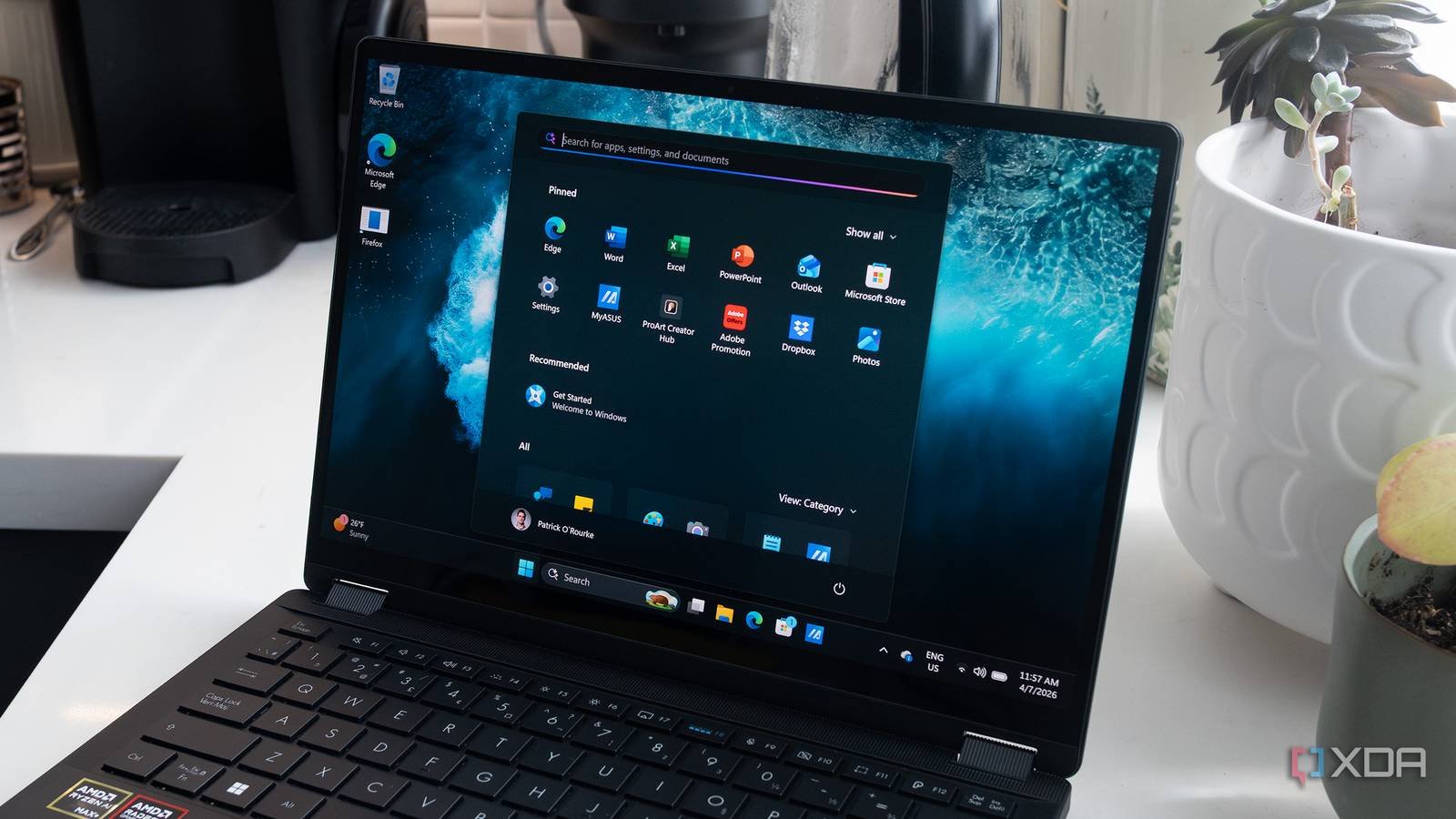
This shift comes as Microsoft faces pressure to address performance concerns and resource usage. Recent reports indicate that Windows 11 has been demanding significant RAM resources, prompting CEO Satya Nadella to explicitly state that Windows should use less RAM as part of a broader effort to win back consumer trust.
The changes align with Microsoft's broader strategy across its product lines to regain user confidence. The company appears to be acknowledging that previous approaches to AI integration may have been premature or overly aggressive, particularly given the resource requirements of these features.
Developer Impact: SDK Changes and Cross-Platform Considerations
For developers maintaining applications on Windows, these changes present both challenges and opportunities. The Windows SDK for these updated features will likely reflect the new approach to AI integration, potentially requiring updates to existing applications that previously relied on Copilot integration points.
Developers should note that while Microsoft is pulling back on pervasive Copilot integration, AI features are not being eliminated entirely. Instead, the company is promising "fewer, more curated Copilot experiences." This means developers will need to be more intentional about where and how they implement AI features in their applications.
For cross-platform developers, these changes reinforce the importance of platform-specific implementations. What works as an AI feature in Windows may not translate directly to other platforms, and developers will need to adapt their approaches accordingly.
The removal of Copilot buttons from system applications like Snipping Tool and Photos suggests that Microsoft is reconsidering its approach to system-level AI integration. Developers who have built applications that rely on these integration points may need to adjust their implementations.
Migration: Adapting to the New Windows 11 Reality
For organizations and individual users maintaining Windows 11 installations, the migration to this new version will be relatively straightforward, as the changes primarily affect how AI features are presented rather than fundamental system architecture.
However, organizations should test applications that heavily rely on Copilot integration to ensure compatibility with the new Windows 11 features. The rebranding of Notepad's Copilot feature to "Writing Tools" is a clear indication that Microsoft is moving away from the generic Copilot branding in favor of more descriptive, feature-specific naming.
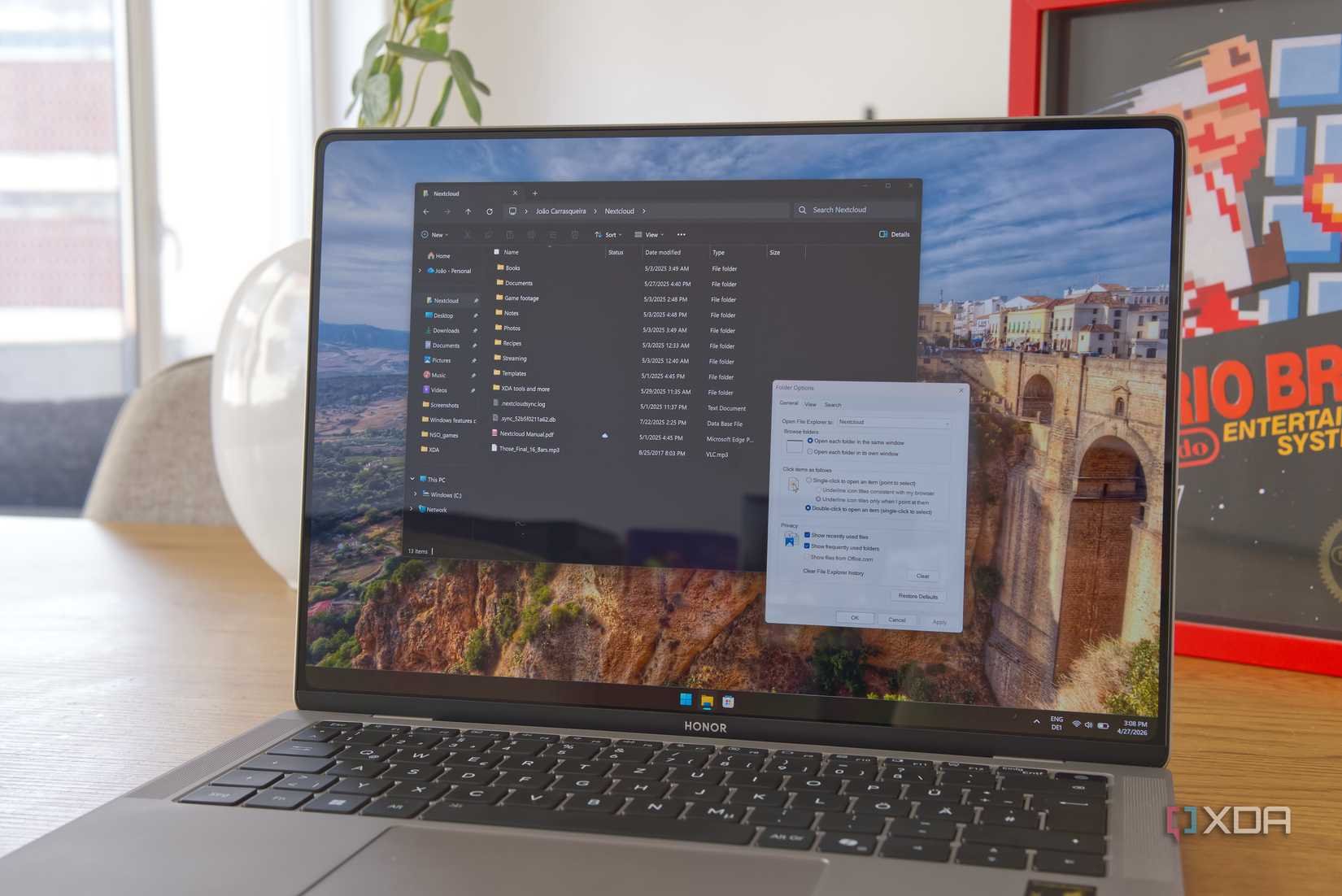
Microsoft's emphasis on "quieter updates" and "faster File Explorer" suggests that performance improvements are a priority in this release. Organizations should evaluate whether these improvements justify the upgrade, particularly in environments where stability and predictability are critical.
For developers, the migration involves rethinking AI integration strategies. Rather than assuming that Copilot will be available as a ubiquitous system feature, applications should now be designed to work with more specific, well-defined AI capabilities. This approach may ultimately lead to more meaningful and useful AI implementations in Windows applications.
Looking ahead, Microsoft's approach to AI in Windows appears to be maturing. The company seems to be recognizing that successful AI integration requires careful consideration of user needs and system resources, rather than simply adding AI features because the technology is available.
As Microsoft continues to refine its approach to AI in Windows, developers and users alike should expect a more measured and intentional implementation of these features. The changes announced over the past two months represent a significant step in this direction, potentially setting the stage for more successful AI integration in future Windows releases.
Comments
Please log in or register to join the discussion