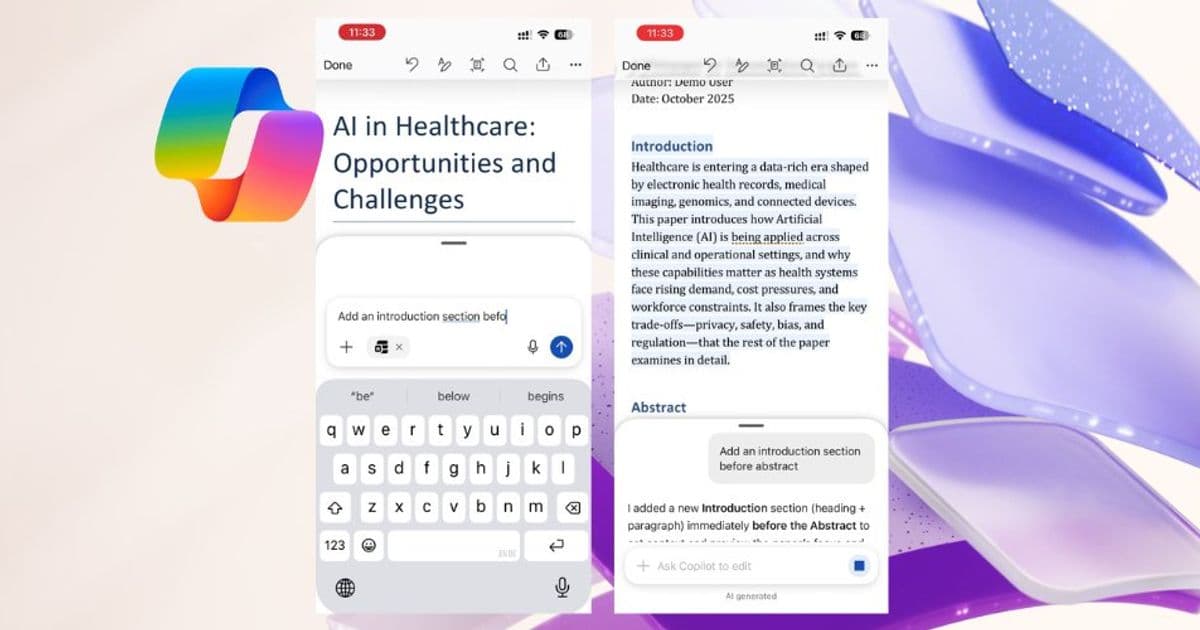
Microsoft brings AI-powered document creation to Word for iPhone, allowing users to work with Copilot as a co-creator directly within documents without switching apps.
Microsoft is bringing its AI assistant Copilot directly into Word for iPhone, allowing users to co-create documents without switching between apps. The new feature, which was previously called Agent mode, lets iPhone users work with Copilot as a co-creator directly in their Word documents.
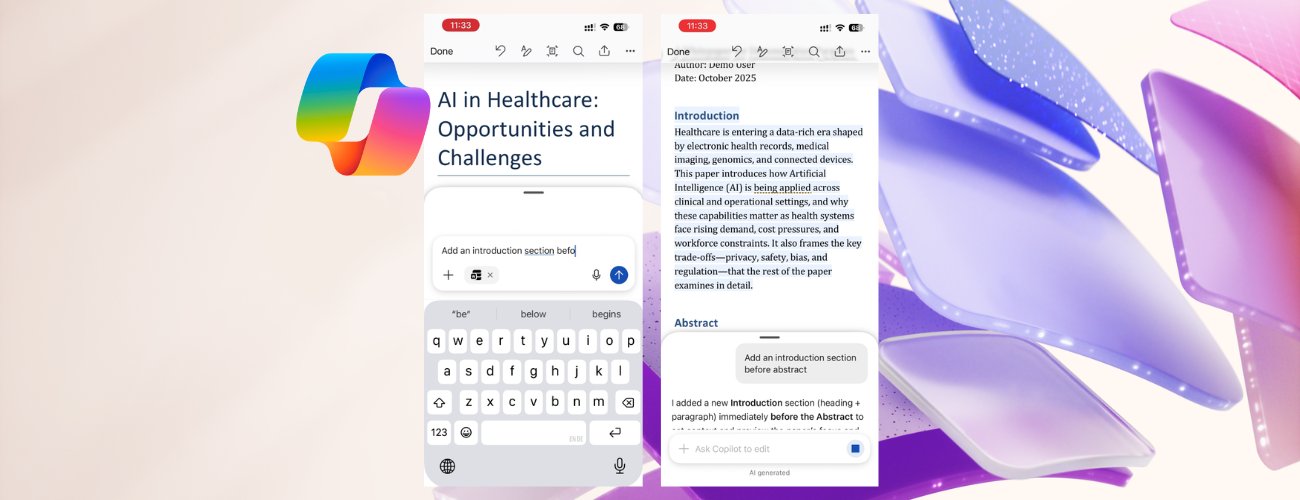
The integration means you can now create, refine, and format content using Word's built-in styles while staying in your flow. Copilot helps turn ideas into polished documents faster by working directly within the document rather than requiring you to navigate between Word and Copilot apps.
How It Works
To get started, open Word on your iPhone and sign in with a Copilot-enabled account. You can either create a new document or open an existing one, then tap the Copilot icon to open the chat interface. From there, simply type your request in the prompt box.
For example, you might ask Copilot to "Update the table in the document with numbers from /Sept Data Pull email" or request formatting changes that maintain your document's structure and consistency.
Key Features and Limitations
Copilot can only create content in the currently open Word document - it cannot create new files or generate images directly within documents. For image generation, you'll need to turn off the edit function by tapping the Word icon in the Chat field and submit your prompt to generate an image in Chat as usual.
The AI assistant also cannot add or modify comments in your Word document. If you request changes to content that a comment is associated with, the comment may be deleted if Copilot makes changes to the paragraph to which the comment is anchored.
When working with shared documents, Copilot shows a preview of suggested changes in chat first. You must review and confirm these changes before they are applied, preventing accidental sharing of sensitive or unintended content with collaborators.
Important Considerations
Be careful when working with sensitive or shared files, as Copilot makes direct changes to your Word documents. If you need to revert changes, you can easily undo them or view prior versions at any time.
Copilot cannot turn Track Changes on or off, or accept or reject tracked changes, but it will respect tracked changes. If Track Changes is enabled, changes made while editing the document with Copilot will be tracked.
Availability and Feedback
The feature is available to all Word for iOS users with a Microsoft 365 Copilot license. To share feedback, use the thumbs up or thumbs down buttons in the Copilot chat window.
This update represents Microsoft's continued push to integrate AI capabilities across its Office suite, making document creation more efficient for mobile users who need to work on the go without sacrificing the collaborative features that make Word powerful.
Comments
Please log in or register to join the discussion