
A bizarre claim that purchasing DLC could improve game performance has sparked a technical investigation into how modern games handle asset streaming and memory management.
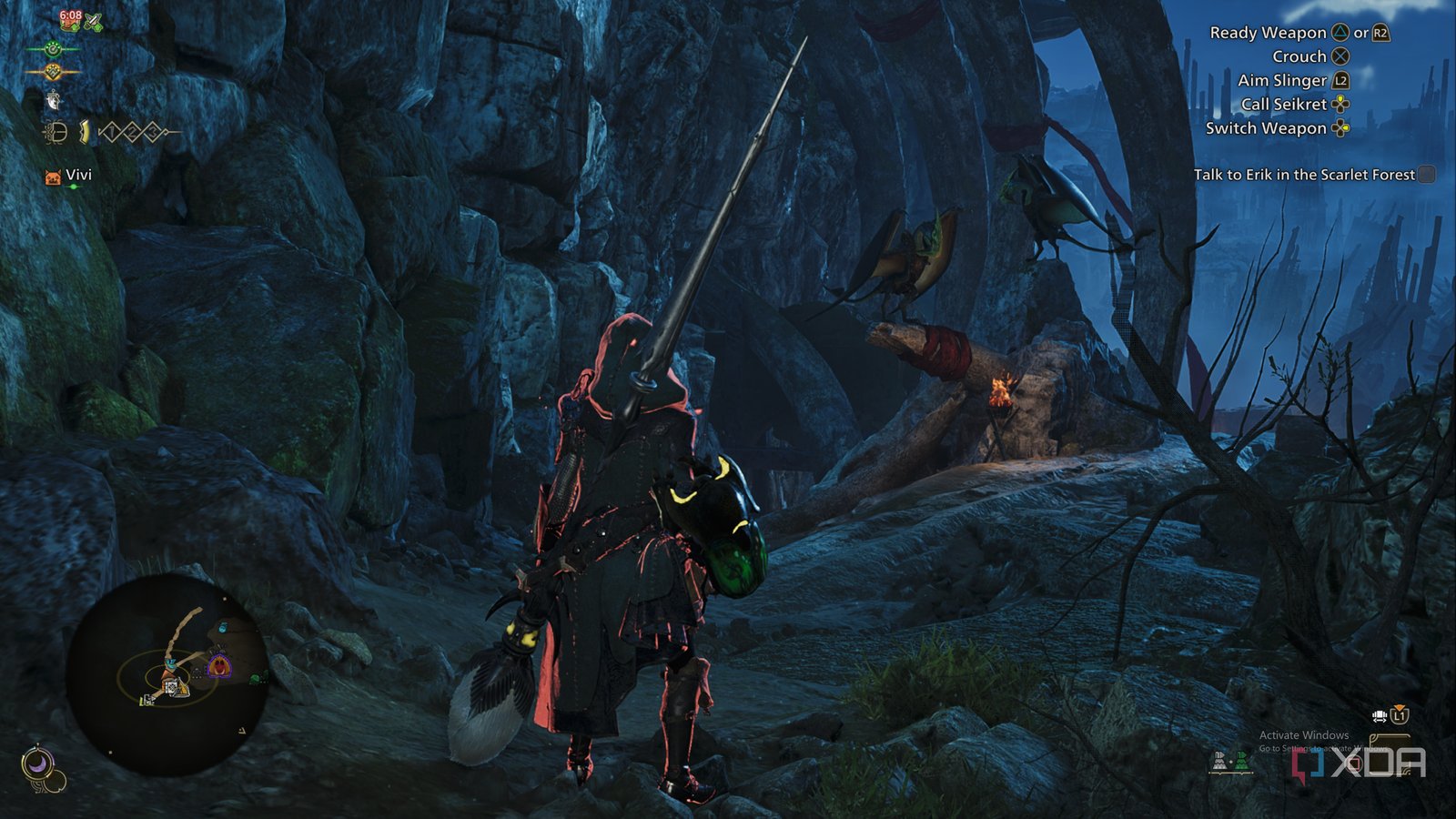
A Reddit user's claim that buying Monster Hunter Wilds DLC improved their framerate has ignited a fascinating technical discussion about how modern games manage assets and the hidden complexities of game performance. While the correlation sounds absurd on its face, the underlying mechanics reveal important insights about how contemporary game engines handle content loading and memory allocation.
The Viral Claim
The original poster reported a noticeable framerate improvement after purchasing additional DLC content packs for Monster Hunter Wilds. This immediately raised skepticism across gaming communities, as conventional wisdom suggests adding content should theoretically increase rather than decrease system load. However, multiple users reported similar experiences, turning what could have been dismissed as placebo into a legitimate technical mystery worth investigating.
Understanding Game Asset Management
Modern game engines like Capcom's RE Engine use sophisticated asset streaming systems. These systems continuously load and unload textures, models, and other assets based on player location, current actions, and predicted future needs. The key insight here involves how games handle "base" versus "premium" content:
Memory Allocation Patterns: Games often pre-allocate memory pools for anticipated content. When DLC is purchased but not yet downloaded, the game engine may maintain placeholder references or reserved memory spaces. This creates overhead as the engine checks for content availability and manages these reserved spaces.
Asset Streaming Optimization: Premium content packs sometimes include optimized texture variants or compressed asset versions that the base game references. The act of purchasing and downloading these packs might replace placeholder assets with properly optimized versions, or it might trigger a re-indexing of the game's asset library that results in more efficient streaming patterns.
The Technical Reality
The most likely explanation involves how Monster Hunter Wilds handles its content verification and loading pipeline:
Content Manifest Updates: Purchasing DLC updates the game's content manifest, which could trigger a recompilation or re-indexing of shader caches and asset libraries. This process might eliminate redundant checks or optimize loading paths.
Placeholder Resolution: Base game installations might include references to premium assets that remain unresolved until purchase. These unresolved references could create micro-stutters as the engine attempts to load non-existent content. Purchasing DLC resolves these references, potentially smoothing out frame delivery.
Memory Pool Rebalancing: Some engines adjust memory allocation strategies based on detected content. The presence of DLC might trigger different memory management heuristics that better suit the user's specific hardware configuration.
The Placebo Effect and Confirmation Bias
It's crucial to acknowledge the psychological factors at play. Players experiencing performance issues often search for solutions, and the timing of DLC purchase coinciding with other system optimizations (driver updates, background process cleanup, thermal management improvements) could create a false correlation.
However, the consistency of reports suggests something more than pure placebo. This mirrors similar phenomena in other games where legitimate technical changes produce unexpected performance outcomes.
Broader Implications for Game Development
This situation highlights several important trends in modern game development:
Content Delivery Complexity: As games become service-based platforms with continuous content updates, the relationship between purchased content and core performance becomes increasingly complex. Developers must consider how DLC integration affects the base game experience for all users.
Testing Challenges: Performance testing must now account for various content combinations. A configuration with DLC might perform differently than the base game, requiring more comprehensive QA processes.
Consumer Transparency: Players deserve clear information about how additional content might affect their gaming experience, whether positively or negatively.
Practical Takeaways for Gamers
If you're experiencing performance issues with Monster Hunter Wilds or similar titles:
- Verify Game Files: Corrupted or incomplete installations can cause performance problems unrelated to DLC status.
- Update Graphics Drivers: New game releases often require updated GPU drivers for optimal performance.
- Monitor Background Processes: Other system changes might coincide with DLC purchases.
- Check Storage Performance: Game asset streaming heavily depends on storage speed. Installing DLC on a faster SSD could improve performance regardless of the DLC content itself.
The Verdict
While buying DLC specifically to improve framerate shouldn't be considered a legitimate performance optimization strategy, the underlying technical discussion reveals important insights about modern game engine architecture. The correlation likely stems from how the game's content management system reorganizes and optimizes asset handling when additional content is integrated, rather than any direct performance benefit from the DLC content itself.
This incident serves as a reminder that modern gaming performance is a complex interplay of software, hardware, and content configuration that often produces counterintuitive results. For Monster Hunter Wilds players, the best approach remains standard performance troubleshooting rather than hoping additional purchases will magically unlock better framerates.
For more gaming performance analysis and technical deep dives, follow our coverage of the latest PC gaming optimization techniques and hardware recommendations.
Comments
Please log in or register to join the discussion