Firefox 152 gives testers an easier path to JPEG XL trials, adds a redesigned settings interface and expands media support on Windows.
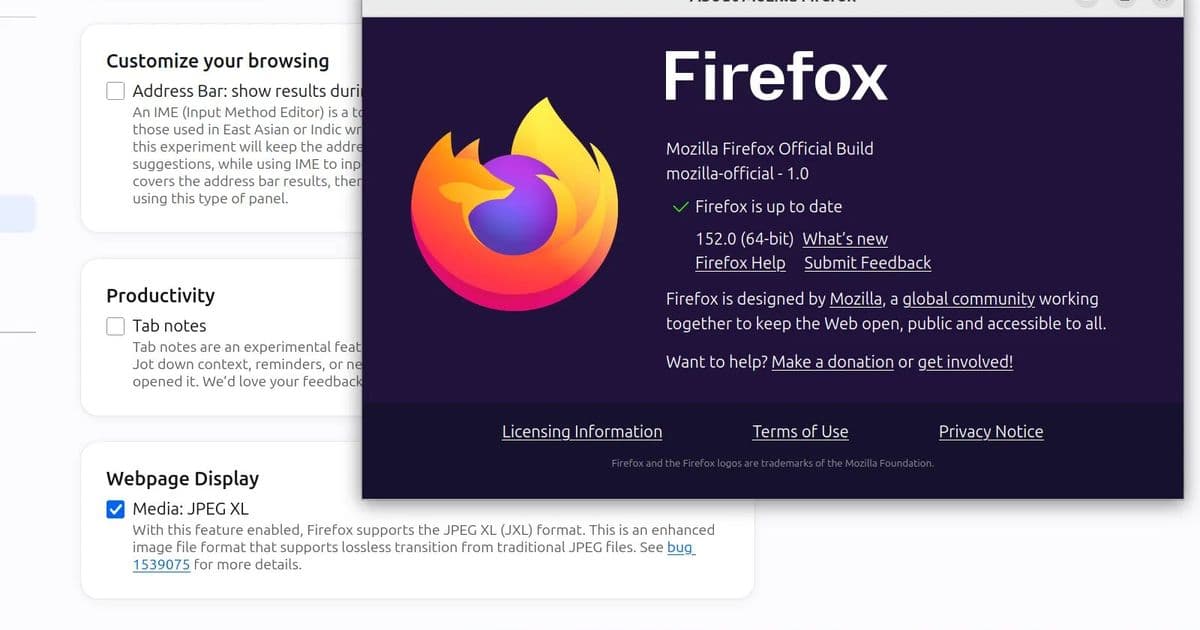
Mozilla posted Firefox 152.0 binaries Monday, June 15, ahead of the planned June 16 release announcement. The build compiles JPEG XL support into beta and release binaries by default, though users must enable it through Firefox Labs before the browser decodes JPEG XL images.
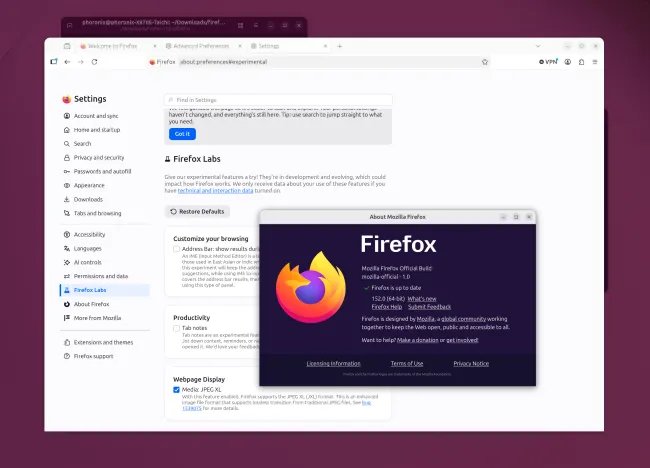
Firefox Nightly carried that JPEG XL build path before this cycle. Firefox 152 moves the code into release-channel builds, which lowers friction for image-format testing without turning the feature on for all users. That split matters for developers and homelab users who want repeatable tests across stable browser builds.
JPEG XL targets high compression, HDR images and lossless workflows. Mozilla’s move does not make JPEG XL a default web format in Firefox, but it gives site owners, image pipeline maintainers and browser testers a stable build target. The format’s project page at jpeg.org/jpegxl covers the codec goals and reference material.
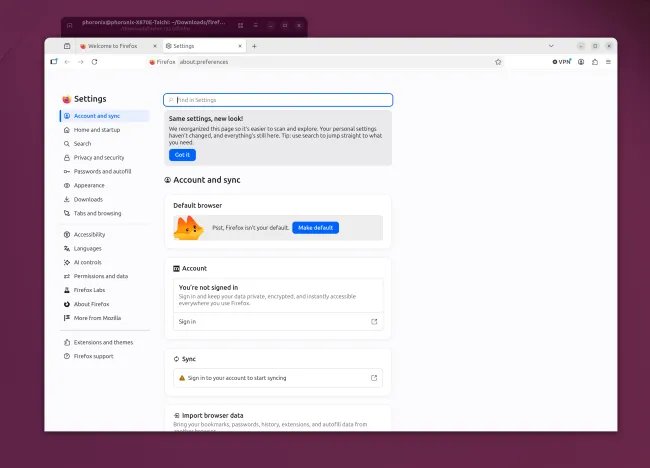
Firefox 152 also brings Mozilla’s redesigned settings interface into the release build. The update groups preferences with a more modern layout, which should make feature flags and browser configuration easier to audit across desktop fleets.
The release adds HDR video support on Windows across more hardware configurations. Mozilla did not publish power figures or decode benchmark numbers in the supplied release material, so builders should test their own systems before they change browser defaults in a lab or production image.
| Area | Firefox 152 change | Test to run |
|---|---|---|
| JPEG XL | Code compiles into beta and release builds | Compare decode time, file size and visual output against AVIF and WebP |
| Settings | Redesigned interface reaches release builds | Verify managed preferences and user-facing toggles |
| Windows media | HDR video support expands | Measure GPU video engine use, display output and wall power |
| CSS | field-sizing support lands |
Check form layouts against Chromium and WebKit |
Developers should also note the added CSS field-sizing support. The MDN documentation explains the property, which lets form controls size themselves from their contents. That can reduce script-heavy layout work in forms, editors and admin consoles.
For test rigs, download Firefox 152 from Mozilla’s release archive and keep Firefox 151 installed for A/B runs. Use the same profile state, clear image cache between runs and record CPU package power, GPU media activity and decode latency. JPEG XL tests should include photographic images, lossless screenshots and HDR assets because each workload stresses a different part of the codec path.
I would treat Firefox 152 as a compatibility milestone for JPEG XL, not a broad deployment signal. Enable the Firefox Labs preference on test machines, run format checks against your image CDN and watch for rendering differences before you serve JPEG XL to Firefox users by default.
Firefox 153 should bring Vulkan Video decoding support next month, which matters more for Linux media rigs and low-power desktops. Pair Firefox 152’s image-format testing with a clean browser benchmark plan now, then rerun the same media tests when Firefox 153 lands.
Comments
Please log in or register to join the discussion