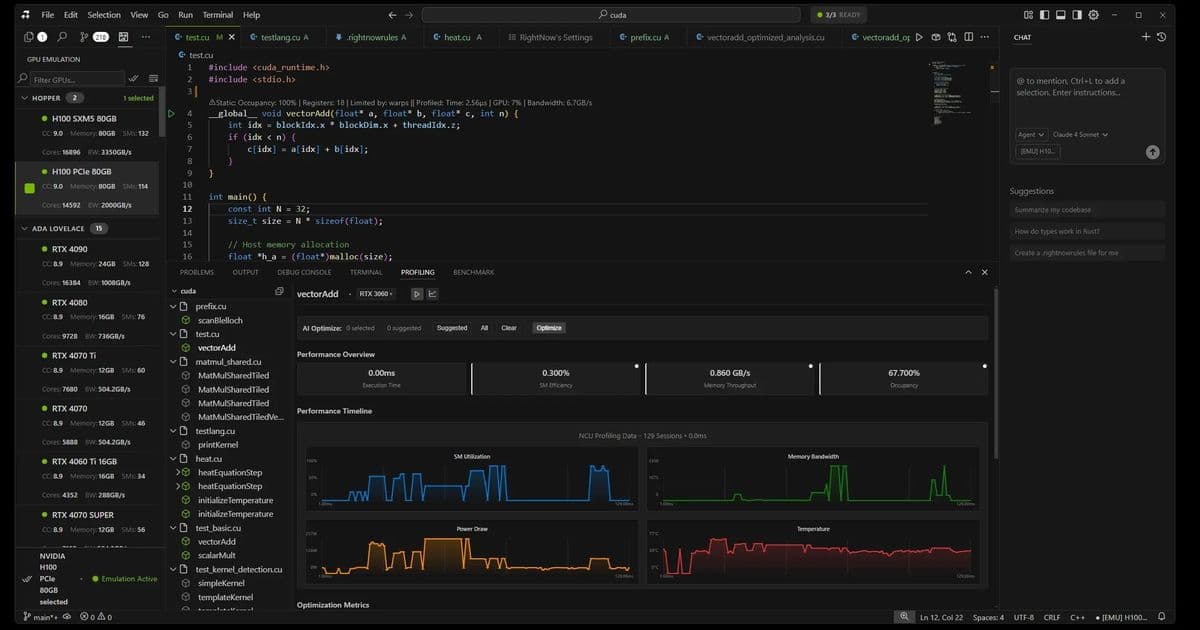
RightNow AI has developed a groundbreaking GPU emulator that accurately predicts CUDA kernel execution times across 50+ NVIDIA GPUs without actual hardware. By simulating performance using architectural models and real specs, it achieves 99% accuracy, saving developers thousands in cloud costs and catching bugs before deployment. This tool transforms GPU optimization workflows from a costly gamble into a precise, accessible process.
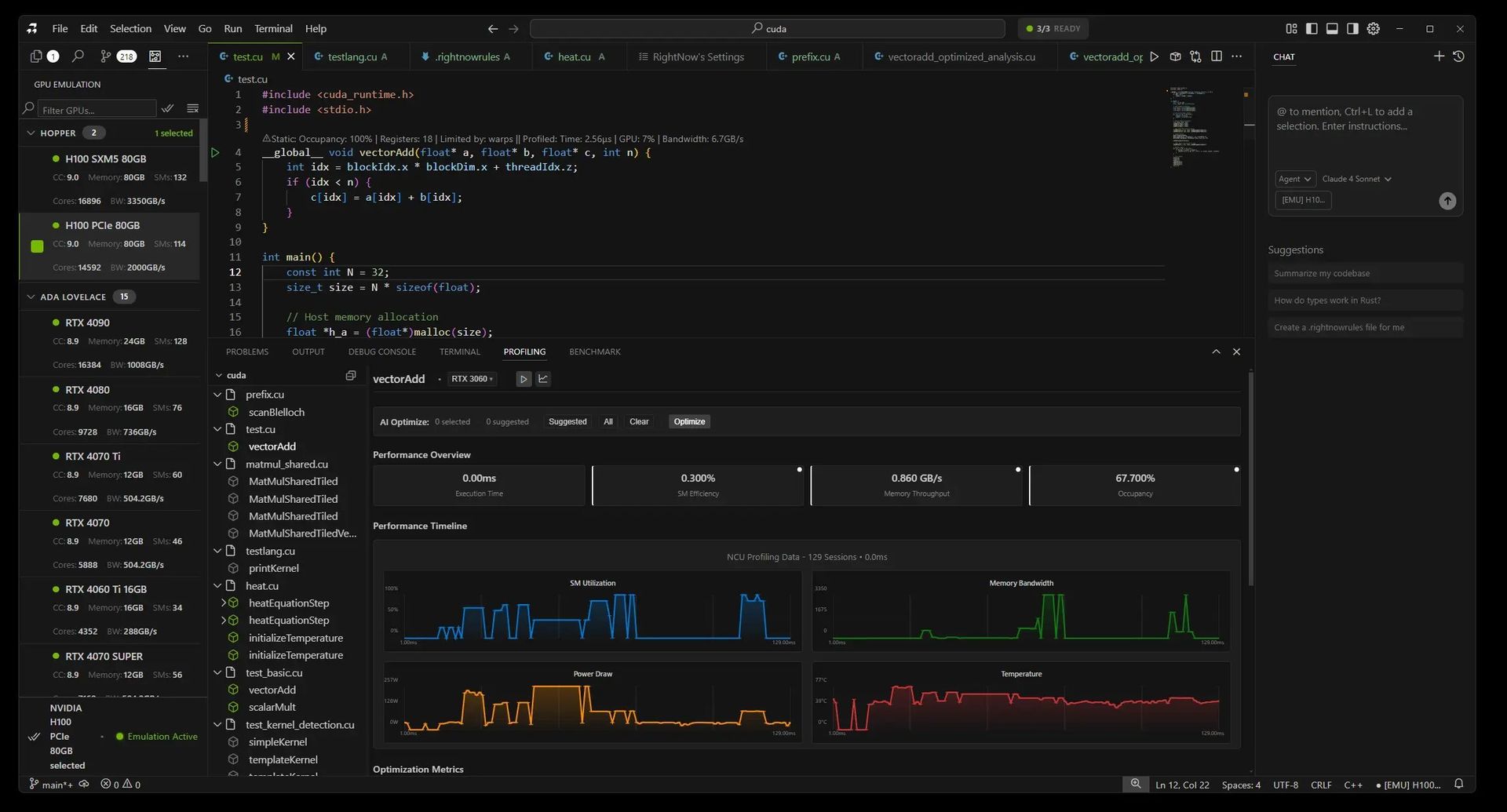
For developers building CUDA-accelerated applications, testing across NVIDIA's fragmented GPU landscape—from data center H100s to legacy GTX 1060s—has long meant exorbitant cloud bills or blind deployment risks. Jaber Jaber of RightNow AI faced this firsthand: renting 15 GPUs for testing cost $7,500 monthly, totaling $90,000 annually—a non-starter for startups. Their solution? A three-tiered emulator that predicts kernel performance with near-perfect accuracy, all without executing code.
The $90,000 Testing Problem
CUDA library maintainers must ensure kernels run efficiently across generations, but hardware access is prohibitively expensive. As Jaber notes, "You test on one GPU, deploy, and pray—until bug reports pour in about slowdowns on unseen hardware like V100s." The emulator eliminates this gamble by simulating execution based on:
- Architectural specifications: L2 cache sizes, memory bandwidth, SM counts.
- Kernel behavior: Memory coalescing, thread divergence, arithmetic intensity.
┌───────────────────────────────────┐
│ Cloud Rental Costs (Monthly)      │
├───────────────────────────────────┤
│ H100 (80GB):      $1,800          │
│ A100 (80GB):      $792            │
│ RTX 4090:         $576            │
│ ... Total for 15 GPUs: ~$7,500    │
└───────────────────────────────────┘
How the Emulator Works: Three Tiers for Precision
RightNow AI's system dynamically selects the optimal emulation strategy per kernel, balancing speed and accuracy:
NeuSight Tile-Based Emulator (99% accuracy) Breaks kernels into L2-cache-sized tiles (e.g., 96MB for H100 vs. 1.5MB for GTX 1060), simulating occupancy, bandwidth, and latency per tile. Real GPU specs drive predictions:
"We use actual SMs, cache sizes, and bandwidth from NVIDIA datasheets—no approximations. Tile sizing is key: Hopper’s large L2 demands different modeling than Pascal."
- Accuracy: 98-99% on execution time
- Speed: 100-500ms per emulation
NCU Baseline Emulator (95-98% accuracy) Scales real profiling data (e.g., from an RTX 4090) to other GPUs using architecture-specific factors:
Hopper: 1.05x compute, 1.00x memory
Ampere: 0.92x compute, 0.90x memory
Pascal: 0.75x compute, 0.80x memory
Ideal when baseline hardware data exists.
Analytical Emulator (85-92% accuracy) A roofline-model fallback that identifies memory/compute bottlenecks via arithmetic intensity:
ridge = peakTFLOPS / memoryBandwidthGBps;
if (arithmeticIntensity < ridge) → memory bound;
Validating the 99% Claim
Accuracy was proven against 47 test kernels (matrix multiplies, reductions) profiled on 12 physical GPUs. Results:
- Mean execution time error: 1.2%
- Worst-case deviation: 8.2% (tiny kernels with overhead)
- Occupancy prediction: Near-perfect 0.8% error
Real-World Impact: From Cost Savings to Bug Prevention
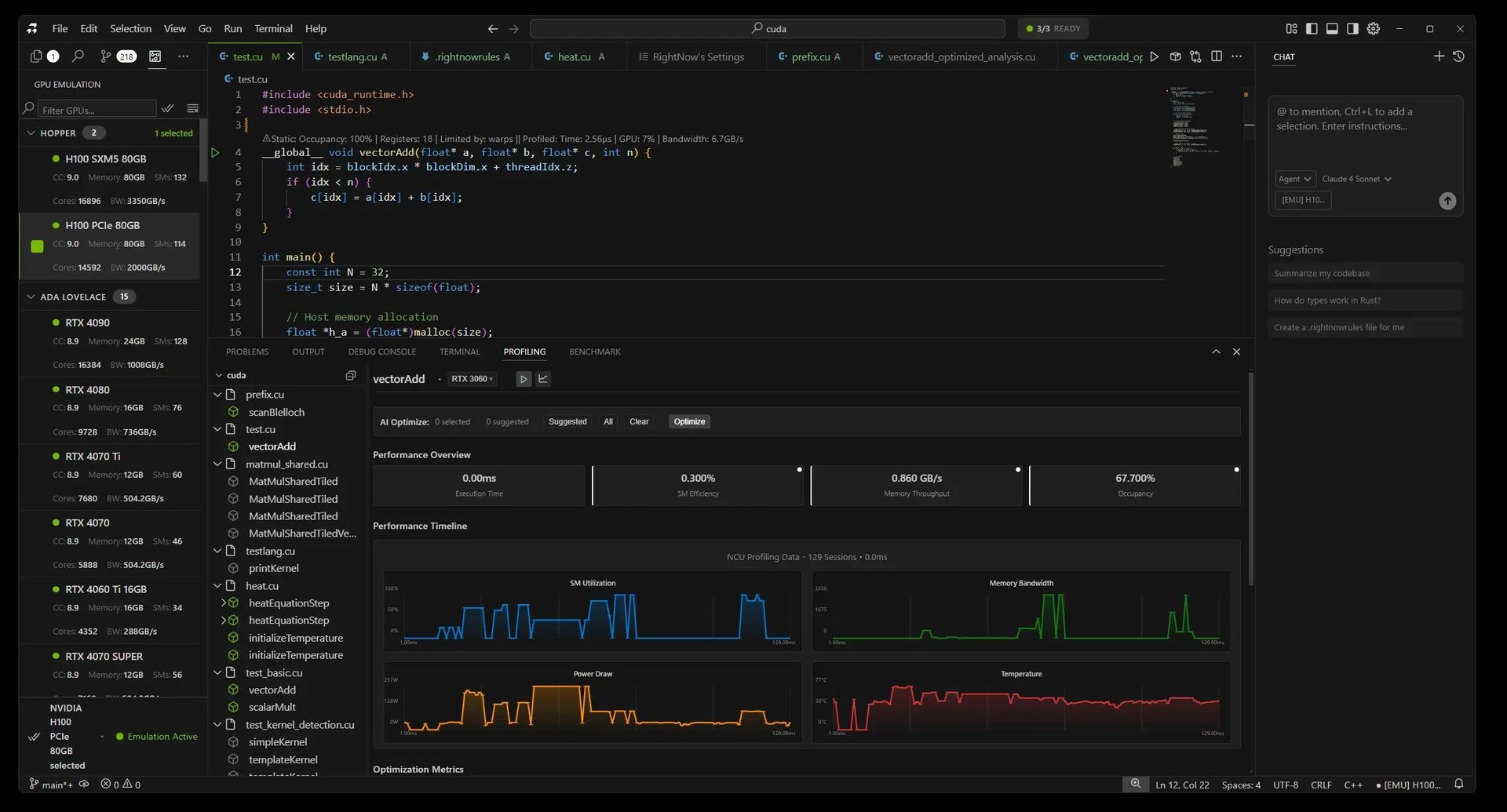
Developers now emulate first, deploy later—slashing costs and cycle times:
- Case Study: A library maintainer cut testing costs from $4,500/month to $300/month by emulating 20 GPUs, catching critical issues like Ampere occupancy flaws and Pascal memory misalignment before users were affected.
- Workflow Shift:
Before: Write → Test locally → Deploy → Debug (2-3 days, $500)
After: Write → Emulate 15 GPUs → Fix → Deploy (30 mins, $0)
Limitations and Future Work
Not yet perfect:
- Unsupported: Dynamic parallelism, multi-GPU/NCCL workflows, tensor core nuances.
- Edge cases: Sub-microsecond kernels see 85-90% accuracy due to overhead. Multi-GPU emulation is prioritized for upcoming releases.
Why This Changes GPU Development
With NVIDIA’s architecture sprawl intensifying, the emulator democratizes optimization. As Jaber puts it, "Five years ago, everyone had a GTX 1080. Now, your code must span H100s to 1060s—this tool makes that feasible without a $90,000 budget." Integrated into RightNow AI, it’s free for personal use and runs CPU-only, enabling instant, cost-free validation across decades of hardware.
Source: RightNow AI Blog
Comments
Please log in or register to join the discussion