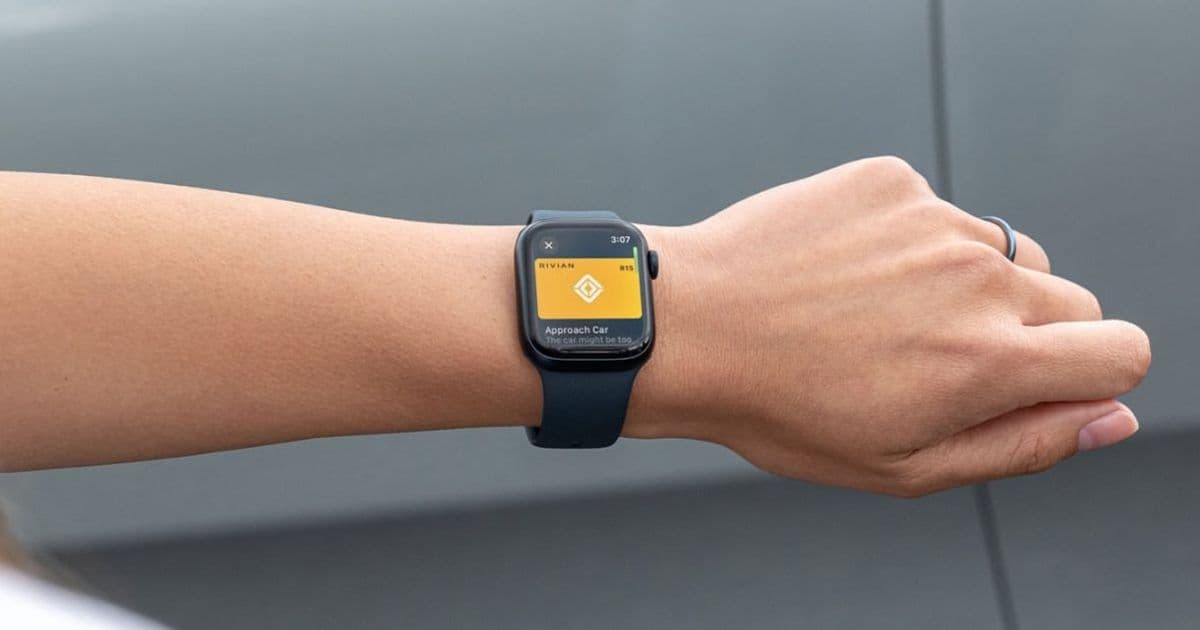
Rivian is launching a dedicated Apple Watch app with remote vehicle controls and digital key functionality for Gen 1 EVs, following Tesla's lead in smartwatch integration.
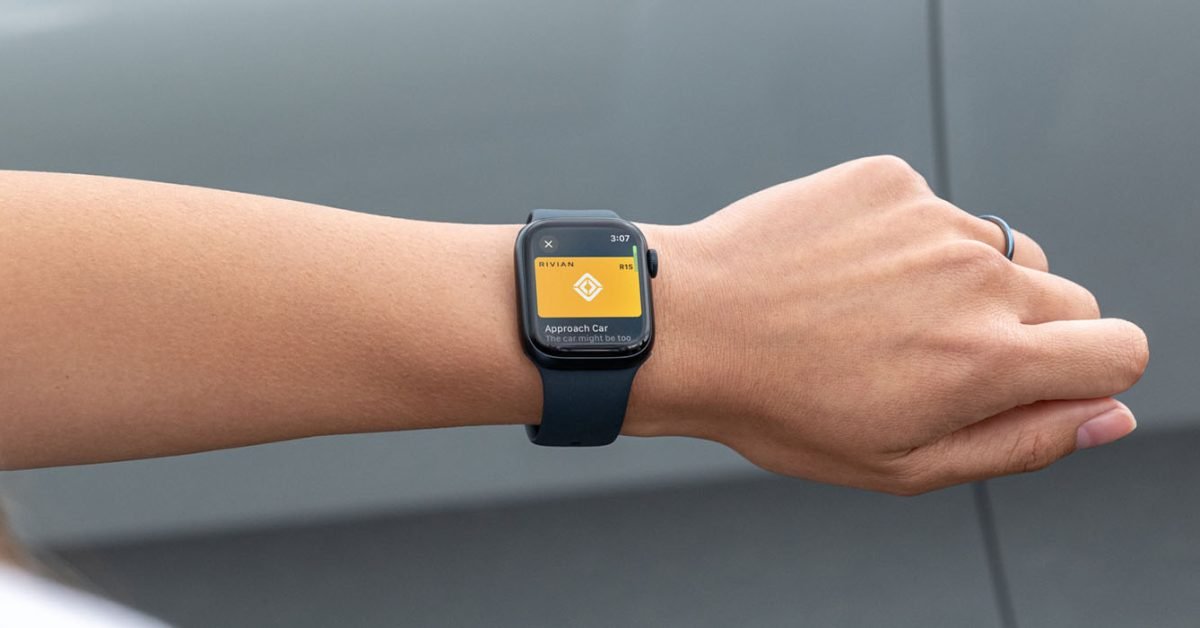
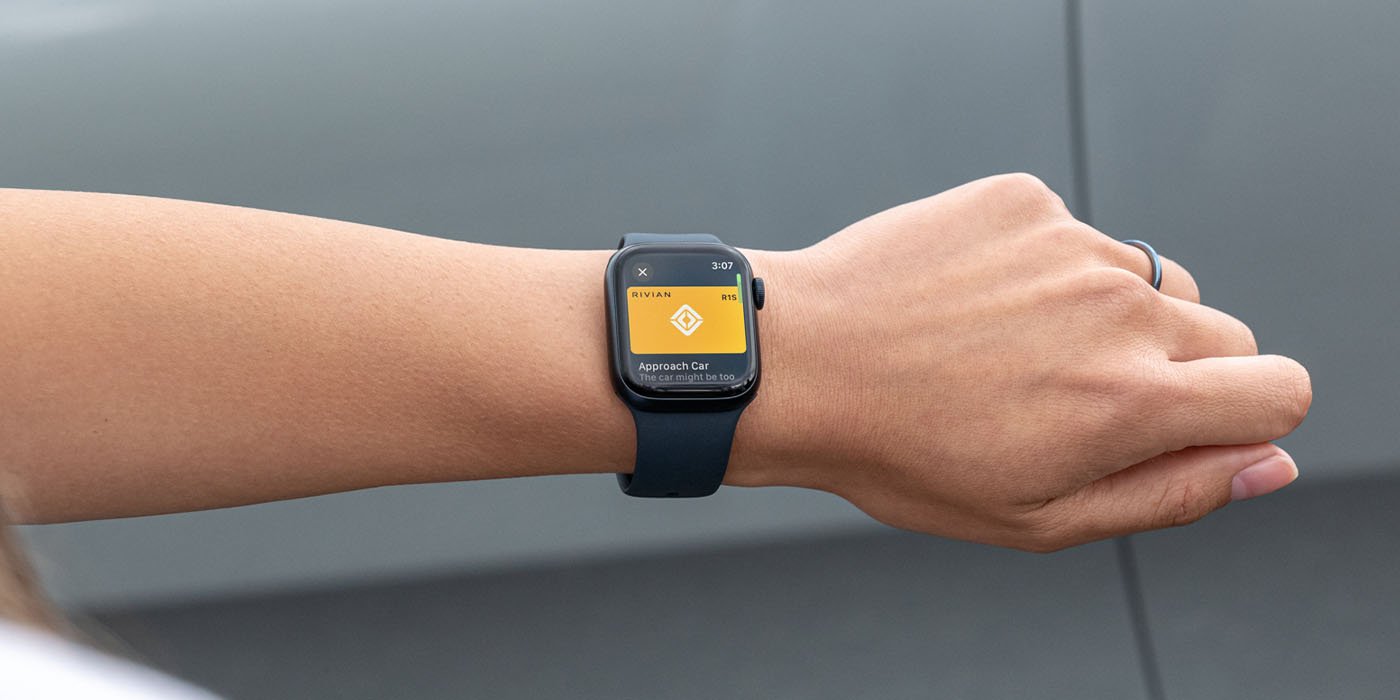
Rivian is expanding its Apple Watch integration beyond basic digital key functionality with a dedicated smartwatch app that brings comprehensive remote vehicle controls to users' wrists. The EV maker announced the upcoming release through its 2026.03 software update notes, marking a significant enhancement to its mobile ecosystem.
Digital key evolution
The journey began in December when Rivian first enabled Apple Watch as a digital key for its vehicles. Now, the company is taking this integration much further with a purpose-built watch app that mirrors and extends the functionality found in its iPhone application.
Apple's digital key feature, introduced with iOS 13.6, allows users to store virtual car keys in the Wallet app on both iPhone and Apple Watch. This technology enables locking, unlocking, and starting compatible vehicles without physical keys. Rivian's implementation initially supported only Gen 2 models (2025 and later) through the standard Wallet-based digital key system.
Gen 1 support breakthrough
A notable advancement in the new Apple Watch app is its support for Gen 1 Rivian EVs (2021-2024 models). These earlier vehicles can now use the Apple Watch as a digital key through the dedicated app, whereas previously they were excluded from Apple's native digital key feature. This expansion significantly broadens the accessibility of smartwatch-based vehicle access across Rivian's customer base.
Comprehensive remote controls
The Apple Watch app goes well beyond basic locking and unlocking functionality. Users gain access to a suite of remote control features directly from their wrist:
- Window control: Vent windows with a simple tap
- Security features: Activate the vehicle alarm system
- Climate control: Adjust cabin temperature using the Digital Crown
- Charging management: Set target state of charge levels
- Quick access: Customizable shortcuts for frequently used features
The app's interface leverages the Apple Watch's unique hardware, particularly the Digital Crown, for intuitive control of temperature and charging settings. Users can also customize up to four quick controls for instant access to their most-used features.
Technical requirements and availability
The Apple Watch app requires Rivian mobile app version 3.9 or later. Once this update is installed on an iPhone, the watch app will automatically appear on paired Apple Watches. However, the app isn't available immediately - it's expected to arrive with the 2026.03 software update.
An important operational note: users must foreground the Apple Watch app to use their watch as a vehicle key. This means the app needs to be actively open and visible on the watch face for key functionality to work, rather than running in the background.
Industry context
Rivian's move follows Tesla's introduction of an Apple Watch app over a year ago. Both companies have notably chosen to develop their own smartwatch solutions rather than supporting Apple CarPlay, which remains unavailable in their vehicles. Interestingly, Tesla is reportedly developing CarPlay support, suggesting a potential shift in strategy for at least one of these EV manufacturers.
The dedicated smartwatch app represents Rivian's commitment to providing comprehensive mobile control options for its vehicles, recognizing that many users prefer the convenience of managing their cars from their wrists rather than pulling out their phones.
As electric vehicles become increasingly connected, the competition for superior mobile integration continues to intensify. Rivian's Apple Watch app positions the company competitively in this space, offering Gen 1 owners functionality that was previously limited to newer models and demonstrating the brand's responsiveness to customer demands for expanded smartwatch capabilities.
For more information about the Apple Watch app and its features, Rivian owners can consult the Owner's Guide available on their vehicle's center display once the update is installed.
Comments
Please log in or register to join the discussion