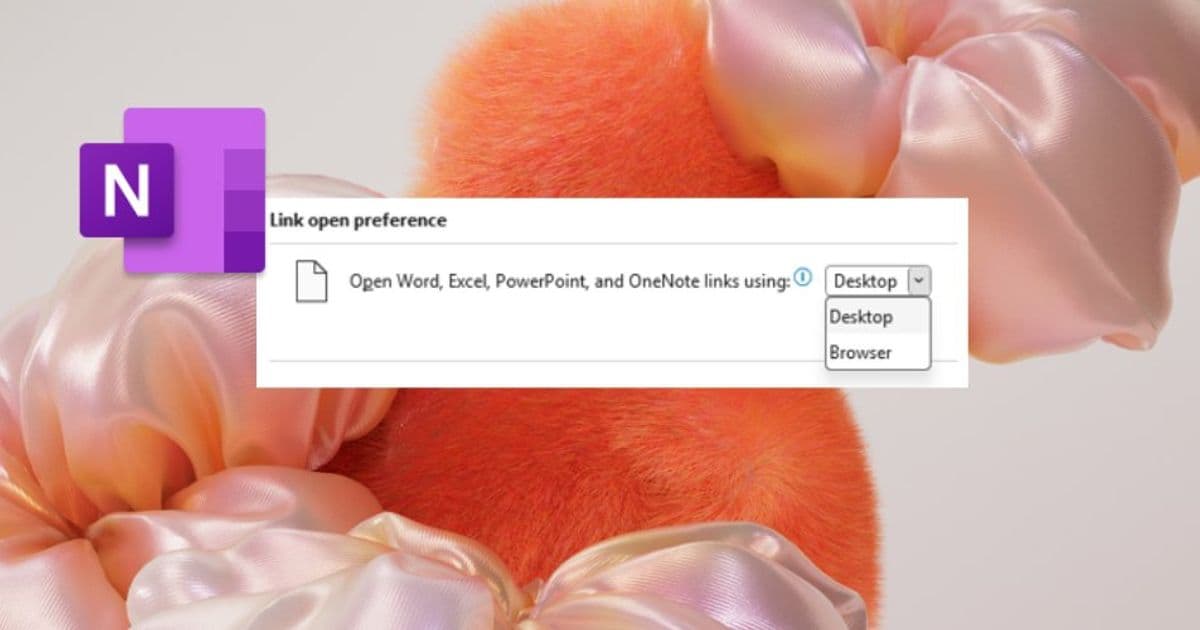
Microsoft’s OneNote for Windows and macOS now lets users decide whether Word, Excel, PowerPoint, and OneNote links open in the browser or the desktop app, giving teams more control over workflow speed and editing depth.
OneNote Adds Choice Between Browser and Desktop for Microsoft 365 File Links
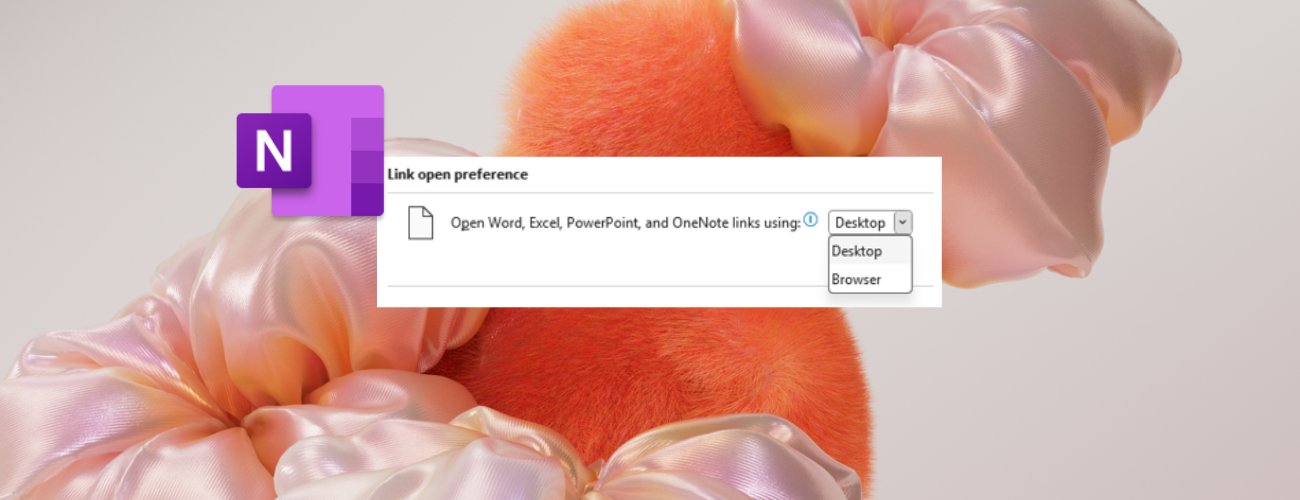
Microsoft has released a new setting in OneNote for Windows and macOS that lets users pick how links to other Microsoft 365 files are opened. The default remains browser – a lightweight option for quick reference – but a simple toggle in the OneNote preferences now makes the desktop experience just as easy to select.
What changed?
Previously, clicking a link to a Word, Excel, PowerPoint, or another OneNote file from within a notebook always launched the file in the default web view. This behavior was fine for casual browsing but added friction for power users who needed the full feature set of the desktop applications.
The new Link open preference setting adds two options:
- Browser – opens the target file in the Microsoft 365 web apps. Ideal for rapid scanning, lightweight review, or when the desktop suite is not installed.
- Desktop – launches the native Windows or macOS client, preserving full editing capabilities, add‑in support, and offline access.
The change is rolled out in the following builds:
- Windows – version 2603 (Build 19820.20000) or later
- macOS – version 16.110 (Build 26050124) or later
Microsoft notes that the feature will be phased in gradually, so some insiders may see a delay before it appears in their environment.
How to switch the preference
Windows
- Open OneNote and go to File → Options.
- Select Advanced on the left pane.
- In the Link open preference dropdown, choose Desktop or Browser.
- Click OK to apply.
macOS
- From the top menu bar, choose OneNote → Preferences.
- Click the Navigation tab.
- Under Link open preference, select Desktop or Browser.
- Close the dialog – the change takes effect immediately.
When to use each mode
| Scenario | Browser (lightweight) | Desktop (full‑featured) |
|---|---|---|
| Quick fact‑check or skim of a report | ✅ | ❌ |
| Collaborative editing of a presentation | ❌ | ✅ |
| Reviewing a spreadsheet with complex formulas or add‑ins | ❌ | ✅ |
| Accessing a file on a machine without the desktop suite installed | ✅ | ❌ |
The ability to toggle between these modes means teams can align the experience with the task at hand, reducing context‑switching and keeping productivity high.
Business impact
For organizations that enforce strict device policies or run a mix of thin‑client and full‑desktop environments, the new setting simplifies governance. IT can set a default policy via Group Policy or Intune, ensuring that users on managed devices automatically open files in the desktop apps where security controls are strongest, while casual users on BYOD devices can stay in the browser.
From a cost perspective, the browser option can lower the need for high‑spec workstations when users only need to view content, potentially extending the lifecycle of existing hardware. Conversely, power users who require the full Office suite can continue to rely on the desktop experience without needing a separate shortcut or manual workflow.
Getting feedback
Microsoft encourages insiders to share their experience through Help → Feedback inside OneNote. The company will monitor adoption metrics and may adjust the default or expand the feature to other file types based on real‑world usage.
Related resources
- Microsoft 365 Insider program overview
- Official OneNote documentation on link handling
- Microsoft Support Community
This article reflects the announcement made on May 18 2026 and is intended for IT decision‑makers, power users, and anyone managing a mixed‑device environment that relies on OneNote as a knowledge hub.
Comments
Please log in or register to join the discussion