Slow internet can derail remote work, streaming, and smart home functionality. Discover how strategic router placement, interference avoidance, and antenna adjustments can boost your Wi-Fi performance instantly—no costly upgrades needed.
In today's hyper-connected world, a sluggish internet connection isn't just an inconvenience—it's a productivity killer. From remote work VPNs to streaming services and smart home ecosystems, our digital lives hinge on reliable Wi-Fi. Yet, many users endure frustrating lag and buffering despite paying for high-speed plans. The culprit? Often, it's suboptimal router configuration rather than your ISP or hardware. Drawing from practical insights, here’s how to revitalize your home network with simple, no-cost adjustments.
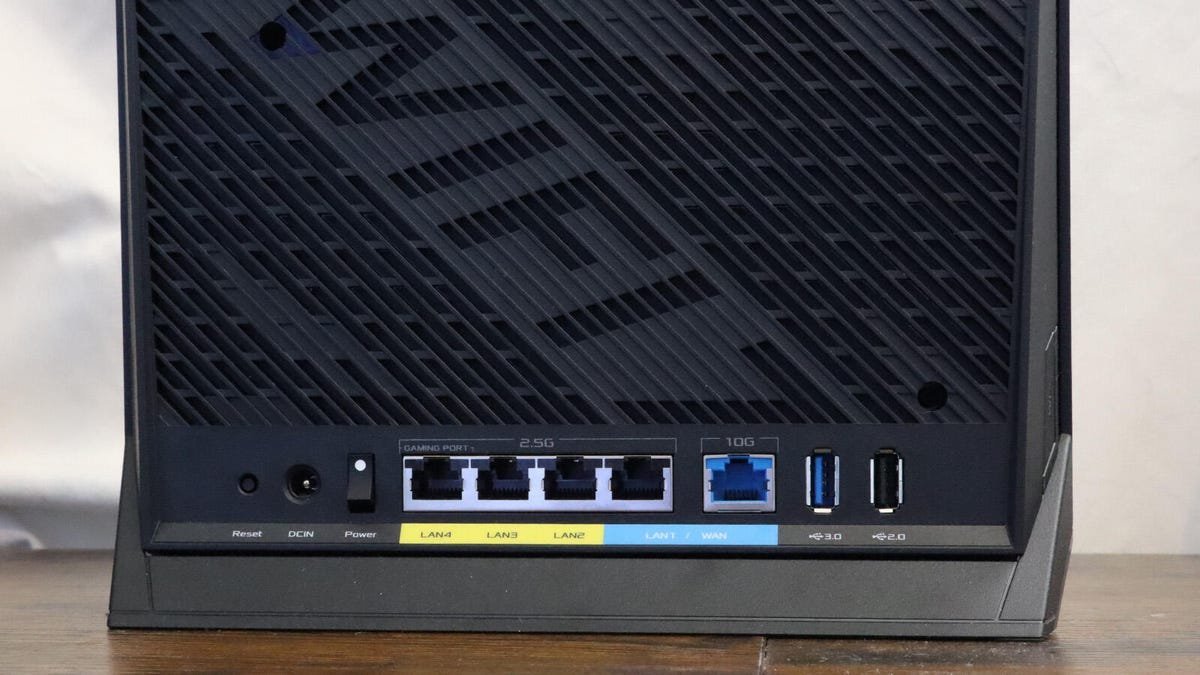 Cesar Cadenas/ZDNET
Location and Reach: The Foundation of Strong Coverage
Your router’s placement isn't just about convenience—it's physics. For apartments or smaller homes under 1,500 square feet, a single access point suffices if positioned centrally. Larger or multi-story spaces, however, demand a mesh network with satellite nodes to eliminate dead zones. Elevation is critical: placing the router high on a shelf or cabinet minimizes obstructions from furniture and people, extending signal range. If your modem’s entry point is suboptimal, run an Ethernet cable to relocate the router. This centralization not only improves speed consistency but also enhances security by reducing overlap with neighboring networks.
Neutralize Electronic Interference
Common household electronics are stealthy signal saboteurs. Microwaves, operating near the 2.4GHz band used by many routers, emit disruptive radiation—keep routers away from kitchens when possible. Even devices like TVs or printers can degrade performance if the router is tucked behind them. As noted in the source, relocating a Spectrum router from behind a 48-inch TV to an adjacent table resolved connectivity issues in a home office just 17 feet away. The lesson? Audit your router’s surroundings. Ensure it’s distanced from Wi-Fi-dependent gadgets and high-emission appliances to maintain a clean signal path.
Antenna Orientation: A Small Tweak With Big Impact
External antennas, whether visible or integrated, shape your Wi-Fi’s coverage pattern. Adjusting them leverages radio wave physics: antennas emit signals perpendicularly in a donut-shaped field. Pointing them vertically optimizes coverage for single-level homes, as waves radiate outward horizontally. For multi-story spaces, angle some antennas horizontally to reach upper or lower floors. Experimentation is key—minor tweaks can transform weak spots into strongholds without touching a single setting in your admin panel.
Ultimately, these strategies underscore that faster Wi-Fi often stems from smarter configuration, not spending. In an era of remote work and IoT dependence, mastering your home network’s basics isn’t just tech-savvy—it’s essential resilience.
Source: Internet running slow? 3 things I always check first for faster Wi-Fi speeds at home
Comments
Please log in or register to join the discussion