PowerToys 0.98 introduces a redesigned Keyboard Manager with unified editing experience, a persistent Command Palette Dock for quick command access, and improved CursorWrap with enhanced multi-monitor support. These updates significantly enhance productivity for Windows power users through more intuitive interfaces and better performance.
Microsoft has released PowerToys 0.98, bringing several substantial improvements to its suite of utilities for Windows power users. This latest version focuses on refining existing tools while introducing innovative features that streamline workflows and enhance user experience. The most notable additions include a completely redesigned Keyboard Manager, a new Command Palette Dock for persistent command access, and improved CursorWrap functionality with better multi-monitor support.
Redesigned Keyboard Manager Experience
The most significant update in this release is the complete overhaul of the Keyboard Manager. The utility has been rebuilt from the ground up using WinUI 3, providing a more modern and maintainable foundation. This architectural change not only improves performance but also enables the team to iterate more quickly on future improvements.
The new editor consolidates what was previously split across two separate windows into a single, unified interface. Users can now manage both single key remappings and shortcut combinations in one place, simplifying the configuration process. The editing workflow has been redesigned with a more intuitive dialog that makes it easier to create various types of remappings, including:
- Key remappings
- Shortcut combinations
- Text input automation
- Application launching
- URL opening
A practical improvement for users is the addition of individual toggle switches for each remapping. This feature allows users to quickly enable or disable specific shortcuts without having to delete and recreate them, providing greater flexibility when troubleshooting or temporarily adjusting configurations.
Existing users will find comfort in knowing that all previously configured remappings will carry over seamlessly to the new editor. The new experience can be enabled in settings while the old editor remains available during the preview period, ensuring a smooth transition path.
Beyond the UI refresh, Keyboard Manager now offers enhanced control through the Command Palette. Users can enable or disable the entire utility via a shortcut or through the Command Palette interface. Additionally, the tool now supports multi-line input when sending text, expanding automation possibilities for power users.
Introducing the Command Palette Dock
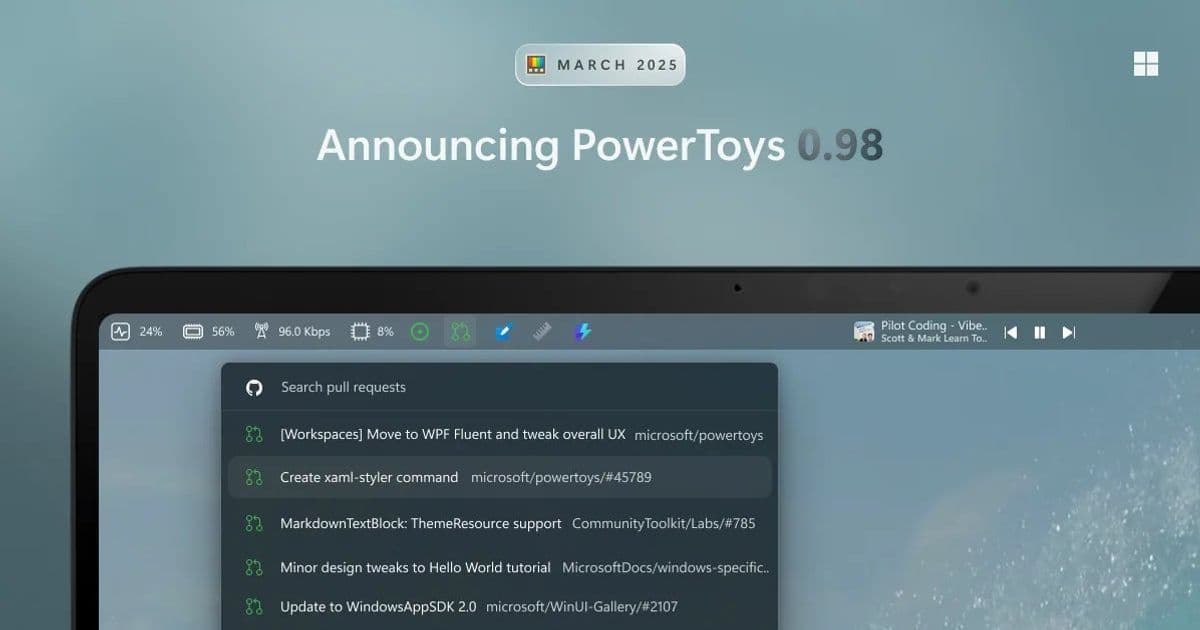
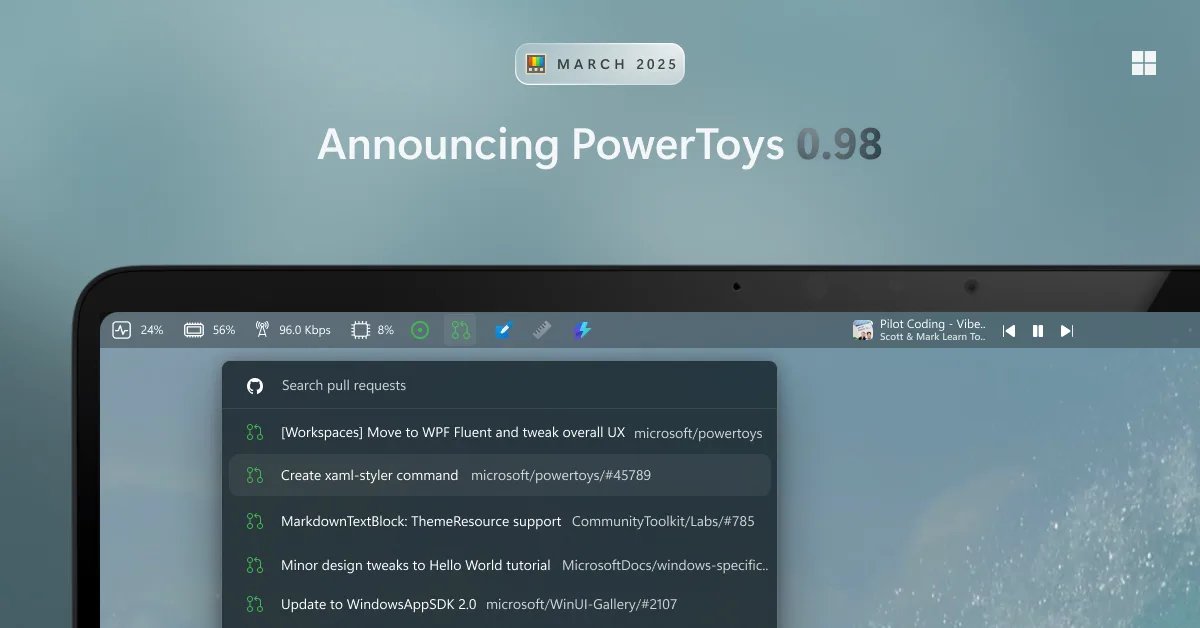
A standout new feature in PowerToys 0.98 is the Command Palette Dock, an optional persistent interface that keeps frequently used commands and extensions readily accessible. When enabled through Command Palette settings, the Dock remains visible on screen, providing one-click access to tools and commands without needing to activate the full Command Palette interface.
The Dock offers remarkable flexibility in terms of placement and customization. Users can position it at any edge of their screen (top, bottom, left, or right) and adjust its appearance to match their workflow preferences. By default, a few core extensions are pinned to the Dock, but users can easily add more through the Command Palette interface by right-clicking on any command and selecting "Pin to Dock."
Managing the Dock contents is equally straightforward. Right-clicking the Dock reveals an "Edit Dock" option that allows users to rearrange items or remove them entirely. This drag-and-drop organization enables users to create a truly personalized command center that reflects their most frequent tasks.
The Dock is currently in preview, and the development team is actively seeking community feedback to refine the experience. For users who want to expand their Dock's capabilities further, the Command Palette extension store offers additional tools and commands that can be integrated into the workflow.
Command Palette Performance Enhancements
Alongside the new Dock, the Command Palette utility has received significant performance improvements in this release. The development team has addressed numerous bugs while introducing several new settings that enhance usability:
- Window transparency options for better visual integration
- Search text preservation between activations to maintain context
- Ability to hide non-application results for cleaner interfaces
Performance optimizations include improved caching mechanisms, enhanced UI responsiveness, and other refinements that make the Command Palette faster and smoother than ever. These improvements are particularly noticeable for users with extensive command collections or slower hardware configurations.
Enhanced CursorWrap for Multi-Monitor Setups
CursorWrap, the utility that keeps the mouse cursor within the active application window, has received substantial improvements based on community feedback. The wrapping engine has been completely rewritten to better handle complex multi-monitor configurations, ensuring more predictable behavior across various display setups.
New options provide users with greater control over cursor wrapping behavior:
- Ability to disable CursorWrap when only a single monitor is connected
- New activation mode that restricts wrapping to when Ctrl or Shift is held
These additions make CursorWrap more adaptable to different working environments and user preferences, addressing common pain points for users with multi-monitor setups.
Always On Top Improvements
A frequently requested enhancement has been implemented for the Always On Top utility. In addition to the existing keyboard shortcut, users can now pin a window directly from the title bar by right-clicking and selecting the "Always On Top" option. This change makes the feature more accessible for mouse users and provides a more intuitive workflow.
Additionally, pinned windows now support transparency adjustments using keyboard shortcuts (Ctrl + Shift + +/- to increase or decrease opacity). This feature is particularly useful for users who want to keep reference content visible while working on other tasks.
Other Notable Improvements
Beyond the major feature updates, PowerToys 0.98 includes several enhancements to other utilities:
- ZoomIt: Added a new video editor experience that allows users to trim screen recordings, making it easier to create focused tutorials or demonstrations.
- Awake: Numerous bug fixes and reliability improvements ensure the utility more consistently prevents system sleep.
- New+: Users can now hide the Windows built-in "New" item from context menus, reducing menu clutter.
- Advanced Paste: Added auto-copy functionality for custom action hotkeys, enabling single shortcuts to both copy content and execute actions, along with improved Foundry Local support.
Community Contributions
This release highlights the importance of community contributions to the PowerToys project. The development team acknowledges numerous contributors who helped improve various utilities, with special thanks to @jiripolasek for extensive contributions to Command Palette performance and other improvements.
The collaborative nature of the project is evident in the feature implementations, which directly address user feedback and requests. This community-driven approach ensures that PowerToys continues to evolve in ways that genuinely benefit Windows power users.
Looking Ahead
For the next update, the team is focusing on stability and bug fixes, with an emphasis on improving overall performance and reliability. This commitment to refinement suggests a mature development process that balances innovation with stability.
Users interested in trying PowerToys 0.98 can install it through the Microsoft Store or download it directly from the GitHub repository. The project remains open-source, with all development happening publicly on GitHub, encouraging community participation and feedback.
For those who want to contribute to the project, the development team welcomes bug reports, feature ideas, and code contributions through the PowerToys GitHub repository. The complete release notes with detailed change lists are available on GitHub, providing transparency into the development process.
PowerToys continues to demonstrate Microsoft's commitment to empowering Windows power users with tools that enhance productivity and customization. Version 0.98 builds on this foundation by introducing thoughtful improvements that address real user needs while maintaining the project's open, community-driven development philosophy.
Comments
Please log in or register to join the discussion