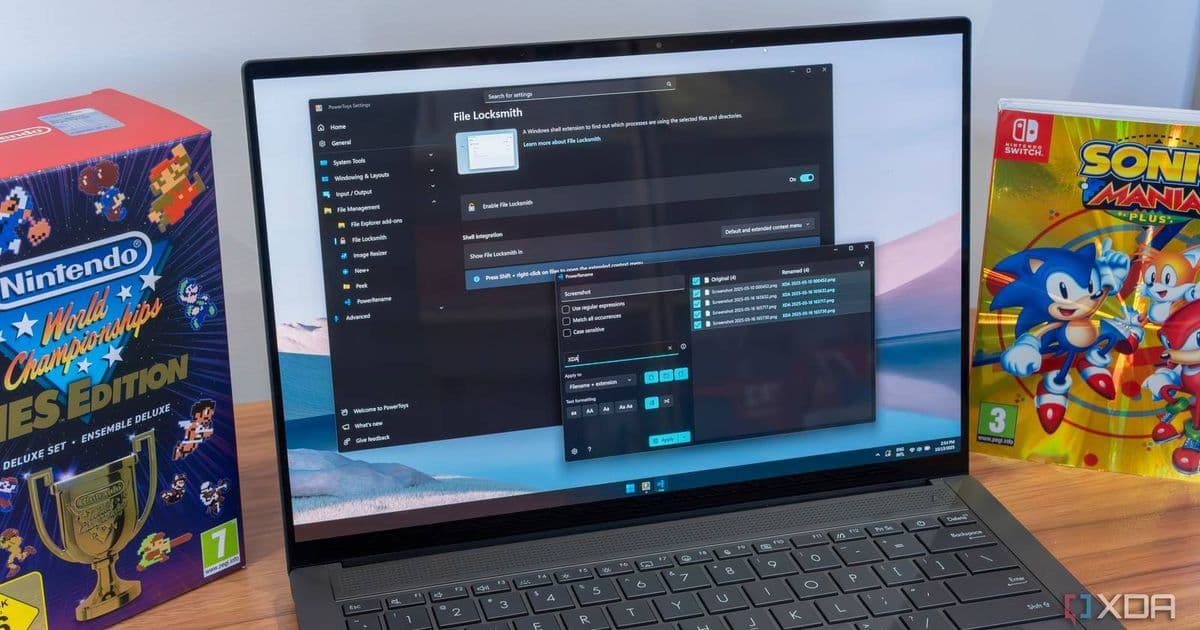
Microsoft's PowerToys v0.97.2 addresses startup issues with Light Switch and Cursor Wrap, plus adds new single-monitor toggle and various stability fixes.
Microsoft has released PowerToys v0.97.2, a maintenance update that squashes several annoying bugs affecting the utility's most popular features. The update, available now through the Microsoft Store and GitHub, focuses on fixing startup quirks and improving stability across the PowerToys suite.
Light Switch Finally Works on Boot
The Light Switch feature, which automatically switches between light and dark themes based on time schedules, had a frustrating startup issue where it wouldn't apply the correct theme when Windows booted. This meant users would often see the wrong theme until the scheduled switch time arrived, defeating the purpose of having automated theme switching.
PowerToys v0.97.2 fixes this by correcting the startup logic so Light Switch applies the appropriate theme immediately upon launch. This ensures your scheduled light/dark theme transitions work as intended from the moment you start your computer.
Cursor Wrap Gets Smarter
Cursor Wrap, the feature that lets you move your mouse cursor off one edge of a multi-monitor setup and have it reappear on the opposite side, received two significant improvements in this release.
First, the "Automatically activate on utility startup" setting now properly persists when disabled. Previously, users who turned off this option would find it mysteriously re-enabled after restarting PowerToys or their system—a frustrating experience that's now resolved.
Second, a new toggle has been added to disable Cursor Wrapping when only a single monitor is connected. This prevents the feature from activating unnecessarily on single-display setups, which could cause confusion when the cursor seemed to "disappear" at screen edges.
Stability and Localization Improvements
Beyond the headline features, v0.97.2 includes several under-the-hood fixes that improve overall stability:
- Advanced Paste's settings page no longer crashes due to null values during JSON deserialization
- Color Picker UI contrast issues have been resolved for better accessibility
- Command Palette now properly localizes all PowerToys Extension strings
- Image Resizer works correctly after upgrading on Windows 10 by cleaning up legacy sparse app packages
- Quick Access and Screen Ruler no longer crash when Explorer isn't running
- Workspaces overlay positioning issues caused by DPI-aware coordinate mismatches have been fixed
Should You Update?
If you use Light Switch or Cursor Wrap regularly, this update is worth installing immediately. The startup issues with Light Switch could disrupt your workflow by showing the wrong theme at boot, while the Cursor Wrap persistence bug could unexpectedly re-enable the feature when you didn't want it active.
For users who primarily use other PowerToys features like FancyZones, Color Picker, or Image Resizer, this update provides stability improvements and bug fixes that make the overall experience smoother, though you may not notice dramatic changes in daily use.
PowerToys v0.97.2 is available now through the Microsoft Store, GitHub releases page, and as part of the Windows Package Manager. The update is free and compatible with Windows 10 and Windows 11 systems running the required .NET framework version.
Download PowerToys v0.97.2 from GitHub
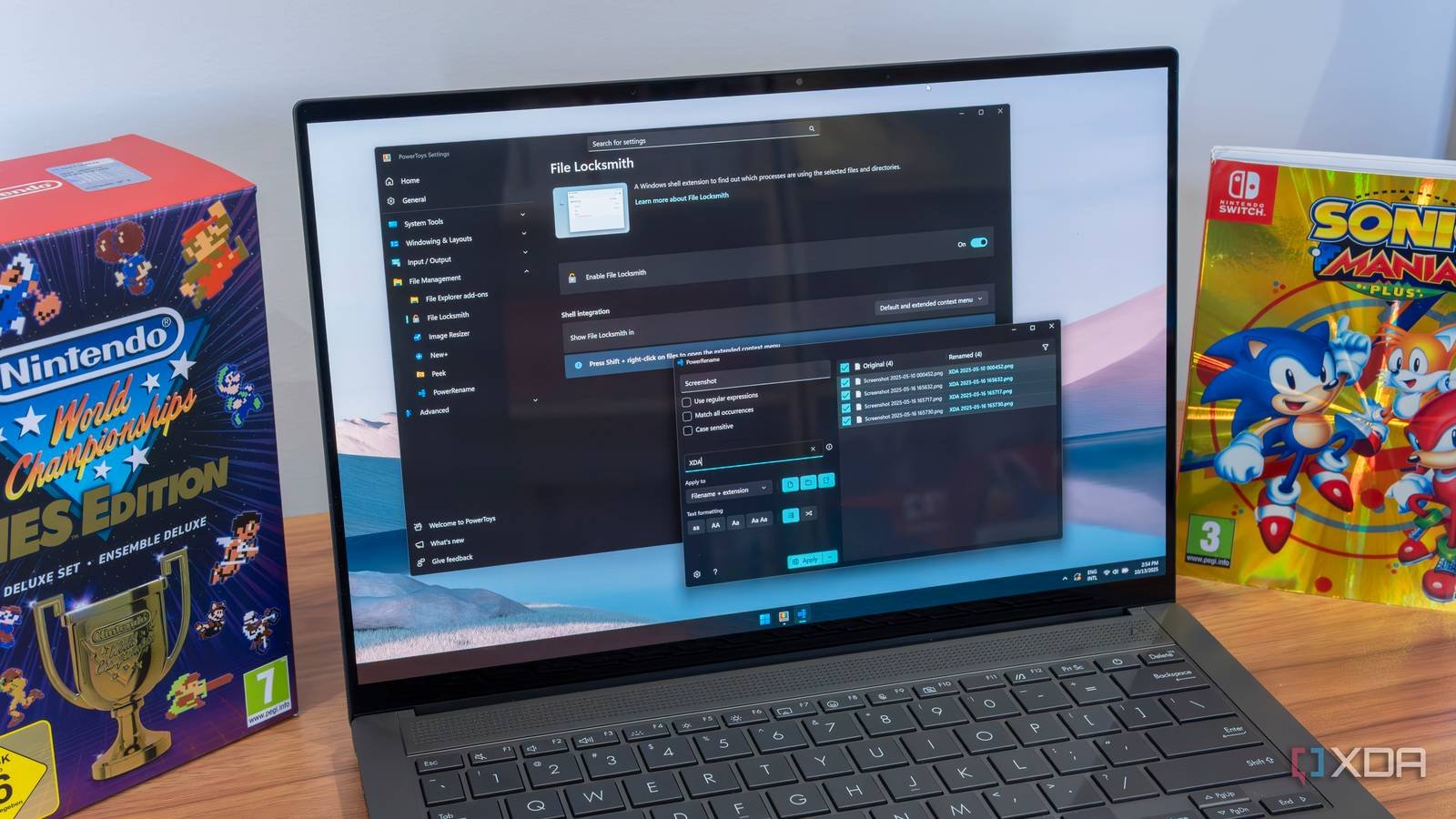
The update demonstrates Microsoft's continued commitment to maintaining and improving PowerToys as a essential utility suite for power users, addressing user-reported issues quickly while adding thoughtful features like the single-monitor toggle for Cursor Wrap.
Comments
Please log in or register to join the discussion