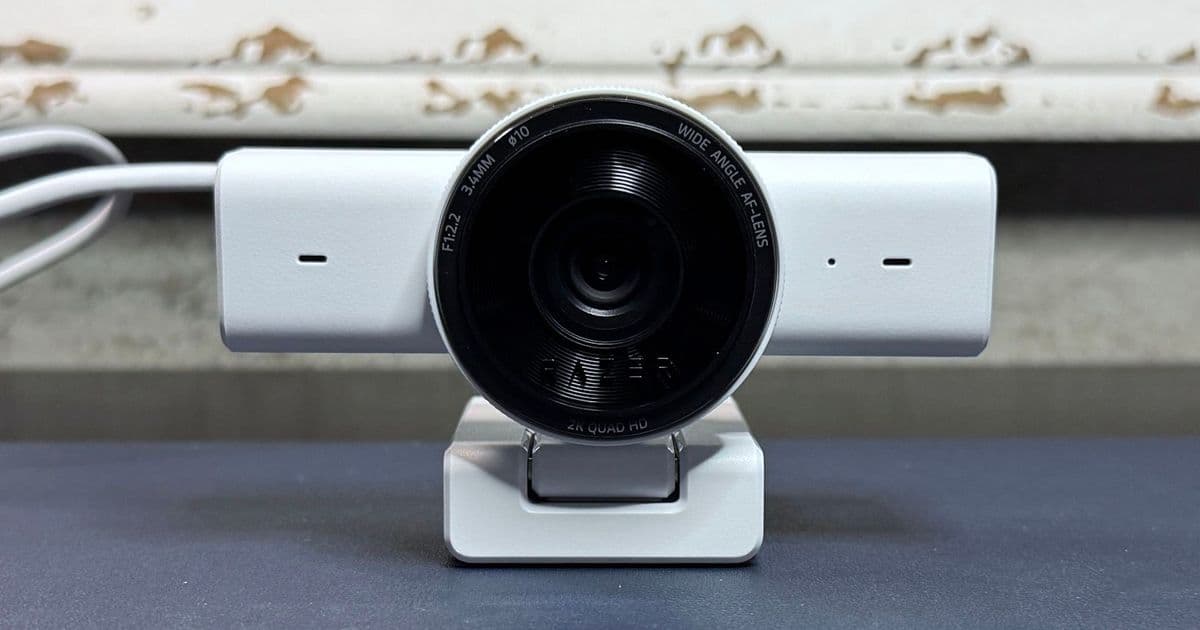
Razer's newest budget webcam delivers 1440p resolution and a physical privacy shutter at $99.99, but its trigger-happy auto-focus and weak low-light performance raise questions about whether the 2K resolution advantage translates to real-world value against established competitors.
Razer has expanded its Kiyo webcam lineup with the V2 X, a 2K-resolution device targeting the sub-$100 segment where most webcam buyers actually shop. At $99.99, the Kiyo V2 X positions itself as a middle ground between 1080p budget cameras and premium 4K models that most video conferencing platforms cannot even utilize at full resolution.
The timing matters. In 2026, Zoom, Google Meet, and Microsoft Teams still cap outgoing streams at 1080p or lower for the vast majority of users. A 4K webcam is overkill for office workers, students, and casual streamers. A 2K option at 1440p resolution could hit a practical sweet spot, provided the image quality justifies the upgrade over cheaper 1080p alternatives.
Technical Specifications
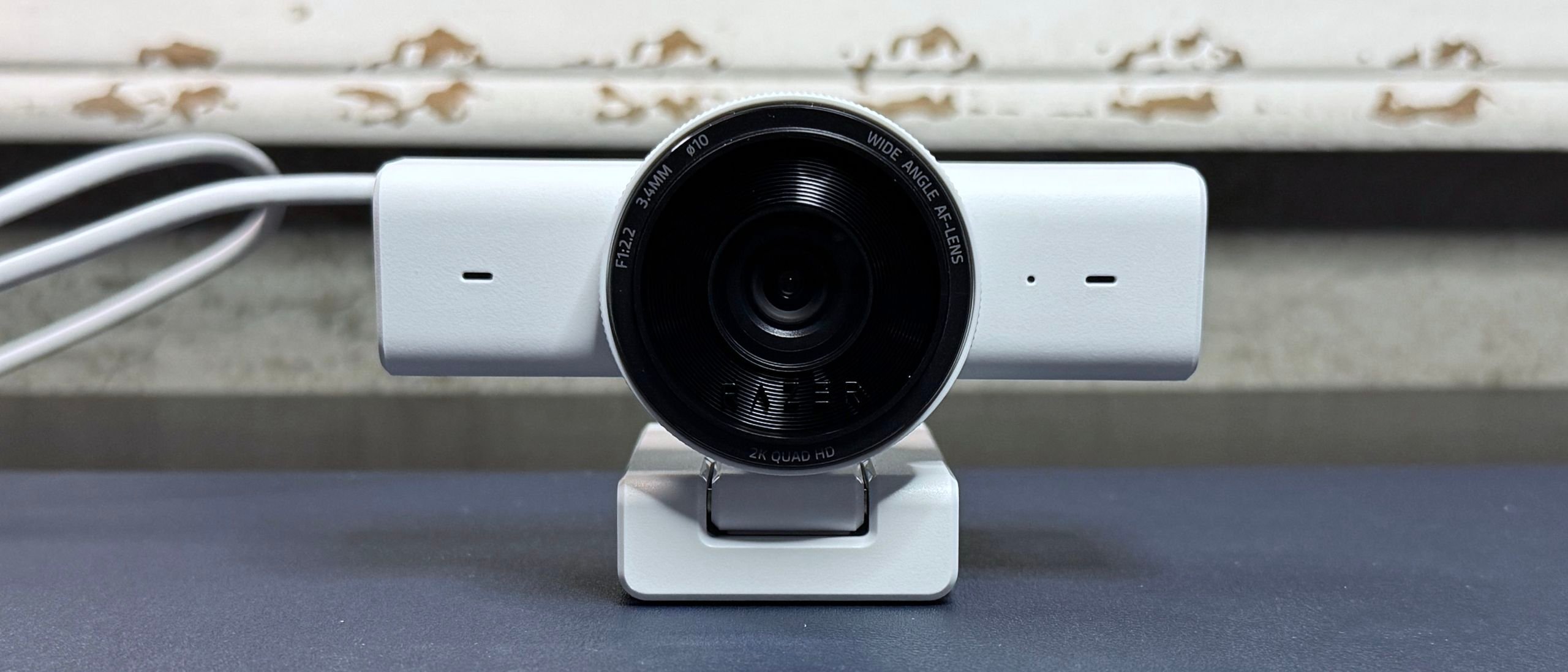
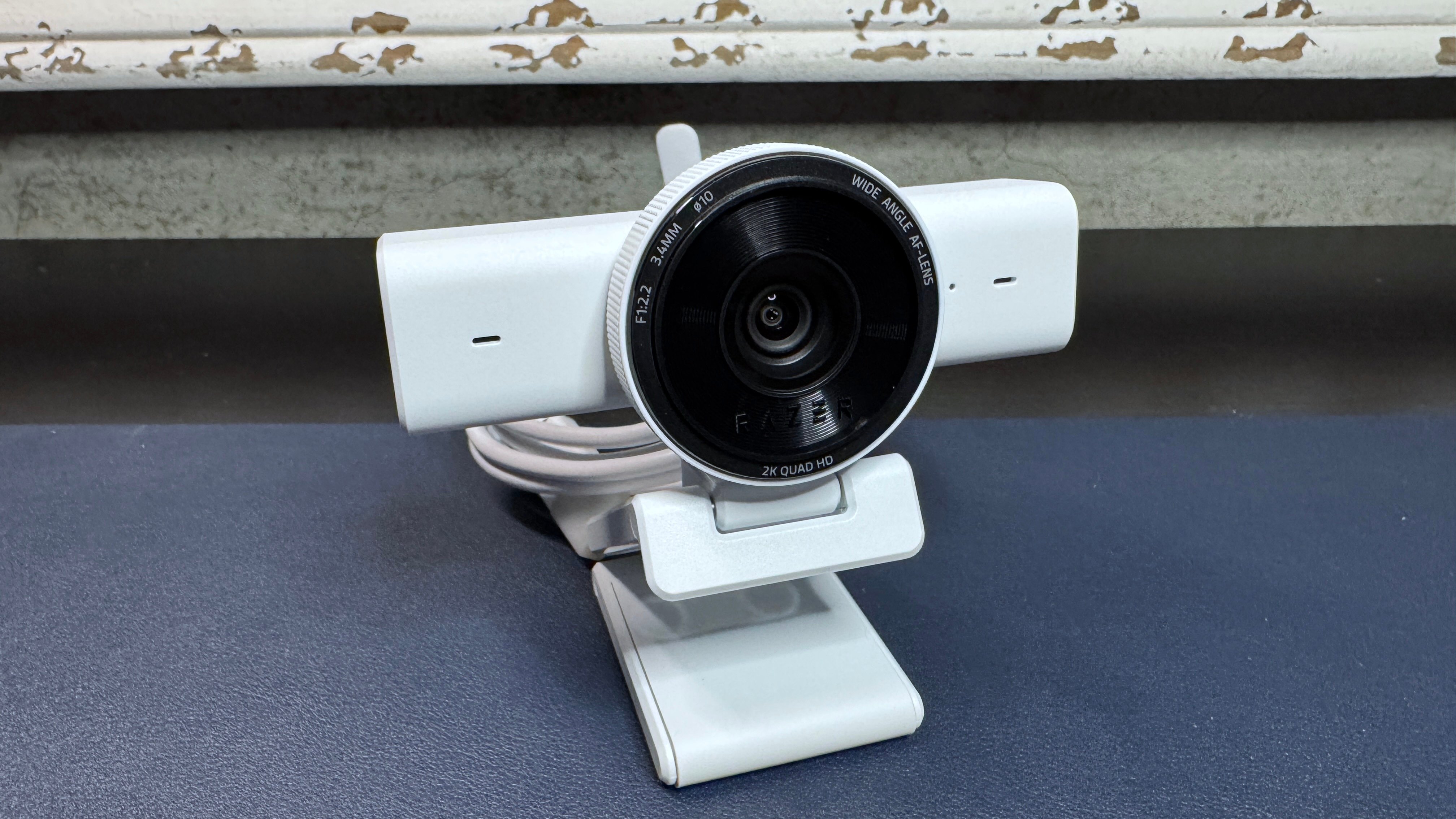
The Kiyo V2 X records at 1440p / 60 fps, with additional modes at 1080p / 60/30/24 fps and 720p / 60/30 fps. The camera uses an 80-degree wide-angle lens with auto-focus and a 4x digital zoom for cropped scene setup. An omni-directional microphone handles audio capture, and the connection is USB-A at 2.0 speeds.
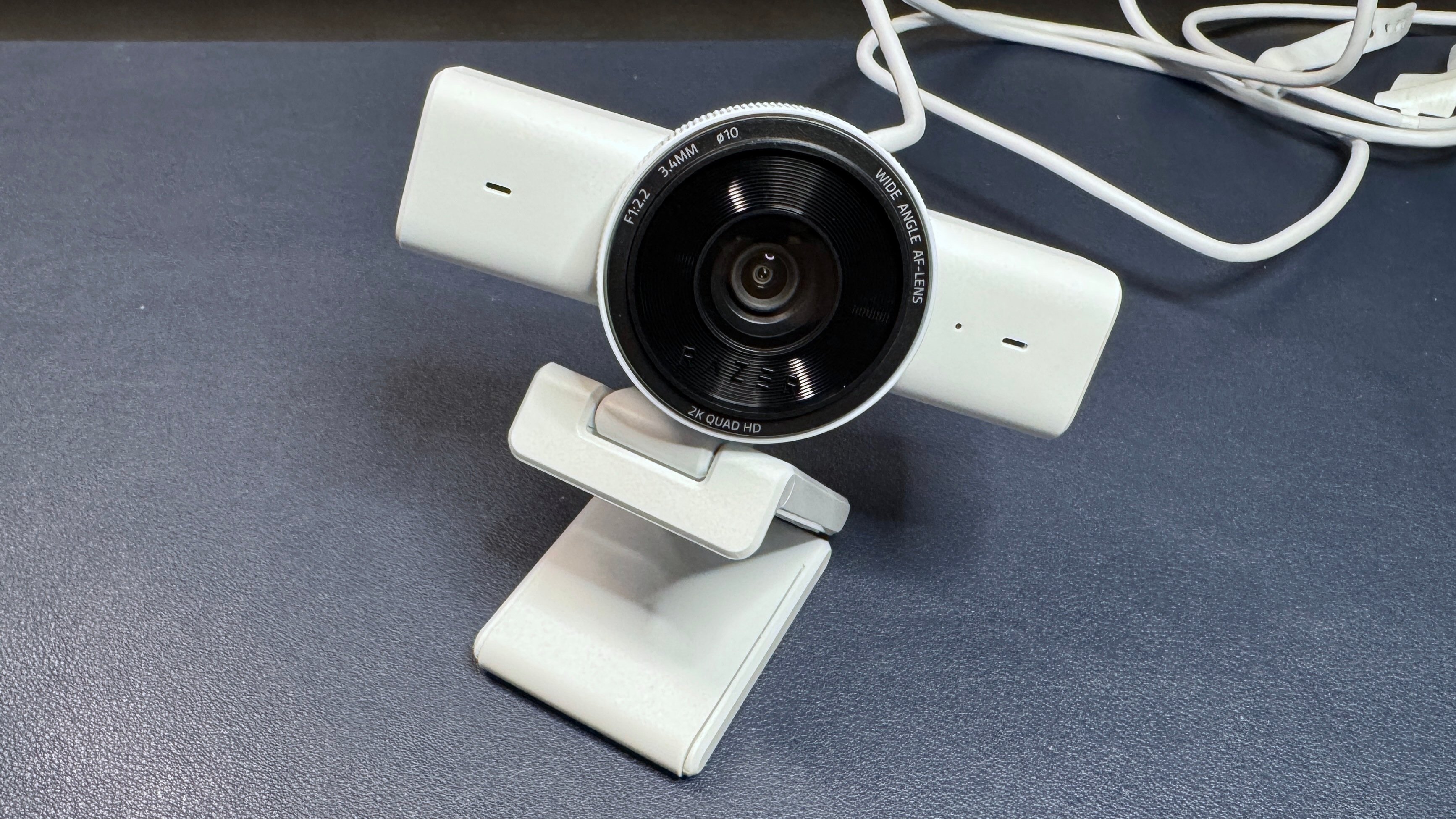
Dimensions measure 4.3 x 2.64 x 2.7 inches (109 x 67 x 67.8 mm), with a total weight of 5.64 ounces (160g) including the permanently attached 5-foot USB-A cable and L-shaped monitor mount. The non-detachable cable is a clear cost-saving measure compared to the pricier Kiyo V2, which uses a removable USB-C cable and weighs 8.99 ounces (255g) without its cable.
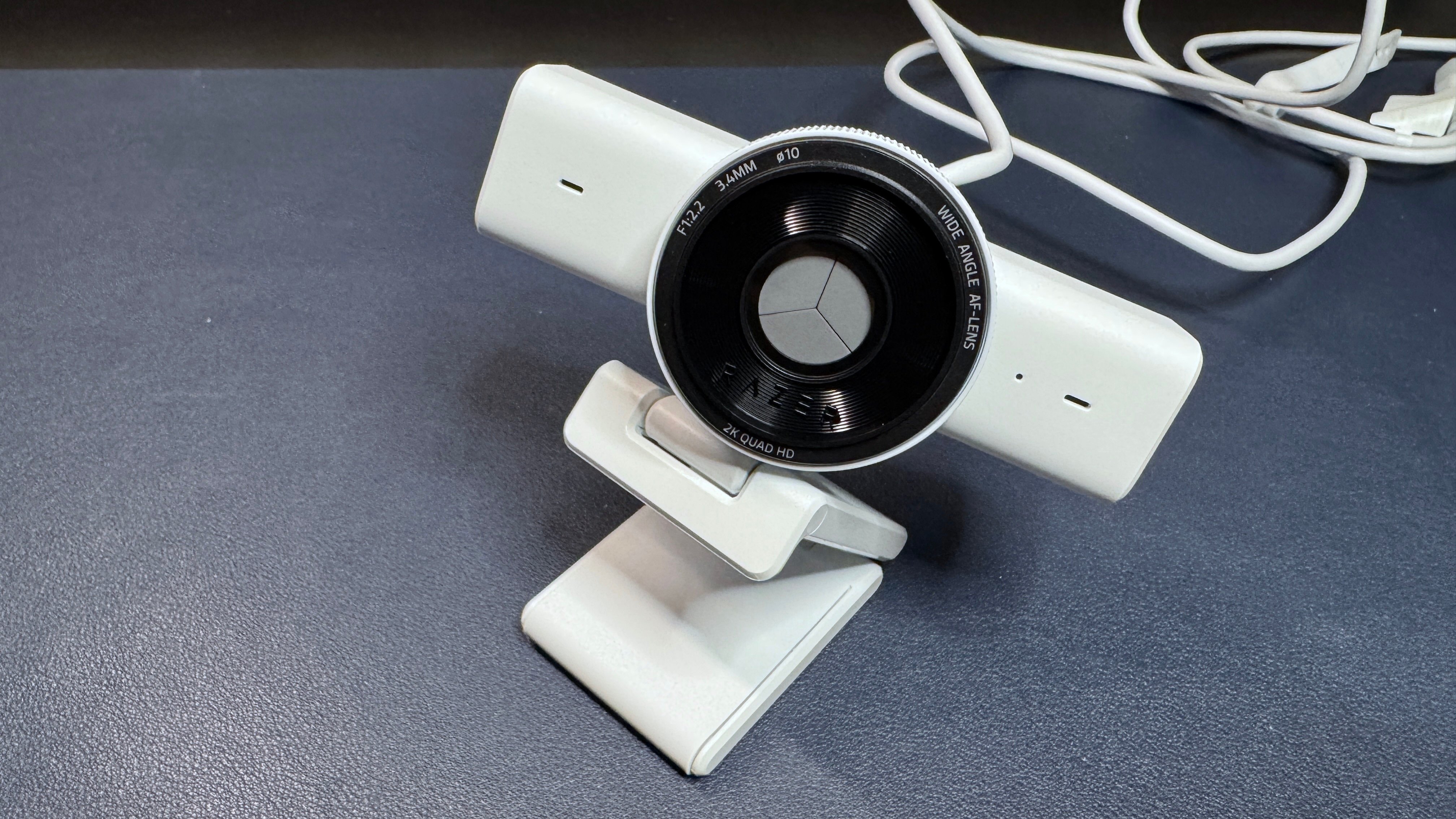
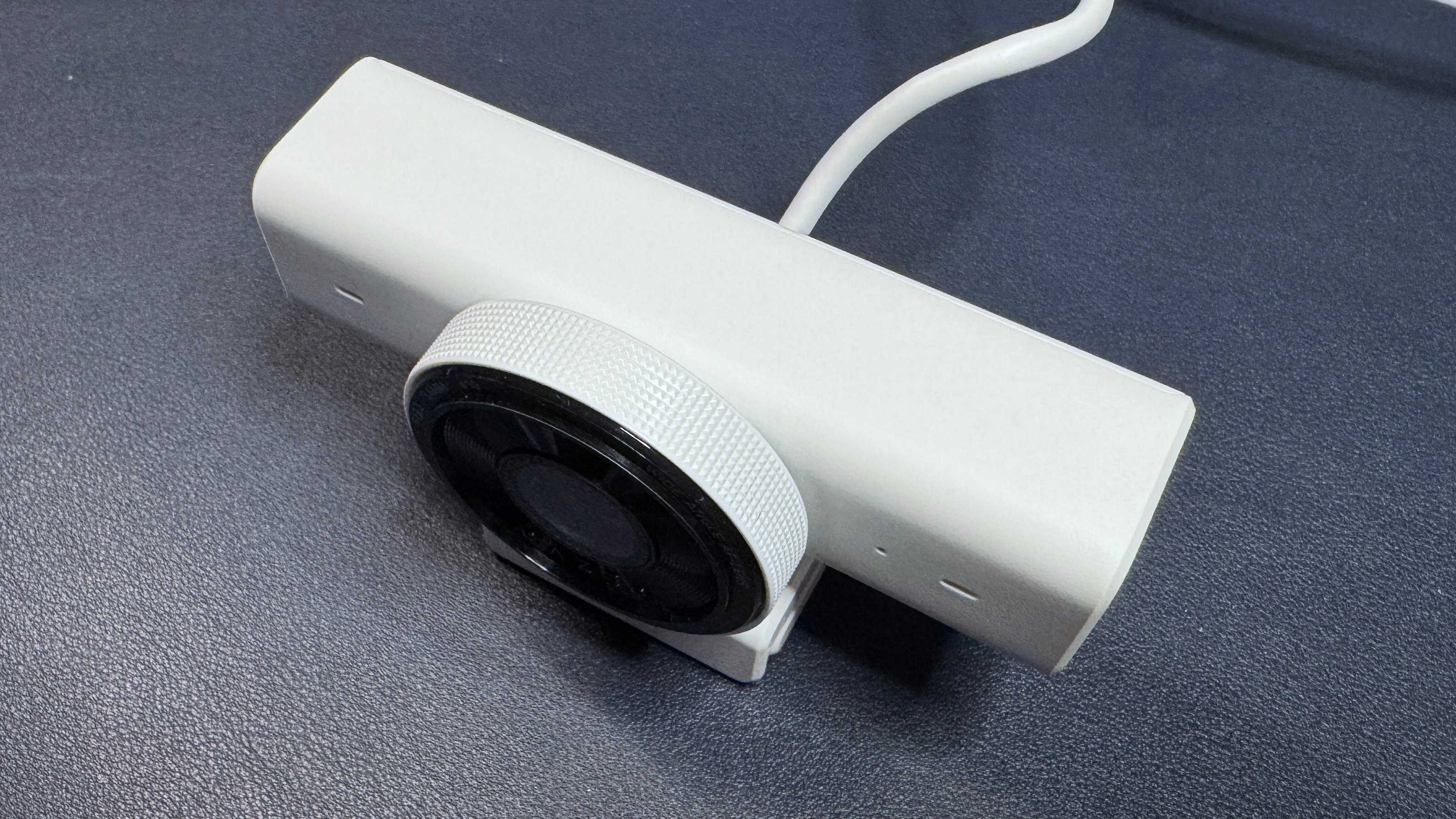
The integrated physical privacy shutter operates via a twist ring around the lens, closing over the camera like a mechanical aperture. This is one of the better privacy implementations on the market, requiring no separate clip-on cover and allowing operation without repositioning the webcam on your monitor.
A 1/4-inch threaded tripod mount sits on the bottom of the L-shaped monitor stand, providing compatibility with standard tripod hardware.
Performance Analysis
Well-Lit Scenarios
In controlled studio lighting with ring lights, key lights, and multiple monitors providing illumination, the Kiyo V2 X delivers acceptable but unremarkable performance. Exposure balancing happens quickly, and auto-white-balance produces realistic color reproduction. Detail levels fall short of expectations for a 1440p sensor, though disabling 2D and 3D noise reduction in Razer Synapse 4 while turning off auto-focus produces noticeably sharper images.
The auto-focus system demonstrates quick response times in ideal conditions, locking onto subjects accurately. However, even in optimal lighting, the focus mechanism remains sensitive to minor movements, occasionally triggering unnecessary refocusing cycles.
Low-Light Performance
This is where the Kiyo V2 X encounters significant problems. The auto-focus system becomes erratic, oscillating between overexposed and underexposed states before settling on an underexposed result. The trigger-happy focus mechanism cannot maintain a stable lock, constantly recalibrating with even minimal movement or no movement at all.
Razer's Kiyo line has historically performed well in low-light conditions, making the V2 X's struggles here particularly disappointing. Disabling noise reduction recovers some detail at the cost of introducing visual noise, but the fundamental issue is the focus instability, which renders the image perpetually soft.
Overexposed Scenarios
Testing with strong backlighting (overhead and rear lights active while front lighting is disabled) produced poor results. The camera failed to properly calibrate light balance, resulting in blown-out background areas. The auto-focus system was unable to maintain subject focus, with even the slightest movement triggering a refocusing attempt. After extended periods, the camera appeared to give up entirely, producing a uniformly blurry image.
Manual focus adjustments made through Synapse 4 did not persist when switching to external applications such as Windows Camera, Google Meet, or Discord. The webcam reverted to auto-focus regardless of saved settings, suggesting either a firmware limitation or a software compatibility issue that Razer needs to address.
Software and Features
Razer Synapse 4 provides firmware updates and camera configuration, though the recommended settings for the Kiyo V2 X are largely the defaults. Cropped scene presets using the 4x digital zoom offer some utility for users wanting multiple camera angles during meetings.
The camera lacks HDR support, a feature reserved for the higher-tier Kiyo V2. Standard adjustments for brightness, contrast, saturation, white balance, exposure, and low light boost are available but consistently produce worse results than default configurations when modified.
Market Positioning and Competition
The Kiyo V2 X enters a competitive sub-$100 webcam market with several established alternatives:
Logitech Brio 500: Priced at $130 MSRP but frequently found on sale near $100, this 1080p / 30 fps camera offers superior image quality across all lighting conditions. The physical privacy shutter, while different in implementation, is equally effective. The lower resolution is offset by better processing and more reliable auto-focus behavior.
Elgato Facecam MK.2: Records at 1080p / 60 fps for $100 at Elgato's website. The privacy shutter exists but lacks the elegant twist-ring mechanism of the Kiyo V2 X. Image quality in varied lighting conditions outperforms Razer's budget offering.
Elgato Facecam Neo: At $60, this camera provides comparable or better performance in most scenarios, making it the true budget-friendly option in the market.
The Kiyo V2 X's 1440p resolution advantage is real on paper but largely academic in practice. The resolution increase over 1080p produces marginally sharper images in ideal conditions, but the inconsistent auto-focus and weak low-light performance undermine this advantage in the lighting situations where webcam users most need reliable quality.
Value Assessment
At $99.99, the Kiyo V2 X occupies an awkward position. It is not inexpensive enough to compete with true budget cameras like the Elgato Facecam Neo at $60. It is not refined enough to justify choosing it over the Logitech Brio 500 at similar sale prices. The 2K resolution specification creates an impression of premium value that the actual performance does not consistently deliver.
The physical privacy shutter and Razer ecosystem integration through Synapse 4 represent genuine differentiators. For users already invested in Razer peripherals who want a matching webcam with reliable privacy features, the V2 X has appeal. For everyone else, the competition offers better value at both higher and lower price points.
The auto-focus issues appear to be firmware-related and potentially fixable with updates. If Razer can stabilize the focus mechanism and improve low-light processing, the Kiyo V2 X could become a stronger contender. Until then, the 1440p specification is more marketing advantage than practical benefit.
Specifications Summary
| Feature | Specification |
|---|---|
| Resolution | 1440p / 60 fps; 1080p / 60/30/24 fps; 720p / 60/30 fps |
| Diagonal Field of View | 80 degrees |
| Zoom | 4x digital |
| Autofocus | Yes |
| HDR | No |
| Microphone | Omni-directional |
| Connection | USB-A 2.0 |
| Mount | L-shaped monitor mount (non-detachable) |
| Dimensions | 4.3 x 2.64 x 2.7 inches |
| Weight | 5.64 oz / 160g |
| Software | Synapse 4 |
| Privacy Shutter | Integrated physical |
| MSRP | $99.99 |
| Release Date | October 2025 |
Comments
Please log in or register to join the discussion