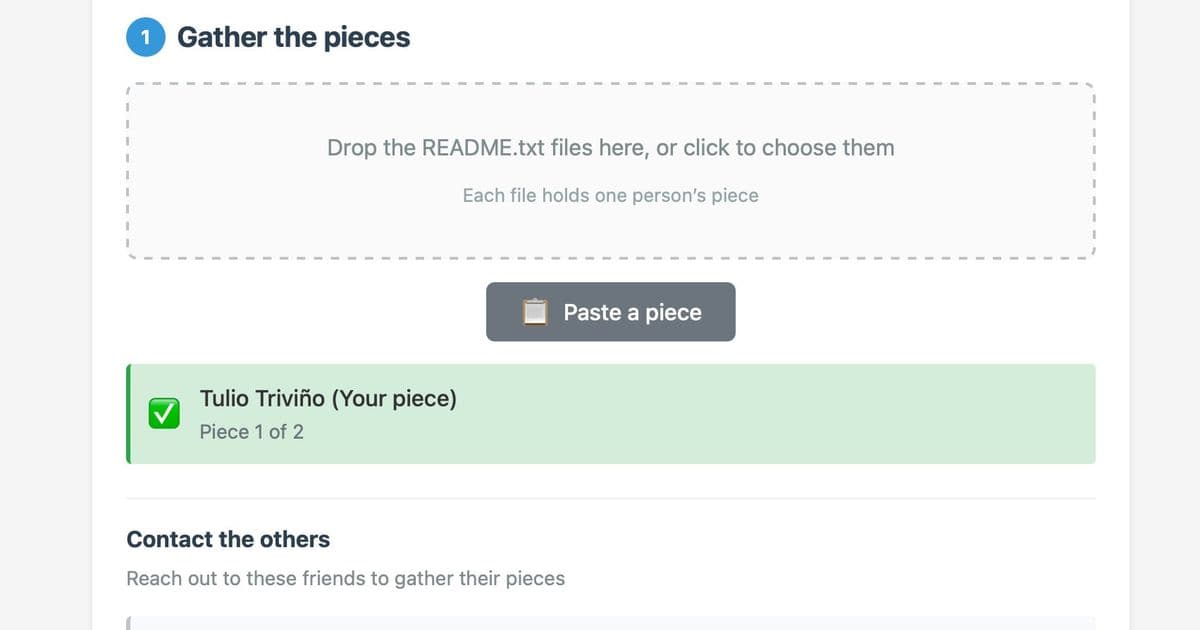
ReMemory uses Shamir's Secret Sharing to split encryption keys among trusted friends, ensuring no single person can access your data alone.
When it comes to digital inheritance and emergency access, most solutions fall into two categories: trusting a single person with everything, or relying on a company's servers. ReMemory takes a different approach by splitting your recovery key among multiple trusted friends using Shamir's Secret Sharing, a cryptographic method that requires a threshold number of participants to reconstruct the secret.
How It Works
At its core, ReMemory is elegantly simple. You start with a file you want to protect—perhaps important documents, cryptocurrency wallet keys, or personal archives. The tool encrypts this file using age, a modern encryption tool, then splits the encryption key into multiple shares using Shamir's algorithm.
Here's the practical flow: You create 5 shares and distribute them to 5 friends. Any 3 of those friends can then combine their shares to decrypt and recover your file. No single friend can do anything with their share alone, and no two friends working together can access your data.
The Offline-First Design
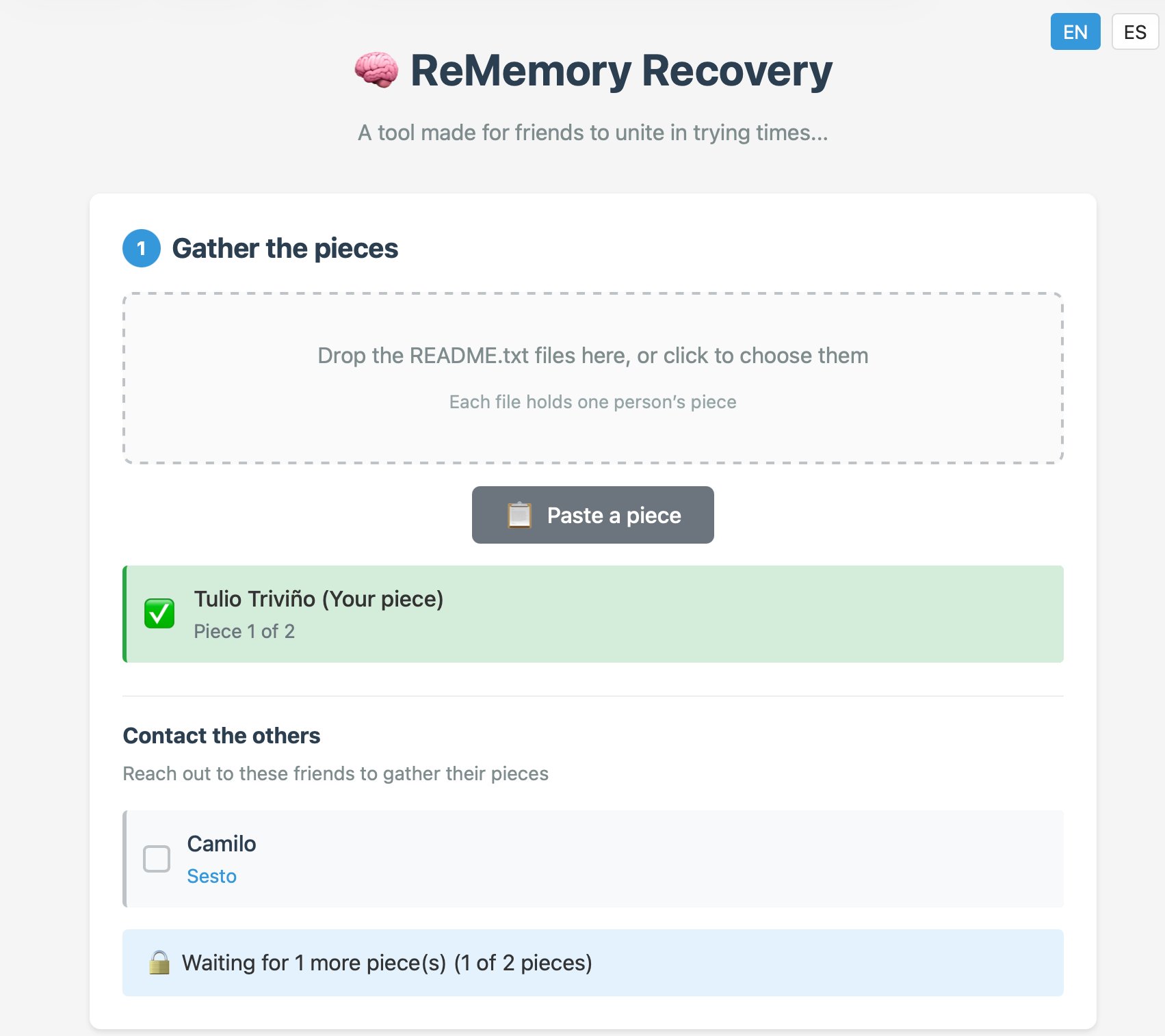
What makes ReMemory particularly interesting is its commitment to being completely offline. Each friend receives a self-contained bundle containing recover.html—a browser-based tool that works entirely locally. There are no servers to trust, no internet connection required, and no accounts to manage.
This design choice addresses a fundamental security concern: if the ReMemory website disappears tomorrow, recovery still works. The tool is self-contained, meaning all the cryptographic operations happen in your browser, and your files never leave your device.
Trust Through Transparency
The creator of ReMemory acknowledges the trust issues inherent in security tools. To address this, the entire project is open source under Apache-2.0, and there's a detailed self-audit document explaining the cryptographic choices. Everything runs locally in your browser, so you can verify exactly what's happening.
Real-World Use Cases
This tool fills a specific niche in the digital security landscape. It's not a backup solution—you still need to store your encrypted file somewhere safe. Instead, it's a way to ensure trusted friends can access important files if something happens to you, without giving any single person complete control.
Common scenarios might include:
- Sharing access to important documents or passwords
- Creating a dead man's switch for digital assets
- Ensuring family members can access critical information if you're unavailable
- Distributing access to shared business assets among team members
Getting Started
The creator recommends trying the demo bundles first to understand exactly how the recovery process works. You can download sample bundles, open recover.html in your browser, and experiment with combining shares. This hands-on approach helps you understand what your friends would experience during a real recovery.
ReMemory represents a thoughtful approach to a difficult problem: how do you ensure trusted people can access your digital life if needed, without creating a single point of failure or trusting a third party? By combining well-established cryptographic techniques with a user-friendly, offline-first design, it offers a compelling solution for anyone concerned about digital inheritance and emergency access.
The tool is available now at rememory.eljojo.dev with source code on GitHub.
Comments
Please log in or register to join the discussion