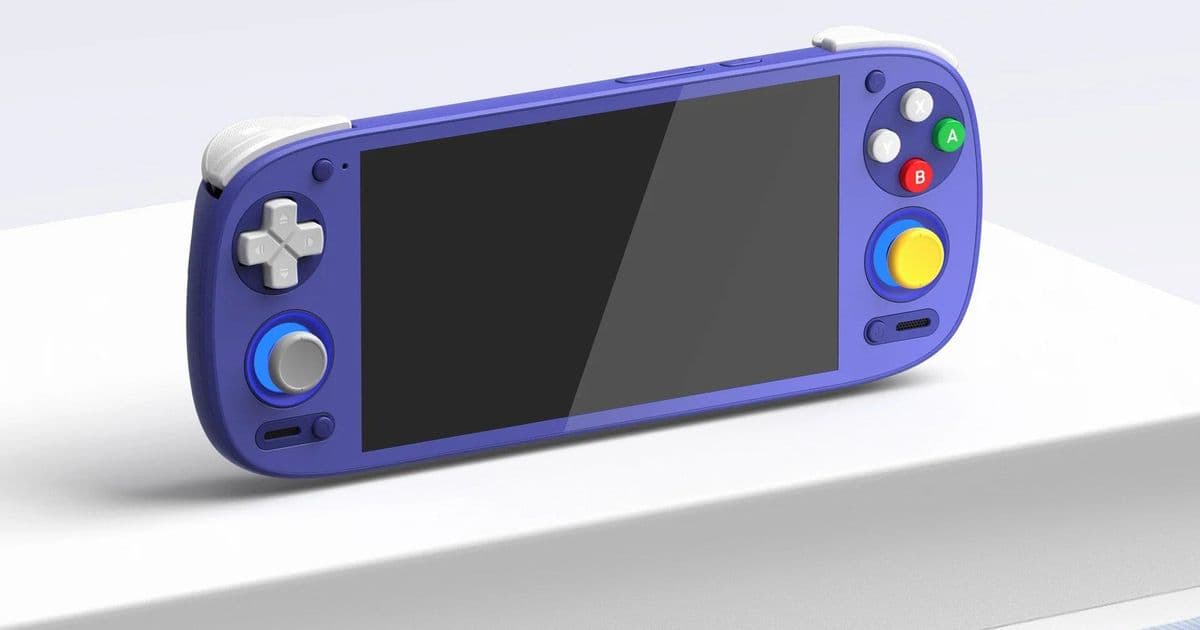
Retroid releases OTA update 1.0.0.176 for discontinued Pocket G2 handheld, adding bypass charging, Widevine improvements, and bug fixes.
Retroid has released a final over-the-air update for its discontinued Pocket G2 handheld gaming device, bringing new features and important fixes to the portable console. The update arrives as version 1.0.0.176 and includes the highly requested bypass charging feature, now rebranded by Retroid as "Charge separation."
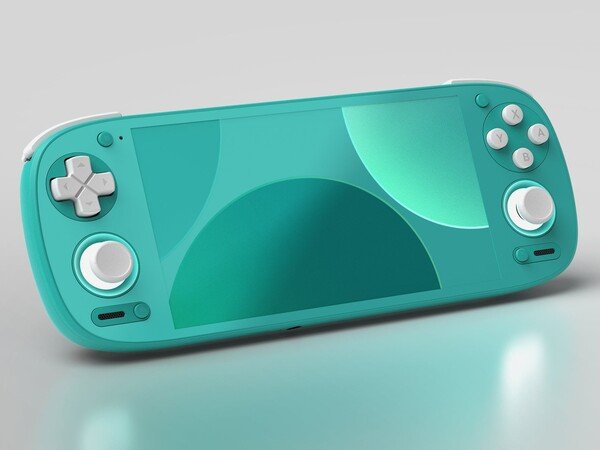
The Rtroid Pocket G2 now has support for bypass charging like the Pocket 6.
This feature allows the Pocket G2 to draw power directly from the charger rather than the battery when plugged in, which helps preserve battery health during extended gaming sessions or when using the device in docked mode. The implementation mirrors functionality found in Retroid's newer Pocket 6 model, giving G2 owners access to similar battery preservation capabilities.
Enabling the charge separation feature is straightforward. Users need to access the Quick Settings menu by dragging down from the top of the screen, then tap the pen icon in the bottom corner to enter edit mode. Scroll through the available tiles until you find "Charging separation," then hold and drag it to your preferred location in the Quick Settings panel. Once added, simply tap the tile to toggle the feature on or off.
Beyond the headline feature, the update addresses several important issues. Widevine compatibility has been improved, potentially enhancing streaming video quality on services like Netflix. A battery drain problem with the Retroid Dual Screen (RDS) add-on when the device enters standby mode has been resolved. Users should notice better tapping response when adjusting joystick light settings in the Quick Settings panel.
The update also fixes a bug where the always-on display clock wouldn't persist after the screen turned off, requiring users to re-enable it through Settings > Display > Lock screen. Another fix resolves temporary unavailability of the screenshot function after re-entering the setup wizard via Handheld Settings > Advanced Settings.
To install the update, open the Settings app and navigate to System, then select "Retroid Pocket FOTA." Tap "check version" to see if the update is available, then download and install it. The device will prompt for a restart once installation completes.
This final update demonstrates Retroid's commitment to supporting its hardware even after discontinuation, ensuring existing Pocket G2 owners can continue enjoying their devices with the latest features and stability improvements. While the company moves forward with newer models, this support helps maintain the value of the Pocket G2 for current users.
Comments
Please log in or register to join the discussion