A detailed technical account of how one user identified and patched an undesired UI change in macOS QuickLook after upgrading from Mojave to Ventura, demonstrating the lengths to which some will go to maintain control over their computing experience.
When Apple updates macOS, users typically expect either improvements or at worst harmless changes. But sometimes, seemingly minor modifications to familiar interfaces can significantly disrupt workflows and preferences. Such was the case for Robin Allen after upgrading from Mojave to Ventura, where Apple had altered the behavior of QuickLook to round image corners—a change that, while perhaps aesthetically pleasing to some, fundamentally changed the utility of a tool highly valued for its precision and clarity.
The Problem with Progress
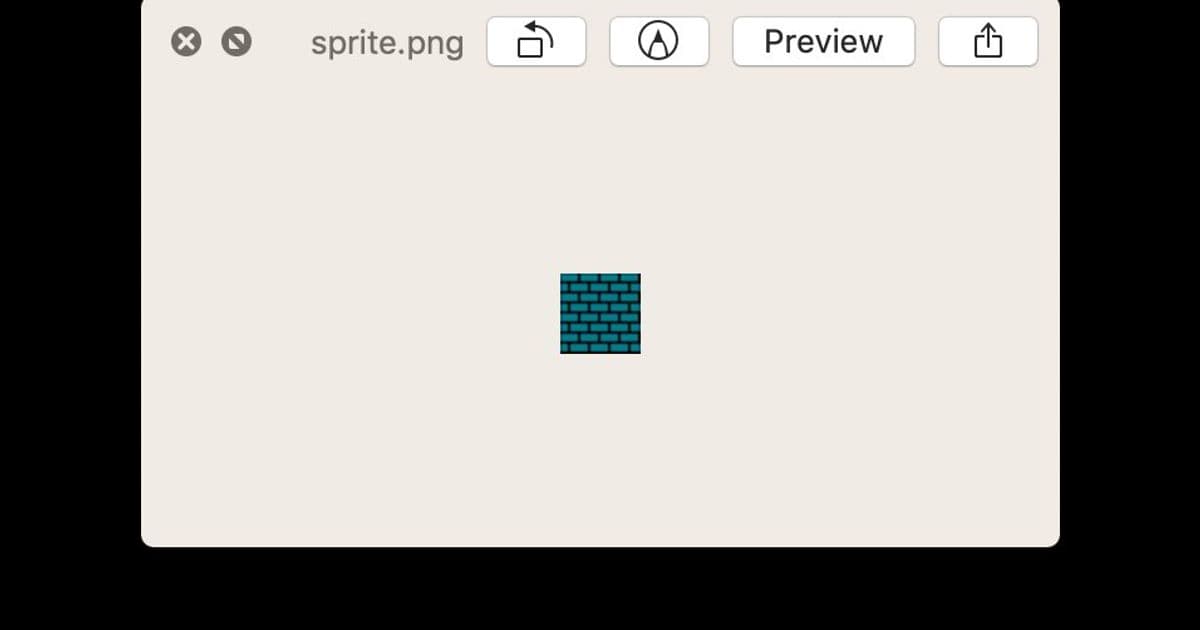
QuickLook represents one of macOS's most elegant features: a simple press of the spacebar while selecting a file in the Finder reveals its contents in an overlay that maintains focus in the Finder, allowing seamless navigation through files with arrow keys. Its simplicity, speed, and tasteful design have made it a favorite among power users. However, Ventura introduced an unwelcome modification—automatic corner rounding that affects all images, regardless of whether they're photographs, game assets, or UI elements being designed.
After searching fruitlessly for a system preference or configuration option to restore the previous behavior, Allen took matters into their own hands, embarking on a technical journey that would involve debugging system processes, reverse engineering undocumented APIs, and implementing low-level patches to restore what they considered the proper QuickLook experience.
Debugging the System
The investigation began with attempting to attach a debugger to the Finder process using LLDB, only to encounter System Integrity Protection (SIP), Apple's security feature that prevents modification of system processes. After disabling SIP and rebooting, Allen successfully attached to Finder and set breakpoints on the sharedPreviewPanel method, which revealed the QuickLook window structure.
The hierarchical view of the QuickLook panel revealed several layers of views, with an NSRemoteView at the core of the image display. This component, undocumented in public APIs, turned out to be communicating with another process—QuickLookUIService—responsible for the actual rendering. By hiding this view, Allen confirmed it was indeed responsible for displaying the image content.
Further investigation revealed that the QuickLookUIService process contained the actual view hierarchy responsible for the rounded corners. Using Xcode's view debugger, Allen identified a QLBorderView that was both adding a border and contributing to the corner rounding effect.
Technical Solutions
With the problem identified, Allen implemented two key patches:
Border Removal: By calling the
disableBordermethod instead ofenableBorder, the unwanted border could be removed. This required intercepting when new border views were created and redirecting the method call.Corner Radius Patching: The corner rounding was implemented through an
updateCornerRadiusmethod. Allen patched this method at the assembly level by replacing its first instruction with a simpleret(return) instruction, preventing any corner radius updates.
The implementation involved ARM64 assembly instruction manipulation, specifically:
- For the corner radius patch: replacing the function's first instruction with
0xd65f03c0(the ARM64 encoding forret) - For the border patch: creating an unconditional jump instruction (
b) that redirected fromenableBordertodisableBorder
These patches were implemented using Python scripts that interacted with the LLDB debugger to write directly to process memory, demonstrating a sophisticated understanding of both macOS internals and low-level system manipulation.
Implications and Broader Context
This technical deep dive raises several interesting questions about user agency in increasingly locked-down computing environments:
The Trade-off Between Security and Control: While SIP and other security features protect users from malicious software, they also prevent legitimate modifications to system behavior that users might prefer.
Undocumented APIs and System Evolution: As Apple iterates on its operating system, undocumented APIs and implementation details change, often breaking third-party customizations that relied on previous behaviors.
The Culture of Technical Problem-Solving: This article represents a particular approach to technical problem-solving—deep system knowledge, willingness to reverse engineer, and comfort with low-level debugging tools. This culture exists alongside, and sometimes in tension with, Apple's vision of a seamless, out-of-the-box user experience.
The solution Allen developed is not for the faint of heart—it requires disabling system security features, using specialized debugging tools, and implementing low-level patches. Yet it represents a powerful example of user agency in the face of system changes that don't align with individual preferences.
For those interested in implementing this fix themselves, Allen has made the scripts available in a GitHub repository, though they caution that such modifications come with inherent risks and may break with future macOS updates.
Conclusion
Allen's journey through the QuickLook rabbit hole demonstrates that even in today's increasingly locked-down computing environments, there are often ways to regain control over system behavior—though they may require technical expertise that puts one at odds with the security model designed to protect the system.
This episode raises fundamental questions about the relationship between users and their computing environments. As operating systems become more polished and more locked down, the tension between system control and user customization will likely continue to grow. For now, at least, those willing to dive into the depths of system internals can still find ways to make their computers work the way they want them to.
The final irony may be that such technical solutions, born from a desire to maintain familiar workflows, ultimately highlight the very real value of the simplicity and consistency that system updates often aim to provide. Perhaps the most sustainable solution is not to fight each change individually, but to adapt workflows to new interfaces while advocating for better user control through official channels.
Comments
Please log in or register to join the discussion