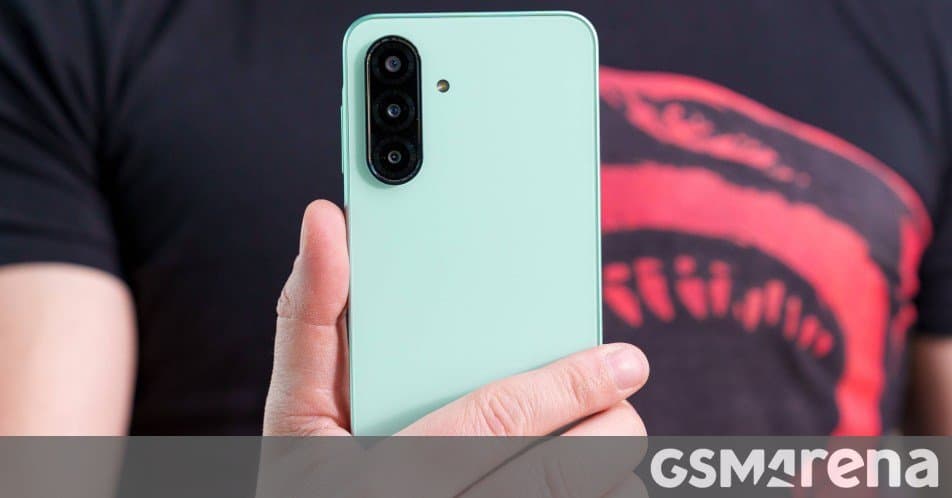
The mid‑range Galaxy A26 finally receives Samsung’s One UI 8.5, bringing new visual tweaks, battery‑saving features and tighter integration with the broader Samsung ecosystem after a staggered rollout that began with flagship devices earlier this month.
Samsung Galaxy A26 receives One UI 8.5
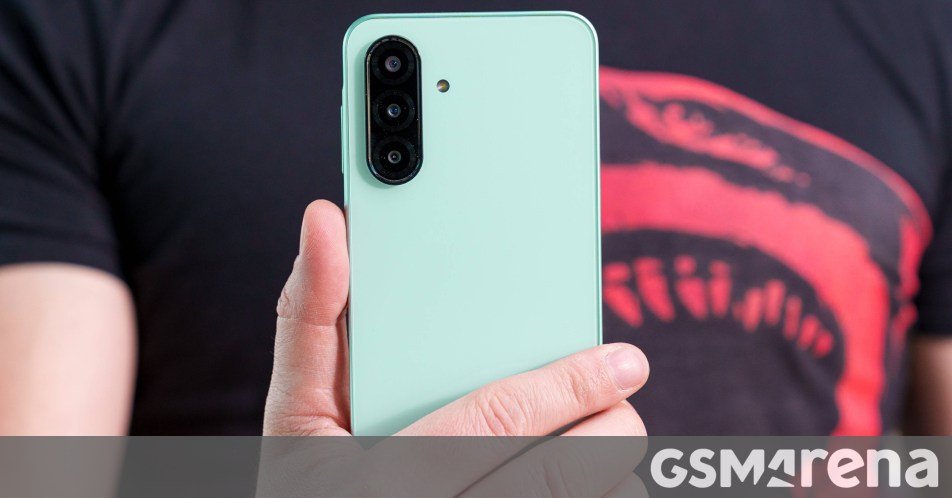
Samsung’s latest software wave has reached the Galaxy A26, confirming that the device will now run the One UI 8.5 skin that debuted on the Galaxy S26 series in January. The update arrived first in Guatemala under firmware build A266MUBU9CZEA, and will likely propagate to other regions over the next few weeks.
What One UI 8.5 adds for the A26
| Feature | Impact on the A26 |
|---|---|
| Refreshed visual language | Subtle changes to icon shapes, updated color accents and a new lock‑screen clock style give the A26 a look that matches Samsung’s flagship line. |
| Battery Optimizer Pro | An AI‑driven background manager that learns usage patterns and can extend standby time by up to 15 % on the 5,000 mAh cell. |
| Improved privacy dashboard | A single pane now shows which apps accessed the microphone, camera, or location in the last 24 hours, making it easier to spot unwanted behavior. |
| Enhanced Edge Panel | New shortcuts for quick actions (e.g., toggle 5 G, launch Samsung Notes) are now configurable per‑profile. |
| One‑hand mode 2.0 | A swipe‑down gesture pulls the UI into a compact layout, useful on the A26’s 6.5‑inch display when the device is used with one hand. |
| Better integration with Samsung + services | Seamless hand‑off between the Galaxy A26 and Galaxy Tab S10 FE, and automatic syncing of Samsung Cloud backups when a Samsung account is signed in. |
These changes are largely software‑centric, meaning the A26’s 6 GB RAM / 128 GB storage configuration will handle the new UI without noticeable slowdowns. Users who upgraded from One UI 7 to 8 in September should see the transition to 8.5 feel like a polish rather than a major overhaul.
How the rollout works
Samsung follows a staged rollout model that starts with a small test group, expands to a regional batch, and finally reaches the global audience. This approach helps catch device‑specific bugs before they affect the entire user base. In practice, it means:
- Initial push – The firmware appears in the Software Update section for a handful of devices in a given market (Guatemala in this case).
- Feedback loop – Early adopters report any issues via Samsung Members; Samsung can issue a hot‑fix if needed.
- Broader distribution – Once the build is deemed stable, the OTA (over‑the‑air) update is sent to the rest of the market, then to neighboring countries.
If you don’t see the update yet, you can manually check for it in Settings → Software update → Download and install. Keep your device on Wi‑Fi and plugged into a charger to avoid interruptions.
Ecosystem implications
One UI 8.5 is more than a visual refresh; it tightens the bond between Samsung’s mid‑range phones and its wider ecosystem. For A26 owners, the most tangible benefits are:
- Continuity with Galaxy tablets – Features like Link to Windows and SideSync now work with the same UI version across devices, reducing friction when moving documents or media.
- Unified Samsung + account experience – Cloud backup, Find My Mobile, and Samsung Pay all receive UI‑level tweaks that make the experience feel consistent, regardless of whether you’re on a flagship S‑series or an A‑series phone.
- Future‑proofing for 5G – The new network settings panel offers quicker toggles for 5G‑SA/NR, preparing the A26 for carriers that roll out advanced 5G bands later this year.
These ecosystem ties can be a deciding factor for users who already own Samsung wearables or tablets. By keeping the software version aligned, Samsung reduces the learning curve and encourages customers to stay within the brand’s product family.
Should you update now?
If your A26 is running One UI 8, the upgrade to 8.5 is safe and brings tangible improvements in battery management and privacy controls. The update size is roughly 2.1 GB, and the installation process takes about 15 minutes on a fully charged device. For users who rely on the phone for daily work, the added privacy dashboard and battery optimizer are compelling reasons to upgrade sooner rather than later.
Where to find more information
- Official Samsung firmware page for the A26: https://www.samsung.com/galaxy-a26/firmware
- Detailed One UI 8.5 feature list (Samsung blog): https://news.samsung.com/global/one-ui-8-5-features
- Community discussion on Samsung Members: https://community.samsung.com/t5/Galaxy-A26/bd-p/galaxy-a26
The Galaxy A26 launched in March 2025 with One UI 7, received One UI 8 in September 2025, and now joins the One UI 8.5 family. Expect the update to spread beyond Guatemala in the coming weeks, bringing the mid‑range device a step closer to Samsung’s flagship experience.
Comments
Please log in or register to join the discussion