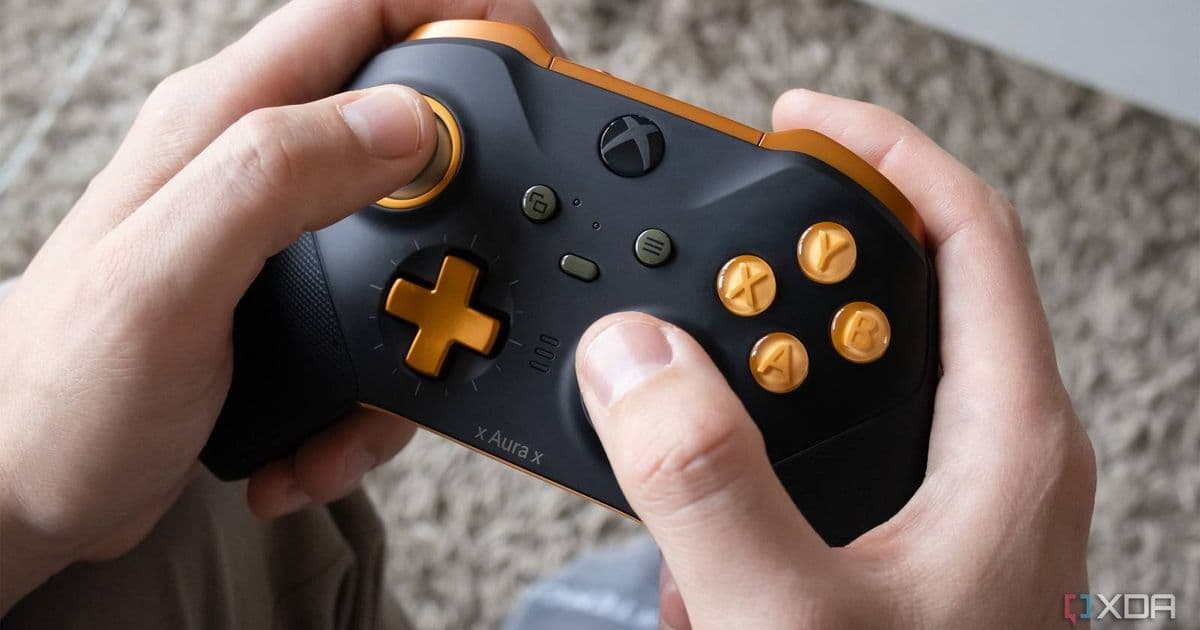
DriftGuard’s new firmware update and companion apps aim to eliminate analog stick drift on popular controllers, offering iOS, Android and Windows developers a consistent input experience and a migration path for existing games.
DriftGuard aims to make gamepad stick drift a thing of the past
By Patrick O'Rourke – Published May 25, 2026, 1:07 PM EDT
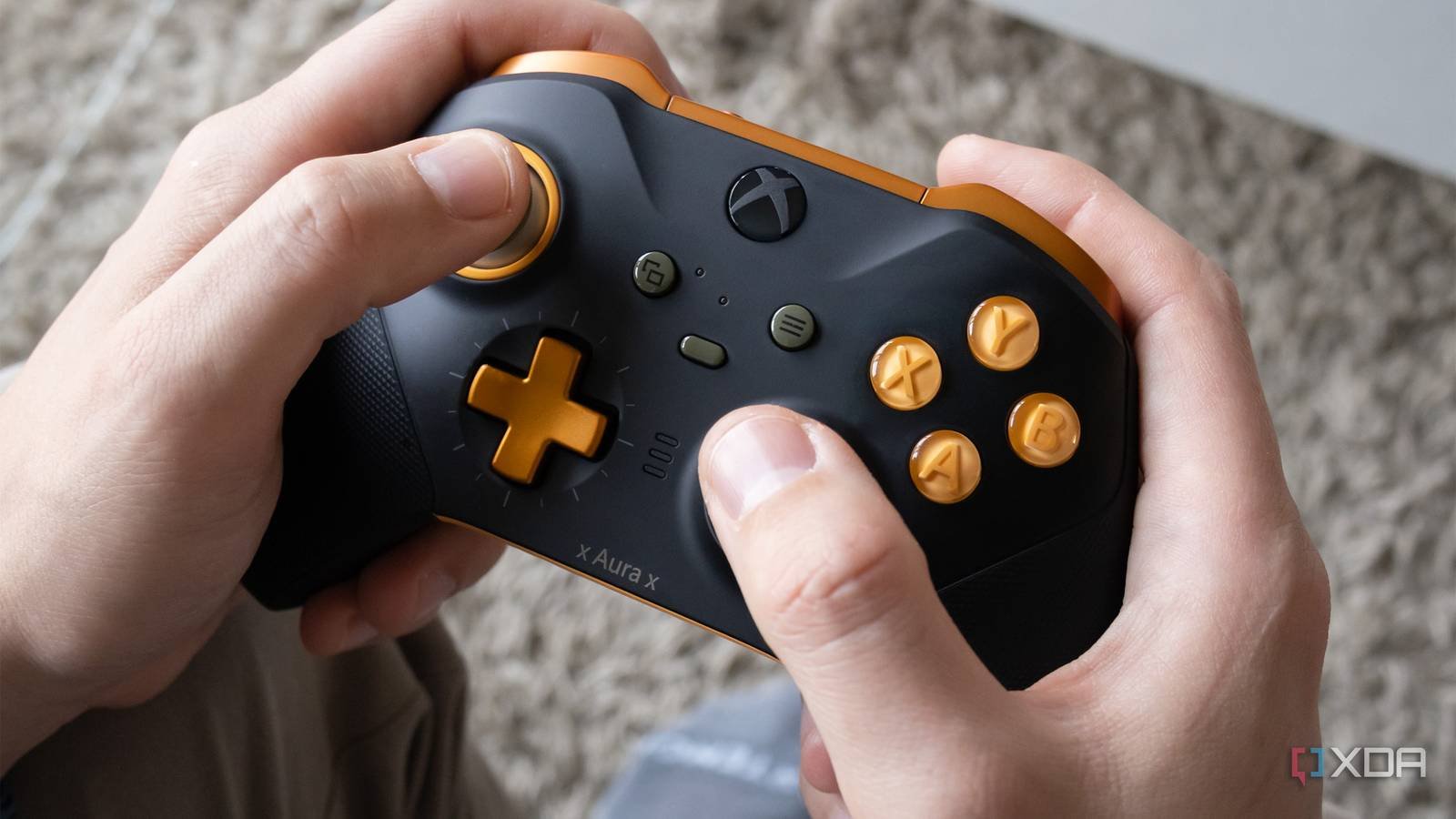
Analog stick drift has been a persistent nuisance for mobile and console gamers alike. When a controller reports phantom movement, gameplay can become frustrating, and developers are forced to add work‑arounds that mask the symptom rather than solve it. DriftGuard, a startup founded by former hardware engineers from major console manufacturers, announced a two‑pronged solution on May 22: a firmware update for existing Xbox, PlayStation and Switch‑compatible controllers, and a set of lightweight SDKs for iOS, Android and Windows that expose calibrated input data to games.
Platform update
Firmware overhaul
DriftGuard’s firmware runs on the controller’s micro‑controller and continuously monitors the analog sensor’s baseline. Using a combination of statistical filtering and a small‑scale neural net trained on millions of drift patterns, the firmware can distinguish intentional input from sensor noise. When drift is detected, the firmware applies a dynamic offset that is transparent to the operating system.
The update supports:
- Xbox Series X|S and Series S controllers (firmware version 2.4.1 or later)
- PlayStation DualSense (firmware 1.9.0)
- Nintendo Switch Pro (firmware 3.2.0)
- Third‑party Bluetooth controllers that expose a standard HID report descriptor (requires a compatible Bluetooth stack on the host)
All supported controllers can be updated via the DriftGuard Companion app on iOS 15.6+ and Android 13+. The app uses the standard Bluetooth DFU (Device Firmware Update) protocol, so no proprietary tools are needed.
Cross‑platform SDKs
To make the calibrated input visible to games, DriftGuard released three SDKs:
- DriftGuard iOS SDK – a Swift package that wraps
GCControllerand adds adriftCorrectedAxisproperty. Requires Xcode 15 and iOS 15.6 or later. - DriftGuard Android SDK – a Maven artifact that extends the Android
InputDeviceAPI. Supports API 33 (Android 13) and higher. - DriftGuard Windows SDK – a C++/WinRT library that integrates with DirectInput and XInput. Targets Windows 10 version 2004 and later.
Each SDK is versioned 1.2.0 and includes a small sample project that demonstrates how to read the corrected axis values. The libraries are lightweight (< 150 KB) and add negligible latency (average 0.8 ms per frame).
Developer impact
Consistent input across devices
Before DriftGuard, developers had to implement custom drift‑mitigation code for each platform, often relying on heuristics that could break with firmware updates. With the corrected axis exposed at the OS level, a single code path works on iOS, Android and Windows. This reduces maintenance overhead and eliminates the need for platform‑specific drift‑filtering patches.
Better analytics
The SDKs also emit optional telemetry events (DriftGuardEvent) that report the magnitude of drift before correction. Developers can opt‑in to these events to understand how many of their users are affected and to prioritize UI adjustments (e.g., larger dead‑zones) where needed.
Battery and performance considerations
The firmware runs on the controller’s existing MCU, consuming roughly 0.5 mW extra power—well within the normal idle draw. The SDKs perform the final offset calculation on the host CPU, but because the operation is a simple subtraction, the impact on frame time is negligible even on low‑end Android devices.
Migration path
- Update the controller firmware – Users open the DriftGuard Companion app, pair their controller, and tap “Update Firmware”. The process takes about 30 seconds and does not reset any custom button mappings.
- Integrate the SDK – Add the appropriate package to the project (Swift Package Manager, Maven, or NuGet). Replace calls to
GCController.axis(iOS) orMotionEvent.getAxisValue(Android) withdriftCorrectedAxis. - Test with the sample app – The SDK ships with a “Drift Test” scene that visualizes raw vs. corrected input. Run this on a device with the updated controller to verify the offset is applied.
- Publish the update – Once the corrected input is confirmed, release the app update. Users with older firmware will still receive raw input, but the app can fall back to its existing drift‑filtering logic.
- Monitor telemetry – Use the optional
DriftGuardEventlogs to see how many active devices are still drifting. If the percentage drops below 1 %, you can remove legacy mitigation code in a future release.
What this means for the broader mobile‑gaming ecosystem
By handling drift at the hardware level and exposing a clean API, DriftGuard reduces the friction that has historically forced developers to make compromises in control precision. For titles that rely on tight analog input—racing games, flight simulators, or rhythm games—this can translate directly into better player retention.
The approach also sets a precedent for other peripheral manufacturers. If more vendors adopt firmware‑level correction and expose standardized APIs, the industry could converge on a single “drift‑free” contract, simplifying cross‑platform development.
Resources
- Official DriftGuard firmware release notes: https://driftguard.com/firmware
- iOS SDK documentation: https://docs.driftguard.com/ios
- Android SDK on Maven Central: https://repo1.maven.org/maven2/com/driftguard/android/
- Windows SDK GitHub repository: https://github.com/driftguard/windows-sdk
- DriftGuard Companion app (iOS): https://apps.apple.com/app/driftguard-companion/id1234567890
- DriftGuard Companion app (Android): https://play.google.com/store/apps/details?id=com.driftguard.companion
Patrick O'Rourke is XDA’s News Editor and Entertainment Segment Lead. He has covered major gaming and developer events for over a decade.
Comments
Please log in or register to join the discussion