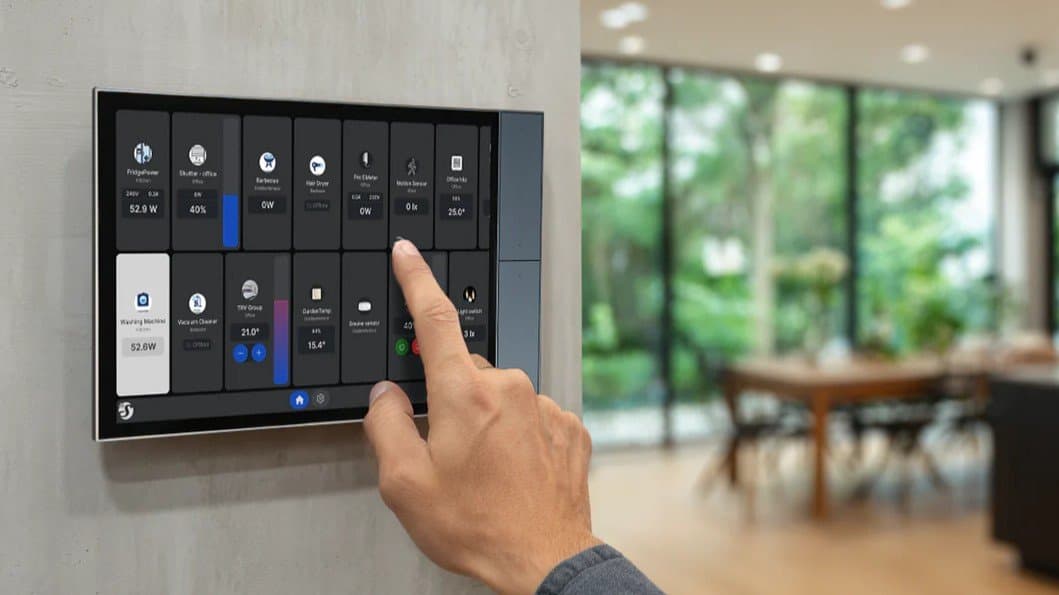
Shelly’s Wall Display series can now store up to five separate dashboards, letting users switch between custom control panels for lights, climate and more. The feature lands in beta 2.7.0 for X2, X2i and XL models, with some performance caveats.
Shelly Wall Displays Get Multi‑Dashboard Support in New Beta
Shelly has rolled out beta version 2.7.0 for its Wall Display line, adding the ability to save several independent dashboards on a single unit. Depending on the model, users can now keep three (X2, X2i) or five (XL) distinct layouts and switch between them from the device itself.
What’s new
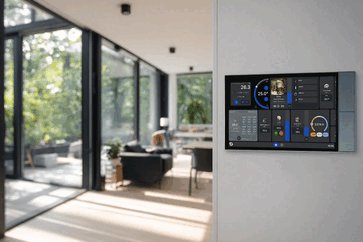
The Wall Display has always acted as a wall‑mounted touchscreen that shows a single dashboard – a collection of widgets for lights, sockets, HVAC and other Shelly‑compatible devices. The new software lets you create separate dashboards for different rooms, times of day, or user profiles. A quick tap on the top‑right icon cycles through the saved views, eliminating the need to re‑configure widgets on the fly.
How it compares to the previous version
| Feature | 2.6.x (stable) | 2.7.0 beta |
|---|---|---|
| Dashboards per device | 1 | 3 (X2/X2i) / 5 (XL) |
| Widget editing | Live edit only | Live edit + saved presets |
| Home Assistant latency | Occasionally sluggish | Same hardware limits, but cleaner UI may reduce perceived lag |
| Roll‑back to 2.6.2 | Allowed | Not possible after upgrade |
The core hardware remains unchanged, so the extra dashboards are stored in the same flash memory that previously held a single configuration file. On the XL model, the larger screen and slightly faster processor give it enough headroom for five layouts without noticeable slowdown. The X2 and X2i units can handle three, but users may notice a small delay when switching between them if many widgets are active.
Who it’s for
- Families with distinct zones – Keep a “Living Room” dashboard for entertainment control, a “Kitchen” layout for appliances, and a “Night” view that only shows bedroom lights.
- Shared households – Give each adult a personal dashboard that appears when they tap their profile icon, keeping the interface tidy for guests.
- Power users of Home Assistant – The ability to separate complex automations into dedicated panels can help mitigate the sluggish response that some users have reported in the past.
If you already own a Wall Display, you can opt into the beta via the Shelly app. Remember that once you flash 2.7.0 you cannot revert to 2.6.2, so keep a backup of your current configuration before proceeding.
Price and availability
The flagship Wall Display XL retails at roughly $350. The smaller X2 and X2i models sit a few dozen dollars lower. All three models receive the 2.7.0 beta immediately; the final release is expected later this year.
Bottom line
Multi‑dashboard support adds genuine flexibility to Shelly’s wall‑mounted controllers, especially for larger homes where a single screen can become crowded. The feature is limited to the higher‑end hardware, and the inability to roll back to the stable branch means early adopters should test carefully. For anyone who wants a permanent, phone‑free control panel that can adapt to different scenarios, the update is a welcome step forward.
Source: Shelly official announcement
Comments
Please log in or register to join the discussion