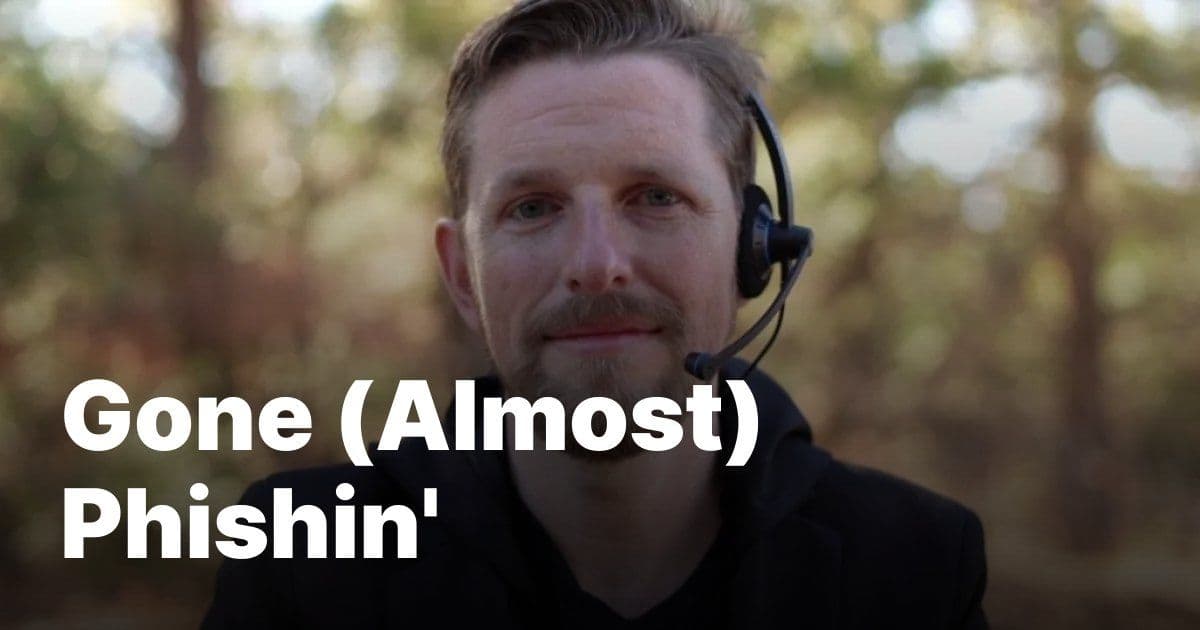
A detailed account of how sophisticated scammers are exploiting Apple's legitimate systems to create convincing phishing attacks that even security-conscious users can almost fall for.
One evening last month, my Apple Watch, iPhone, and Mac all lit up with a message prompting me to reset my password. This came out of nowhere; I hadn't done anything to elicit it. I even had Lockdown Mode running on all my devices. It didn't matter. Someone was spamming Apple's legitimate password reset flow against my account—a technique Krebs documented back in 2024.
I dismissed the prompts, but the stage was set.
What made the attack impressive was the next move: The scammers actually contacted Apple Support themselves, pretending to be me, and opened a real case claiming I'd lost my phone and needed to update my number. That generated a real case ID, and triggered real Apple emails to my inbox, properly signed, from Apple's actual servers. These were legitimate; no filter on earth could have caught them.
Then "Alexander from Apple Support" called. He was calm, knowledgeable, and careful. His first moves were solid security advice: check your account, verify nothing's changed, consider updating your password. He was so good that I actually thanked him for being excellent at his job.
That, of course, was when he moved into the next phase of the attack.
He texted me a link to review and cancel the "pending request." The site, audit-apple.com, was a pixel-perfect Apple replica, and displayed the exact case ID from the real emails I'd just received. There was even a fake chat transcript of the scammers' actual conversation with Apple, presented back to me as evidence of the attack against my account.
At the bottom of the page was a Sign in with Apple button that he told me to use.
I started poking at the page and noticed I could enter any case ID and get the same result. Nothing was being validated. It was all theater.
"This is really good," I told Alexander. "This is obviously phishing. So tell me about the scam."
Silence. Click.
Once I'd suspected what was happening, I'd started recording the call, so I was able to save a good chunk of it, which Jamie Marsland used to make a video about the encounter. You can hear for yourself exactly how convincing "Alexander" was.
So let my almost-disaster help you avoid your own. Remember these rules:
Don't approve any password-reset prompts—those are the first part of the attack. Do not pass Go, just head directly to your Apple ID settings.
Apple will never call you first.
When you get an email from Apple—or, really, anyone telling you to complete a digital security measure—check the URL they're trying to send you to. Apple Support lives on apple.com and getsupport.apple.com, nowhere else.
After all, the best protection is knowing what this looks like before it happens.
Thank you to Peter Rubin and Jamie Marsland for putting this all together.
The Evolution of Phishing: When Scammers Use Your Own Tools Against You
This attack represents a troubling evolution in phishing techniques. Rather than creating fake emails or websites from scratch, these scammers are exploiting legitimate systems in creative ways:
The Password Reset Flood: By triggering multiple password reset requests, they create urgency and confusion. Even with Lockdown Mode enabled, the system still processes these requests because they're technically legitimate.
The Support Case Gambit: This is particularly clever. By opening a real support case with Apple, they generate authentic documentation that lends credibility to the entire operation. The case ID, the email headers, the timing—all of it is real.
The Perfect Replica: The fake Apple support site wasn't just a generic phishing page. It incorporated the actual case ID, mimicked Apple's exact design language, and even fabricated a chat transcript that referenced the real conversation the scammers had with Apple support.
The Social Engineering Hook: "Alexander" played his role perfectly, starting with genuine-sounding security advice to build trust before escalating to the phishing link.
Why Traditional Security Measures Failed
This attack highlights several limitations of conventional security approaches:
Email Filters Are Useless Here: Since the emails came from Apple's actual servers with proper authentication, no spam filter would flag them. They're legitimate emails from a legitimate source.
Lockdown Mode Isn't Enough: While Lockdown Mode provides strong protections, it doesn't prevent legitimate system processes from functioning. Password reset requests are valid operations.
URL Inspection Isn't Foolproof: The fake site used a domain (audit-apple.com) that sounds plausible and incorporated enough Apple branding to appear legitimate at a glance.
The Broader Pattern: Supply Chain Exploitation
What's particularly interesting about this attack is that it represents a form of supply chain exploitation. The scammers aren't breaking into Apple's systems—they're using Apple's own customer service infrastructure as a weapon.
This mirrors patterns we've seen in other domains:
- Business Email Compromise: Scammers use legitimate business relationships and communication patterns to make fraudulent requests seem authentic
- SIM Swapping: Attackers exploit carrier customer service procedures to hijack phone numbers
- MFA Fatigue Attacks: Multiple legitimate authentication requests are used to wear down targets until they approve one
How to Actually Protect Yourself
Beyond the specific rules mentioned above, consider these additional protections:
Never Trust Unsolicited Security Advice: If someone contacts you claiming to be from a company and offering to help with a security issue, that's a massive red flag. Companies don't proactively call customers about security problems.
Verify Through Official Channels: If you're concerned about your account, go directly to the company's official website or app—don't use links provided in calls, texts, or emails.
Use Unique, Strong Passwords: This won't prevent this specific attack, but it makes credential-based attacks less likely to succeed if scammers do get you to enter information.
Consider a Password Manager: These tools can help you avoid entering credentials on fake sites since they typically won't auto-fill on suspicious domains.
Enable Advanced Account Protections: Where available, use features like Apple's Advanced Data Protection or similar enhanced security settings.
The Human Element: Why This Works
What makes attacks like this so effective is that they exploit human psychology rather than technical vulnerabilities. The scammers:
- Create a sense of urgency through multiple password reset prompts
- Establish credibility by using real Apple systems and documentation
- Build trust through professional demeanor and legitimate-sounding advice
- Exploit the target's desire to resolve the perceived problem
Looking Forward
The concerning aspect of this attack is how it combines multiple techniques into a sophisticated, multi-stage operation. As scammers continue to refine these methods, we can expect to see:
- More exploitation of legitimate customer service channels
- Increased use of AI-generated voices and conversations
- Greater personalization based on publicly available information
- More convincing fake sites that incorporate real data
Community Response
The tech community has responded with a mix of concern and practical advice. Many security experts note that this represents a new frontier in phishing—attacks that are so well-crafted they can fool even technically sophisticated users.
Some have suggested that Apple and other companies need to implement additional verification steps for support cases, though this creates a tension between security and customer service accessibility.
Others point out that user education remains crucial, as even the best technical protections can be bypassed by skilled social engineering.
The Bottom Line
This attack succeeded not because of a technical vulnerability, but because it was exceptionally well-crafted social engineering that exploited the trust we place in legitimate systems. The scammers used Apple's own tools, documentation, and procedures to create something that looked and felt authentic.
As one security researcher put it: "The most dangerous attacks aren't the ones that break through your defenses—they're the ones that convince you to lower them yourself."
The best defense remains a healthy skepticism of unsolicited security communications and a commitment to verifying through official channels before taking any action.
Comments
Please log in or register to join the discussion