
An exploration of how browsers handle newline characters and other whitespace in URLs, revealing unexpected behaviors in both regular and data URLs that developers can leverage for better code formatting and content embedding.
The architecture of the web rests upon a foundation of precise technical specifications, yet within these specifications lie fascinating inconsistencies that reveal the complexity of web standards. One such quirk, as explored in Daniel Lemire's recent blog post, concerns the handling of whitespace characters in URLs—a feature that contradicts common developer intuition while remaining functionally valid in modern browsers.
The conventional understanding of URLs suggests they should be continuous strings without line breaks or tabs. However, the WHATWG URL specification, which browsers follow, presents a nuanced perspective. The specification contains two seemingly contradictory statements: first, it declares that if input contains any ASCII tab or newline, an invalid-URL-unit validation error occurs; second, it instructs parsers to remove all ASCII tab or newline characters from input. This creates a scenario where browsers report an error but continue processing the URL anyway, effectively ignoring the violation.
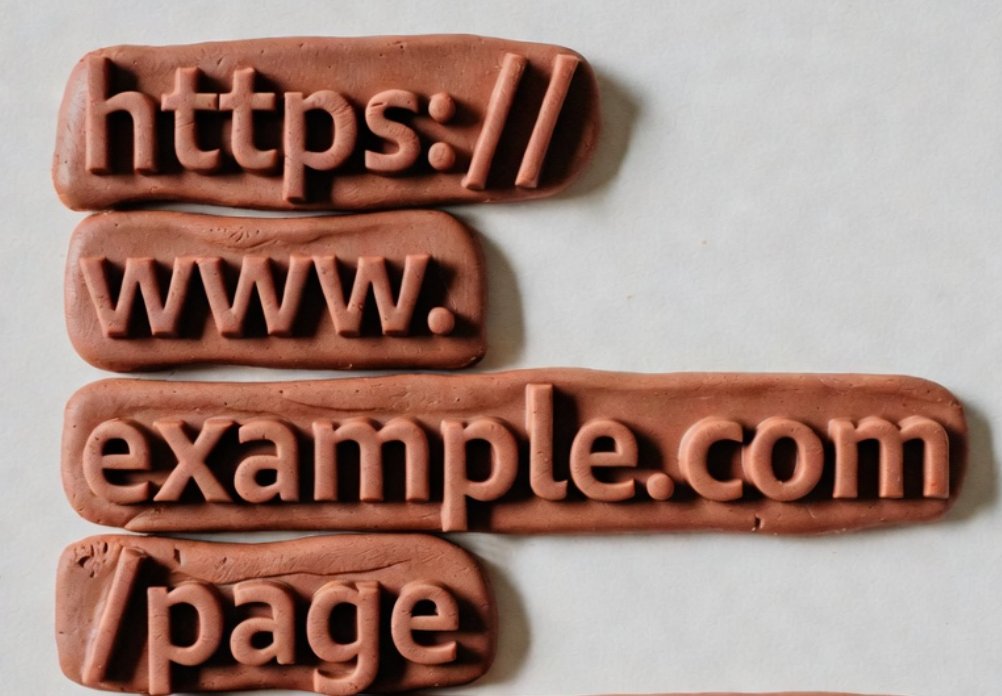
This behavior means that developers can format URLs in HTML using newline and tab characters for improved readability, as demonstrated in the example: <a href="https://lemire.me/blog/2026/02/21/how-fast-do-browsers-correct-utf-16-strings/">my blog post</a>. The browser will correctly process the URL while potentially logging the validation error. This technical allowance offers a practical solution for maintaining readable code when dealing with lengthy URLs, though it remains a rarely utilized feature in most development practices.
The specification's treatment of whitespace extends beyond newlines and tabs to include other characters with varying degrees of permissiveness. For instance, inserting spaces at arbitrary positions within a domain name, as shown in <a href="https://go ogle.c om" class="button">Visit Google</a>, remains functional. This flexibility stems from the browser's error recovery mechanisms, which prioritize user experience over strict specification adherence.
A more profound application of whitespace tolerance appears in data URLs (also known as data URIs), which enable embedding small files directly within URL strings rather than linking to external resources. Data URLs follow different rules than regular URLs, allowing any ASCII whitespace character to be included without penalty. This distinction proves particularly valuable when working with base64-encoded content, as the decoding process inherently ignores all ASCII whitespace characters.
Consider the common pattern of embedding PNG images using data URLs: data:image/png;base64,iVBORw0KGgoAAAANSUhEUg.... The base64 encoding represents binary data using 64 ASCII characters, with each character encoding 6 bits of information. This encoding method, familiar to anyone who has examined email attachments, becomes even more powerful when combined with whitespace tolerance.
The practical implications become evident when embedding SVG graphics, which are XML-based vector images describing 2D graphics through mathematical paths rather than pixels. Developers can format SVG code within a data URL for enhanced readability, as demonstrated in the example of a simple sunset graphic. The ability to include line breaks and indentation transforms what would otherwise be an incomprehensible string into maintainable code.
This technical quirk raises interesting questions about the relationship between specifications and implementation. The WHATWG's approach of reporting errors while continuing processing reflects a pragmatic philosophy in web development, where user experience often takes precedence over theoretical purity. The specification explicitly notes that "A validation error does not mean that the parser terminates" and encourages systems to report errors somewhere, effectively acknowledging that perfect compliance is less important than functionality.
From a developer's perspective, these whitespace allowances offer tools for creating more readable code, particularly when working with embedded content. However, they also highlight the tension between specification and practice—a recurring theme in web development where implementation details often diverge from theoretical standards. The research by Nizipli and Lemire (2024) on parsing millions of URLs per second suggests that such implementation choices have significant performance implications, as browsers must balance strict specification adherence with practical error recovery.

The broader implications extend to web accessibility and debugging. When URLs contain unexpected whitespace, they may present challenges for screen readers or other assistive technologies that parse URLs differently. Similarly, debugging tools that log validation errors might generate unnecessary noise for developers who utilize these formatting techniques.
As web technologies continue evolving, understanding these nuanced behaviors becomes increasingly valuable. The tolerance for whitespace in URLs, while seemingly minor, represents a fascinating case study in how browsers balance specification compliance with practical functionality. For developers, this knowledge offers both a technique for improving code readability and a deeper appreciation for the complex ecosystem of web standards and implementations.
Comments
Please log in or register to join the discussion