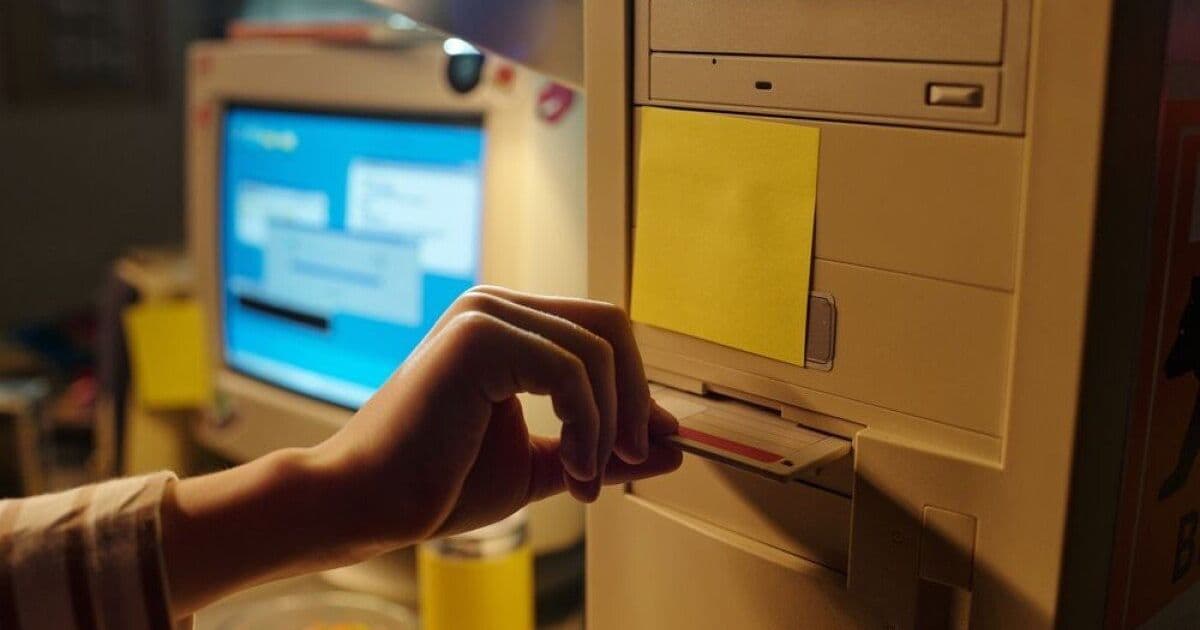
The Virtual OS Museum delivers a downloadable collection of over 600 historic operating systems and the emulators needed to run them. Two editions are offered—a full 121 GB offline archive and a lightweight 14 GB starter kit—both packaged inside a ready‑to‑run Linux VM. Licensing is mixed (MAME, CC‑BY‑NC‑SA, and original OS licenses), and an updater keeps the archive current.
The Virtual OS Museum Opens Its Doors
The Virtual OS Museum is a curated archive that brings together more than 600 historically significant operating systems spanning 250 hardware platforms. From the 1948 Manchester Baby to early Android releases, the collection is designed as a hands‑on “mixtape” for anyone interested in the evolution of software.
What the Museum Provides
| Edition | Download Size | Unpacked Size | Content |
|---|---|---|---|
| Full | 121 GB | 174 GB | All OS disk/tape images, emulators, and a pre‑configured Linux VM for offline use |
| Lite | 14 GB | 21 GB | Emulators only; OS images are fetched on first run |
Both editions ship as an x86 Linux virtual machine. The VM contains the required emulators (listed on the project’s Credits page) and can be launched on:
- Linux – via VirtualBox (or native QEMU)
- Windows – via VirtualBox (x86‑64 and Arm64 supported)
- macOS – via QEMU (x86‑64 and Arm64)
The installer will automatically set up the chosen hypervisor and, if a compatible hypervisor already exists, it will integrate the VM without overwriting user data.
Licensing Overview
The museum’s licensing model reflects the diversity of the included software:
- Launcher & configuration – released under the MAME license (source‑available, non‑commercial use only).
- Metadata (descriptions, screenshots, etc.) – distributed under CC‑BY‑NC‑SA.
- Individual OS images – retain their original licenses. The project states that any commercial software is provided solely for historical research and preservation, and that no component is currently available for retail sale.
If a copyright holder wishes an item removed, they are asked to contact the author directly.
Compliance Checklist for Organizations
- Verify Non‑Commercial Use – The MAME and CC‑BY‑NC‑SA licenses prohibit commercial exploitation. Any internal training or demonstration that generates revenue would require separate permission.
- Maintain Attribution – When redistributing screenshots or metadata, include the required attribution and share‑alike notices as stipulated by CC‑BY‑NC‑SA.
- Document License Sources – Keep a record of each OS’s original license (often found in the
LICENSES/directory of the VM). This aids future audits and ensures you can demonstrate compliance. - Update Policy – Use the built‑in updater to receive new entries and license‑status changes. The updater logs each change, which can be retained for compliance reporting.
- Secure the VM – Although the VM runs locally, treat it as a potentially vulnerable environment. Apply host‑level security patches, restrict network access, and snapshot the VM before experimenting with untrusted OSes.
Getting Started
- Download the desired edition from the project’s GitLab page: https://gitlab.com/andrew-warkentin/virtual-os-museum.
- Extract the archive and follow the
README.mdinstructions for your host OS. - Launch the VM using the provided script (
launch.shon Linux/macOS,launch.baton Windows). - Select an OS from the menu, and the emulator will automatically fetch any missing disk images if you are using the Lite edition.
- Use the snapshot button within the emulator UI to revert to a clean state after any experiment.
Future Roadmap
Andrew Warkentin plans to expand the collection to over 2,000 entries. An automated updater will periodically pull new OS images and emulator updates, reducing the need for full re‑downloads. The project is still a work‑in‑progress; not every entry has been fully tested, and community feedback is encouraged to improve stability.
Why It Matters
For compliance officers, the Virtual OS Museum offers a controlled environment to:
- Conduct forensic analysis of legacy software.
- Demonstrate historical security vulnerabilities in a sandbox.
- Provide training on legacy system migration without exposing production assets.
By keeping the collection offline and under strict licensing terms, organizations can explore OS history while staying within legal boundaries.
The Virtual OS Museum is an ambitious preservation effort that balances accessibility with respect for original software licenses. With proper compliance measures, it can become a valuable resource for both enthusiasts and enterprises seeking to understand the foundations of modern computing.
Comments
Please log in or register to join the discussion