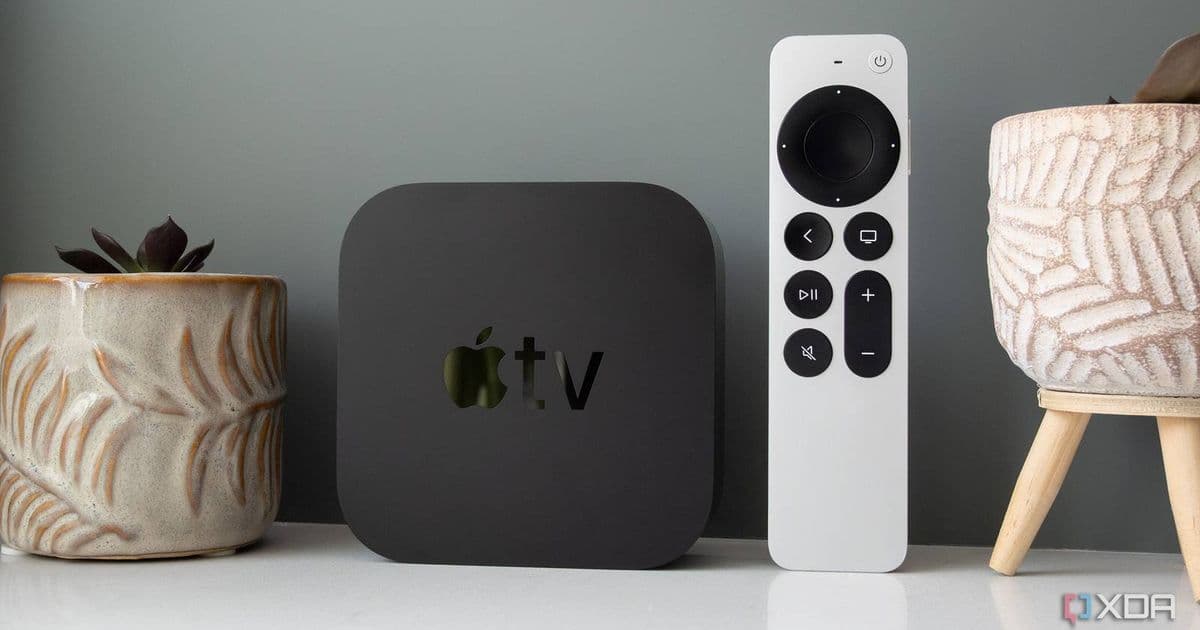
Apple's latest tvOS 26.4 update introduces Router Audio Support settings to resolve persistent audio popping and crackling issues affecting Apple TV 4K devices.
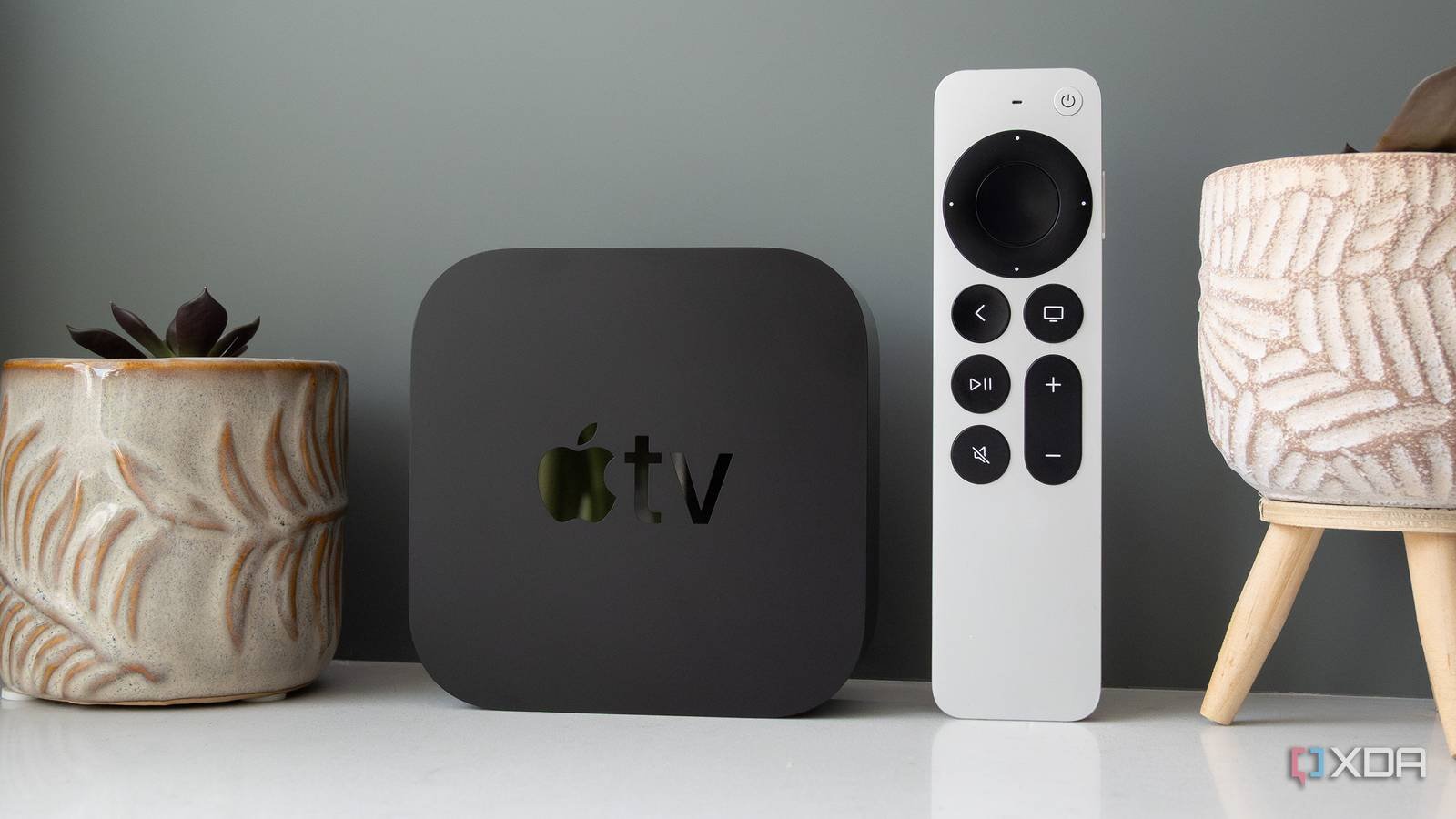
Apple has addressed a persistent audio annoyance affecting Apple TV 4K users with tvOS 26.4, introducing specific settings to eliminate popping and crackling sounds during playback. The new Router Audio Support toggle appears in Settings > Video and Audio > Audio, providing direct control over how the Apple TV handles audio routing conflicts that previously caused intermittent disruptions.
The audio popping issue primarily affected setups using HDMI ARC/eARC connections between Apple TV 4K (2nd/3rd gen) and soundbars or AV receivers. When routing audio through TV passthrough configurations, timing mismatches between video rendering and audio processing created audible artifacts during silent transitions between scenes or apps. This became particularly noticeable in high-dynamic-range content where audio tracks frequently drop to near-silent levels.
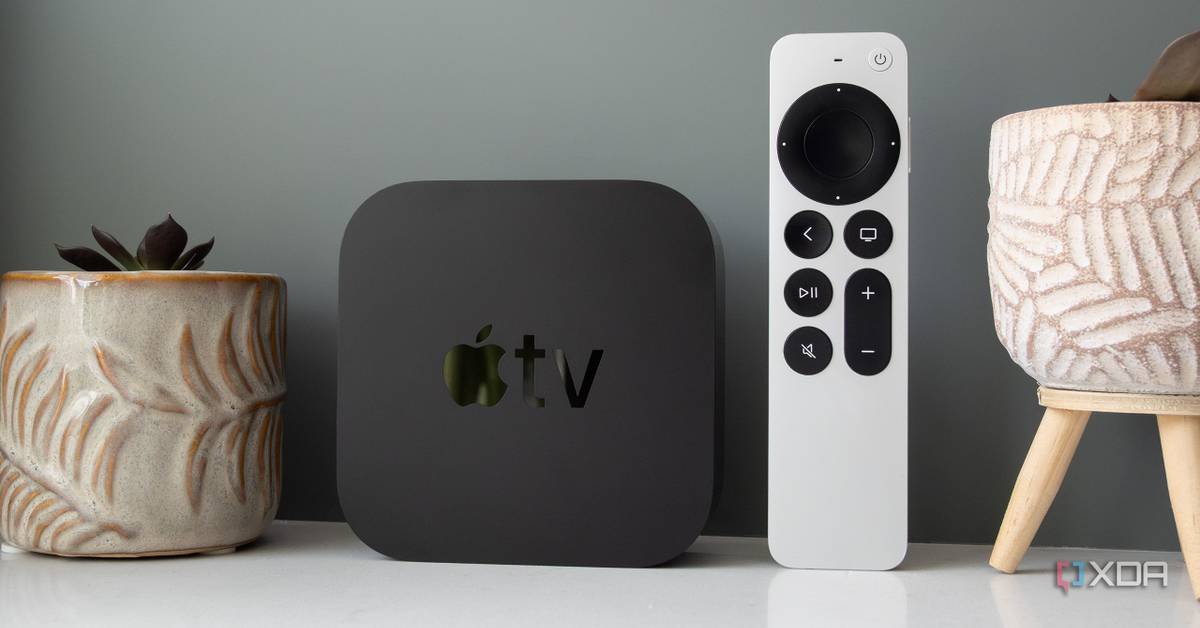
Under the hood, the new setting adjusts how tvOS prioritizes audio buffer management when switching between different audio formats (Dolby Atmos, PCM, etc.). By enabling Router Audio Support, users force the Apple TV to maintain consistent audio routing pathways instead of dynamically renegotiating connections with downstream devices. This prevents the brief handshake interruptions that manifested as popping noises.
For developers, this system-level fix resolves a class of audio complaints without requiring app modifications. Apps leveraging tvOS audio frameworks like AVFoundation automatically benefit from the more stable routing behavior when users enable the setting. Cross-platform media developers should note this solution applies exclusively to tvOS hardware; similar audio routing challenges on Android TV platforms still require manufacturer-specific handling.
To activate the fix:
- Update Apple TV to tvOS 26.4
- Navigate to Settings > Video and Audio > Audio
- Locate 'Router Audio Support' under Advanced settings
- Toggle to 'On' position
Users report immediate elimination of popping artifacts after enabling the setting, particularly during Netflix, Apple TV+, and Disney+ playback. The update demonstrates Apple's continued refinement of tvOS audio handling following earlier fixes for Dolby Atmos dropouts in tvOS 17. While primarily benefiting HDMI-connected setups, the enhancement also improves Bluetooth audio stability during format switching.
Comments
Please log in or register to join the discussion