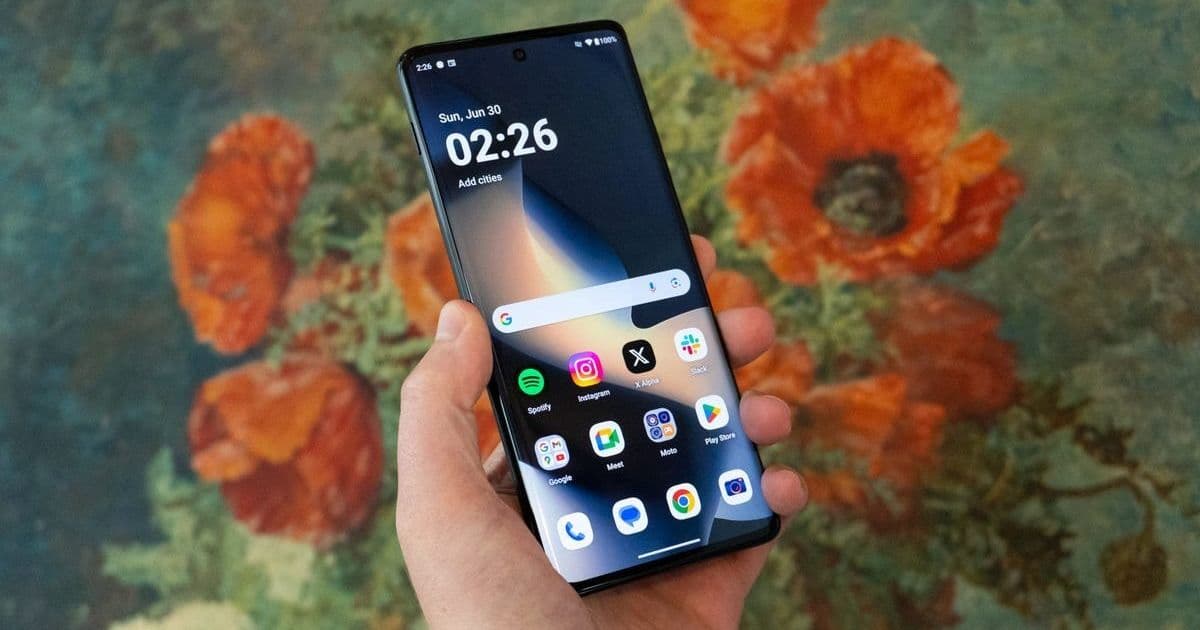
Motorola smartphones feature advanced tools to combat battery drain, but many users overlook these built-in optimizations. This guide reveals eight critical settings—from adaptive battery management to display tweaks—that can significantly extend daily usage and improve device longevity. Implementing these changes empowers users to reduce charging anxiety and enhance their mobile experience without sacrificing performance.
Unlock Longer Battery Life: 8 Essential Motorola Phone Settings You Need to Adjust
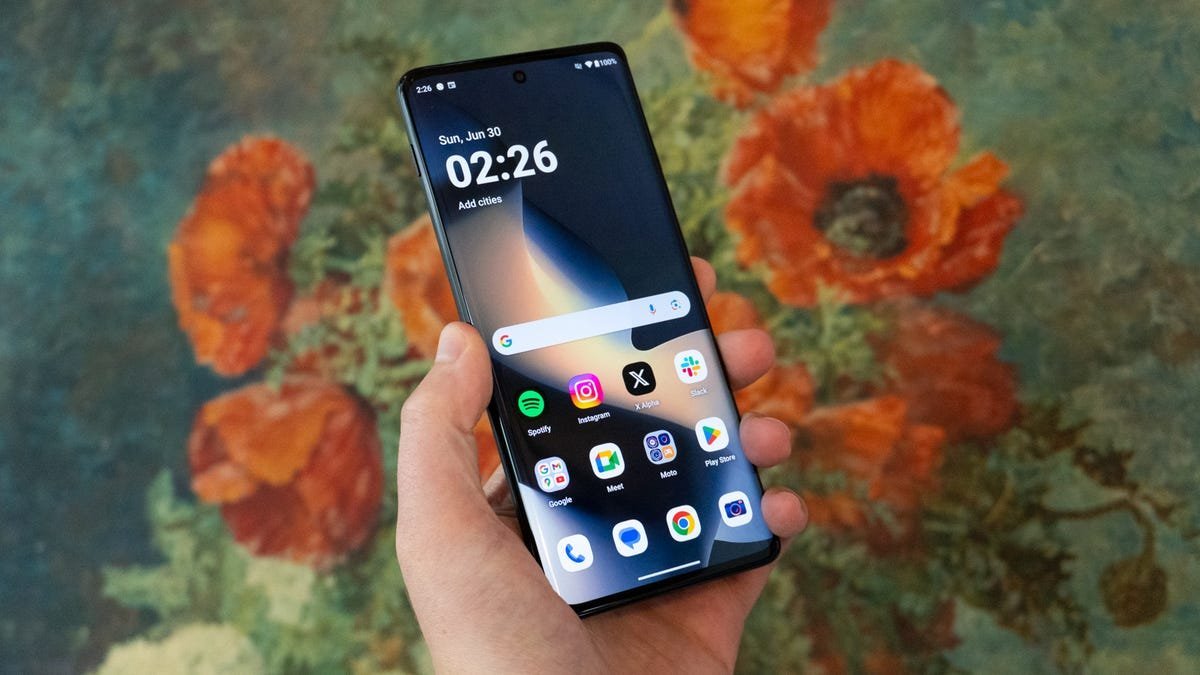
Battery anxiety plagues smartphone users worldwide, with screen time and background processes relentlessly draining power. Motorola devices, however, hide a suite of sophisticated tools designed to combat this issue—features often buried in settings menus and underutilized by even tech-savvy owners. After extensive testing on models like the Razr Ultra and Moto G Stylus 2025, it's clear that strategic adjustments can yield hours of extra usage. These aren't just quick fixes; they represent a broader shift toward intelligent, user-centric power management in mobile tech.
1. Battery Saver: Your Emergency Power Reserve
Motorola's Battery Saver activates automatically at 20% capacity, dimming the interface, throttling the refresh rate, and pausing non-essential background data. Critical functions like calls and navigation remain active, making it ideal for emergencies. For heavier conservation, Maximum Battery Saver disables 5G, live wallpapers, and Moto Actions while enforcing a strict 15-second screen timeout. Why it matters: This dual-tier approach exemplifies how modern OS design prioritizes user control—balancing functionality with preservation during low-power scenarios.
How to enable: Settings > Battery > Battery Saver > Choose 'Standard' or 'Maximum.' Customize triggers via Schedule and Reminders.
2. Adaptive Battery: AI-Powered App Discipline
Background apps silently consume power, but Adaptive Battery uses machine learning to identify rarely used applications and restrict their background activity. Over time, it refines its model based on your habits, ensuring only essential apps run freely. Analysis: This reflects the growing role of AI in resource management, reducing manual intervention while optimizing efficiency—a win for both performance and battery longevity.
3. Adaptive Brightness: Smarter Screen Power Management
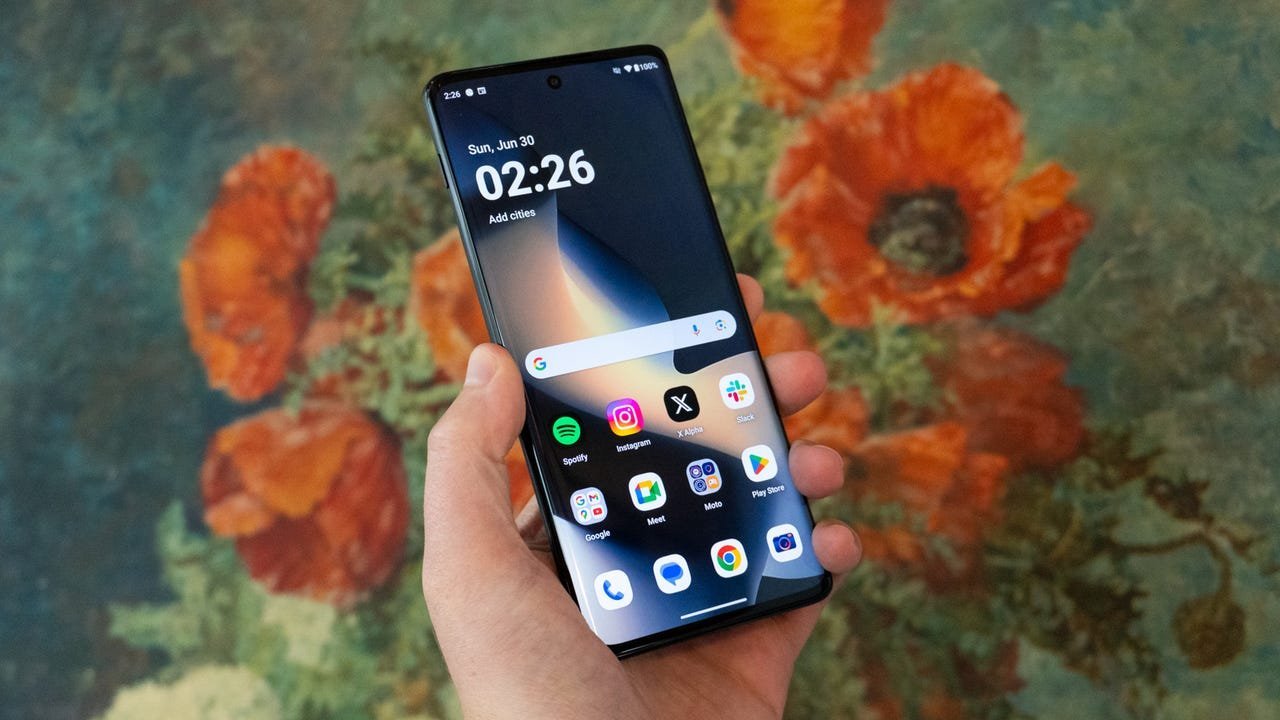
Displays dominate battery consumption, and Adaptive Brightness dynamically adjusts screen intensity using ambient light sensors. It learns from manual tweaks, becoming more precise over weeks. Implication: Automating this process eliminates guesswork, demonstrating how sensor-driven automation can seamlessly enhance user experience while conserving energy.
4. Efficiency-First Refresh Rate: Balancing Smoothness and Stamina
High-refresh-rate screens (like the Razr Ultra's 165Hz) offer fluid visuals but drain batteries rapidly. Switching to 'Efficiency-First' mode caps refresh rates at 60Hz, or 120Hz in 'Smart & Balanced' mode. Tech insight: This trade-off highlights the physics of display technology—higher Hertz equals higher power draw—and empowers users to prioritize endurance during demanding days.
5. Shorten Screen Timeout: A Simple Yet Effective Hack
Reducing screen-on time is elementary but effective. A 15–30 second timeout, combined with disabling 'Attentive Display' (which uses the front camera to detect your presence), prevents unnecessary power loss. Why disable Attentive Display? Its camera checks create constant background activity—a reminder that not all 'smart' features are energy-efficient.
6. Dark Mode: OLED’s Secret Weapon
On OLED panels, black pixels consume near-zero power. Enabling Dark Mode system-wide—especially with a pure-black wallpaper—acts like a passive energy rebate. Scheduling it for nighttime use maximizes gains. Broader trend: This leverages hardware advantages for software savings, a tactic increasingly adopted across ecosystems for sustainability.
7. Disable 'Mobile Data Always Active': The Hidden Drain Fix
Buried in Developer Options, this setting keeps cellular modems awake during Wi-Fi use to prevent handoff delays. Disabling it introduces a barely noticeable lag but saves significant power. Access tip: First enable Developer Options by tapping 'Build Number' seven times in Settings > About Phone.
8. Optimized Charging: Preserving Long-Term Battery Health
Lithium batteries degrade when kept at 100% charge. Optimized Charging learns your sleep schedule, holding charge at 80% overnight and completing the fill just before you wake. Impact: Extending battery lifespan reduces e-waste and aligns with eco-conscious tech practices—proving small software tweaks can have lasting environmental benefits.
Implementing these eight settings transforms Motorola devices from power-hungry tools into endurance champions, underscoring how user education is as crucial as hardware innovation in the battery life battle. For developers, these features also showcase Android's evolving adaptability—where granular controls meet intelligent automation to solve real-world problems.
Source: Based on original reporting by Jason Howell for ZDNET
Comments
Please log in or register to join the discussion