A developer's detailed experiment switching from Mac Studio to Windows 11 reveals both impressive capabilities and persistent frustrations, highlighting the continuing OS divide between Apple and Microsoft.
In the ever-evolving landscape of desktop operating systems, the choice between Windows and macOS remains a deeply personal one. Recently, a developer conducted an illuminating experiment: abandoning their Mac Studio M2 Max in favor of a Windows PC as their primary machine. This journey, spanning various professional and creative tasks, reveals not just the technical differences but the philosophical approaches that continue to define these two platforms.
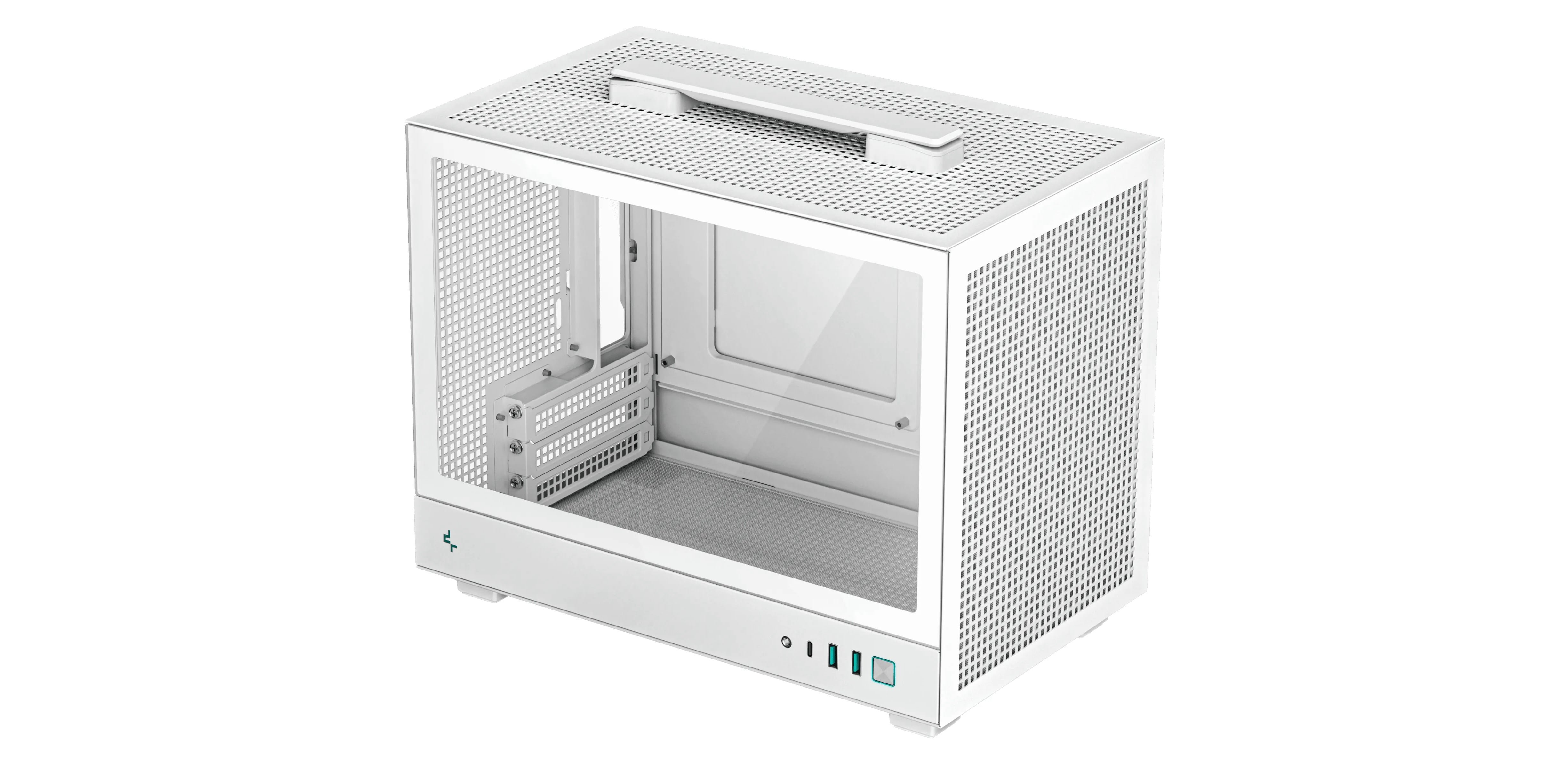
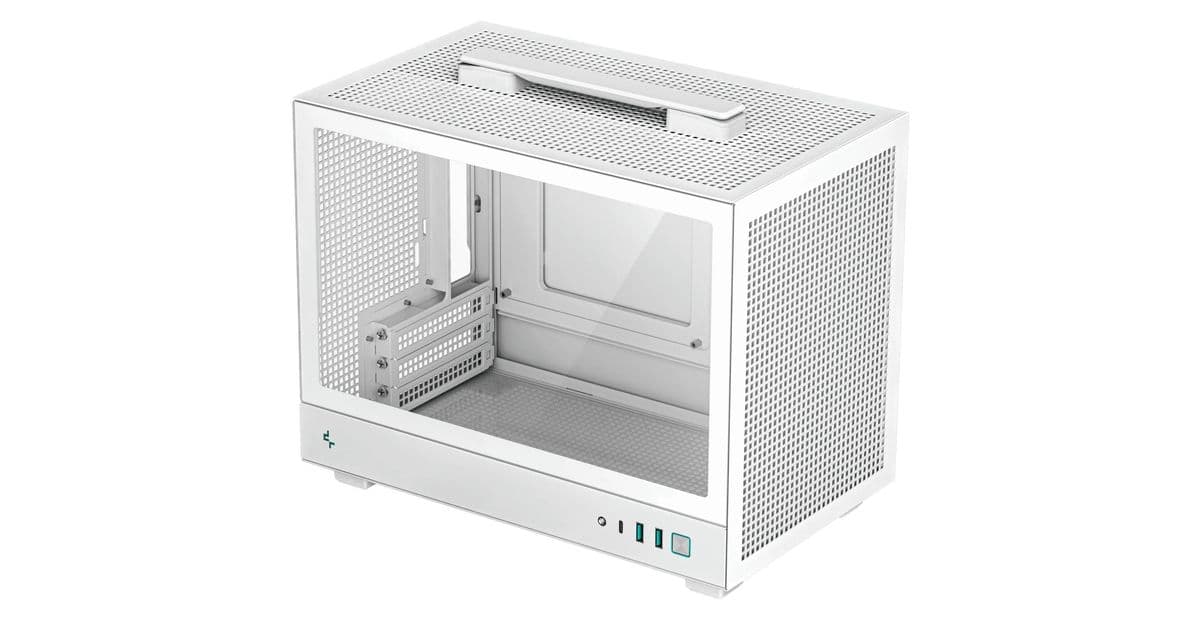
The author's setup included a powerful Windows PC with a Ryzen 5 9600X CPU, GeForce RTX 5070 Ti GPU, and 32GB of DDR5 RAM, housed in a sleek white Deepcool CH160 case. Paired with a Lenovo Y32p-30 32" 4K display, the hardware represented a formidable alternative to the Mac ecosystem. Yet, as the author discovered, hardware alone cannot bridge the fundamental UX differences that have emerged over two decades of macOS evolution.
The Reality of Cross-Platform Transition
"Long story short: it's not as bad as I thought, but it's still painful," the author reflects. This sentiment captures the nuanced reality of modern Windows 11—a system capable of impressive productivity yet still hampered by inconsistencies that power users have come to expect from Apple's more refined approach.
Before diving into Windows' merits and flaws, the author offers crucial context: macOS is hardly perfect. Years of experience revealed persistent issues like wireless mouse stuttering (a problem dating back to 2010), unreliable sleep behavior, inconsistent SMB share connections, and silent Time Machine backup failures. "Finder UI is slow and often has a delay, e.g. press enter to rename a file, start typing immediately, and first 1-2 characters are not registered," the author notes, highlighting UI responsiveness issues that even Apple's polished system cannot escape.
The Windows Experience: The Good
File Management and Navigation
Windows Explorer emerges as a clear winner over macOS Finder. The Explorer's more intuitive file creation process, consistent network SMB share mounting, and generally more responsive navigation create a more fluid file management experience. This represents a significant advantage for users who frequently work with network resources and local file structures.
The Task Bar and Workflow
The Windows task bar provides a familiar and efficient workflow, with Win+1, Win+2, etc. shortcuts offering quick access to applications. This consistency contrasts with macOS's Dock, which the author found less predictable for application switching and management.
Package Management
The inclusion of winget, Windows' native package manager, represents a major step forward. "Windows has a package manager! That's very cool," the author exclaims. The ability to install software with simple commands like winget install -e --id SublimeHQ.SublimeText.4 brings Windows closer to the convenience of macOS's Homebrew or Linux's package ecosystems.
Third-Party Software Ecosystem
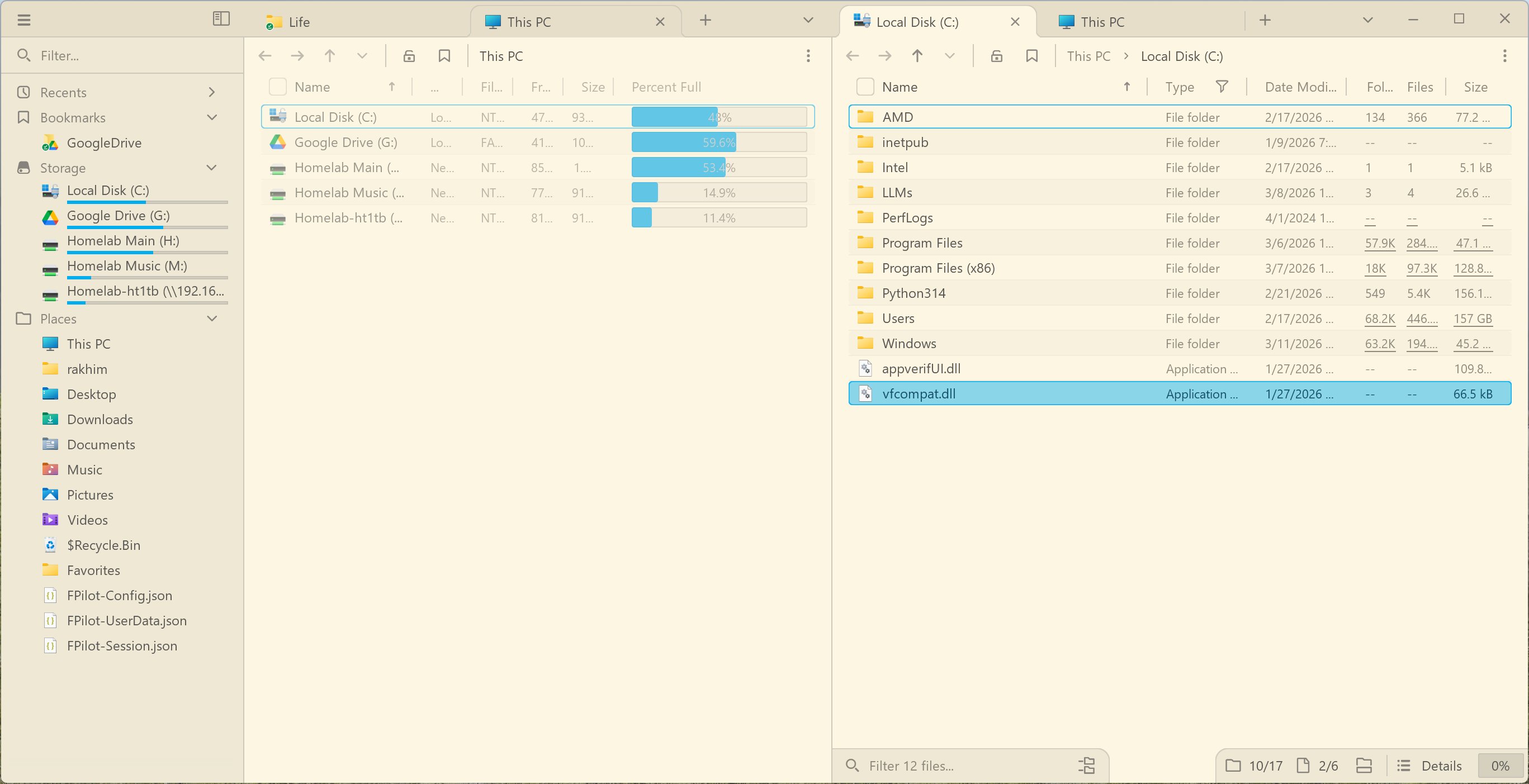
Windows boasts several excellent applications unavailable on macOS, including the remarkable File Pilot file explorer and the Everything search utility. "Think of it as visual fzf. It's extremely fast," the author notes about Everything, highlighting how specialized Windows applications can provide functionality that macOS users can only envy.
Gaming and Creative Workflows
For Unreal Engine development, Windows proves superior. "On Linux it's just buggy as hell (like, left mouse click requiring two clicks to register, and dropdown menus appearing with 500+ pixel offset from the click origin)," the author explains. Windows provides the stable, high-performance environment needed for professional creative work.
WSL: A Technological Marvel
Windows Subsystem for Linux represents perhaps Windows' most impressive technological achievement. The ability to run a full Linux environment with seamless file system integration allows developers to leverage the best of both worlds. "GUI Linux apps appear in the Windows start menu as if they are native. It's mind-blowing, and a tremendous technological achievement," the author remarks.
The Windows Experience: The Painful Reality
Installation and Account Requirements
The Windows installation process immediately sets a frustrating tone. "You must login into your Microsoft account during installation," the author notes, highlighting a fundamental philosophical difference from Apple's more permissive approach. The automatic assignment of a username based on the email address (creating a home directory named "windo") exemplifies Windows' occasional lack of user-centric design.
Keyboard Layout Management
For multilingual users, Windows presents baffling obstacles. The author recounts spending two hours attempting to configure just two keyboard layouts (US English and Finnish). "The algorithm: Add 'keyboards' that you need. Look at the resulting list of layouts and remember the ones you don't need. Add 'keyboard' that corresponds to those. You have to choose exactly the same wording as in those extra layouts," the author explains, describing a process that would be straightforward on macOS or Linux.
UI Inconsistencies
Windows 11 suffers from what the author describes as "a mess" of UI conventions. "By now, in Windows 11, there are at least half dozen different UI conventions," they note. The coexistence of the old Control Panel alongside the new Settings app creates confusion, with some settings available in one but not the other. "Resizing the Settings app horizontally results in a horrible stutter at 5fps," the author observes, highlighting performance issues in core system components.
Font Rendering Issues
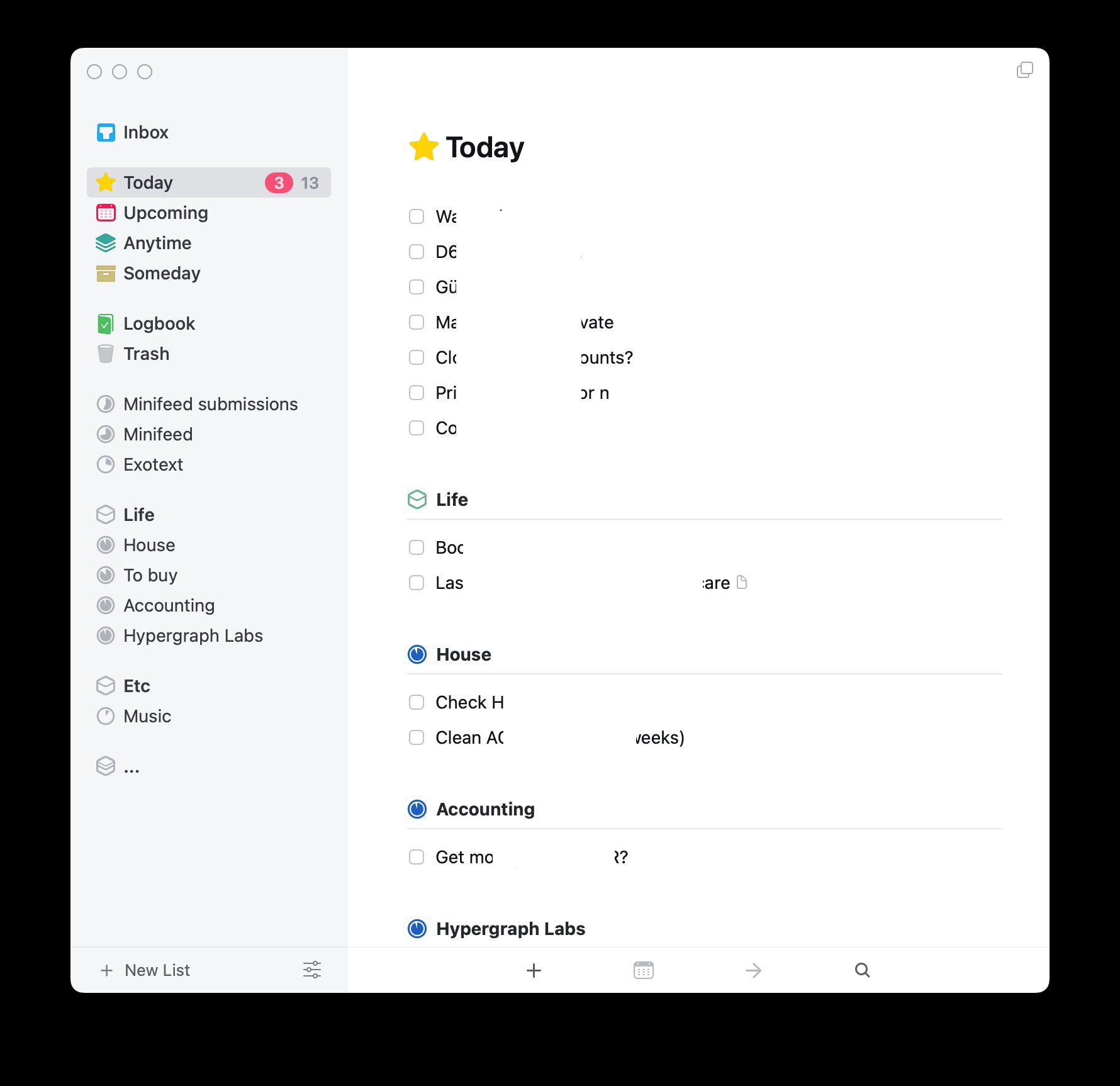
A particularly frustrating aspect for web developers is Windows' font rendering. The author demonstrates how identical CSS font stacks produce dramatically different results between macOS and Windows. "My homepage looks like ass on Windows, too, even though they are utilizing a different set of fonts. Whatever I choose looks wrong," they lament, noting that even system fonts like Verdana render poorly on Windows.
Display Brightness Control
Windows struggles with basic hardware integration, particularly for external monitor controls. "After many attempts I gave up trying to make Windows' native brightness control buttons work for my external display," the author admits, contrasting this with macOS's BetterDisplay utility or Linux's out-of-the-box support for DDC/CI.
The Keyboard Bindings Challenge
Perhaps the most significant personal adaptation challenge involves keyboard shortcuts. The author provides a revealing comparison of common operations across both systems:
| Action | macOS | Windows |
|---|---|---|
| Start of line | cmd ← | home |
| End of line | cmd → | end |
| Word back | opt ← | ctrl ← |
| Word forward | opt → | ctrl → |
| Top of file | cmd ↑ | ctrl home |
| End of file | cmd ↓ | ctrl end |
| Switch windows | cmd tab | alt tab |
| Copy/paste | cmd c / cmd v | ctrl c / ctrl v |
| Open file | cmd ↓ enter | enter |
| Up directory | cmd ↑ | alt ↑ |
| Close tab | cmd w | ctrl w |
| Close app | cmd q | alt f4 |
| Minimize window | cmd m | win ↓ |
| Hide window | cmd h | win d |
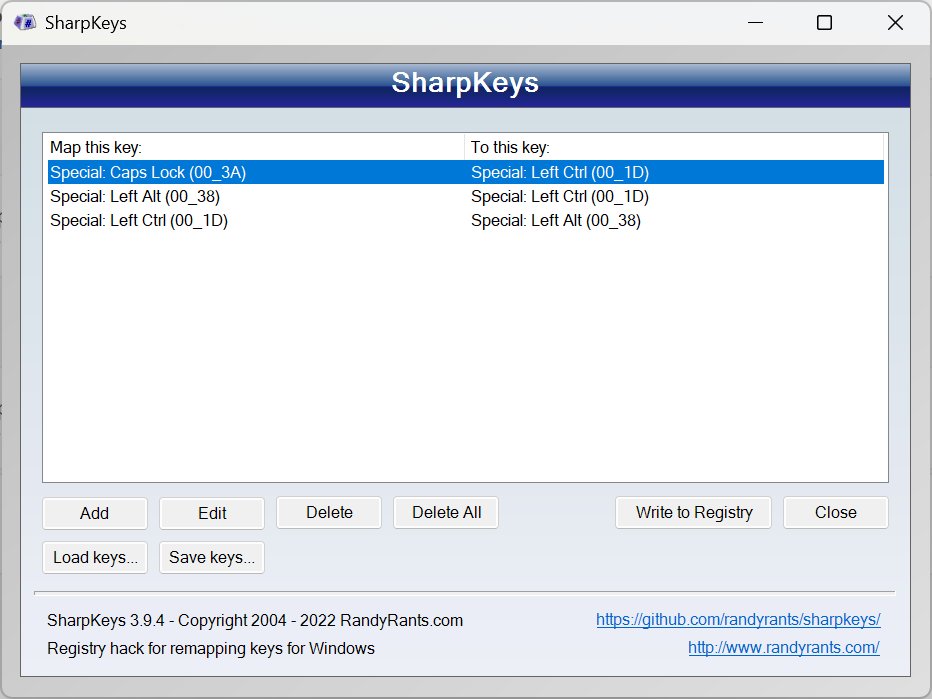
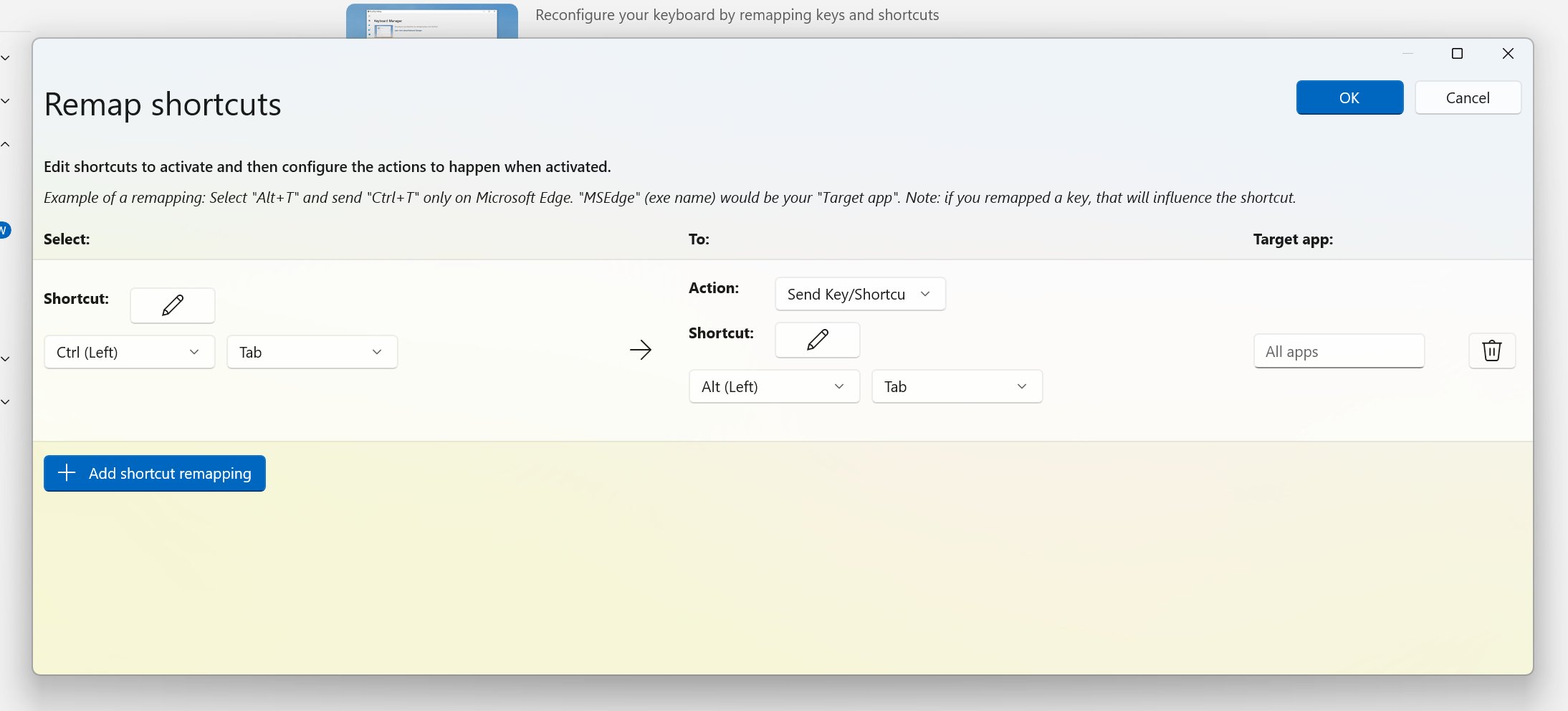
The author attempted to adapt to Windows' bindings but found the experience unnatural. "Having to use ctrl for clipboard and alt for switching between windows also felt very unnatural. It's a very common action: copy, switch to another app, paste. In macOS, this can be done with the thumb sitting on cmd and quickly firing three presses: cmd c, cmd tab, cmd v. In Windows, you have to switch between two buttons which aren't even next to each other," they explain.
Even with third-party tools like AutoHotKey to remap keys, the author encountered limitations. "This ahk script works for the first back-word jump, but on the second jump it removes the selection. The cursor moves as expected, but the selection is lost even though shift is still down," they note, highlighting how even sophisticated solutions cannot perfectly replicate macOS's refined interaction model.
The macOS Reality Check
The author is careful not to romanticize macOS, acknowledging persistent issues that plague the platform. Wireless mouse stuttering represents a particularly frustrating long-standing problem. "When using wireless mice (2.4 ghz), cursor regularly stutters and jumps. This started with a 2010 Macbook Pro, and I could never fix it," they explain, noting that multiple attempts with different hardware and configurations failed to resolve the issue.
Network connectivity also proves problematic on macOS. "Network SMB shares don't stay connected consistently, especially after reboots. (it's the opposite on Windows, works very reliably there)," the author observes, highlighting a functional advantage for Windows in enterprise environments.
The author expresses particular disappointment with Apple's upcoming macOS changes, codenamed "Tahoe." "Tahoe looks like a cheap knock off toy," they remark, suggesting that Apple's design direction may be losing the refinement that once set macOS apart.
The Verdict: Different Philosophies, Different Trade-offs
After weeks with Windows 11, the author ultimately returned to macOS, purchasing a used M1 MacBook Air. "In the end, I decided to stop forcing myself and purchased a used M1 Macbook Air (16 Gb version, luckily), from which I am typing this," they conclude.
The experience reveals fundamental differences in philosophy between the two platforms. Windows offers unparalleled flexibility, gaming performance, and creative software support, particularly for Unreal Engine development. However, this comes at the cost of consistency, refinement, and attention to detail that characterizes macOS.
Microsoft's approach appears to prioritize feature quantity and backward compatibility over cohesive design. "Windows 11 could've been a fantastic OS. Instead of pushing AI crap and adding Copilot to Notepad (I kid you not), Microsoft could focus on fixing multi-year bugs and cleaning up the UI mess," the author suggests, criticizing Microsoft's priorities.
Apple, meanwhile, seems to be resting on its laurels while experimenting with questionable design directions. "There is so much good stuff in there, so much potential. There is so many talented programmers creating fantastic software. Curious to see how this platform evolves further. But I don't have high hopes, neither for Windows nor for macOS. The world runs on desktops, but both Apple and Microsoft seem to actively despise it," the author reflects on the state of desktop computing.
The Future of Desktop Operating Systems
This experiment highlights an important truth: the choice between Windows and macOS has never been about which is objectively "better" but which aligns more closely with individual workflow preferences and professional requirements. For developers who need Windows-specific tools or gaming performance, the trade-offs may be worth it. For those who prioritize workflow consistency and refined interactions, macOS remains the preferred choice.
What both platforms share is a concerning trend: neglect of the desktop experience in favor of mobile paradigms and flashy features. As the author notes, "The world runs on desktops, but both Apple and Microsoft seem to actively despise it." This fundamental misalignment with how professionals actually use computers represents perhaps the greatest challenge facing desktop operating systems today.
The detailed account of this cross-platform transition serves as a valuable reminder that beneath the surface marketing and feature comparisons, operating systems remain deeply personal tools shaped by years of muscle memory and workflow refinement. For those considering such a transition, the author's experience offers both cautionary insights and practical guidance for navigating the complexities of switching between these two venerable platforms.
Comments
Please log in or register to join the discussion