Microsoft has acknowledged a critical issue where the mandatory January 2026 security update for Windows 11 24H2 and 25H2 can prevent some physical machines from booting, requiring manual recovery. The company is investigating the cause while also releasing emergency patches for other problems introduced by the same update.
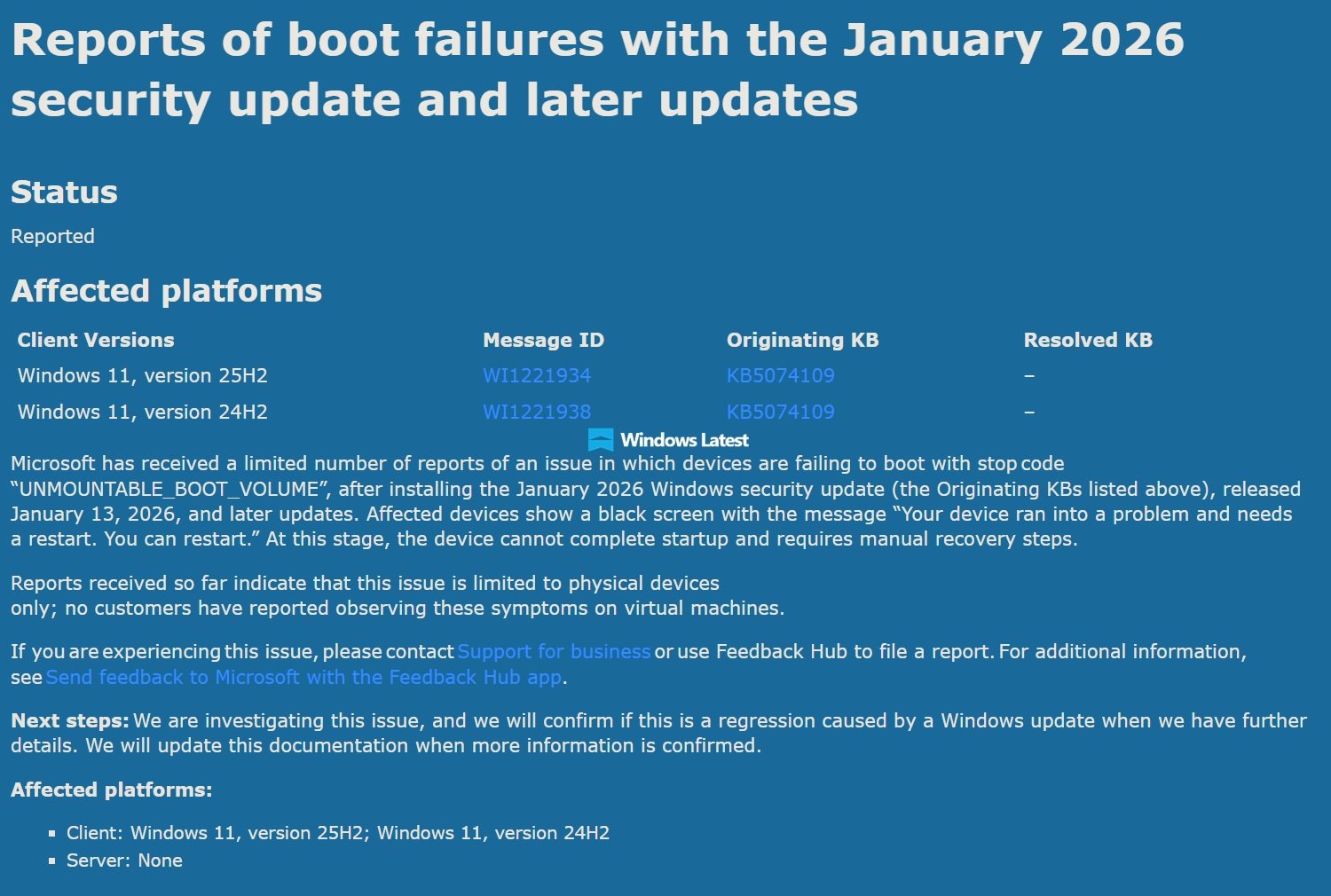
Microsoft has confirmed that its January 2026 security update for Windows 11 is causing some physical computers to fail to boot, landing them on a black screen with the UNMOUNTABLE_BOOT_VOLUME error. The issue, documented in a support article, affects the mandatory update KB5074109, which was released on January 13, 2026, and patches over a hundred known security vulnerabilities.
The problem manifests when affected devices stop booting and display a black screen with the message "Your device ran into a problem and needs a restart. You can restart." At this stage, the device cannot complete startup and requires manual recovery steps. Microsoft notes that Windows Recovery (WinRE) is typically successful, but in some cases, users may need to use a Windows ISO to perform a clean installation.
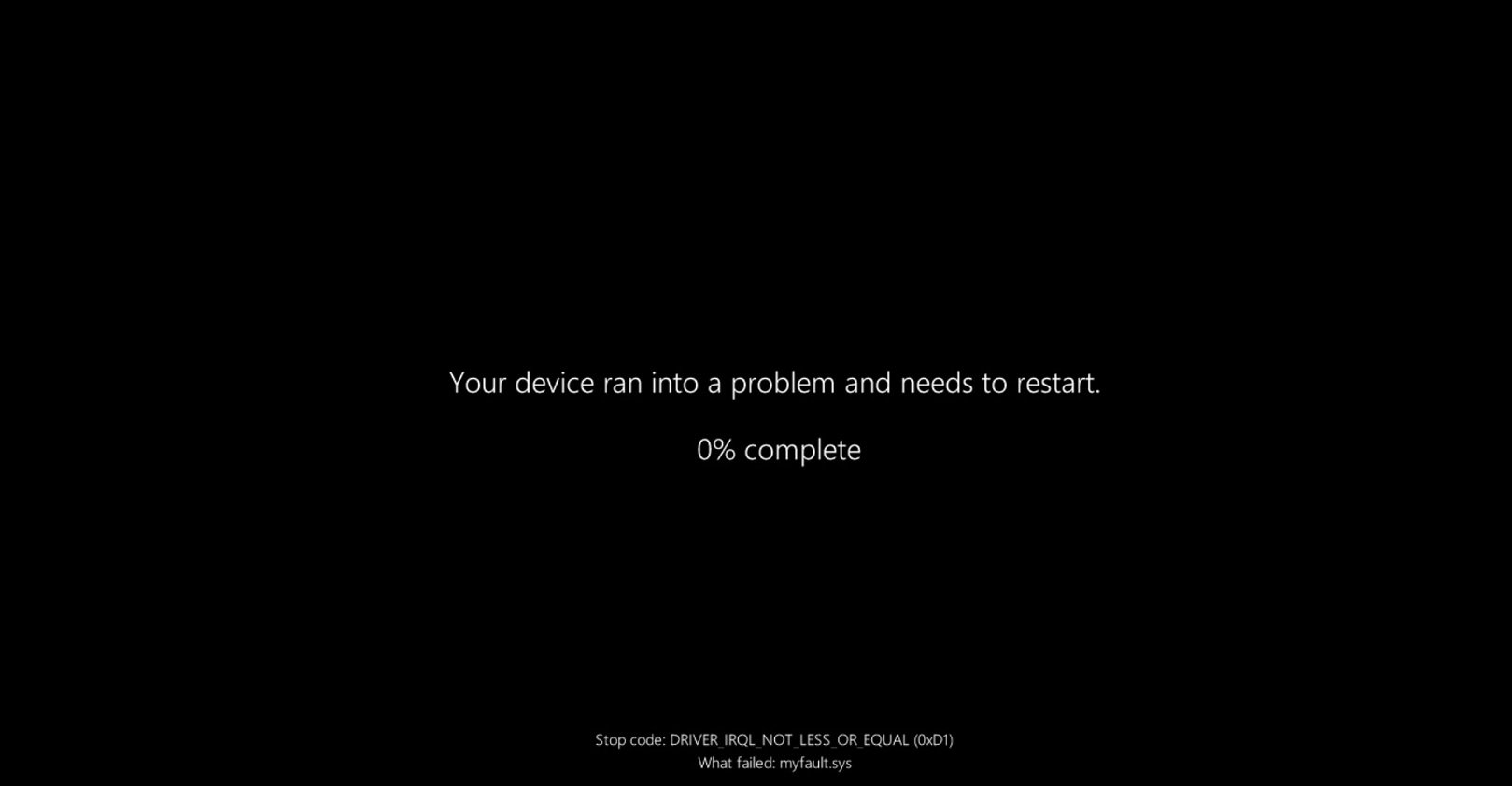
"Microsoft has received a limited number of reports of an issue in which devices are failing to boot with stop code 'UNMOUNTABLE_BOOT_VOLUME' after installing the January 2026 Windows security update," the company stated. The UNMOUNTABLE_BOOT_VOLUME error (Stop Code 0xED) is typically associated with system corruption, BIOS/boot damage, or hardware failure, particularly with the storage drive. In this specific case, Microsoft suspects the update itself is the trigger.
The company has listed two affected platforms on the Windows release dashboard: KB5074109 for Windows 11 25H2 and KB5074109 for Windows 11 24H2. Importantly, Microsoft reports that "reports received so far indicate that this issue is limited to physical devices only; no customers have reported observing these symptoms on virtual machines." This suggests the problem may be related to specific hardware configurations or firmware interactions.
The boot failure is just one of several issues introduced by the January 2026 Update. Microsoft has also acknowledged problems with Outlook Classic, File Explorer customization, sleep mode (S3) on older PCs, Citrix Director, and Remote Desktop. In response, the company has released emergency out-of-band updates to address some of these problems:
- KB5078127: Fixes Outlook Classic freezes and third-party app unresponsiveness
- KB5077744: Addresses Remote Desktop issues
- KB5077797: Resolves shutdown problems on systems running Windows 11 23H2
However, several issues remain unaddressed or without official workarounds. Sleep mode (S3) has stopped working on older PCs running Windows 11 24H2 or 25H2, and Microsoft has not provided a reliable workaround. Desktop.ini files in File Explorer are broken, affecting folder UI customization. Citrix Remote Desktop compatibility issues persist, with Citrix recommending users remove the update or switch to alternatives.
For users experiencing the boot failure, Microsoft's recommended approach is to use Windows Recovery. If WinRE does not work, a clean installation using a Windows ISO may be necessary. The company is currently collecting data from affected consumers and IT administrators to understand the root cause and scope of the problem.
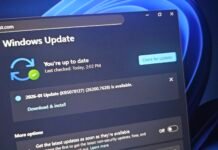
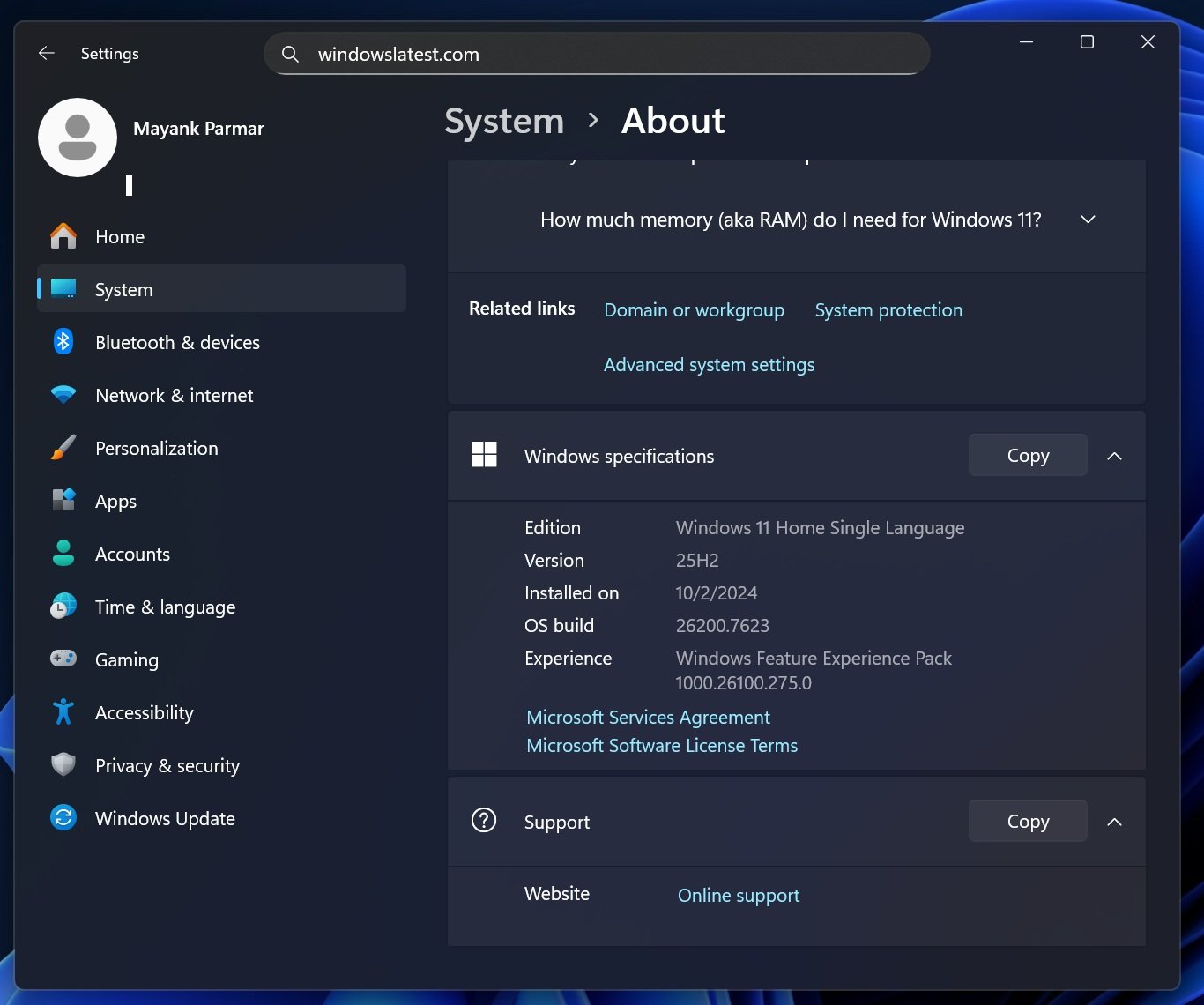
To check if you have the January 2026 Update installed, navigate to Settings > System > About > Specification and look for build number 26200.7623. If you are experiencing issues after installing KB5074109, you can uninstall the update as a temporary measure, though this may leave your system vulnerable to the security vulnerabilities it patches.
Microsoft has not yet provided an estimated timeline for a permanent fix for the boot failure issue. The company's statement that the problem is "limited" to specific physical devices offers little comfort to affected users, as the exact configuration causing the issue remains unknown. This incident continues a pattern of problematic Windows updates, following more than 20 major update issues reported in 2025.

For IT administrators managing fleets of Windows 11 devices, the situation requires careful consideration. The mandatory security update patches critical vulnerabilities, but deploying it carries the risk of rendering some machines unbootable. Organizations may need to test the update on a subset of devices before broad deployment, particularly on physical hardware with specific configurations.
The boot failure issue highlights the complexity of modern operating systems and the challenge of testing updates across the vast ecosystem of PC hardware. While virtual machines appear unaffected, the diversity of physical hardware—different BIOS versions, storage controllers, firmware, and driver combinations—creates a testing matrix that is difficult to fully cover before release.
Microsoft's investigation into the boot failure is ongoing. The company will likely need to identify the specific hardware or firmware interaction that triggers the UNMOUNTABLE_BOOT_VOLUME error and develop a targeted fix. Until then, affected users must rely on recovery procedures, and organizations should monitor the situation closely before deploying the January 2026 Update across their environments.
Comments
Please log in or register to join the discussion